
Cap 0.6.2 for Windows
Records screen, camera, mic and system audio, then shares links
You are on macOS — this is the Windows version. See the macOS version
Screenshots
Description
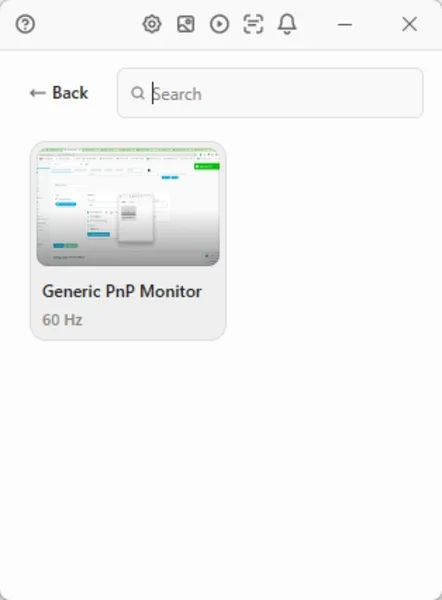
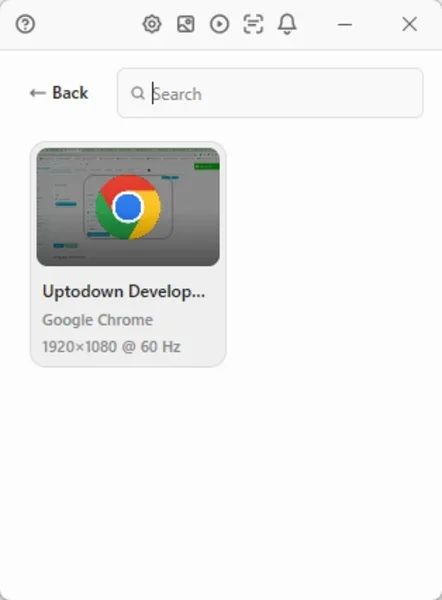
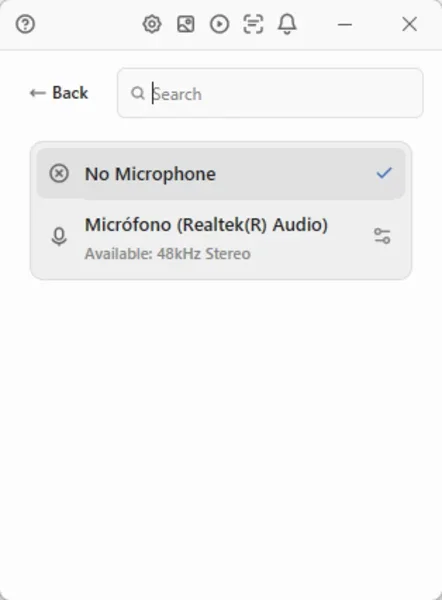
Cap captures the desktop together with the webcam and microphone, and it can pull in computer audio at the same time. You pick what goes into the frame: the full screen, one window, or any area you drag out. Recording only the camera is also an option. Camera composition can be adjusted, animated titles added, and visual effects applied, and the editor handles backgrounds, framing, automatic zoom effects and enhanced cursor movement.
Editing covers the usual ground. Trim a recording, split clips, rearrange snippets, change playback speed. Automatic subtitles are generated, and shared pages can carry transcripts, chapters, timestamped comments and reactions. Links play in a browser without downloading the video.
Depending on settings and the plan you buy, links can be password-protected, viewer analytics checked, and recordings organized into workspaces for team collaboration. Some features need a paid subscription.
Download files
8b7b32f84ee9e27a7a04df2a0dabadb78fe95f8fbde2cc4fc0a80be4ea7ba05c
Signed by SignPath Foundation · valid until Sep 7, 20279d1e86887537766a09e0eb986e97f1f034fb515192f94807b20c794347c25d74
Signed by SignPath Foundation · valid until Sep 7, 2027System requirements
Available on:
Additional information
Developer
Latest release
Size
Category
File type
SHA-256
8b7b32f84ee9e27a7a04df2a0dabadb78fe95f8fbde2cc4fc0a80be4ea7ba05c