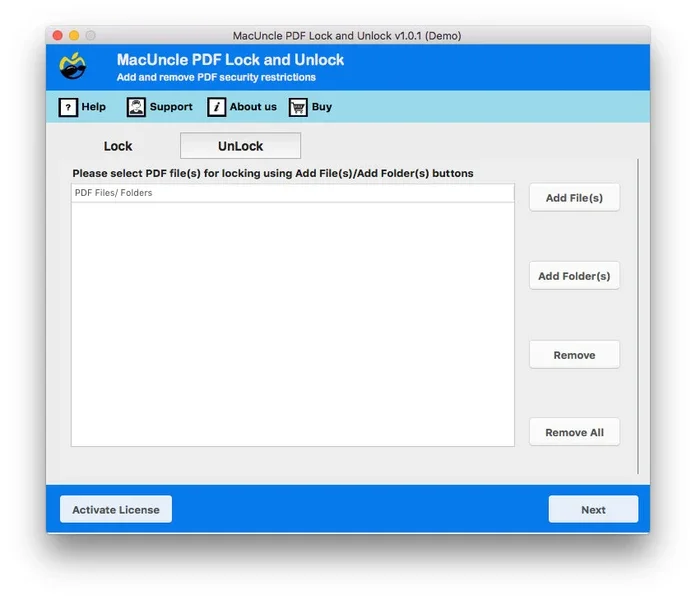
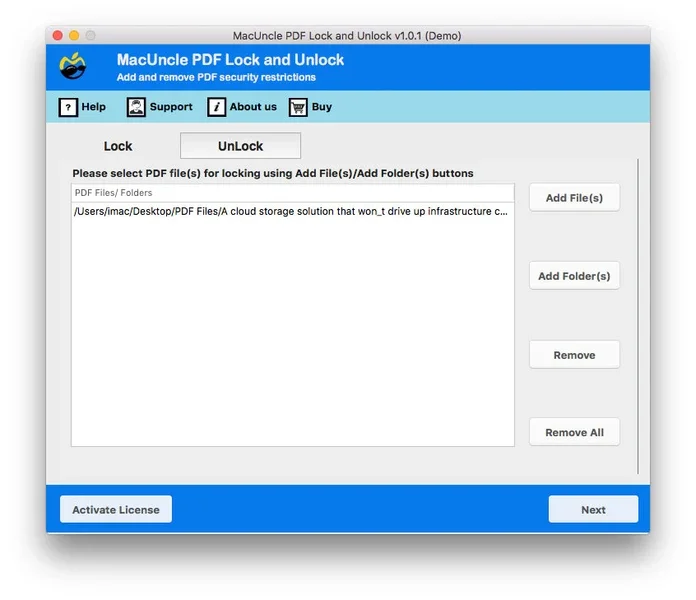
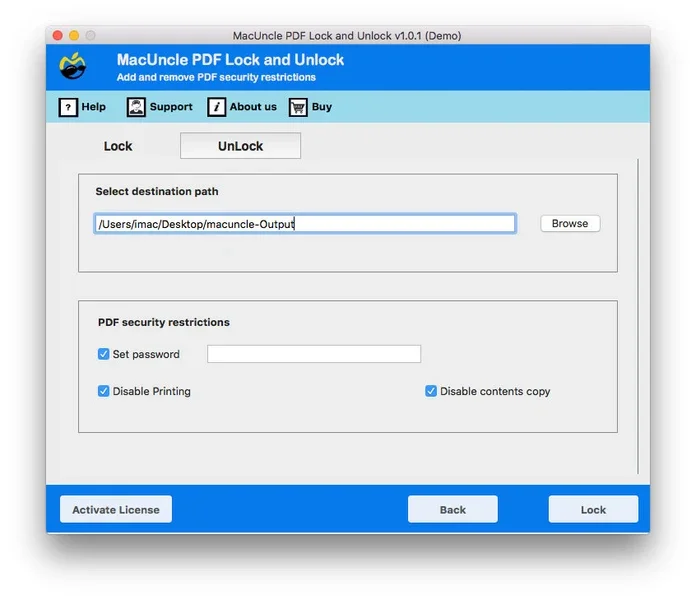
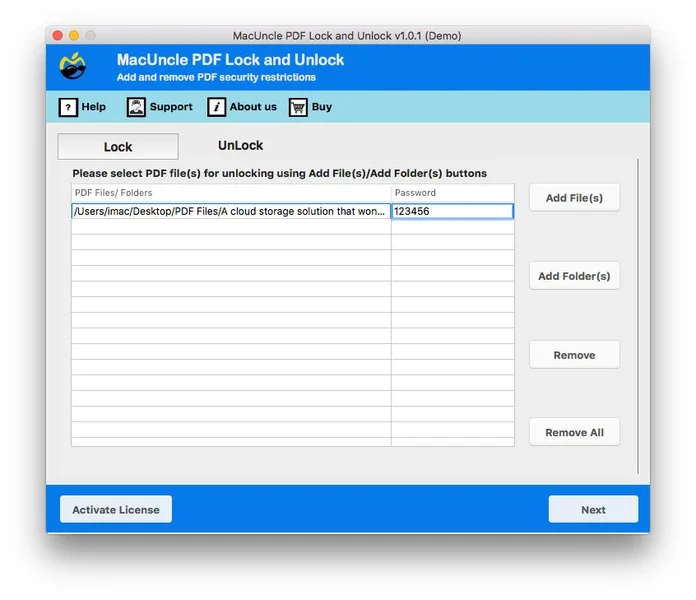
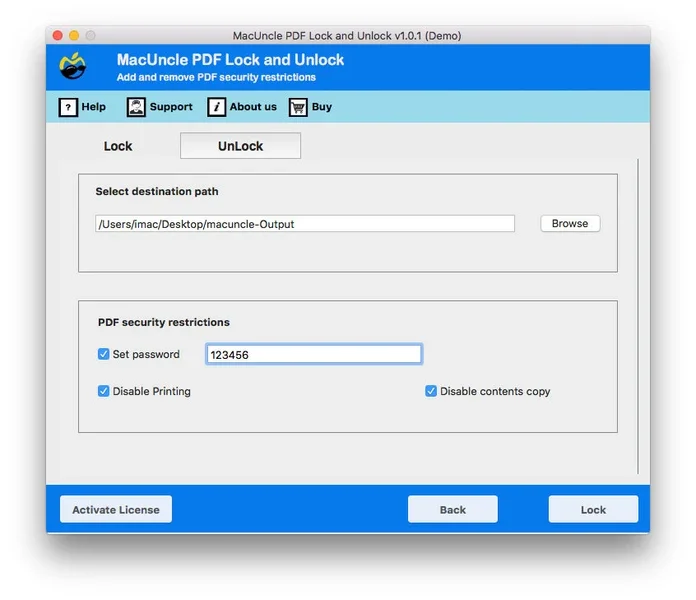
MacUncle PDF Lock & Unlock puts passwords on PDFs and takes restrictions off them. It is a security utility, not a document editor, so the work stays on access rights: you either add protection or strip it.
There are two modes, and they share one window. Lock mode encrypts files with a password. Strength is selectable, 128-bit or 256-bit AES, and both owner passwords and user passwords are handled. Unlock mode removes protection, which brings back the rights to print, copy or edit. The same action can go to many documents at once, since you can point the program at several files or at entire folders. When output is saved, the folder hierarchy is preserved, so batches keep their structure.
The app runs by itself on macOS. No external PDF reader is needed, so nothing breaks when a third-party viewer changes or misbehaves, and Adobe Acrobat is not required either. It is compatible with Sonoma, Ventura, Monterey and Big Sur. A demo is supplied. The developer works on macOS utilities, and this tool sits in that line. Test the demo on a small folder first, then process large batches once the encryption settings and output placement are confirmed.
[Release notes coming soon]
Verify the file
Compare the SHA-256 of the file you downloaded with the value below. Files exactly as the publisher released them.
-
macuncle-pdf-lock-and-unlock-1-0-1.dmg
1.0.1 · DMG · 9.2 MB
SHA-256
90d06619c93c51d711f1fb6c5c63e9299030f2574dd8c4524e001e822211ace2Check on VirusTotal Get
Files exactly as the publisher released them.
Information
- Seller
- MacUncle
- Size
- 9.2 MB
- Category
- Desktop Tools
- Compatibility
macOS 10.10 Yosemite or later
- Languages
English
- Age rating
- All ages
- License
- Proprietary
- Price
- Demo