
AloneQuartet
Create split videos easily
Projetado para iPhone, iPad, iPod touch
Grátis · Compras no app
- Classificação etária4+
- CategoriaMúsica
- DesenvolvedorNaoto Sasaki
- IdiomasInglêse mais 7
- Tamanho12,1 MB
Leva à página oficial na App Store
O Download.org não hospeda nenhum arquivo de AloneQuartet. O botão abre a página do app na App Store, onde Naoto Sasaki o publica. Página verificada pela última vez em 14/11/2026.
Capturas de tela
Sobre
O desenvolvedor não forneceu este texto no seu idioma.
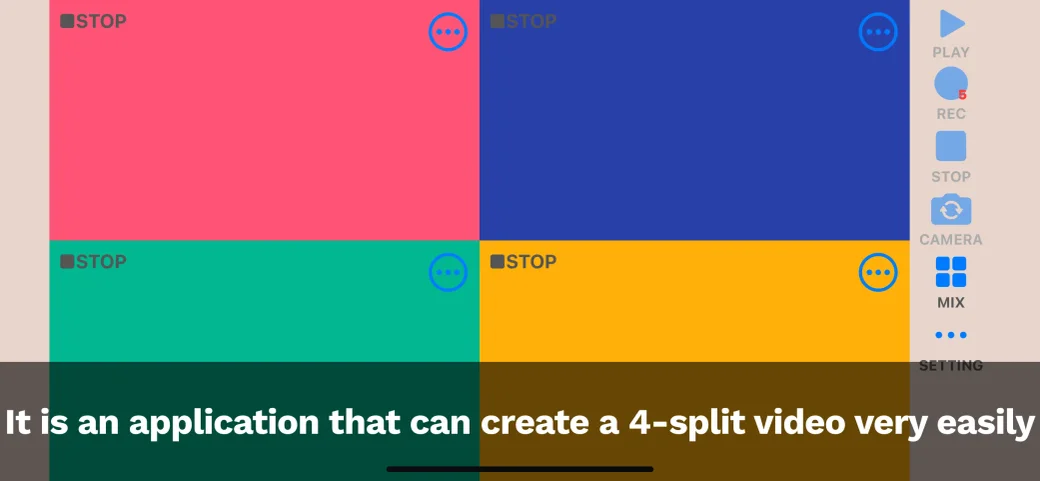
AloneQuartet is an app that makes it super easy to create 4-panel split videos.
◆Features
- Record videos in each of the 4 panels using the camera
- Switch between front and rear cameras
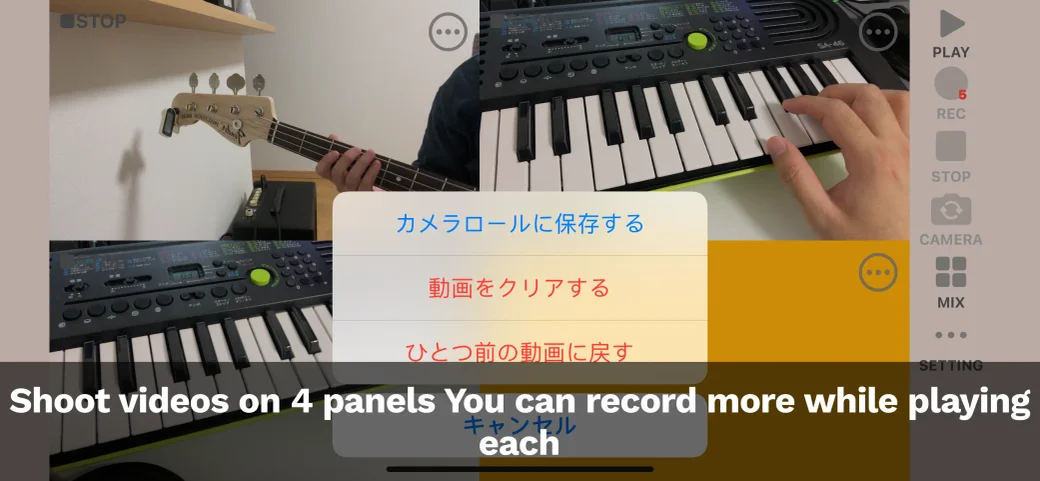
- Record new videos while watching previously recorded panels
- Save recorded videos to camera roll
- Import videos from camera roll
- No time limit for long recordings
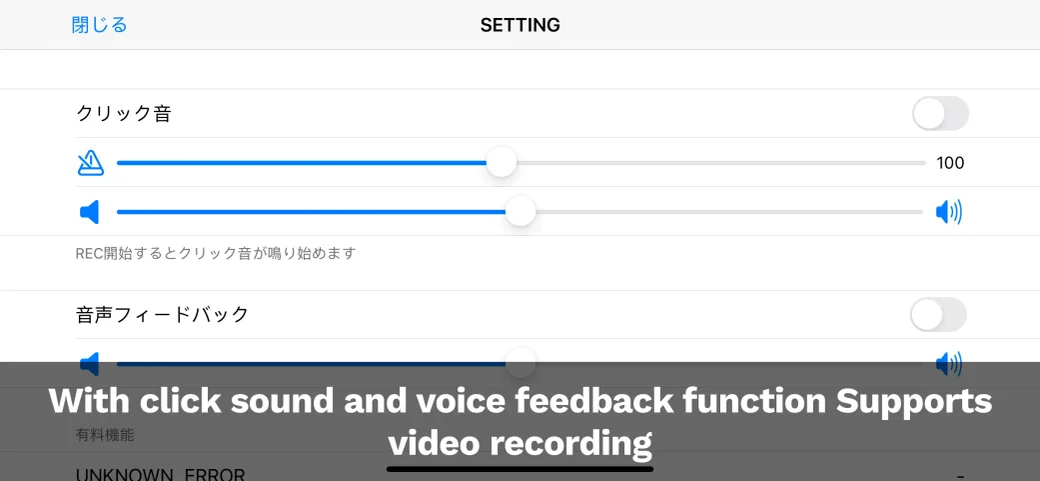
- Real-time microphone feedback during recording
- Bluetooth headphone and speaker support
- AirPlay device compatibility
- Built-in click function (simple metronome)
- iPad large screen support
- Individual volume control for each panel
- Video trim function to set start/end times
◆How to use
◆◆Preview
Tap any of the 4 panels to display camera preview.
◆◆Camera switching
Press CAMERA on the right to switch between front and rear cameras.
◆◆Recording
Press REC on the right while in preview mode to start recording.
◆◆Overlay recording
When you start recording, previously recorded panels will play back while the target panel records.
◆◆Playback
Press PLAY on the right to start playback.
◆◆Stop
Press STOP on the right to stop recording/playback.
◆◆Mix
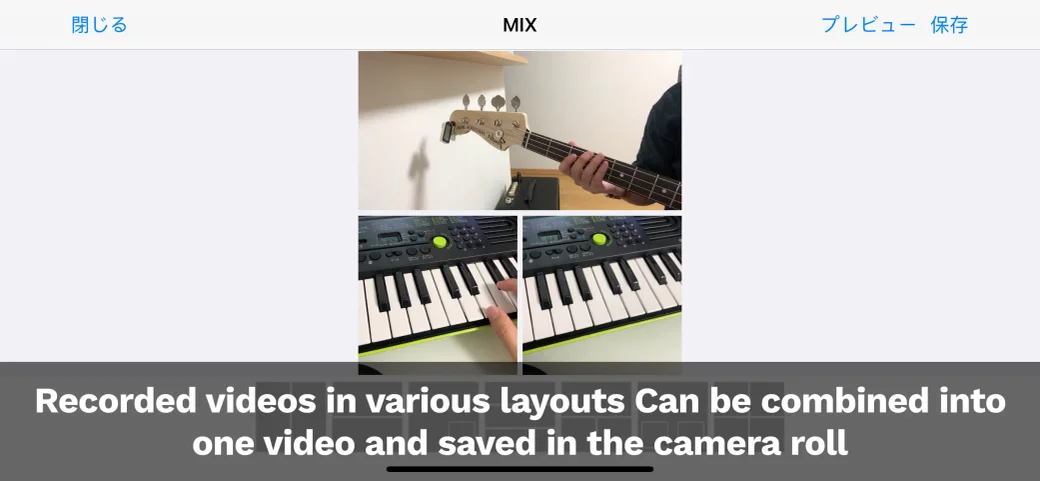
Press MIX on the right to go to the MIX screen. Select the mix format and press preview or save to mix.
◆◆Volume control
Adjust individual volume for each panel with volume sliders. Create balanced audio during mixing.
◆◆Video trim
Set start/end times for recorded videos. Extract only needed parts for precise editing.
◆◆Data saving
Save data to Photos app. Press the button at the top right of a panel and select save to Photos.
◆◆Data loading
From an empty panel, press the top right button and select load from Photos.
◆◆Metronome function
From SETTINGS, turn on click sound and set volume, tempo, etc. Click sound starts when recording begins.
◆◆Audio feedback function
From SETTINGS, turn on audio feedback and set volume, etc. You can hear input audio through headphones.
◆◆iPad support
Supports iPad sizes with wider, more visible screens. Also supports iPad Pro multiple screens.
◆◆Multi-language support
Supports Japanese, English, Chinese (Simplified/Traditional), Korean, French, and Spanish.
Thank you for reading. We plan to add more convenient features in the future, so please look forward to it.
Novidades
Versão 1.22 · 13/09/2026
Bug Fixes
• Fixed an issue where recording was unavailable and the app could quit unexpectedly when camera or microphone access was not allowed
• Added a clear message with a shortcut to Settings when access has not been granted
• Improved overall stability
Privacidade do app
O que Naoto Sasaki declara na App Store sobre como este app lida com os dados.
-
Dados usados para rastrear você
Podem ser usados para rastrear você em apps e sites de outras empresas.
- Identificadores
-
Dados não vinculados a você
Podem ser coletados, mas não são vinculados à sua identidade.
- Identificadores
As práticas de privacidade podem variar, por exemplo, com base nos recursos que você usa ou na sua idade.
Informações
- Vendedor
- Naoto Sasaki
- Categoria
- Música
- Versão
- 1.22
- Atualizado
- 13/09/2026
- Lançamento
- 25/11/2020
- Tamanho
- 12,1 MB
- Requer
- iOS 15.6 ou posterior
- Classificação etária
- 4+
- Preço
- Grátis
- Compras no app
- Sim
- Idiomas
- Inglês, Francês, Alemão, Japonês, Coreano, Chinês simplificado, Espanhol, Chinês tradicional
- Copyright
- © Naoto Sasaki
Você também pode gostar
-
 Jamgram: Make Songs with VideoMúsica
-
 Bandapella: Estúdio AcapellaGravador e editor multipista
-
 Smuzi: AI Music Video MakerMúsica
-
 Acapella Editor: HarmoniaCante cada voz: coral e dueto
-
 Strum Machine - Backing TracksMúsica
-
 Loop ON-Voice Recorder StudioGravador de áudio multipista
-
 Acapella from PicPlayPost#Collab com músicos globais
-
 Metronaut PartiturasAcompanhamento e partitura
-
 Pro Microphone - Gravador VozMicrofone para cantar karaoke
-
 Cubasis LE 3Música