
PDF Expert: Editor & Reader
Fill & Sign, Annotate, Convert
iPhone, iPad için tasarlandı
Ücretsiz · Uygulama içi satın alma
- Yaş sınırı4+
- KategoriÜretkenlik
- GeliştiriciReaddle Technologies Limited
- Dillerİngilizce+ 9 dil daha
- Boyut327,7 MB
Resmi App Store sayfasına bağlanır
Download.org, PDF Expert: Editor & Reader için hiçbir dosya barındırmaz. Düğme, uygulamanın App Store üzerindeki sayfasını açar; uygulamayı orada Readdle Technologies Limited yayınlar. Sayfanın son kontrolü: 23.11.2026.
Ekran görüntüleri
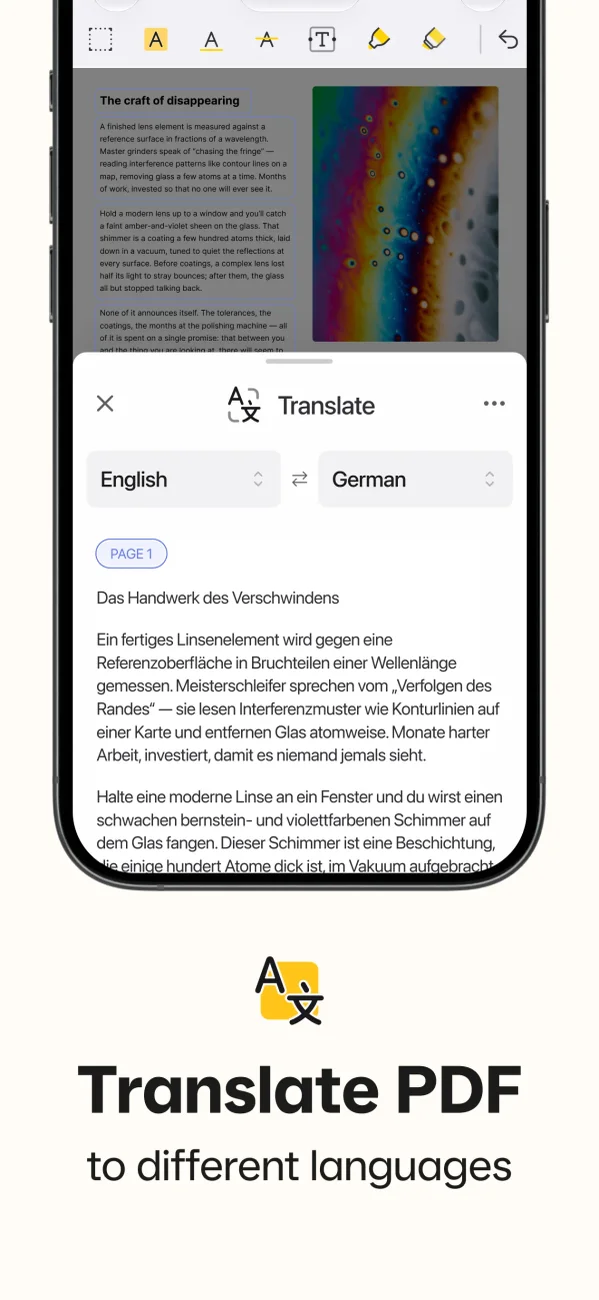
Hakkında
Geliştirici bu metni dilinizde sunmamış.
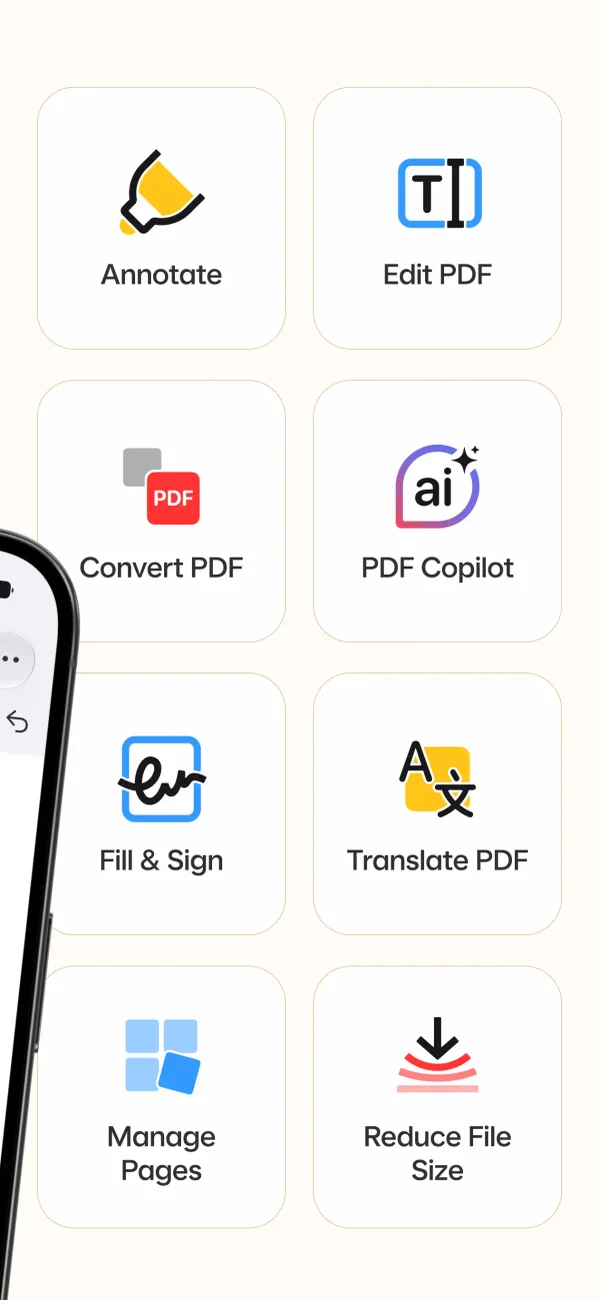
PDF Expert is a fast and easy PDF app to read, annotate, fill and sign PDF forms, convert files to PDF, and merge, split or compress documents – all in one intuitive app for iPhone, iPad, Mac & Vision Pro.
Read PDF files with comfort, highlight and mark up text, fill out forms, sign contracts, create and convert PDFs, and summarize long documents in seconds with AI-powered tools. Unlock unlimited possibilities with PDF Expert Premium and work across all your Apple devices.
"PDF Expert is one of my must-have iPad apps and a desktop-class PDF reader." – MacStories
"The best app for managing, editing, and reading PDFs on your iPad." – The Sweet Setup
▶ WITH PDF EXPERT, YOU CAN:
READ PDFs
- PDF reader with Day, Night, and Sepia modes for comfortable reading anytime
- Scroll PDFs vertically or horizontally and search text in any document
- Open and view PDF files from email, web, Files, or any app via the Share menu
- Read PDFs out loud with Text to Speech
ANNOTATE AND MARK UP PDFs
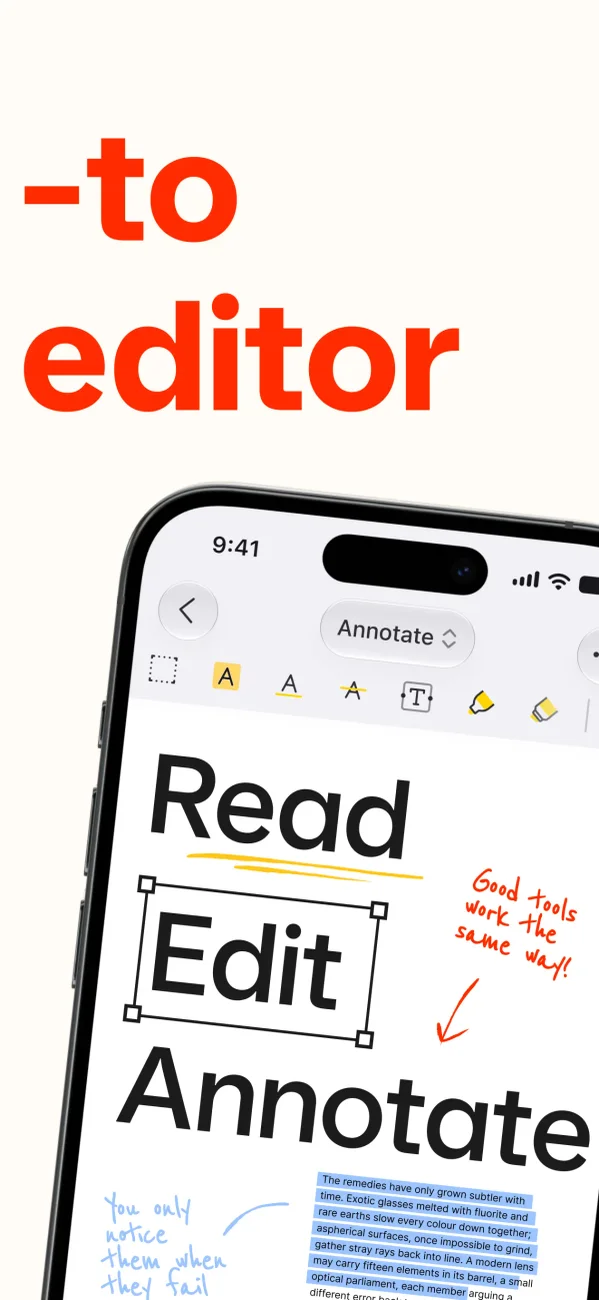
- Highlight, underline, and strike through text in your PDFs
- Mark up documents with pen, shapes, text, notes, and comments
- Add stamps such as Approved or Confidential
- Record your voice and add audio notes to PDFs
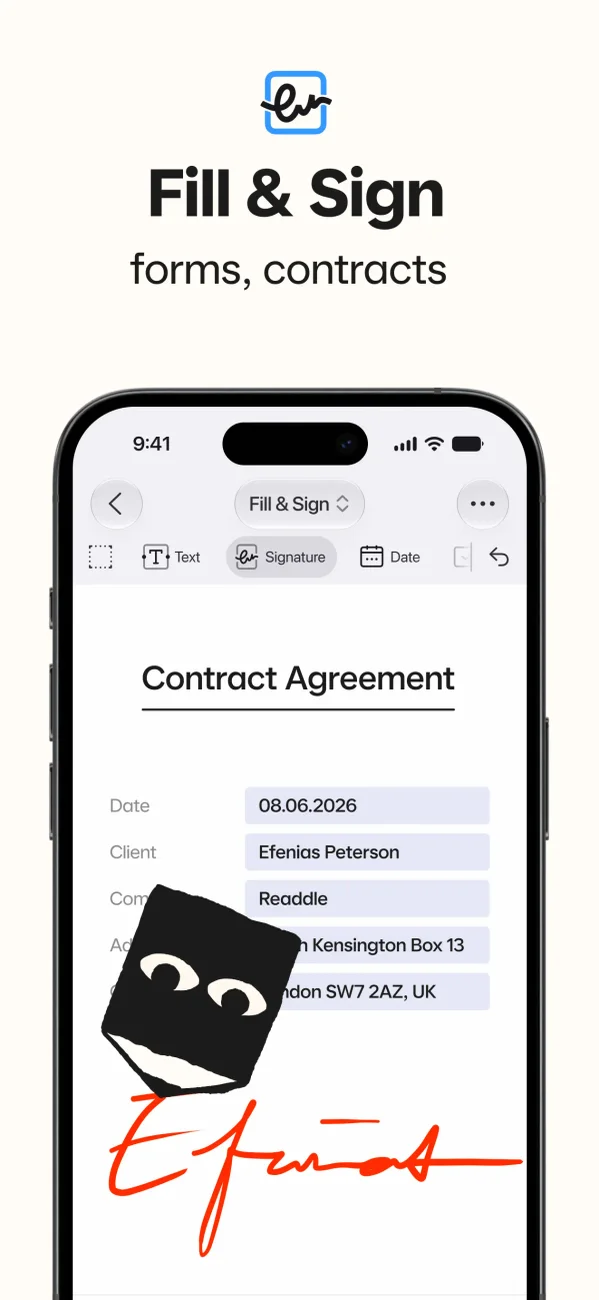
FILL AND SIGN PDF FORMS
- Fill out PDF forms with text fields, checkboxes, and radio buttons
- Sign PDF documents in seconds – draw your signature or add it from an image
- Save your signature to sign contracts, agreements, invoices, and applications faster
- Fill, sign, and send forms right from your iPhone – no printing or scanning needed
- Supports all major form formats, including AcroForms and static XFA forms
***PREMIUM FEATURES***
EDIT PDFs
- Edit text directly in a PDF – just as you would in a Word document
- Add, replace, and resize images in your PDFs
- Add links to other pages or websites
- Add outlines to navigate large PDFs
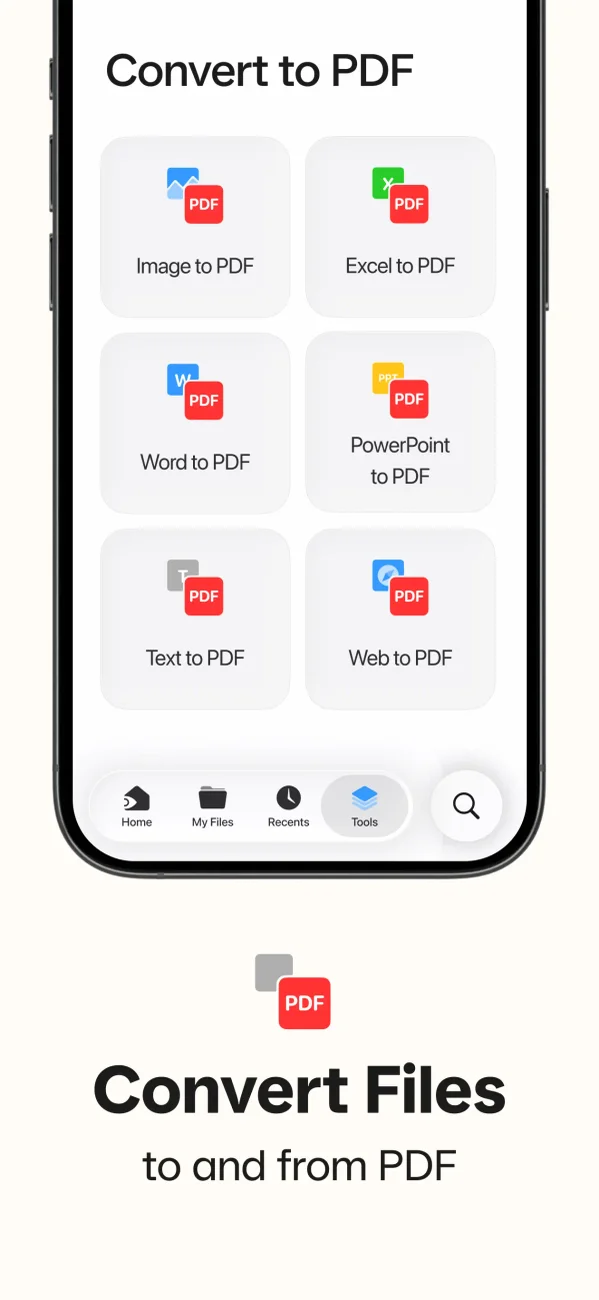
CREATE AND CONVERT PDFs
- Create PDFs from Word files, images, and other documents
- Convert Word to PDF, JPG to PDF, and PNG to PDF in seconds
- Convert PDF to Word, Excel, PowerPoint, JPG, PNG, and TXT
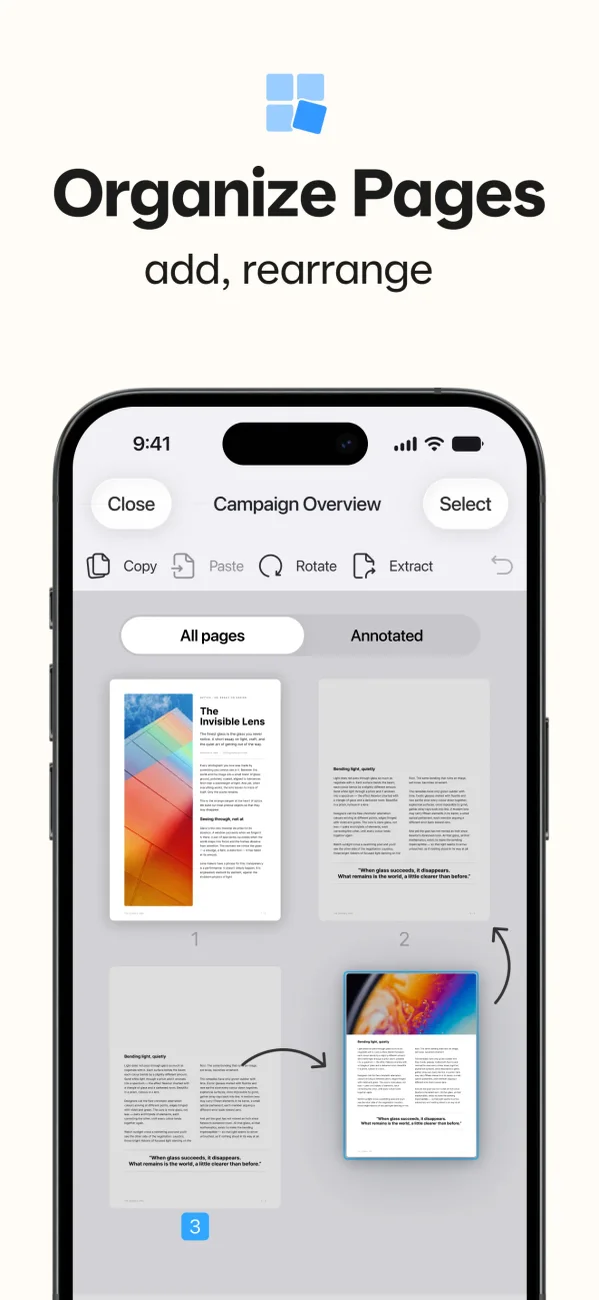
MERGE, SPLIT AND ORGANIZE PDFs
- Merge and combine multiple PDF files into one
- Split PDFs and extract pages into a new file
- Add, delete, rotate, and reorder pages with thumbnail preview
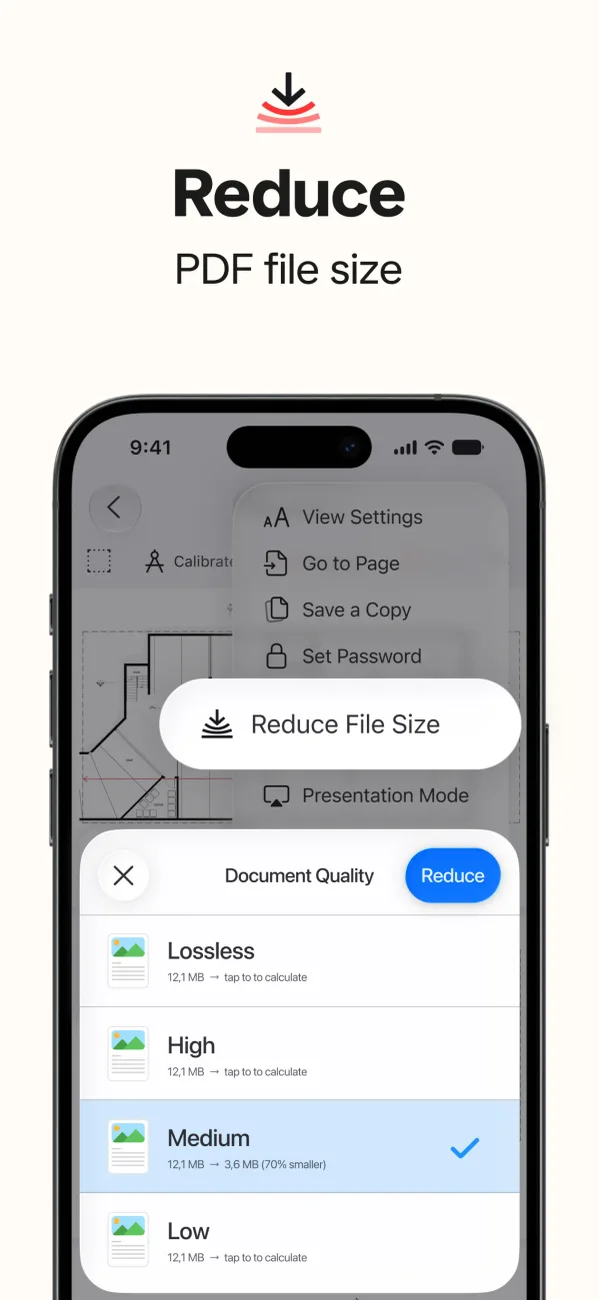
COMPRESS PDFs
- Compress PDFs to reduce file size for email and sharing
- Shrink large PDF files to save space on your device
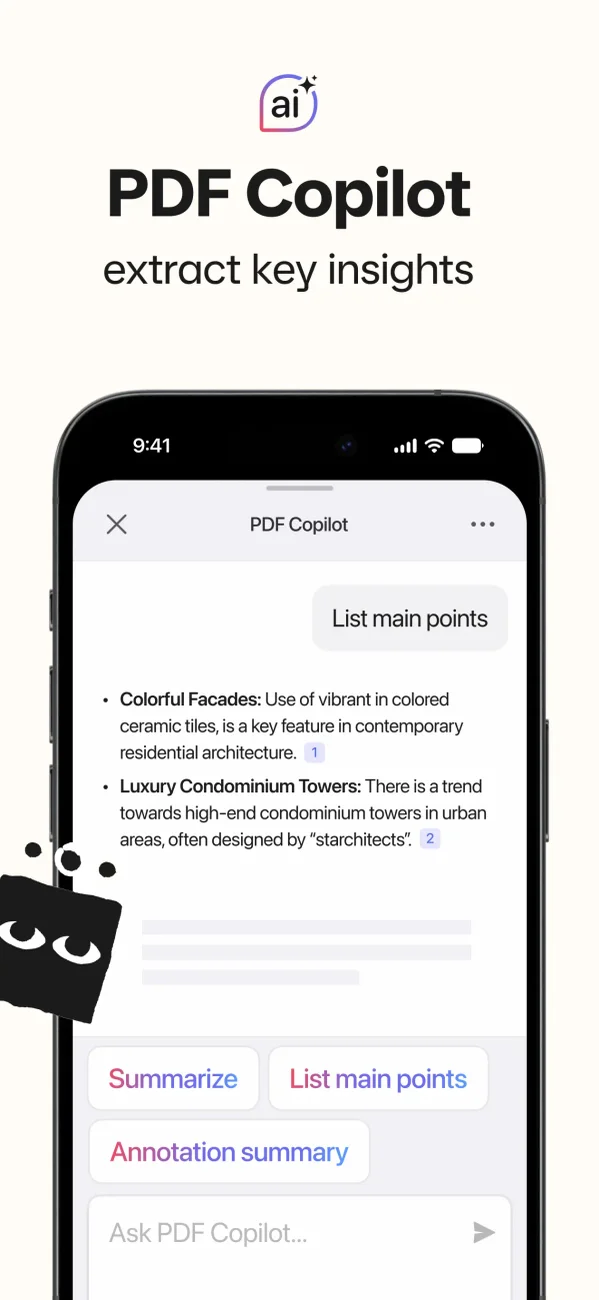
SUMMARIZE PDFs WITH AI – PDF COPILOT
- List Main Points – get key takeaways from any PDF
- Summarize – get concise summaries of entire PDFs or annotations
- Ask Anything – find details with AI answers and references
- Explain – get instant explanations of words or phrases
PROTECT YOUR FILES
- Password-protect PDF Expert
- Redact – permanently black out sensitive information
WORK WITH SCANNED DOCUMENTS
- Open scanned PDFs to fill out, sign, annotate, and share
CONSTRUCTION TOOLS
- Scale and measure drawings with the Measure tab
- Polygon, polyline, and redline tools
MORE FEATURES
- Customizable toolbar
- Presentation Mode
- Print and share PDFs via email or cloud
ONE ACCOUNT FOR ALL YOUR APPLE DEVICES
One Premium subscription covers PDF Expert on iPhone, iPad, and Mac – no need to buy versions separately.
Read more about our terms and conditions here:
https://pdfexpert.com/privacy
https://pdfexpert.com/terms
Don’t hesitate to reach out to us at http://readdle.com/contact
Yenilikler
Sürüm 7.26.4 · 09.11.2026
New update, better experience! We've resolved issues and improved performance.
Help us make PDF Expert even better — reach out at rdsupport@readdle.com!
Uygulama gizliliği
Bu uygulamanın verileri nasıl işlediği hakkında Readdle Technologies Limited tarafından App Store üzerinde yapılan beyan.
-
Sizinle ilişkilendirilen veriler
Toplanabilir ve kimliğinizle ilişkilendirilebilir.
- İletişim bilgileri
- Tanımlayıcılar
- Kullanım verileri
-
Sizinle ilişkilendirilmeyen veriler
Toplanabilir ancak kimliğinizle ilişkilendirilmez.
- Tanımlayıcılar
- Tanılama
Gizlilik uygulamaları, örneğin kullandığınız özelliklere veya yaşınıza göre değişiklik gösterebilir.
Bilgiler
- Satıcı
- Readdle Technologies Limited
- Kategori
- Üretkenlik
- Sürüm
- 7.26.4
- Güncellendi
- 09.11.2026
- Yayın tarihi
- 03.12.2013
- Boyut
- 327,7 MB
- Gereksinim
- iOS 16.0 veya sonrası
- Yaş sınırı
- 4+
- Fiyat
- Ücretsiz
- Uygulama içi satın alma
- Evet
- Diller
- İngilizce, Fransızca, Almanca, İtalyanca, Japonca, Portekizce, Rusça, Basitleştirilmiş Çince, İspanyolca, Ukraynaca
- Telif hakkı
- © 2013 - 2026 Readdle Technologies Limited
Bunları da beğenebilirsiniz
-
 Foxit PDF EditorÜretkenlik
-
 PDF Pro - Okuyucu DüzenleyiciDüzenleyin ve görüntüleyin
-
 PDFelement: PDF Editor & ScanÜretkenlik
-
 PDF ViewerDüzenle, Doldur ve İmzala
-
 MobiPDF・PDF Text Editor・ReaderÜretkenlik
-
 SignNow: e-Signature appÜretkenlik
-
 Free PDF Editor, Converter AppÜretkenlik
-
 Smallpdf: Tarayıcı&PDF EditörüSıkıştır,dönüştür,OCR,imzala
-
 iLovePDF - PDF Düzenle ve TaraPDF Düzenle, imzala & dönüştür
-
 Forma: Belge PDF DüzenleyiciPDF birleştirme ve düzenleme