
PDF Expert: Editor & Reader
Fill & Sign, Annotate, Convert
Được thiết kế cho iPhone, iPad
Miễn phí · Mua hàng trong ứng dụng
- Độ tuổi4+
- Danh mụcHiệu Suất
- Nhà phát triểnReaddle Technologies Limited
- Ngôn ngữTiếng Anh+ 9 ngôn ngữ khác
- Kích thước327,7 MB
Liên kết đến trang App Store chính thức
Download.org không lưu trữ tệp nào của PDF Expert: Editor & Reader. Nút này mở trang ứng dụng trên App Store, nơi Readdle Technologies Limited phát hành ứng dụng. Trang được kiểm tra lần cuối: 23/11/2026.
Ảnh chụp màn hình
Giới thiệu
Nhà phát triển chưa cung cấp nội dung này bằng ngôn ngữ của bạn.
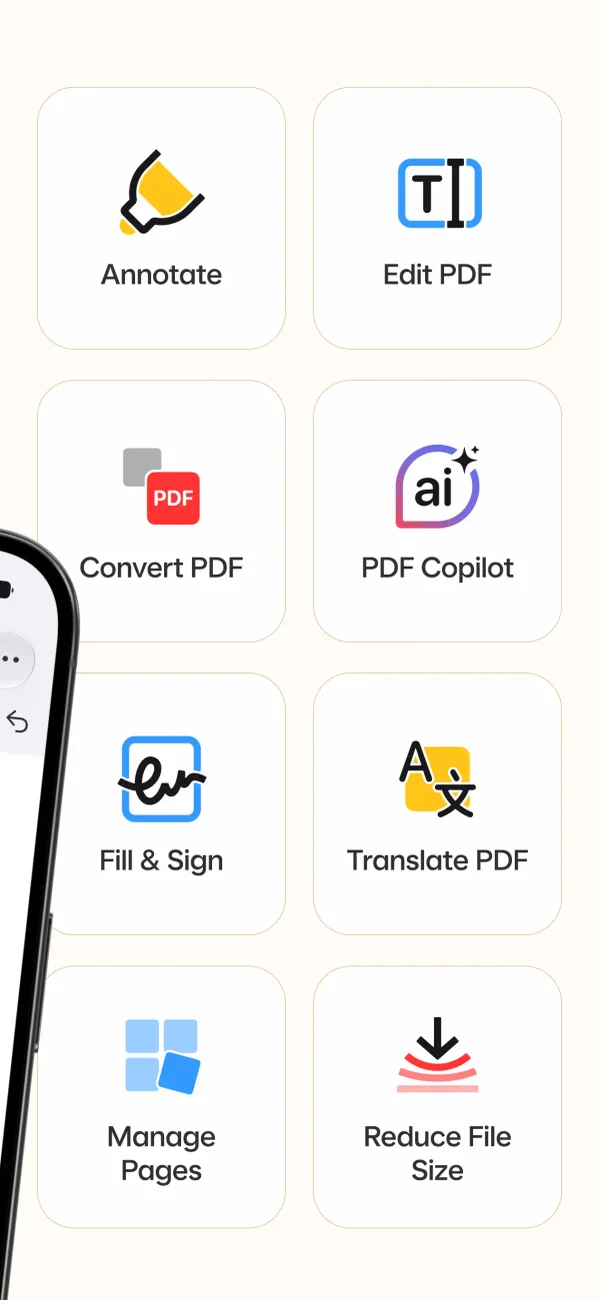
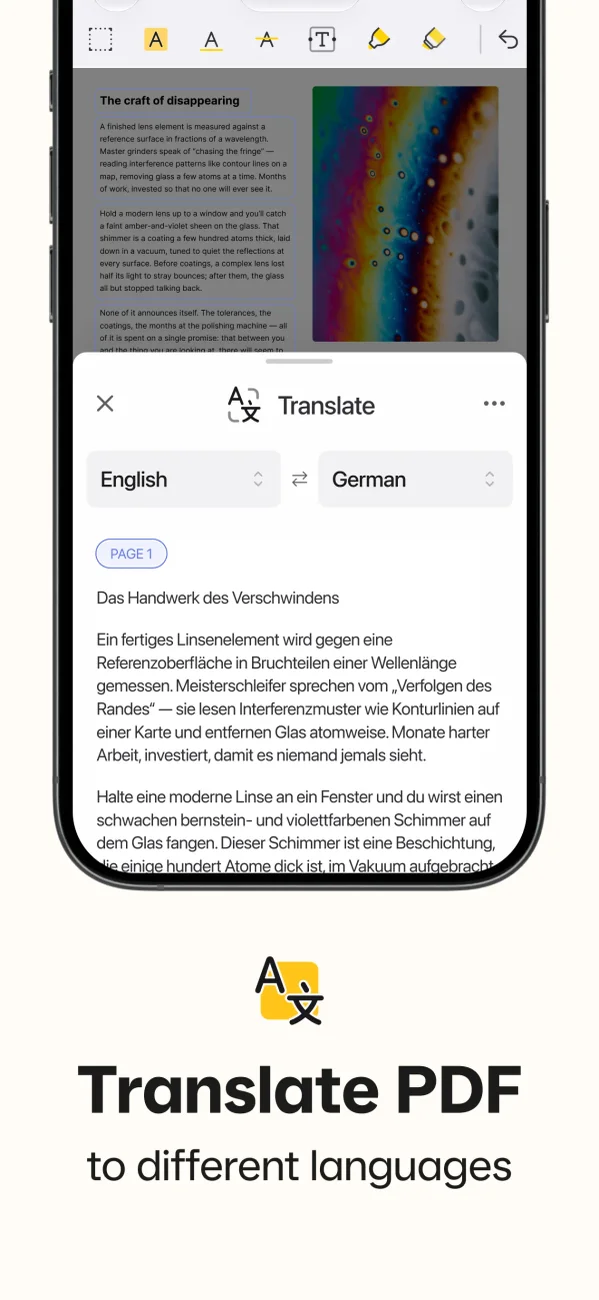
PDF Expert is a fast and easy PDF app to read, annotate, fill and sign PDF forms, convert files to PDF, and merge, split or compress documents – all in one intuitive app for iPhone, iPad, Mac & Vision Pro.
Read PDF files with comfort, highlight and mark up text, fill out forms, sign contracts, create and convert PDFs, and summarize long documents in seconds with AI-powered tools. Unlock unlimited possibilities with PDF Expert Premium and work across all your Apple devices.
"PDF Expert is one of my must-have iPad apps and a desktop-class PDF reader." – MacStories
"The best app for managing, editing, and reading PDFs on your iPad." – The Sweet Setup
▶ WITH PDF EXPERT, YOU CAN:
READ PDFs
- PDF reader with Day, Night, and Sepia modes for comfortable reading anytime
- Scroll PDFs vertically or horizontally and search text in any document
- Open and view PDF files from email, web, Files, or any app via the Share menu
- Read PDFs out loud with Text to Speech
ANNOTATE AND MARK UP PDFs
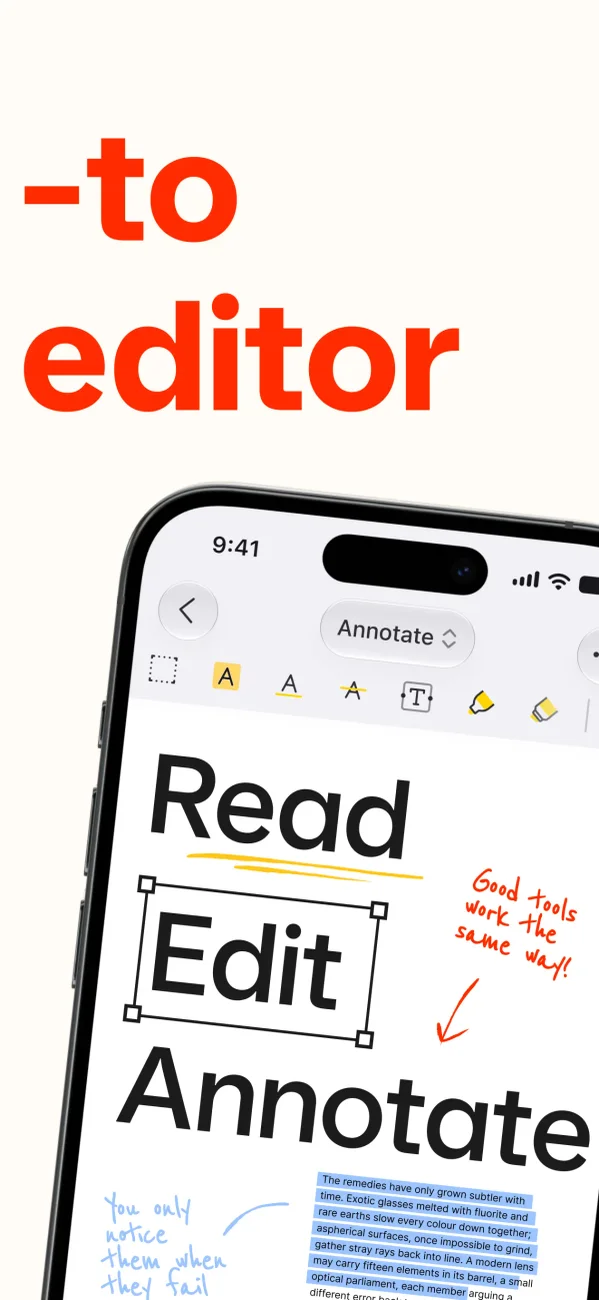
- Highlight, underline, and strike through text in your PDFs
- Mark up documents with pen, shapes, text, notes, and comments
- Add stamps such as Approved or Confidential
- Record your voice and add audio notes to PDFs
FILL AND SIGN PDF FORMS
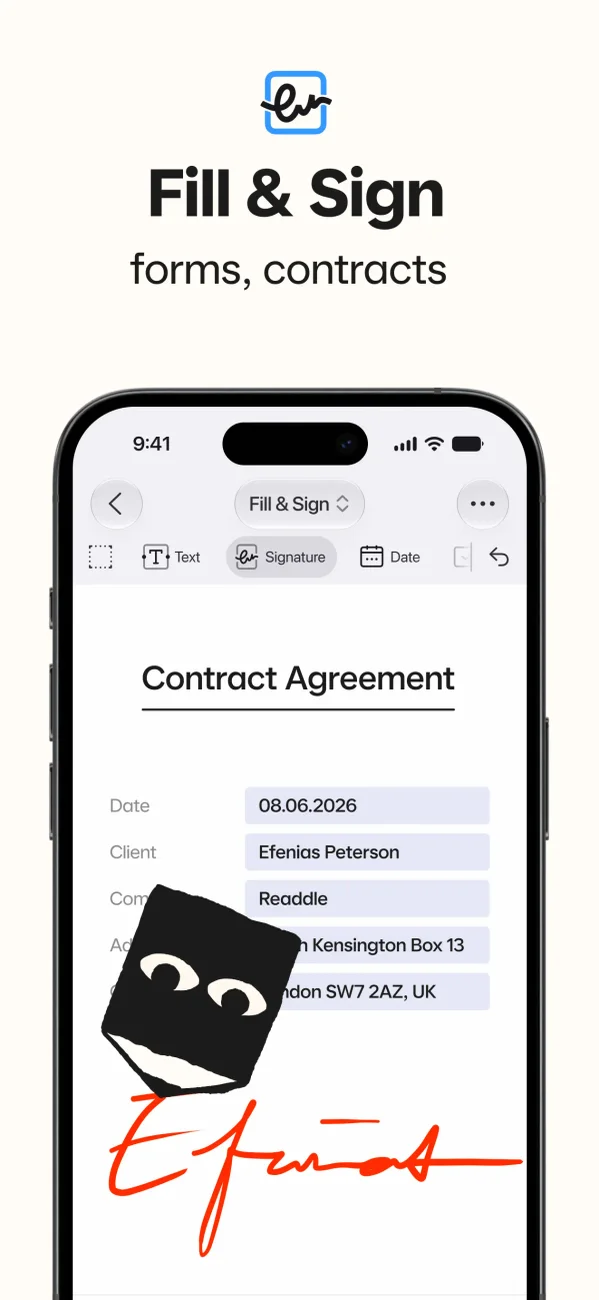
- Fill out PDF forms with text fields, checkboxes, and radio buttons
- Sign PDF documents in seconds – draw your signature or add it from an image
- Save your signature to sign contracts, agreements, invoices, and applications faster
- Fill, sign, and send forms right from your iPhone – no printing or scanning needed
- Supports all major form formats, including AcroForms and static XFA forms
***PREMIUM FEATURES***
EDIT PDFs
- Edit text directly in a PDF – just as you would in a Word document
- Add, replace, and resize images in your PDFs
- Add links to other pages or websites
- Add outlines to navigate large PDFs
CREATE AND CONVERT PDFs
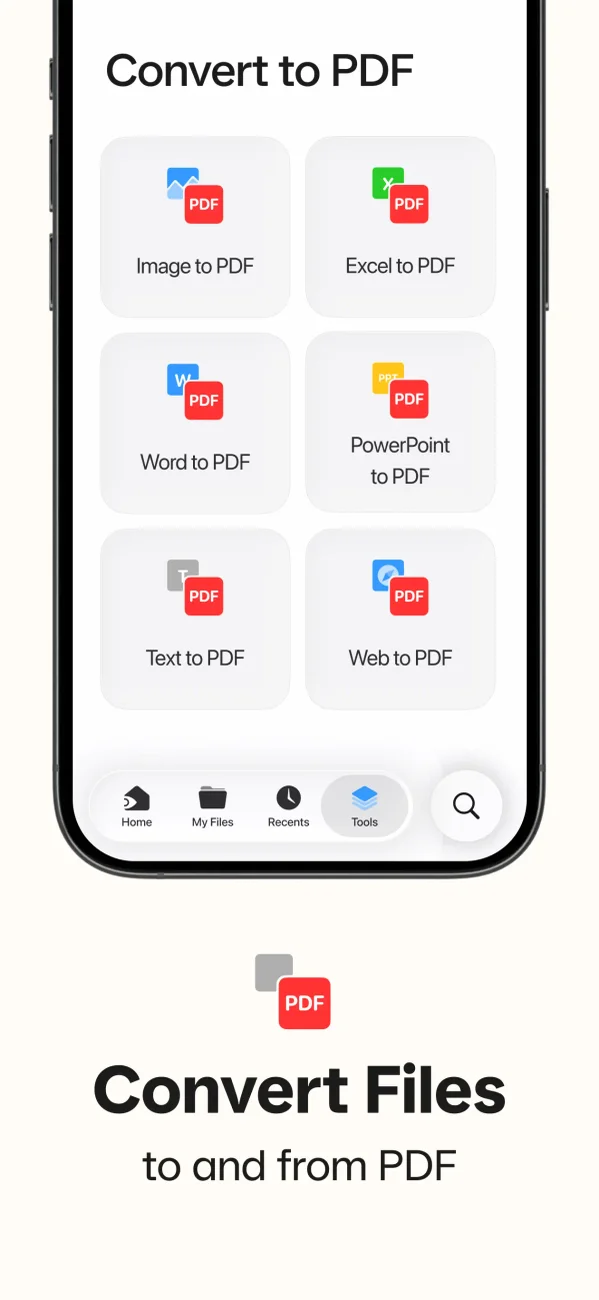
- Create PDFs from Word files, images, and other documents
- Convert Word to PDF, JPG to PDF, and PNG to PDF in seconds
- Convert PDF to Word, Excel, PowerPoint, JPG, PNG, and TXT
MERGE, SPLIT AND ORGANIZE PDFs
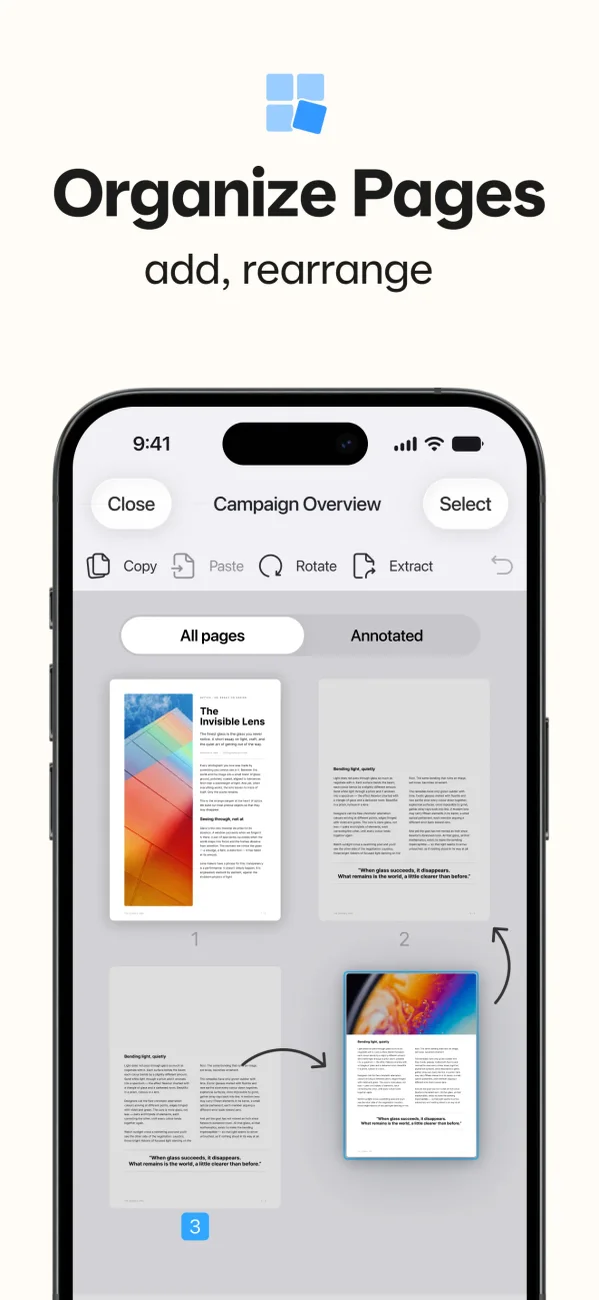
- Merge and combine multiple PDF files into one
- Split PDFs and extract pages into a new file
- Add, delete, rotate, and reorder pages with thumbnail preview
COMPRESS PDFs
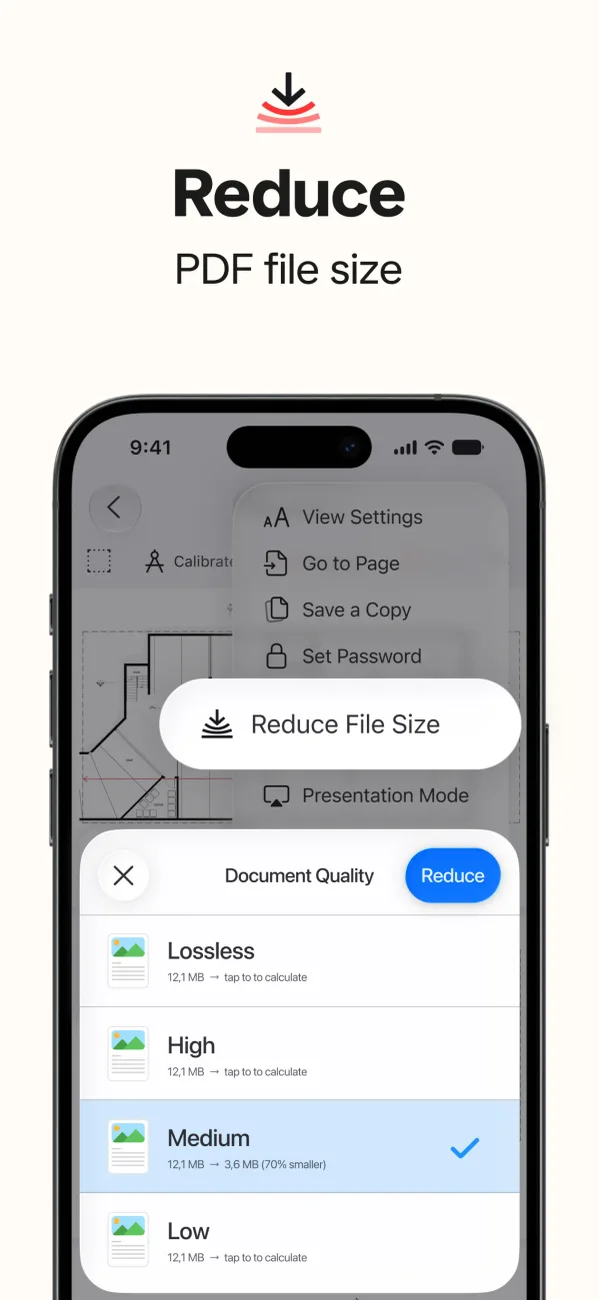
- Compress PDFs to reduce file size for email and sharing
- Shrink large PDF files to save space on your device
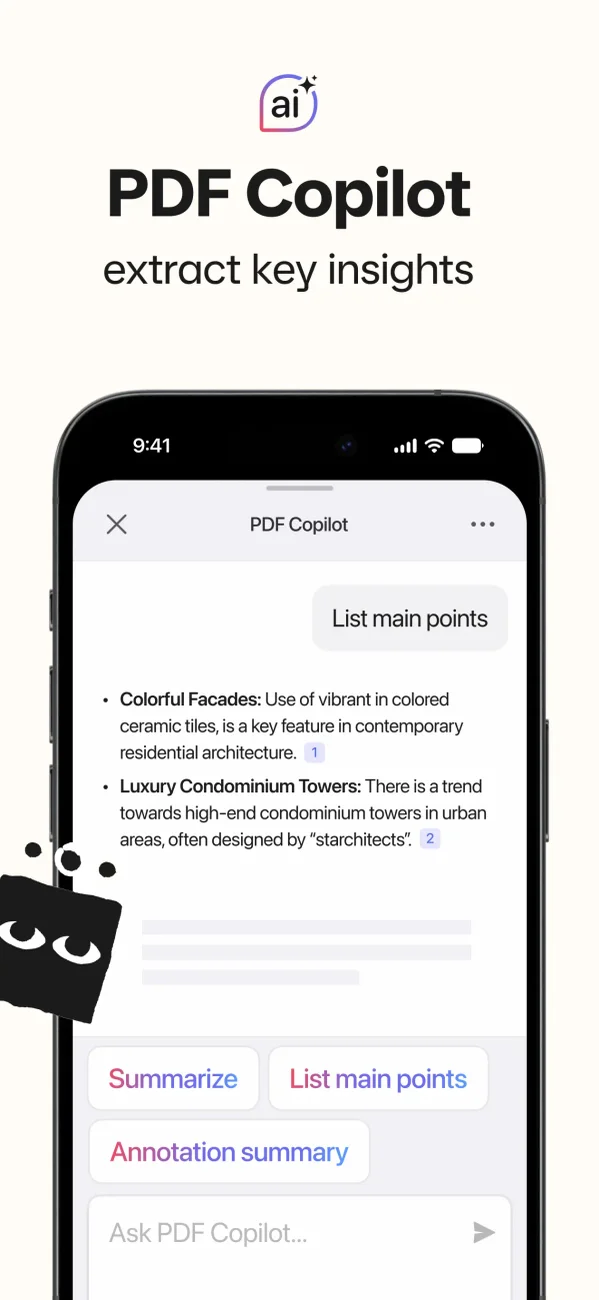
SUMMARIZE PDFs WITH AI – PDF COPILOT
- List Main Points – get key takeaways from any PDF
- Summarize – get concise summaries of entire PDFs or annotations
- Ask Anything – find details with AI answers and references
- Explain – get instant explanations of words or phrases
PROTECT YOUR FILES
- Password-protect PDF Expert
- Redact – permanently black out sensitive information
WORK WITH SCANNED DOCUMENTS
- Open scanned PDFs to fill out, sign, annotate, and share
CONSTRUCTION TOOLS
- Scale and measure drawings with the Measure tab
- Polygon, polyline, and redline tools
MORE FEATURES
- Customizable toolbar
- Presentation Mode
- Print and share PDFs via email or cloud
ONE ACCOUNT FOR ALL YOUR APPLE DEVICES
One Premium subscription covers PDF Expert on iPhone, iPad, and Mac – no need to buy versions separately.
Read more about our terms and conditions here:
https://pdfexpert.com/privacy
https://pdfexpert.com/terms
Don’t hesitate to reach out to us at http://readdle.com/contact
Có gì mới
Phiên bản 7.26.4 · 09/11/2026
New update, better experience! We've resolved issues and improved performance.
Help us make PDF Expert even better — reach out at rdsupport@readdle.com!
Quyền riêng tư của ứng dụng
Những gì Readdle Technologies Limited khai báo trên App Store về cách ứng dụng này xử lý dữ liệu.
-
Dữ liệu liên kết với bạn
Có thể được thu thập và liên kết với danh tính của bạn.
- Thông tin liên hệ
- Mã định danh
- Dữ liệu sử dụng
-
Dữ liệu không liên kết với bạn
Có thể được thu thập nhưng không liên kết với danh tính của bạn.
- Mã định danh
- Chẩn đoán
Phương thức đảm bảo quyền riêng tư có thể khác nhau, chẳng hạn như tuỳ theo các tính năng bạn sử dụng hoặc độ tuổi của bạn.
Thông tin
- Người bán
- Readdle Technologies Limited
- Danh mục
- Hiệu Suất
- Phiên bản
- 7.26.4
- Cập nhật
- 09/11/2026
- Phát hành
- 03/12/2013
- Kích thước
- 327,7 MB
- Yêu cầu
- iOS 16.0 trở lên
- Độ tuổi
- 4+
- Giá
- Miễn phí
- Mua hàng trong ứng dụng
- Có
- Ngôn ngữ
- Tiếng Anh, Tiếng Pháp, Tiếng Đức, Tiếng Ý, Tiếng Nhật, Tiếng Bồ Đào Nha, Tiếng Nga, Tiếng Trung Giản thể, Tiếng Tây Ban Nha, Tiếng Ukraina
- Bản quyền
- © 2013 - 2026 Readdle Technologies Limited
Có thể bạn cũng thích
-
 Foxit PDF EditorHiệu Suất
-
 PDF Pro - Reader Editor FormsHiệu Suất
-
 PDFelement: PDF Editor & ScanHiệu Suất
-
 PDF Viewer by NutrientHiệu Suất
-
 MobiPDF・PDF Text Editor・ReaderHiệu Suất
-
 SignNow: e-Signature appHiệu Suất
-
 Free PDF Editor, Converter AppHiệu Suất
-
 Smallpdf: Quét & chỉnh sửa PDFNén, chuyển đổi, OCR, ký tên
-
 iLovePDF– Trình sửa & Quét PDFSửa, ký & chuyển đổi PDF
-
 Forma: Đọc Tài Liệu Và Tệp PDFSửa, Ký đổi Docs với AI