PDF Tools: Merge Split Edit
Convert,Watermark&Page Manager
iPhone, iPad için tasarlandı
Ücretsiz · Uygulama içi satın alma
- Yaş sınırı4+
- KategoriÜretkenlik
- Geliştirici云峰 林
- Dillerİngilizce+ 11 dil daha
- Boyut5,3 MB
Resmi App Store sayfasına bağlanır
Download.org, PDF Tools: Merge Split Edit için hiçbir dosya barındırmaz. Düğme, uygulamanın App Store üzerindeki sayfasını açar; uygulamayı orada 云峰 林 yayınlar. Sayfanın son kontrolü: 12.11.2026.
Ekran görüntüleri
Hakkında
Geliştirici bu metni dilinizde sunmamış.
PDF Assistant is a powerful all-in-one PDF processing tool that provides professional PDF handling solutions.
【KEY FEATURES】
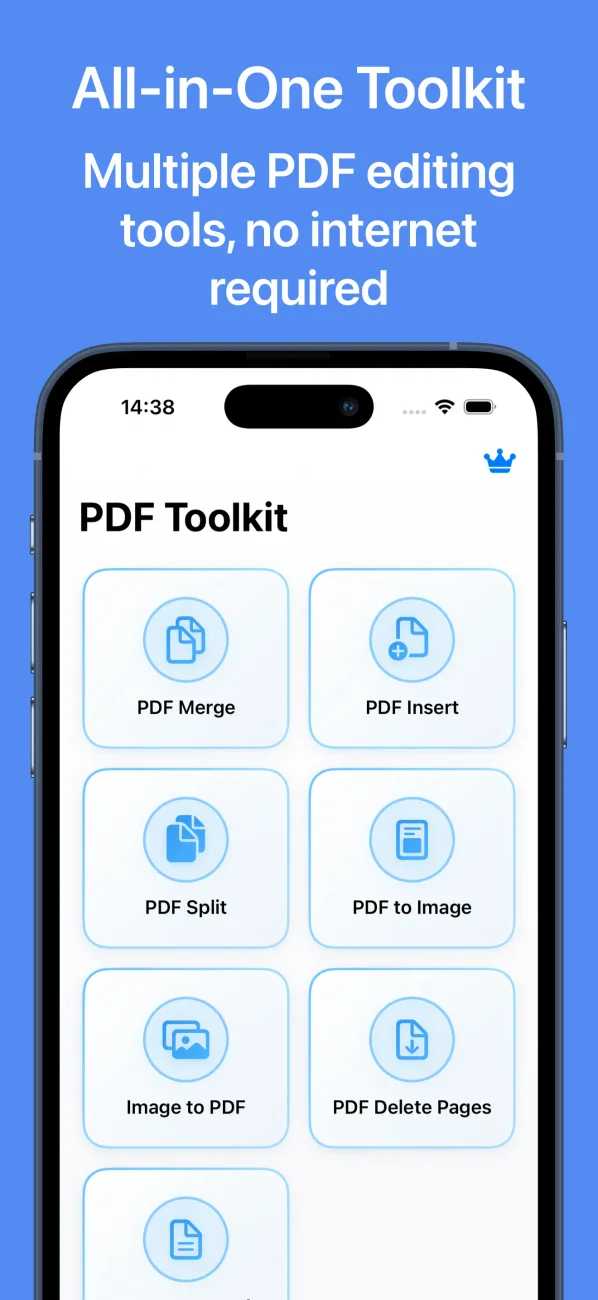
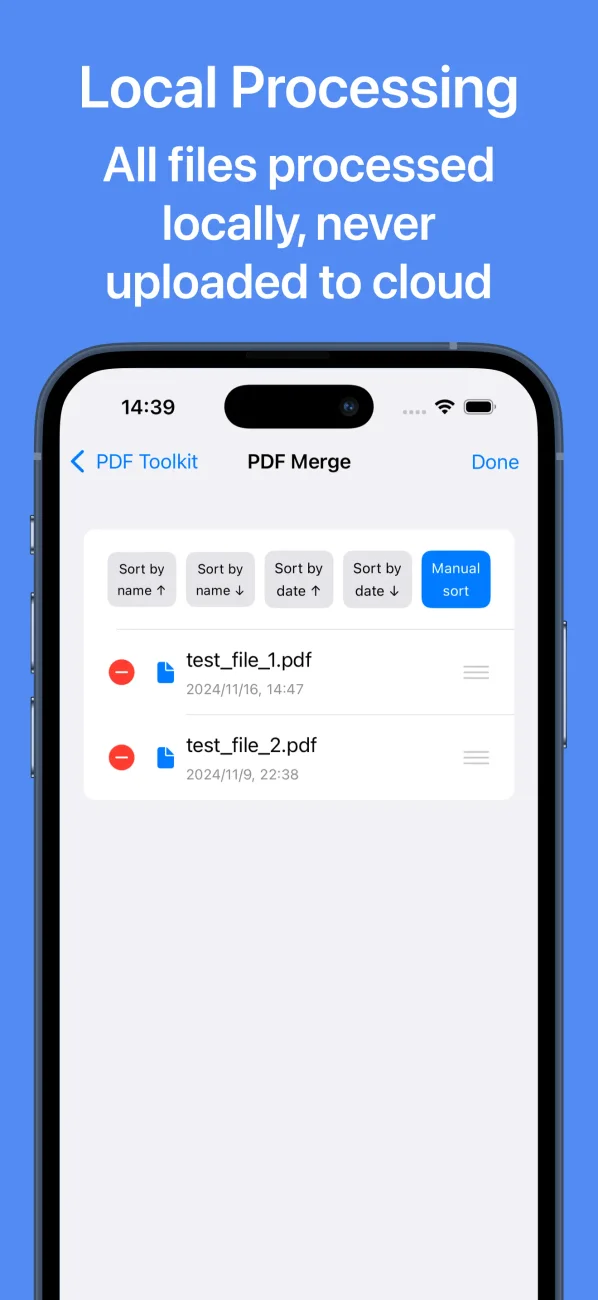
• PDF Merge: Quickly combine multiple PDFs into one
• PDF Split: Divide PDF documents into separate files
• PDF Insert: Add new pages to existing PDFs
• PDF to Image: Convert PDF pages to high-quality images
• Image to PDF: Batch convert images to PDF format
• PDF Page Delete: Easily remove specific pages
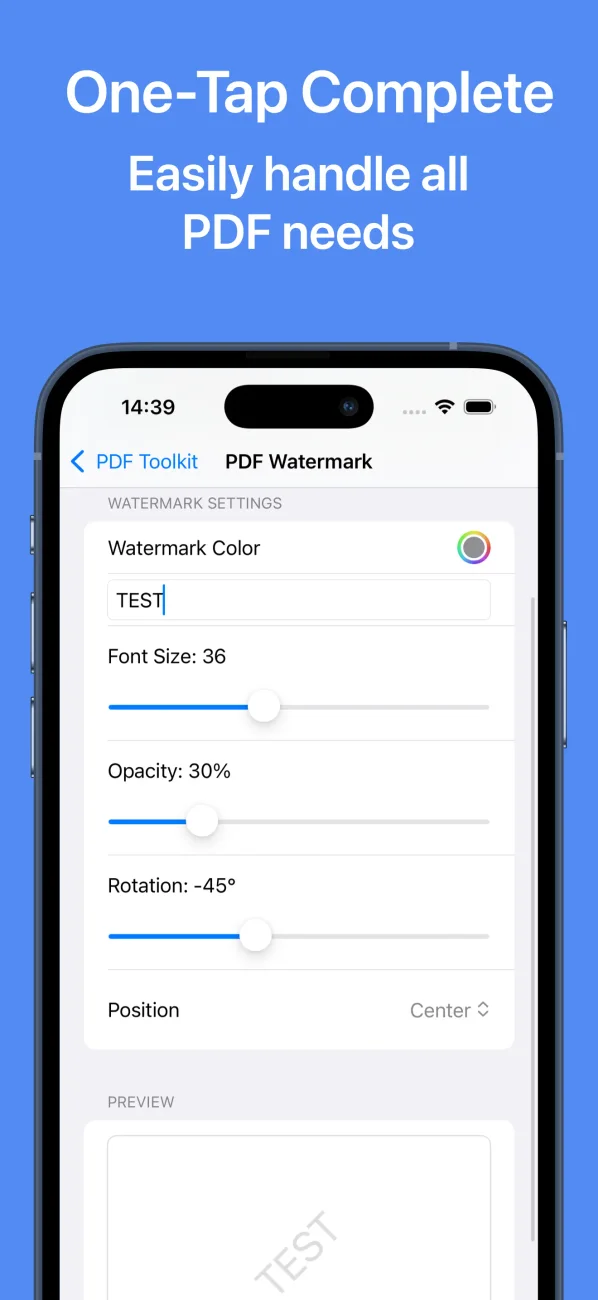
• PDF Watermark: Add custom text or image watermarks
【WHY CHOOSE US】
• User-Friendly: Clean interface with intuitive controls
• Comprehensive: All essential PDF tools in one app
• Fast Processing: Advanced algorithms for quick results
• Local Processing: All operations performed locally for security
• No Registration: Start using immediately after download
【PERFECT FOR】
• Work & Study: Organize learning materials and work documents
• File Management: Arrange and organize PDF files
• Document Editing: Adjust PDF page order
• Content Extraction: Extract images from PDFs
• Format Conversion: Create PDFs from multiple images
【Subscription Terms】
■ Subscription Plans
• Lifetime (one-time purchase)
■ Member Benefits
• Access to all premium features
• Unlimited use of all functions
• Priority access to new features
■ Subscription Rules
• Payment will be charged to iTunes Account at confirmation of purchase
• Subscription automatically renews unless auto-renew is turned off at least 24 hours before the end of the current period
• Account will be charged for renewal within 24 hours prior to the end of the current period
• Any unused portion of a free trial period will be forfeited when purchasing a subscription
■ How to Cancel
1. Open device Settings
2. Tap your Apple ID at the top
3. Tap "Subscriptions"
4. Find "PDF Assistant" and manage subscription
■ Legal
• Terms of Service: http://simp.ly/p/5FYqZX
• Privacy Policy: http://simp.ly/p/OYXLkD
Let PDF Assistant be your PDF expert, making document handling effortless and efficient!
Yenilikler
Sürüm 1.2 · 08.09.2025
1. Optimize UI display
Uygulama gizliliği
Bu uygulamanın verileri nasıl işlediği hakkında 云峰 林 tarafından App Store üzerinde yapılan beyan.
-
Sizi izlemek için kullanılan veriler
Başka şirketlere ait uygulamalarda ve web sitelerinde sizi izlemek için kullanılabilir.
- Tanımlayıcılar
- Kullanım verileri
-
Sizinle ilişkilendirilmeyen veriler
Toplanabilir ancak kimliğinizle ilişkilendirilmez.
- Tanımlayıcılar
- Kullanım verileri
Gizlilik uygulamaları, örneğin kullandığınız özelliklere veya yaşınıza göre değişiklik gösterebilir.
Bilgiler
- Satıcı
- 云峰 林
- Kategori
- Üretkenlik
- Sürüm
- 1.2
- Güncellendi
- 08.09.2025
- Yayın tarihi
- 18.11.2024
- Boyut
- 5,3 MB
- Gereksinim
- iOS 16.0 veya sonrası
- Yaş sınırı
- 4+
- Fiyat
- Ücretsiz
- Uygulama içi satın alma
- Evet
- Diller
- İngilizce, Fransızca, Almanca, İtalyanca, Japonca, Korece, Portekizce, Rusça, Basitleştirilmiş Çince, İspanyolca, Tayca, Geleneksel Çince
- Telif hakkı
- © Yunfeng Lin
Bunları da beğenebilirsiniz
-
 PDF birleştirme - PDF bölmePDF dosyalarını birleştir
-
 Combine & Merge PDF ConverterÜretkenlik
-
 PDF sıkıştırma - PDF küçültmePDF dosyası kaliteyle sıkıştır
-
 PDF Birleştir - PDF DüzenlePDF Birleştirme,Bölme,Combine
-
 PDF Export: Editor & ConverterÜretkenlik
-
 PDF Combiner - Birleştir & BölFotoğraf PDF'ye Dönüştür, Tara
-
 PDF Converter: JPG DönüştürücüPNG,HTML & Convert PDF To Word
-
 PDF Dönüştürücü ve OkuyucuResimden PDF oluşturma yazılım
-
 PDFMaker: JPG to PDF converterÜretkenlik
-
 Convert DOC/DOCX to PDFÜretkenlik