- Độ tuổi4+
- Danh mụcHiệu Suất
- Nhà phát triểnBluebeam, Inc.
- Ngôn ngữTiếng Anh+ 12 ngôn ngữ khác
- Kích thước266,4 MB
Liên kết đến trang App Store chính thức
Download.org không lưu trữ tệp nào của Bluebeam. Nút này mở trang ứng dụng trên App Store, nơi Bluebeam, Inc. phát hành ứng dụng. Trang được kiểm tra lần cuối: 23/11/2026.
Ảnh chụp màn hình



Giới thiệu
Nhà phát triển chưa cung cấp nội dung này bằng ngôn ngữ của bạn.
Bluebeam for iOS brings your drawings, tools, and team into the field.
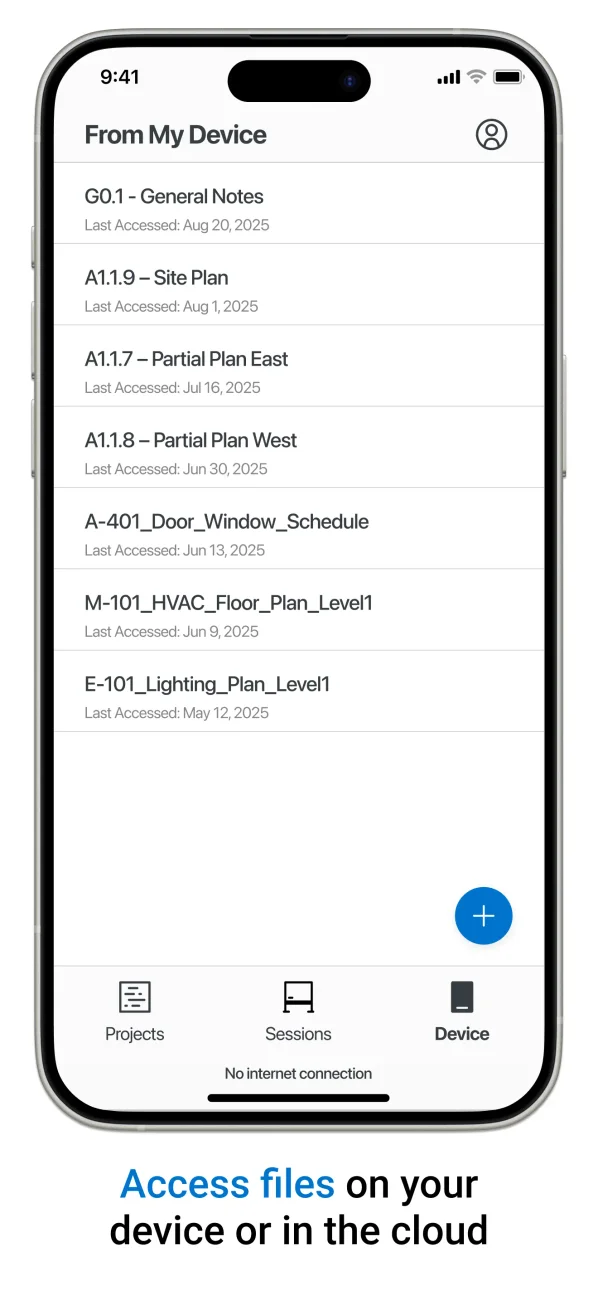
- Open PDFs stored on your device, in Studio Projects, or in Studio Sessions.
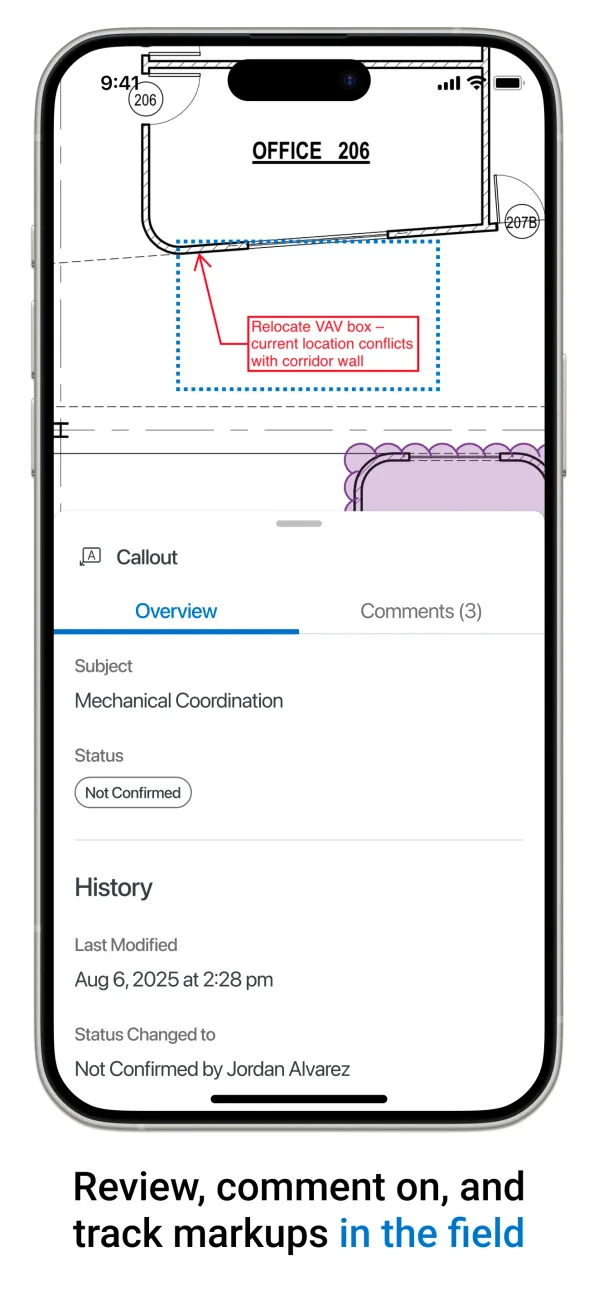
- Create and edit PDF markups to communicate changes with your team.
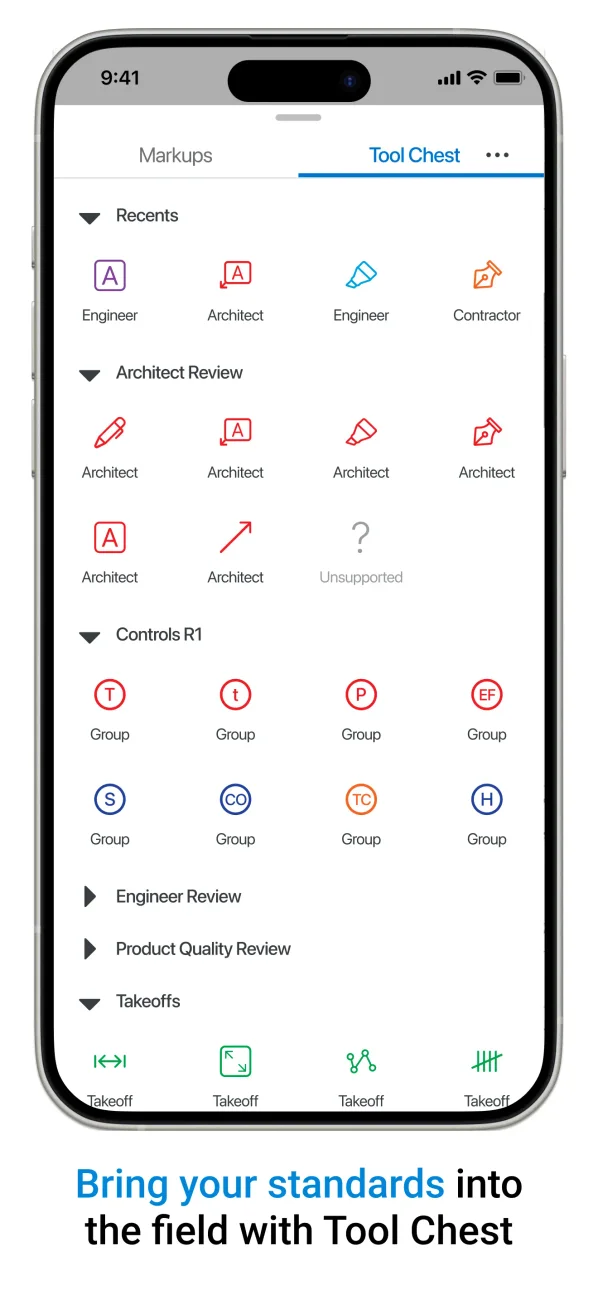
- Bring your team’s custom Revu Tool Sets into the field for consistent markups.
- Measure distances and areas, and count items directly on your drawings.
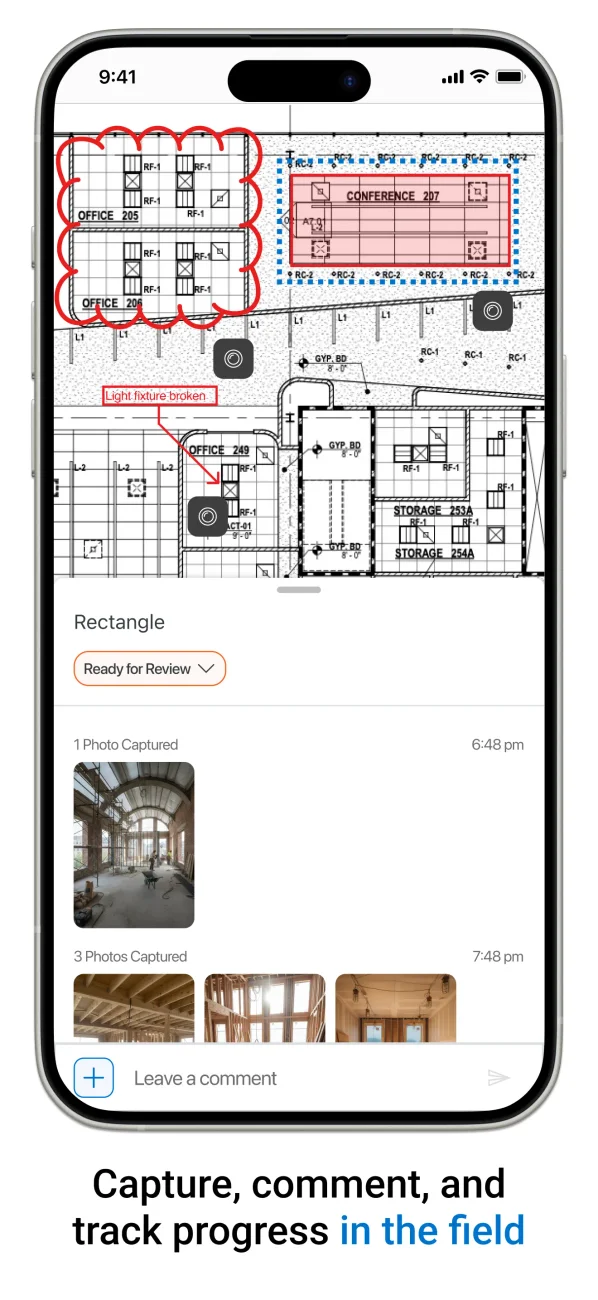
- Attach photos to markups to document field conditions without cluttering your drawings.
- Fill out PDF forms to complete checklists and capture field information.
- Search PDFs and navigate your drawings to find the information you need.
- Collaborate in Studio Sessions and add or remove PDFs from existing Sessions when permitted.
- Access and edit Studio Project files, then share changes with your team.
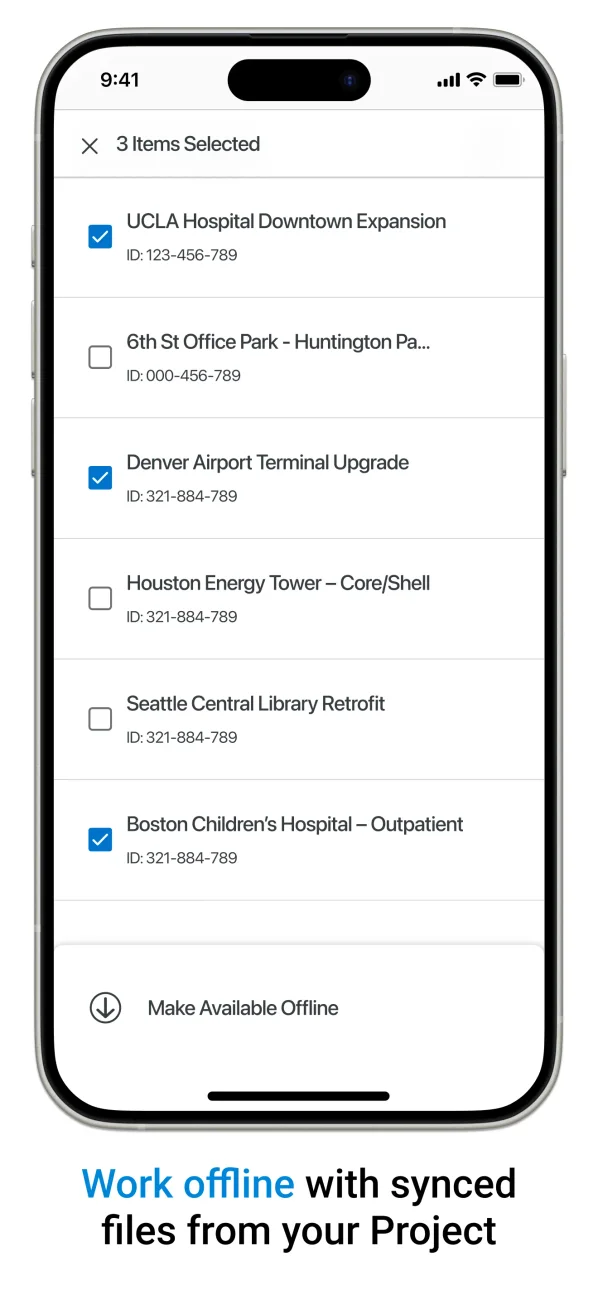
- Work offline with files stored on your device or Project files synced in advance.
Có gì mới
Phiên bản 1.33.2 · 22/11/2026
- Expanded Tool Sets: Use more tools from imported Revu BTX files, including markups previously unavailable in the iOS editor. Choose Drawing Mode or Properties Mode.
- Markup Rotation and Easier Editing: Rotate markups and access editing controls from a floating menu that appears above the selected markup.
- Calibrate: Set the page scale by selecting two points and entering the known distance between them.
- Measurement Snapping: Snap measurements to drawing content as you place them for greater precision on a touchscreen.
- Dimension Tool: Place Dimension markups directly on your drawings.
- Offline Document Search: Search text and markup metadata within your open PDF, even when working offline.
- Searchable Page Labels: View existing page labels in the Pages panel and search them to find the right sheet.
- Pinned Bookmarks and Pages: Pin the Bookmarks or Pages panel to keep it open between selections.
- Password-Protected PDFs: Enter a password to open protected files. Existing document permissions continue to apply.
Quyền riêng tư của ứng dụng
Những gì Bluebeam, Inc. khai báo trên App Store về cách ứng dụng này xử lý dữ liệu.
-
Dữ liệu liên kết với bạn
Có thể được thu thập và liên kết với danh tính của bạn.
- Thông tin liên hệ
- Mã định danh
- Dữ liệu sử dụng
-
Dữ liệu không liên kết với bạn
Có thể được thu thập nhưng không liên kết với danh tính của bạn.
- Nội dung của người dùng
- Chẩn đoán
Phương thức đảm bảo quyền riêng tư có thể khác nhau, chẳng hạn như tuỳ theo các tính năng bạn sử dụng hoặc độ tuổi của bạn.
Thông tin
- Người bán
- Bluebeam, Inc.
- Danh mục
- Hiệu Suất
- Phiên bản
- 1.33.2
- Cập nhật
- 22/11/2026
- Phát hành
- 04/10/2019
- Kích thước
- 266,4 MB
- Yêu cầu
- iOS 26.0 trở lên
- Độ tuổi
- 4+
- Giá
- Miễn phí
- Ngôn ngữ
- Tiếng Anh, Tiếng Đan Mạch, Tiếng Hà Lan, Tiếng Phần Lan, Tiếng Pháp, Tiếng Đức, Tiếng Ý, Tiếng Nhật, Tiếng Hàn, Tiếng Bokmål Na Uy, Tiếng Ba Lan, Tiếng Tây Ban Nha + 1 ngôn ngữ khác
- Bản quyền
- © Bluebeam, Inc