Markdown Editor and Reader
Write notes & preview md files
Được thiết kế cho iPhone, iPad
Miễn phí · Mua hàng trong ứng dụng
- Độ tuổi4+
- Danh mụcHiệu Suất
- Nhà phát triểnJulian Lau
- Ngôn ngữTiếng Anh+ 1 ngôn ngữ khác
- Kích thước6,6 MB
Liên kết đến trang App Store chính thức
Download.org không lưu trữ tệp nào của Markdown Editor and Reader. Nút này mở trang ứng dụng trên App Store, nơi Julian Lau phát hành ứng dụng. Trang được kiểm tra lần cuối: 20/11/2026.
Ảnh chụp màn hình

Giới thiệu
Nhà phát triển chưa cung cấp nội dung này bằng ngôn ngữ của bạn.
Write Markdown as easily as plain text. Markdown Editor opens in an instant – no account, no setup. For notes, READMEs, documentation, blog posts, to-do lists and anything that should look good.
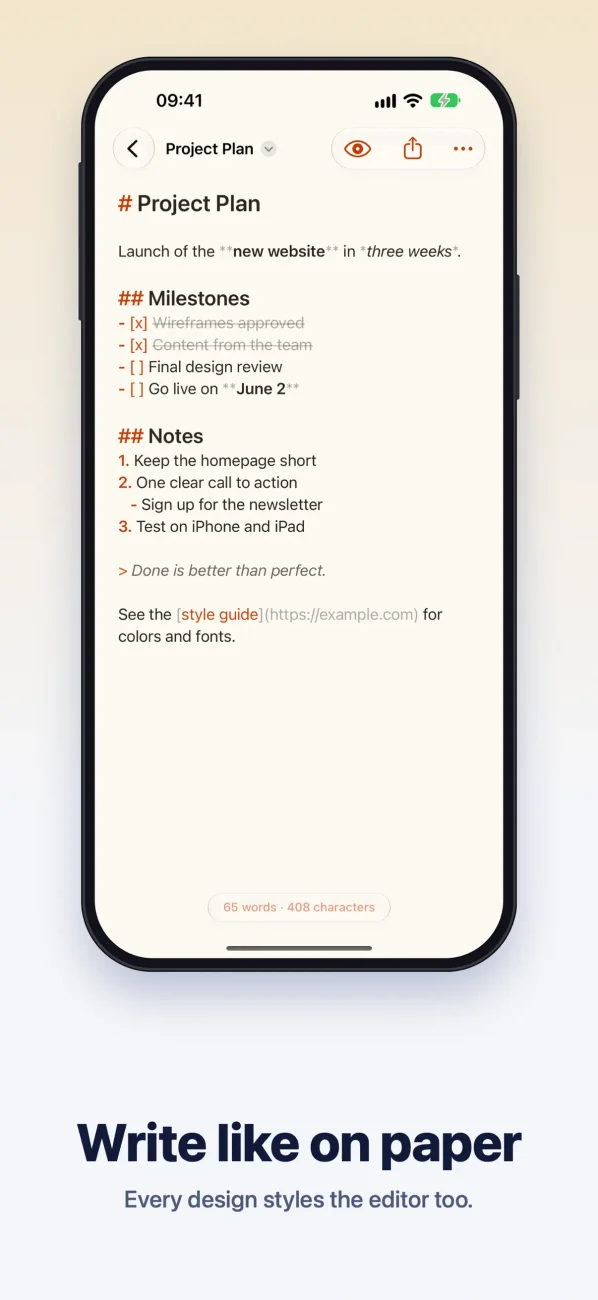
WRITE WITH SYNTAX HIGHLIGHTING
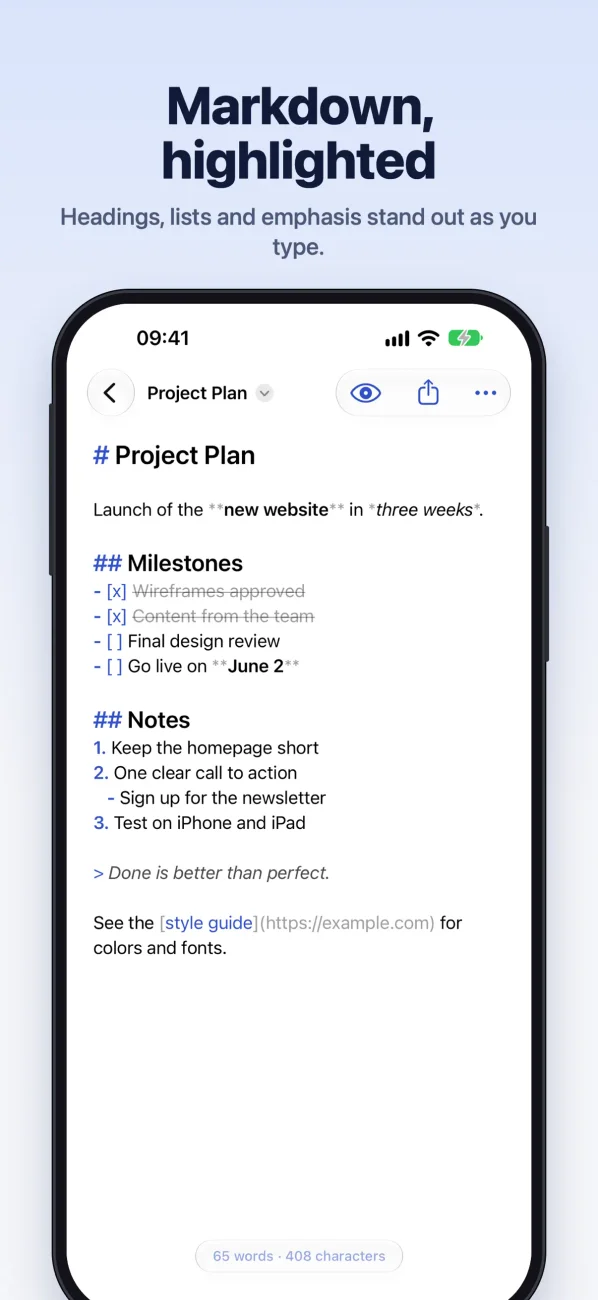
Headings, bold, italic, code, links, lists and quotes are highlighted as you type. The Markdown characters step back so your words stay in focus – and the editor stays smooth even with long documents.
FORMAT WITHOUT SEARCHING
• A formatting bar above the keyboard: heading, bold, italic, lists, checklists, links, code, quotes, tables and images in one tap
• Lists continue by themselves when you press Return
• Keyboard shortcuts ⌘B, ⌘I and ⌘K on iPad
PREVIEW AND READ
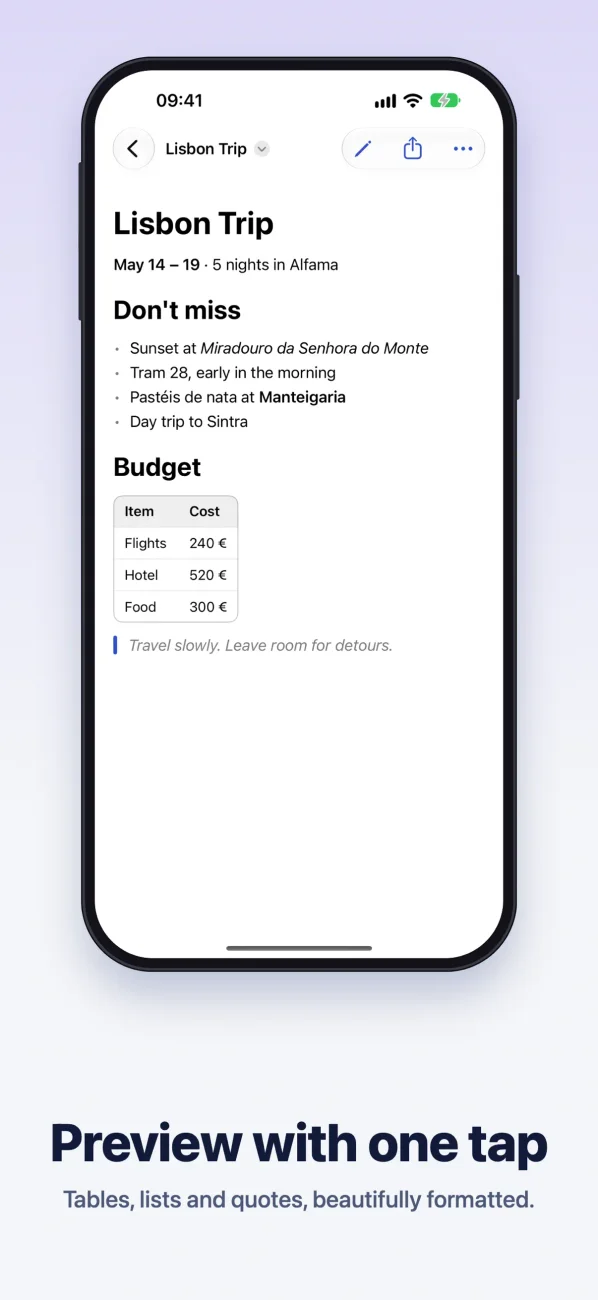
One tap on the eye shows your document beautifully formatted – with tables, checklists, nested lists, code blocks and images. On iPad and the foldable iPhone, see your text and the live preview side by side. Documents can also open straight in the preview, perfect for reading.
REAL FILES, NOTHING LOCKED IN
Your documents are plain .md files in the Files app under “On My iPhone › Markdown Editor”. Open Markdown and text files from iCloud Drive or other apps and edit them right where they are.
ORGANIZED YOUR WAY
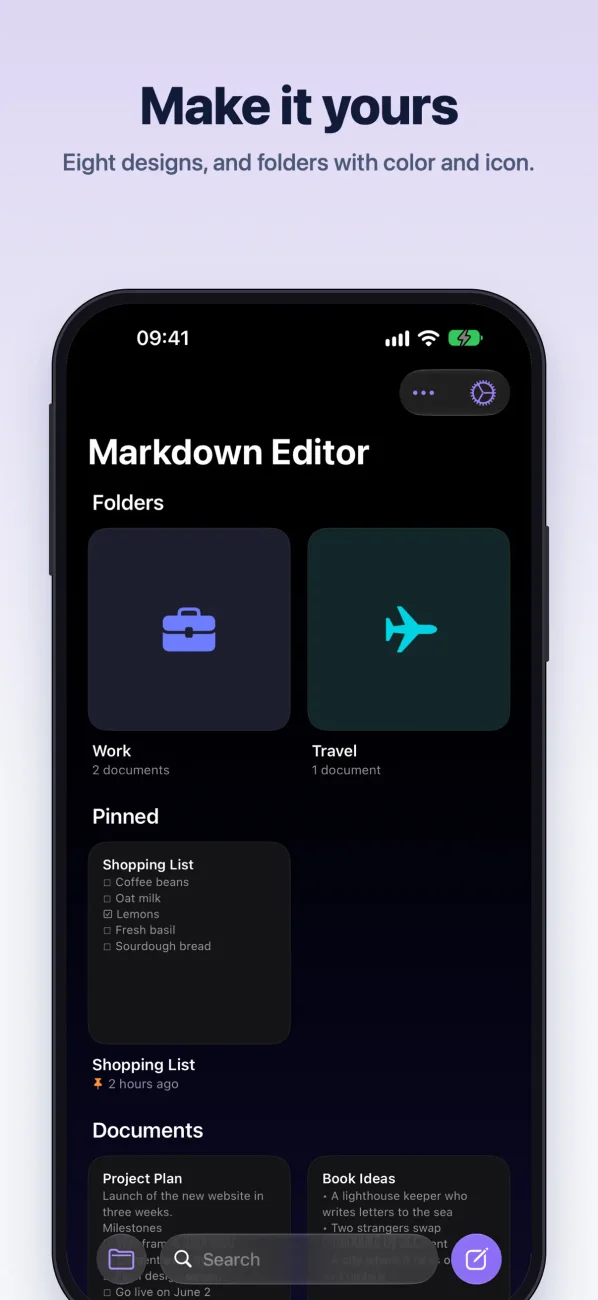
• Folders with their own color and icon
• Pin what matters to the top
• Sort by date, name, or your own order with drag and drop
• Search finds every word across all your documents
• Find and replace, word count, reading time, printing
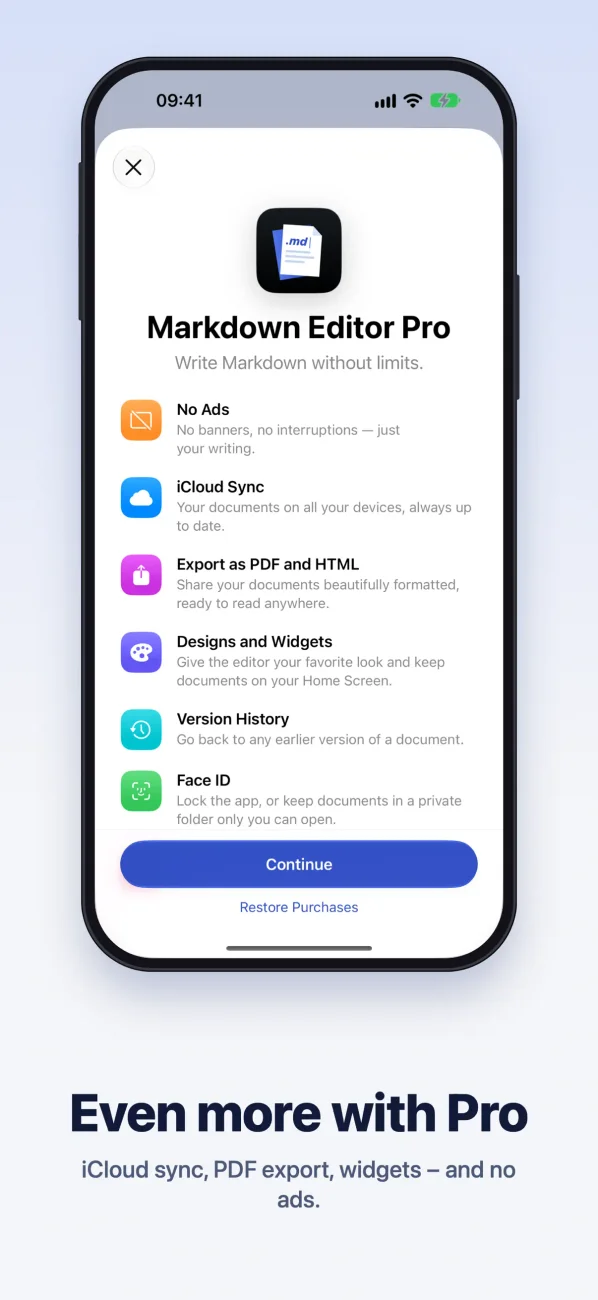
MARKDOWN EDITOR PRO
For when you want more – as a monthly or yearly subscription:
• No ads
• iCloud sync between iPhone and iPad
• Export to PDF and HTML, beautifully formatted
• Eight designs, from warm paper to deep black midnight
• Widgets for your Home Screen and Lock Screen
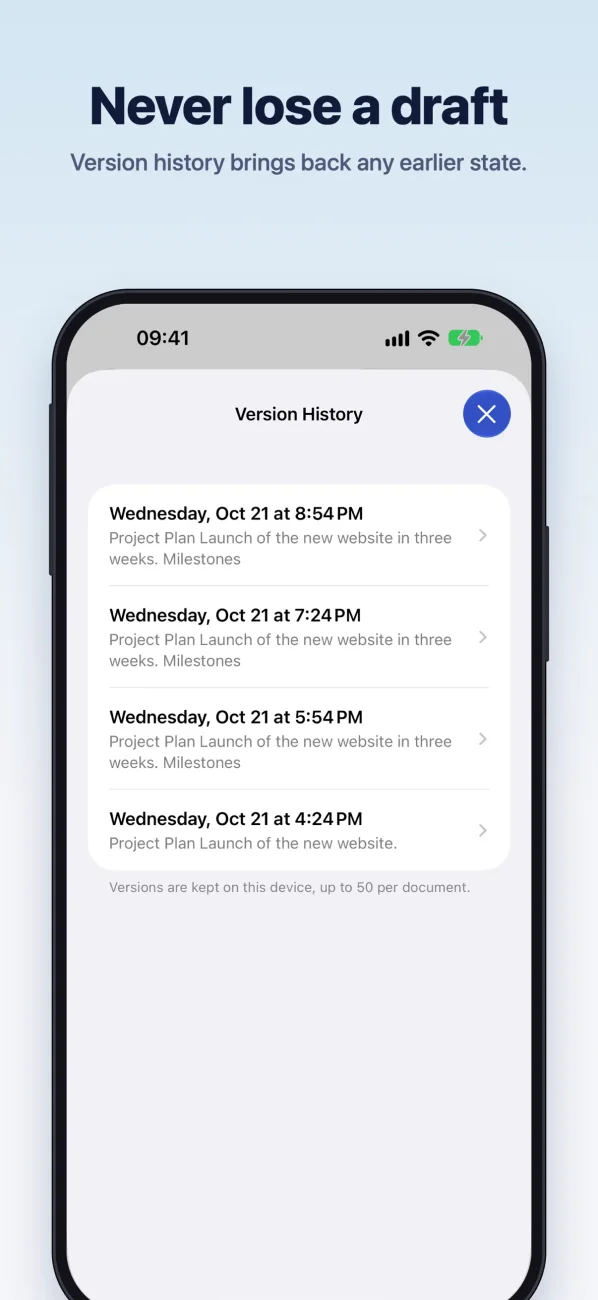
• Version history: bring back any earlier draft
• App lock and a private folder with Face ID
Payment is charged to your Apple Account. The subscription renews automatically unless canceled at least 24 hours before the end of the current period. You can manage and cancel it anytime in your App Store account settings.
Terms of Use: https://www.apple.com/legal/internet-services/itunes/dev/stdeula/
Privacy Policy: https://jlau.netlify.app/markdown-editor/privacy/
Markdown Editor is built by an independent developer. If you enjoy it, a rating means a lot!
Có gì mới
Phiên bản 2.0.4 · 19/11/2026
Bug fixes and performance improvements.
Enjoying Markdown Editor? A rating in the App Store helps a lot – thank you!
Quyền riêng tư của ứng dụng
Những gì Julian Lau khai báo trên App Store về cách ứng dụng này xử lý dữ liệu.
-
Dữ liệu được sử dụng để theo dõi bạn
Có thể được sử dụng để theo dõi bạn trên các ứng dụng và trang web do công ty khác sở hữu.
- Mã định danh
- Dữ liệu sử dụng
-
Dữ liệu không liên kết với bạn
Có thể được thu thập nhưng không liên kết với danh tính của bạn.
- Vị trí
- Mã định danh
- Dữ liệu sử dụng
- Chẩn đoán
Phương thức đảm bảo quyền riêng tư có thể khác nhau, chẳng hạn như tuỳ theo các tính năng bạn sử dụng hoặc độ tuổi của bạn.
Thông tin
- Người bán
- Julian Lau
- Danh mục
- Hiệu Suất
- Phiên bản
- 2.0.4
- Cập nhật
- 19/11/2026
- Phát hành
- 09/04/2022
- Kích thước
- 6,6 MB
- Yêu cầu
- iOS 26.0 trở lên
- Độ tuổi
- 4+
- Giá
- Miễn phí
- Mua hàng trong ứng dụng
- Có
- Ngôn ngữ
- Tiếng Anh, Tiếng Đức
- Bản quyền
- © Julian Lau
Có thể bạn cũng thích
-
 One MarkdownHiệu Suất
-
 Inkdrop - Markdown NotesHiệu Suất
-
 MWeb - Markdown Writing, NotesHiệu Suất
-
 uFocusHiệu Suất
-
 Metion: Markdown NotesHiệu Suất
-
 Editor - Markdown NotesHiệu Suất
-
 Notelane - Markdown EditorHiệu Suất
-
 iMarkdownGhi chú Markdown
-
 .md ViewerHiệu Suất
-
 MDash: Sổ Tay Ghi Chú & ViếtSoạn thảo văn bản Markdown