- Độ tuổi4+
- Danh mụcTiện Ích
- Nhà phát triểnSocheat Rath
- Ngôn ngữTiếng Anh
- Kích thước15,8 MB
Liên kết đến trang App Store chính thức
Download.org không lưu trữ tệp nào của PadLink Remote. Nút này mở trang ứng dụng trên App Store, nơi Socheat Rath phát hành ứng dụng. Trang được kiểm tra lần cuối: 12/11/2026.
Ảnh chụp màn hình



Giới thiệu
Nhà phát triển chưa cung cấp nội dung này bằng ngôn ngữ của bạn.
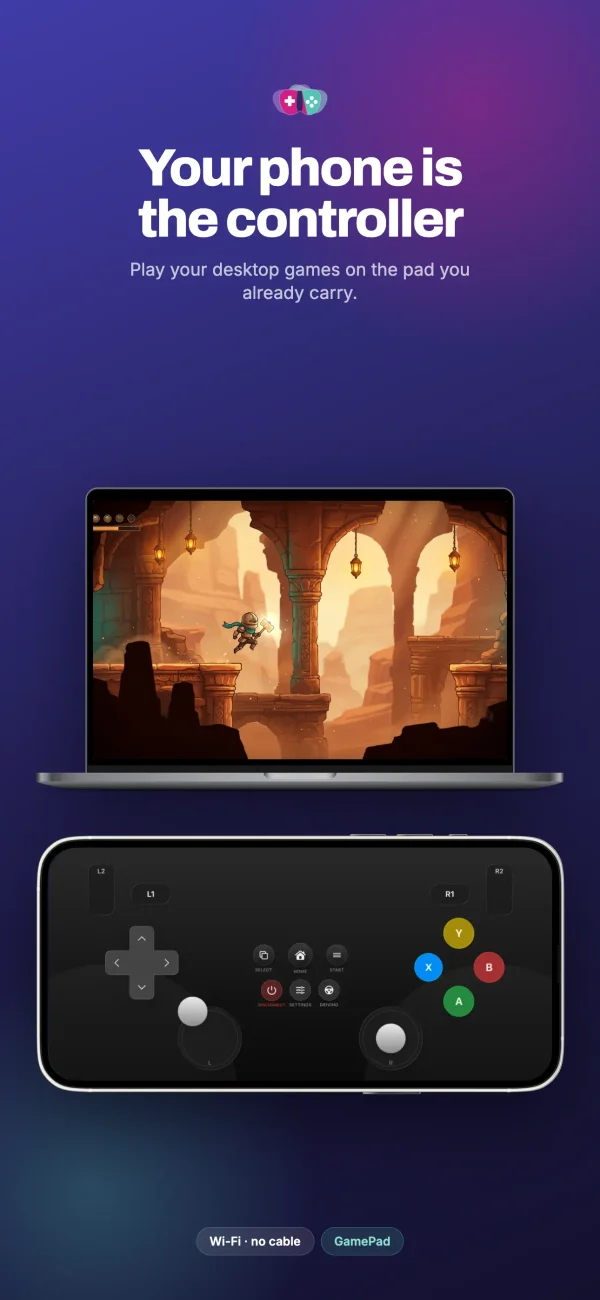
PadLink Remote turns your phone into a wireless game controller for your computer. Play with an on-screen gamepad, a full racing cockpit, or a touchpad mouse — over your local Wi-Fi, with no cables and no account.
HOW IT WORKS
1. Install the free PadLink desktop app on your computer.
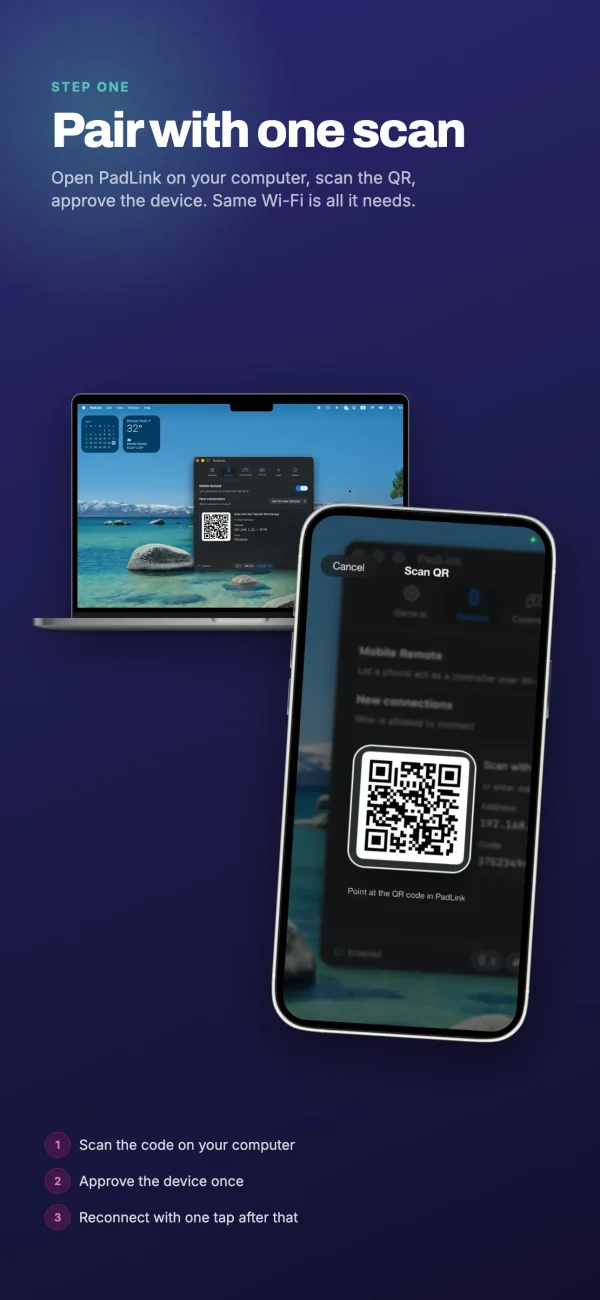
2. Open PadLink Remote and pair in seconds — scan the QR code or type the pairing code.
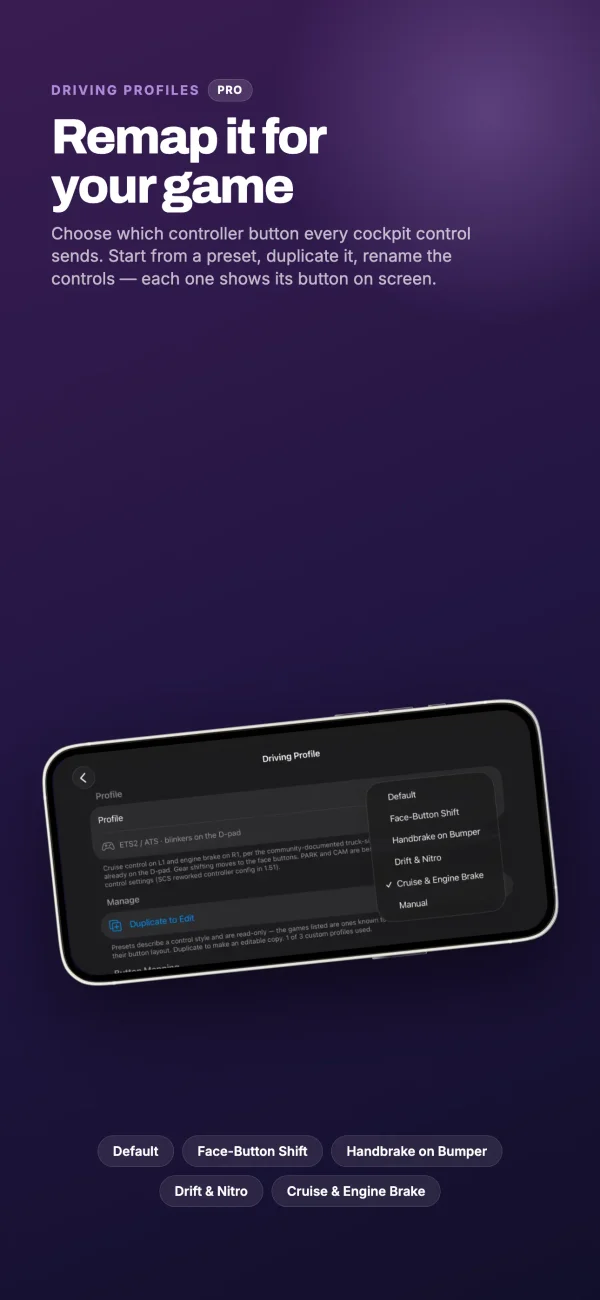
3. Start playing. PadLink presents your phone as a standard gamepad your games already recognize (or as keyboard & mouse).
CONTROL SURFACES
• Gamepad — dual thumbsticks, D-pad, face buttons, shoulder buttons, analog triggers, and menu buttons, laid out like a real controller.
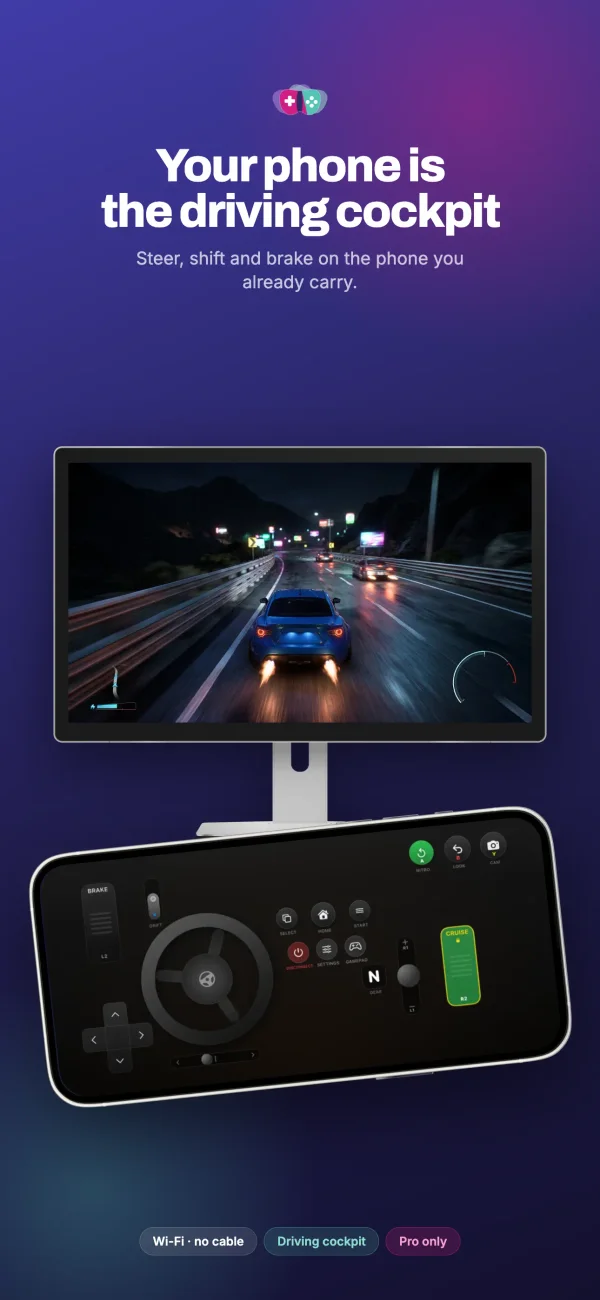
• Car Driving cockpit — a steering wheel with tilt (gyro) steering, gas and brake pedals with cruise-lock, a sequential gear shifter, and a handbrake. Built for racing games.
• Touchpad mouse — use your phone as a trackpad whenever you need a pointer.
FEATURES
• Low-latency input over your local network — no internet connection needed for gameplay.
• Easy pairing by QR code, manual code, or one-tap reconnect to a known computer.
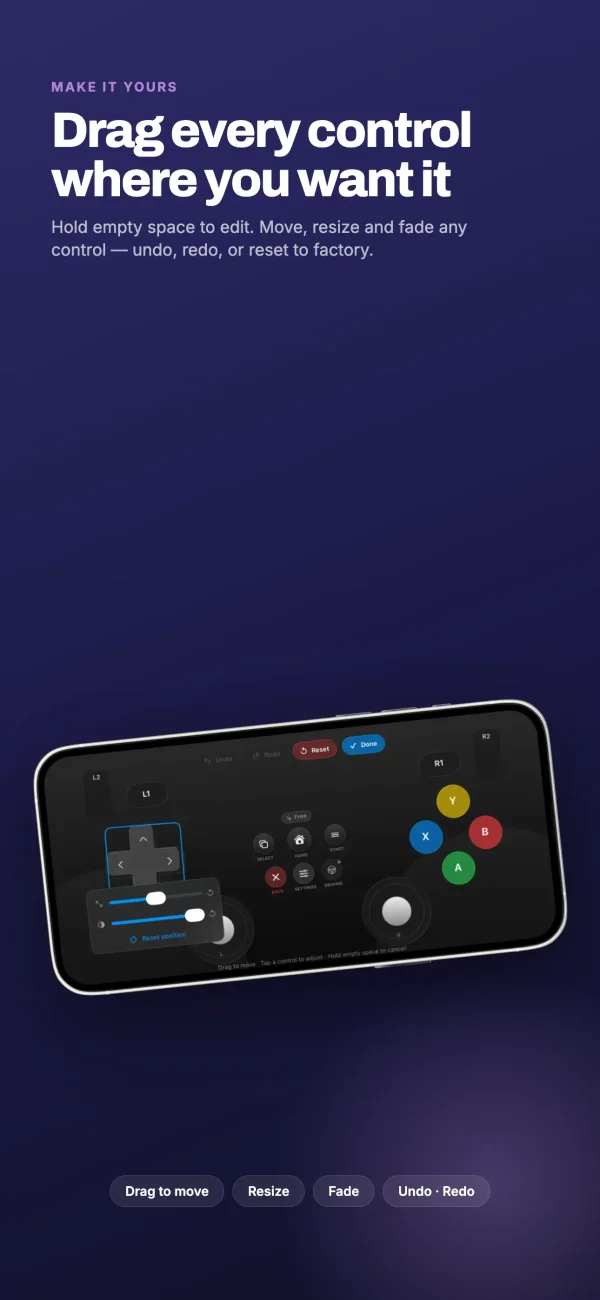
• Customizable layout — move, resize, and set the opacity of every control to fit your hands and your screen. Free for everyone.
• Haptic feedback on button presses and triggers.
• Automatic reconnect if your Wi-Fi drops mid-session.
• Designed for landscape play.
REQUIREMENTS
• The free PadLink desktop app, available for Windows and macOS.
• Your phone and computer on the same Wi-Fi / local network.
• No sign-in and no account — your controller input goes only to your own computer.
FREE & PRO
PadLink Remote is free to download and play. The Car Driving cockpit becomes available when the computer you connect to is running PadLink Pro or its free trial — it is a capability of the desktop app. While connected to a computer on the free plan, a small banner ad appears during play.
PRIVACY
Your controller input is sent only to your own computer over your local network. The camera is used solely to scan the pairing QR code, on your device.
Turn the phone in your pocket into the controller your games have been waiting for.
Có gì mới
Phiên bản 1.0.0 · 22/09/2026
• Fixed the app rotating back to portrait when the connection stuttered.
• Steadier reconnection after a brief Wi-Fi drop.
Quyền riêng tư của ứng dụng
Những gì Socheat Rath khai báo trên App Store về cách ứng dụng này xử lý dữ liệu.
-
Dữ liệu được sử dụng để theo dõi bạn
Có thể được sử dụng để theo dõi bạn trên các ứng dụng và trang web do công ty khác sở hữu.
- Mã định danh
- Dữ liệu sử dụng
- Chẩn đoán
-
Dữ liệu liên kết với bạn
Có thể được thu thập và liên kết với danh tính của bạn.
- Mã định danh
- Dữ liệu sử dụng
- Chẩn đoán
Phương thức đảm bảo quyền riêng tư có thể khác nhau, chẳng hạn như tuỳ theo các tính năng bạn sử dụng hoặc độ tuổi của bạn.
Thông tin
- Người bán
- Socheat Rath
- Danh mục
- Tiện Ích
- Phiên bản
- 1.0.0
- Cập nhật
- 22/09/2026
- Phát hành
- 04/09/2026
- Kích thước
- 15,8 MB
- Yêu cầu
- iOS 16.0 trở lên
- Độ tuổi
- 4+
- Giá
- Miễn phí
- Ngôn ngữ
- Tiếng Anh
- Bản quyền
- © 2026 Nimets Technology
Có thể bạn cũng thích
-
 Gamepad Pro – Remote for PCTiện Ích
-
 Phone ControllerTiện Ích
-
 TouchNow - Điều khiển MacMáy tính từ xa, màn hình phụ
-
 V-Pad: Virtual GamepadTiện Ích
-
 TabletHIDTiện Ích
-
 Lose Control: PC ControllerTiện Ích
-
 RojX: PC Gaming ControllerTiện Ích
-
 Virtual Steering ControllerTiện Ích
-
 iKontrollerTiện Ích
-
 BLE JoystickTiện Ích