ScanPDF: PDF Scanner
Documents, OCR & image export
Được thiết kế cho iPhone
Miễn phí · Mua hàng trong ứng dụng
- Độ tuổi4+
- Danh mụcHiệu Suất
- Nhà phát triểnClément Béchu
- Ngôn ngữTiếng Anh+ 1 ngôn ngữ khác
- Kích thước4,2 MB
Liên kết đến trang App Store chính thức
Download.org không lưu trữ tệp nào của ScanPDF: PDF Scanner. Nút này mở trang ứng dụng trên App Store, nơi Clément Béchu phát hành ứng dụng. Trang được kiểm tra lần cuối: 12/11/2026.
Ảnh chụp màn hình
Giới thiệu
Nhà phát triển chưa cung cấp nội dung này bằng ngôn ngữ của bạn.
Scan documents to PDF and convert PDFs into images.
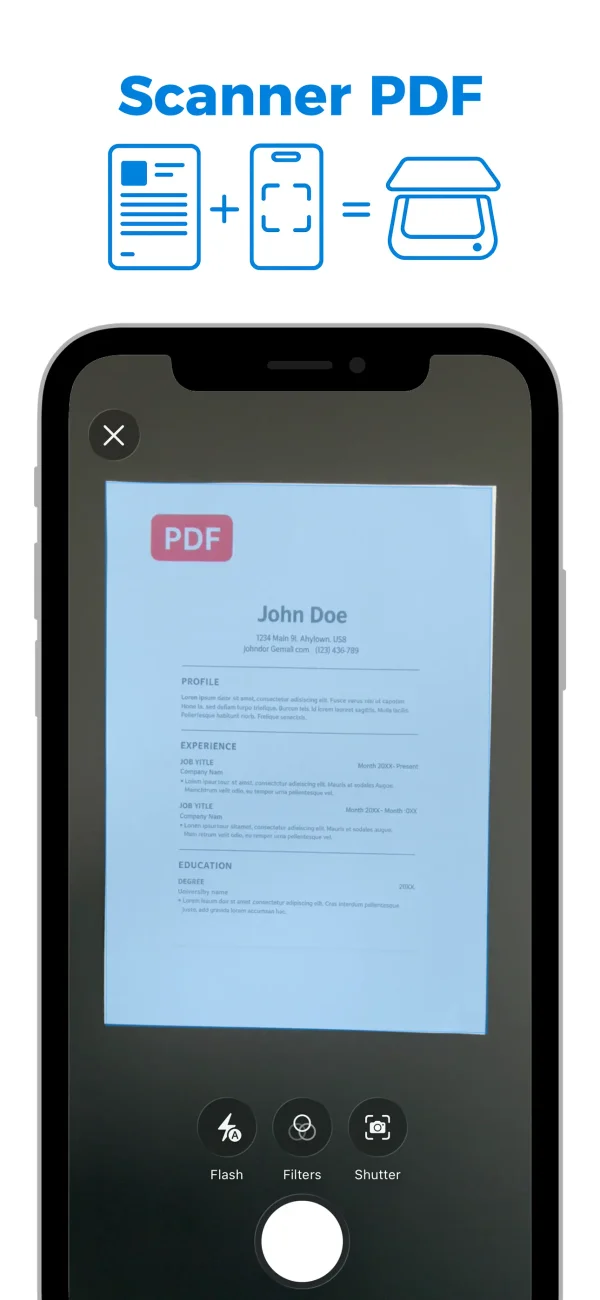
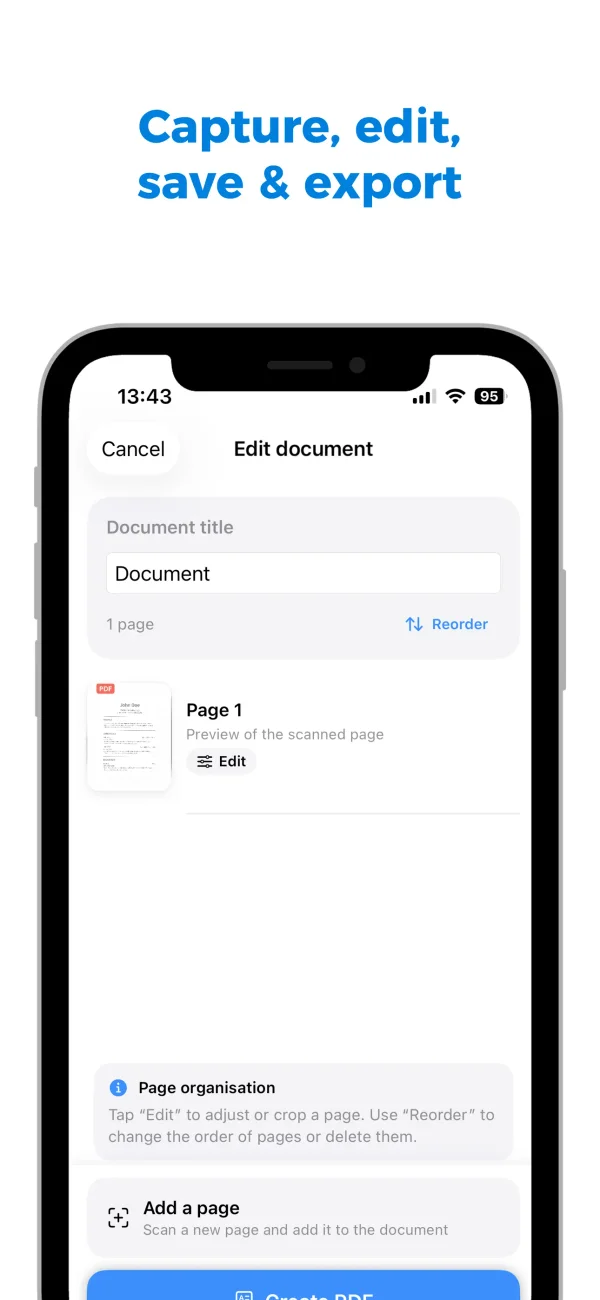
Turn your iPhone into a document scanner with ScanPDF. Scan pages, adjust their framing, add your signature, and share PDF files in just a few steps.
From class notes and receipts to invoices, contracts, and personal paperwork, keep your documents handy for school, work, and everyday life.
SCAN AND CREATE PDFs
• Scan documents using your iPhone camera.
• Combine multiple pages into one PDF.
• Adjust page framing and orientation.
• Preview your documents before sharing.
EXTRACT TEXT FROM YOUR DOCUMENTS
Use optical character recognition (OCR) to extract text from scanned pages. Copy and reuse the text without typing it all again.
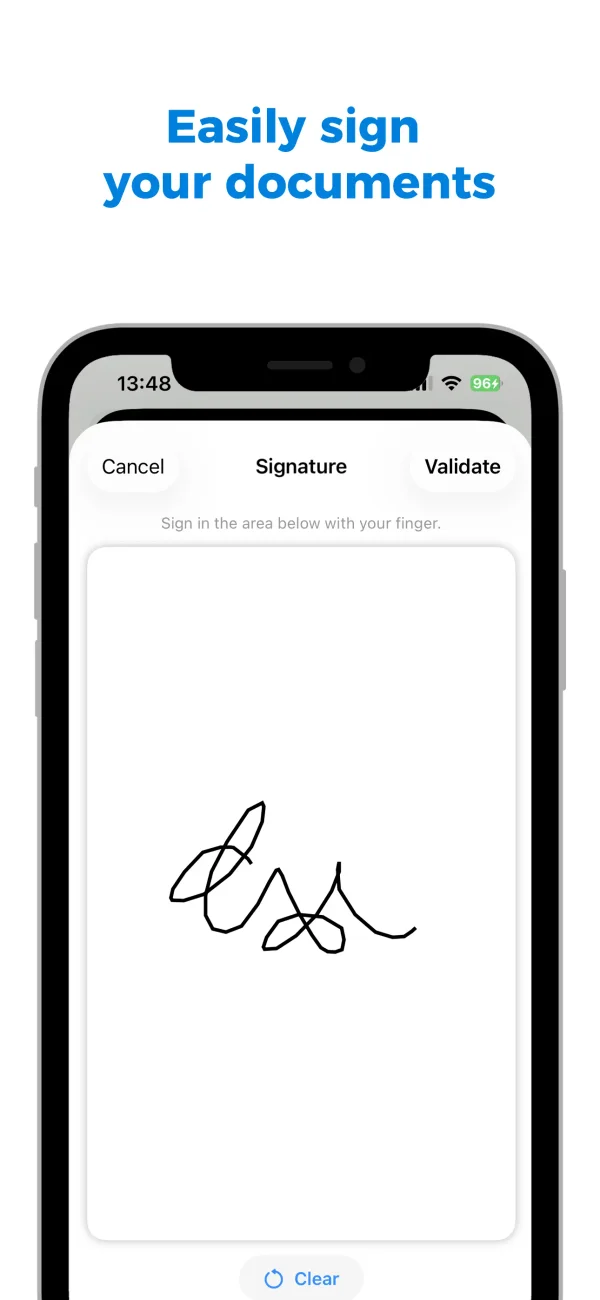
ADD YOUR SIGNATURE
Draw your signature and place it on your pages before creating your PDF.
CONVERT PDFs TO JPG OR PNG — PRO
Import a PDF or open a document already saved in the app. Convert each page into an image, then save or share individual images or all pages at once.
SAVE AND SHARE
• Find your saved documents in the app’s history.
• Store your scans locally on your device.
• Share PDFs through Mail, Messages, or other compatible apps.
• Scan and process documents offline, without uploading them to an online conversion service.
SCANPDF PRO
A Pro subscription lets you:
• Create PDFs without watermarks.
• Convert PDFs into JPG or PNG images.
• Enjoy unlimited access to Pro features.
• Use the app without ads.
Choose a monthly or annual subscription. Pricing and billing periods are displayed in the app before purchase.
SUBSCRIPTION INFORMATION
Payment is charged to your Apple Account at confirmation of purchase. Your subscription renews automatically unless you cancel at least 24 hours before the end of the current period. Your account is charged for renewal within 24 hours before the current period ends.
You can manage or cancel your subscription in your App Store account settings after purchase.
Terms of Use (EULA): https://www.apple.com/legal/internet-services/itunes/dev/stdeula/
Terms: https://www.123mobile.fr/scanpdf/conditions.html
Privacy Policy: https://www.123mobile.fr/scanpdf/politique.html
Có gì mới
Phiên bản 1.03 · 22/10/2026
• Convert PDFs into JPG or PNG images with ScanPDF Pro.
• Save or share converted pages individually or all at once.
Quyền riêng tư của ứng dụng
Những gì Clément Béchu khai báo trên App Store về cách ứng dụng này xử lý dữ liệu.
-
Dữ liệu không được thu thập
Nhà phát triển không thu thập bất kỳ dữ liệu nào từ ứng dụng này.
Phương thức đảm bảo quyền riêng tư có thể khác nhau, chẳng hạn như tuỳ theo các tính năng bạn sử dụng hoặc độ tuổi của bạn.
Thông tin
- Người bán
- Clement Bechu
- Danh mục
- Hiệu Suất
- Phiên bản
- 1.03
- Cập nhật
- 22/10/2026
- Phát hành
- 11/12/2025
- Kích thước
- 4,2 MB
- Yêu cầu
- iOS 17.6 trở lên
- Độ tuổi
- 4+
- Giá
- Miễn phí
- Mua hàng trong ứng dụng
- Có
- Ngôn ngữ
- Tiếng Anh, Tiếng Pháp
- Bản quyền
- © 123 Mobile
Có thể bạn cũng thích
-
 PDF Scanner - PDFscanScan tài liệu, ảnh sang PDF
-
 OptiDocHiệu Suất
-
 MPG Expense Tracker - Fuel LogOCR Receipt & Mileage Log
-
 DocuPDF – Scanner & EditorHiệu Suất
-
 Sign PDF: Scan & Sign DocsHiệu Suất
-
 DocuScanner – PDF ScannerHiệu Suất
-
 Link.zip- Lưu liên kết videoLưu và sắp xếp liên kết video
-
 i11fleetHiệu Suất
-
 PDF Scanner & Doc EditorHiệu Suất
-
 PDF Converter - PDF Scanner.Giáo Dục