PDF Scanner & Doc Editor
Scan, OCR & Merge PDF Files
Được thiết kế cho iPhone, iPad
Miễn phí · Mua hàng trong ứng dụng
- Độ tuổi4+
- Danh mụcHiệu Suất
- Nhà phát triểnOleh Antoniuk
- Ngôn ngữTiếng Anh+ 19 ngôn ngữ khác
- Kích thước8,0 MB
Liên kết đến trang App Store chính thức
Download.org không lưu trữ tệp nào của PDF Scanner & Doc Editor. Nút này mở trang ứng dụng trên App Store, nơi Oleh Antoniuk phát hành ứng dụng. Trang được kiểm tra lần cuối: 17/11/2026.
Ảnh chụp màn hình
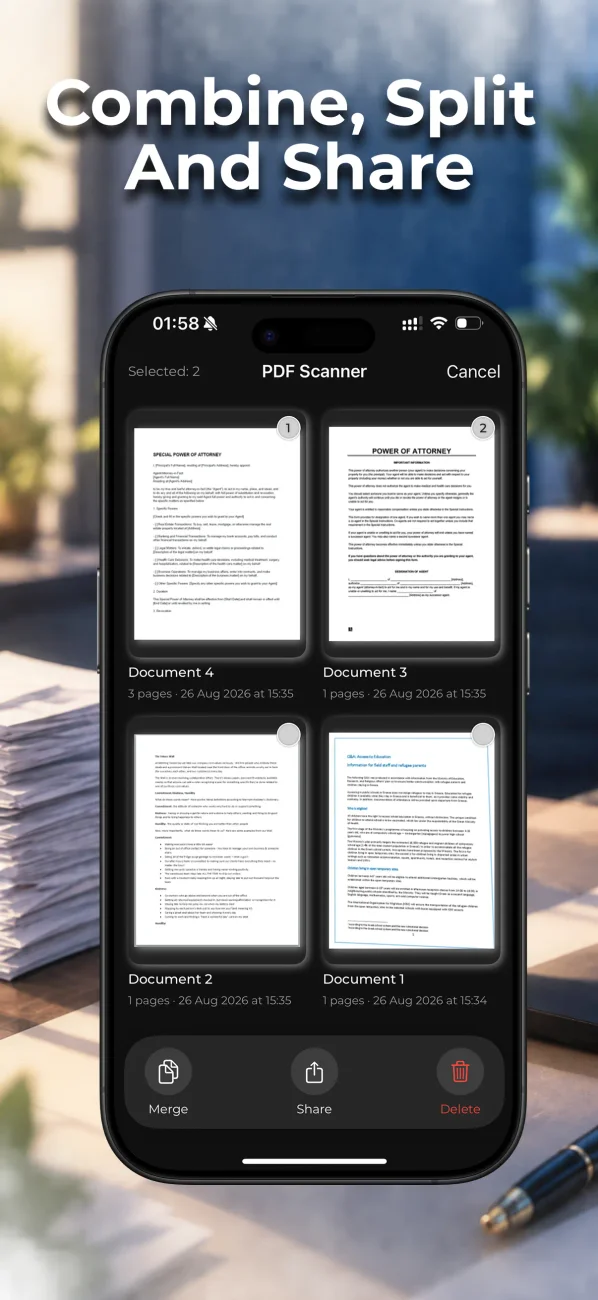
Giới thiệu
Nhà phát triển chưa cung cấp nội dung này bằng ngôn ngữ của bạn.
PDF Scanner — Scan, Sign, and Edit Documents in Seconds
Turn your iPhone into a powerful document scanner. Capture paper documents with your camera, clean them up automatically, edit the recognized text right on the page, add your signature, and turn everything into a polished PDF — all without leaving the app.
SMART SCANNING
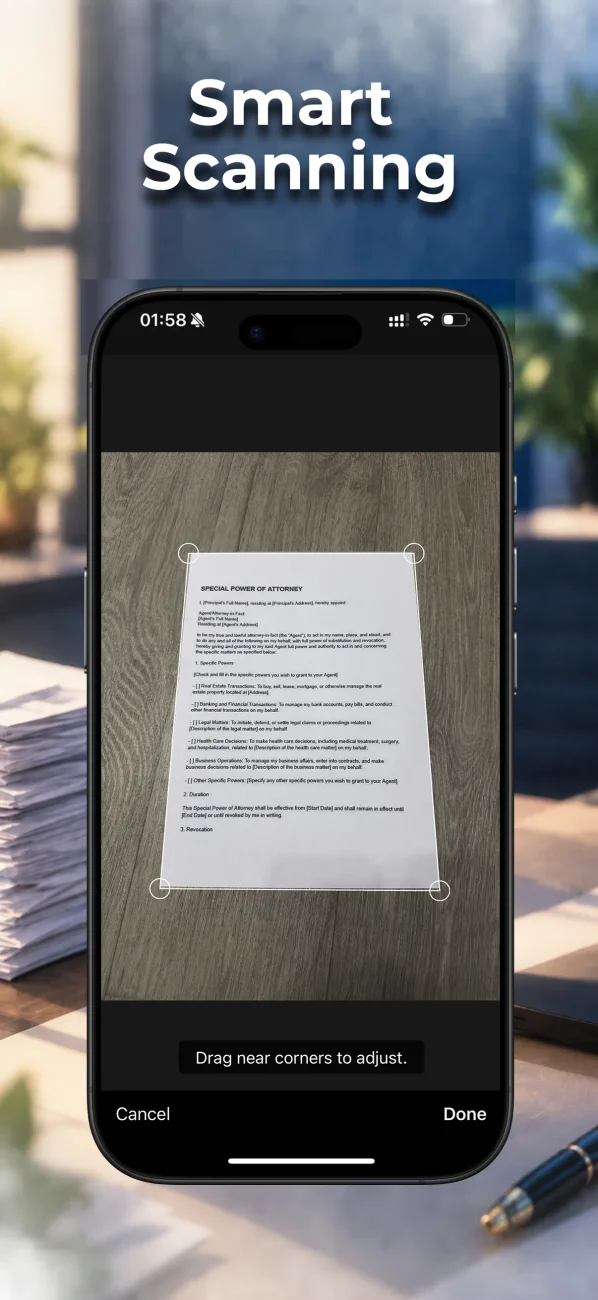
Point your camera at any document and PDF Scanner automatically detects the edges, corrects perspective, and crops it perfectly. Import photos from your gallery just as easily — auto-crop works there too.
EDIT TEXT — NOT JUST SCAN IT
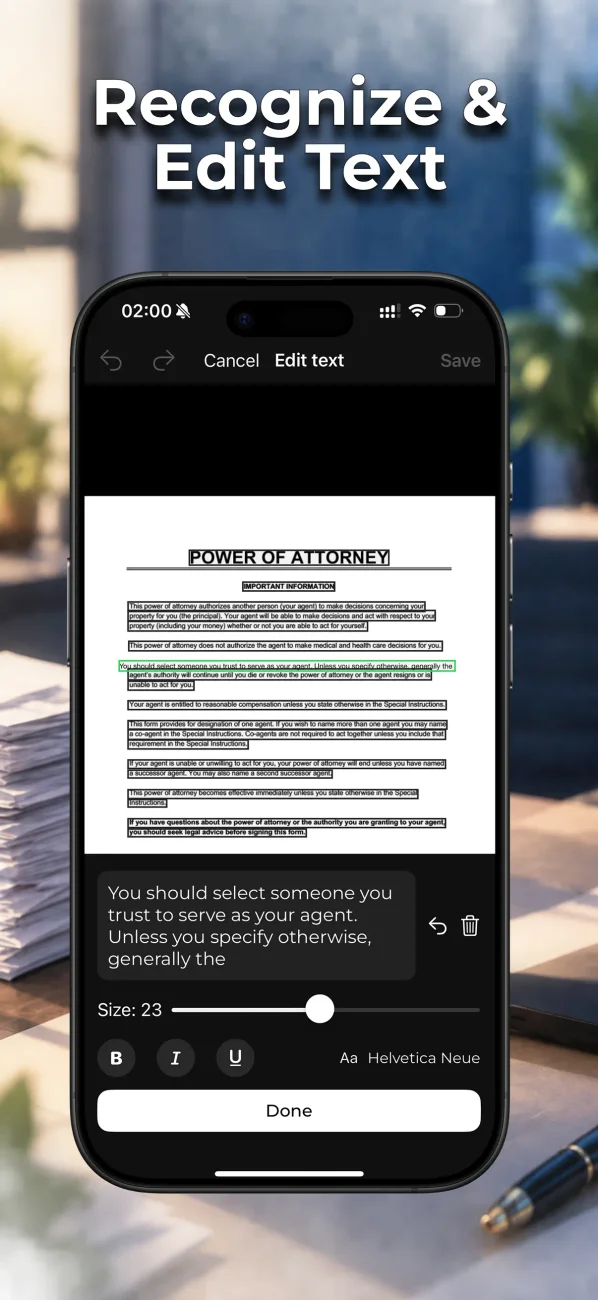
This isn't just OCR that copies text out. Tap any line of recognized text directly on the scanned page to retype it, change the font, resize it, or move it — the edit is patched right into the document, in place.
REAL SIGNATURES
Draw your signature with your finger, save it for reuse, and place it anywhere on the page. Resize, rotate, and adjust it precisely — or swap it out any time.
MERGE, SPLIT, AND ORGANIZE
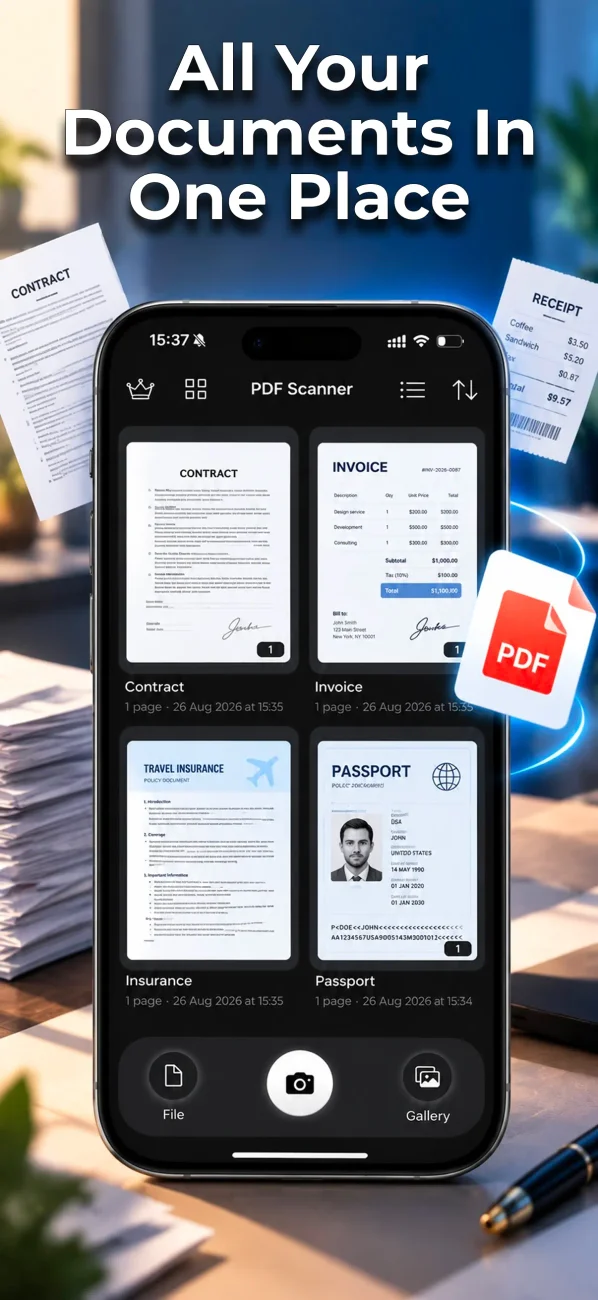
Combine multiple scans into a single PDF, split a document into separate files, reorder pages, and keep everything organized with sorting and a clean list or grid view.
SHARE INSTANTLY
Export and share your finished PDF anywhere — Mail, Messages, cloud storage, or any app on your phone.
WHY PDF SCANNER
• No clunky menus — everything happens right on the page
• Clean, distraction-free design
• Your documents stay on your device
• Fast enough to scan a whole stack of papers in minutes
Whether it's a contract to sign, a receipt to save, or a stack of paperwork to digitize, PDF Scanner gets it done without the hassle of a physical scanner.
Privacy Policy: https://sites.google.com/view/pdfscanner-2026/privacy-policy
Terms of Use: https://sites.google.com/view/pdfscanner-2026/terms
Support: suppapp24@gmail.com
Có gì mới
Phiên bản 1.3.1 · 17/10/2026
• Fixed an issue where exported PDFs were too large
• New app icon
Quyền riêng tư của ứng dụng
Những gì Oleh Antoniuk khai báo trên App Store về cách ứng dụng này xử lý dữ liệu.
-
Dữ liệu liên kết với bạn
Có thể được thu thập và liên kết với danh tính của bạn.
- Mục mua
-
Dữ liệu không liên kết với bạn
Có thể được thu thập nhưng không liên kết với danh tính của bạn.
- Mã định danh
- Dữ liệu sử dụng
Phương thức đảm bảo quyền riêng tư có thể khác nhau, chẳng hạn như tuỳ theo các tính năng bạn sử dụng hoặc độ tuổi của bạn.
Thông tin
- Người bán
- Oleh Antoniuk
- Danh mục
- Hiệu Suất
- Phiên bản
- 1.3.1
- Cập nhật
- 17/10/2026
- Phát hành
- 19/08/2026
- Kích thước
- 8,0 MB
- Yêu cầu
- iOS 16.0 trở lên
- Độ tuổi
- 4+
- Giá
- Miễn phí
- Mua hàng trong ứng dụng
- Có
- Ngôn ngữ
- Tiếng Anh, Tiếng Ả Rập, Tiếng Hà Lan, Tiếng Pháp, Tiếng Đức, Hindi, Tiếng Indonesia, Tiếng Ý, Tiếng Nhật, Tiếng Hàn, Tiếng Ba Lan, Tiếng Bồ Đào Nha + 8 ngôn ngữ khác
- Bản quyền
- © Oleh Antoniuk
Có thể bạn cũng thích
-
 Trình Chỉnh Sửa PDF .Chỉnh Sửa Tệp PDF
-
 PDF Scanner & Editor: LemonHiệu Suất
-
 14 Days: Habit & Goal TrackerHiệu Suất
-
 VARAK PDF Editor & ScannerHiệu Suất
-
 PDF Toolkit: PDF Editor & ScanHiệu Suất
-
 BossPDF: PDF Editor & ScannerHiệu Suất
-
 Textify: Convert PDF to TextHiệu Suất
-
 OCR, Read & Convert DocumentsHiệu Suất
-
 Word Editor: Edit Docx & PDFHiệu Suất
-
 PDFX: Đọc, Chỉnh sửa & Ký PDFChuyển đổi, điền form, ghi chú