- 対象年齢4+
- カテゴリ仕事効率化
- 開発元Clément Béchu
- 言語英語ほか1言語
- サイズ4.2 MB
App Storeの公式ページにリンクしています
Download.orgはScanPDF: PDF Scannerのファイルを一切ホストしていません。ボタンを押すと、Clément Béchuが公開しているApp Storeのアプリページが開きます。ページの最終確認:2026/11/12。
スクリーンショット
概要
開発元はこのテキストをお使いの言語で提供していません。
Scan documents to PDF and convert PDFs into images.
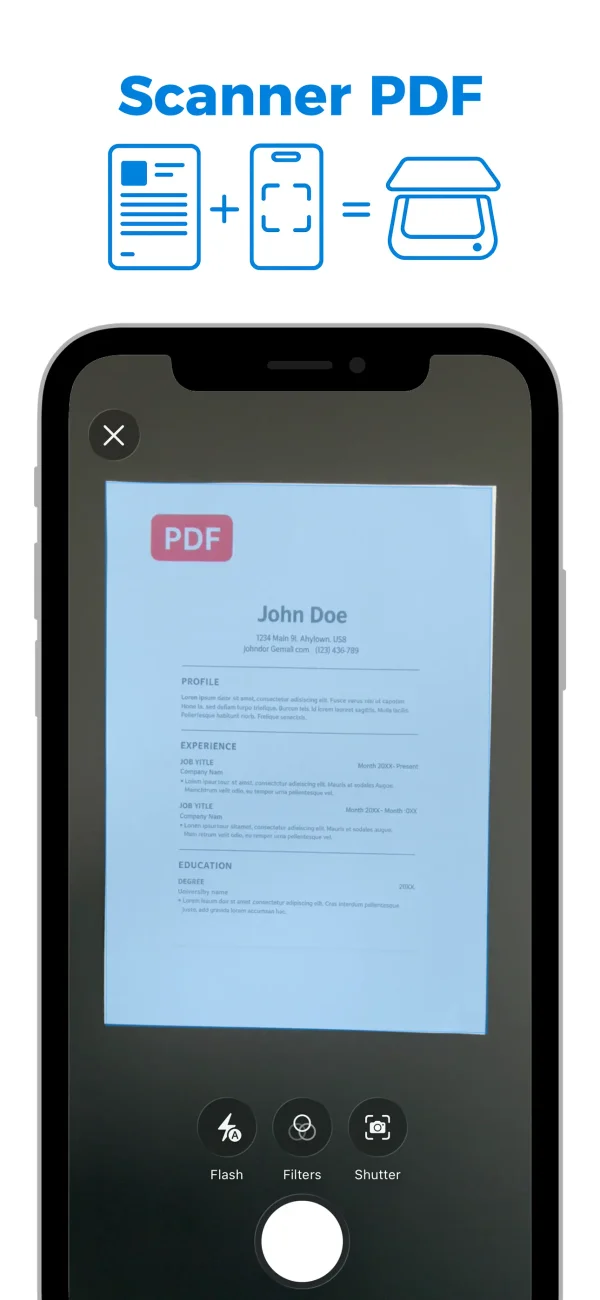
Turn your iPhone into a document scanner with ScanPDF. Scan pages, adjust their framing, add your signature, and share PDF files in just a few steps.
From class notes and receipts to invoices, contracts, and personal paperwork, keep your documents handy for school, work, and everyday life.
SCAN AND CREATE PDFs
• Scan documents using your iPhone camera.
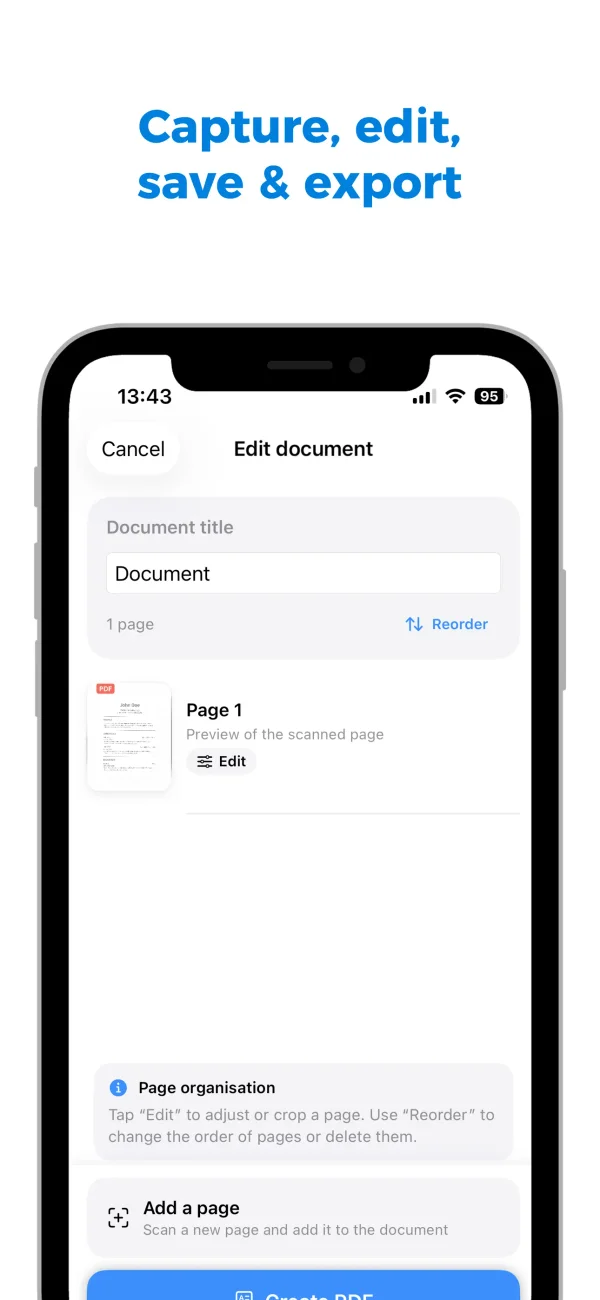
• Combine multiple pages into one PDF.
• Adjust page framing and orientation.
• Preview your documents before sharing.
EXTRACT TEXT FROM YOUR DOCUMENTS
Use optical character recognition (OCR) to extract text from scanned pages. Copy and reuse the text without typing it all again.
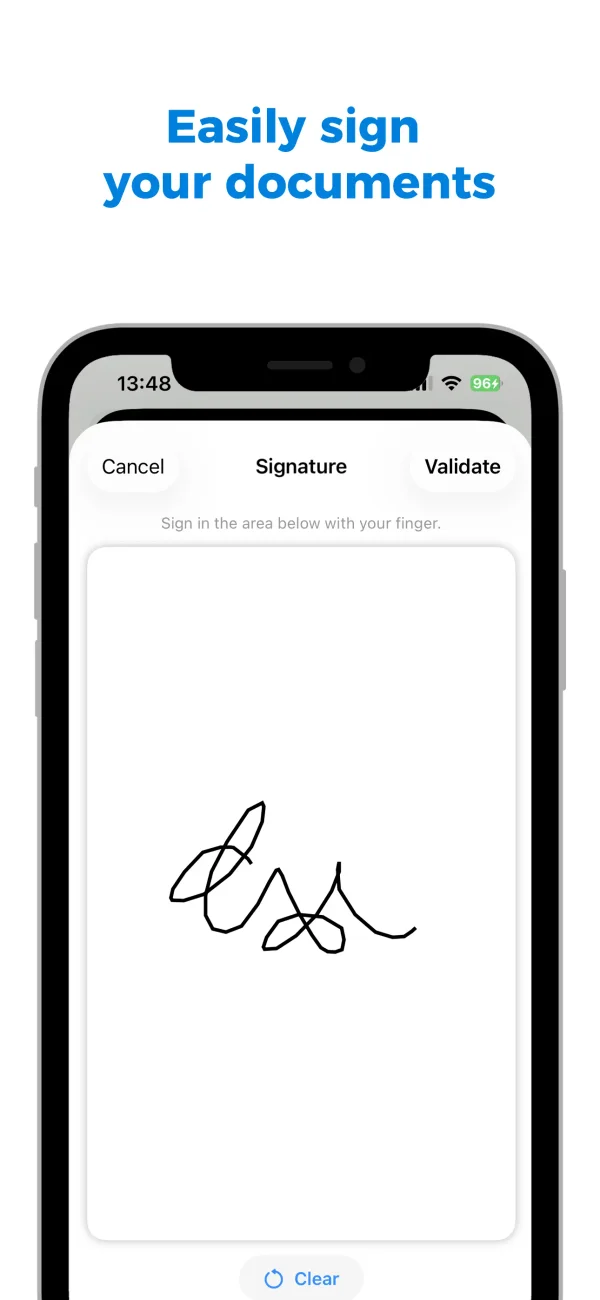
ADD YOUR SIGNATURE
Draw your signature and place it on your pages before creating your PDF.
CONVERT PDFs TO JPG OR PNG — PRO
Import a PDF or open a document already saved in the app. Convert each page into an image, then save or share individual images or all pages at once.
SAVE AND SHARE
• Find your saved documents in the app’s history.
• Store your scans locally on your device.
• Share PDFs through Mail, Messages, or other compatible apps.
• Scan and process documents offline, without uploading them to an online conversion service.
SCANPDF PRO
A Pro subscription lets you:
• Create PDFs without watermarks.
• Convert PDFs into JPG or PNG images.
• Enjoy unlimited access to Pro features.
• Use the app without ads.
Choose a monthly or annual subscription. Pricing and billing periods are displayed in the app before purchase.
SUBSCRIPTION INFORMATION
Payment is charged to your Apple Account at confirmation of purchase. Your subscription renews automatically unless you cancel at least 24 hours before the end of the current period. Your account is charged for renewal within 24 hours before the current period ends.
You can manage or cancel your subscription in your App Store account settings after purchase.
Terms of Use (EULA): https://www.apple.com/legal/internet-services/itunes/dev/stdeula/
Terms: https://www.123mobile.fr/scanpdf/conditions.html
Privacy Policy: https://www.123mobile.fr/scanpdf/politique.html
新機能
バージョン 1.03 · 2026/10/22
• Convert PDFs into JPG or PNG images with ScanPDF Pro.
• Save or share converted pages individually or all at once.
アプリのプライバシー
このアプリのデータの取り扱いについて、Clément BéchuがApp Storeで申告している内容です。
-
データの収集なし
開発元はこのアプリからデータを収集しません。
プライバシーの取り扱いは、ご利用の機能やお客様の年齢などに応じて異なる場合があります。
情報
- 販売元
- Clement Bechu
- カテゴリ
- 仕事効率化
- バージョン
- 1.03
- 更新日
- 2026/10/22
- リリース
- 2025/12/11
- サイズ
- 4.2 MB
- 必要条件
- iOS 17.6以降
- 対象年齢
- 4+
- 価格
- 無料
- アプリ内課金
- あり
- 言語
- 英語, フランス語
- 著作権
- © 123 Mobile