InkBridge - Trackpad & Tablet
Pencil and touch for Mac & PC
Được thiết kế cho iPad
Miễn phí · Mua hàng trong ứng dụng
- Độ tuổi4+
- Danh mụcĐồ Họa & Thiết Kế
- Nhà phát triểnXXM Studio LLC
- Ngôn ngữTiếng Anh+ 1 ngôn ngữ khác
- Kích thước2,4 MB
Liên kết đến trang App Store chính thức
Download.org không lưu trữ tệp nào của InkBridge - Trackpad & Tablet. Nút này mở trang ứng dụng trên App Store, nơi XXM Studio LLC phát hành ứng dụng. Trang được kiểm tra lần cuối: 23/11/2026.
Ảnh chụp màn hình

Giới thiệu
Nhà phát triển chưa cung cấp nội dung này bằng ngôn ngữ của bạn.
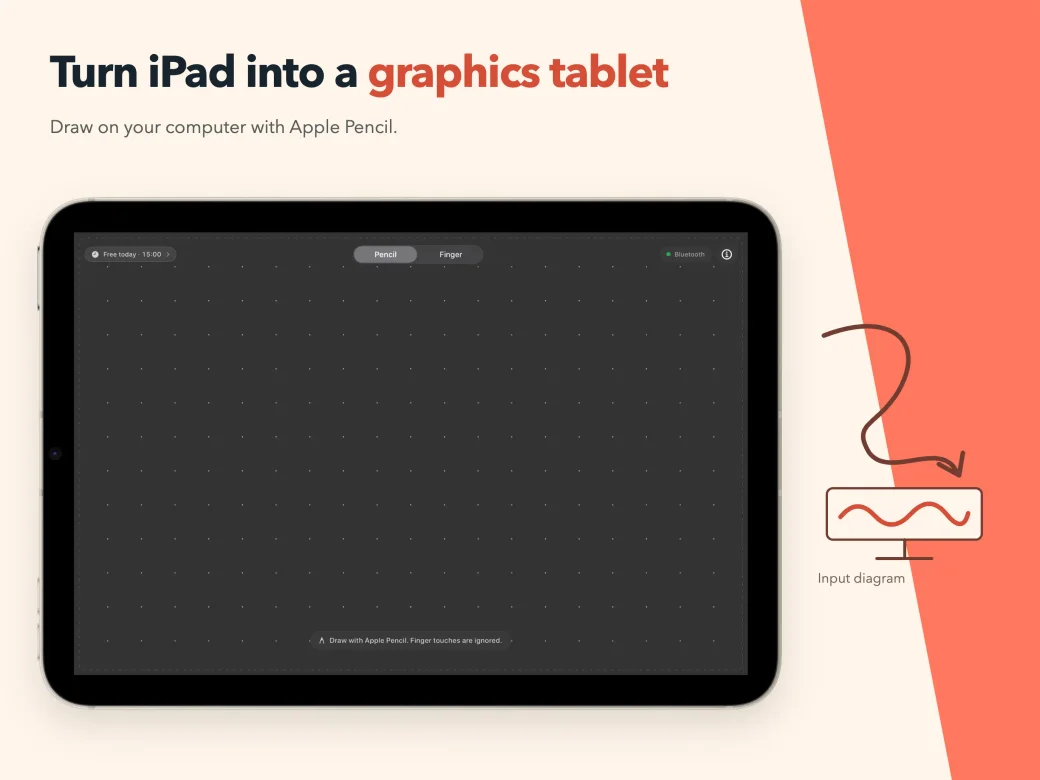
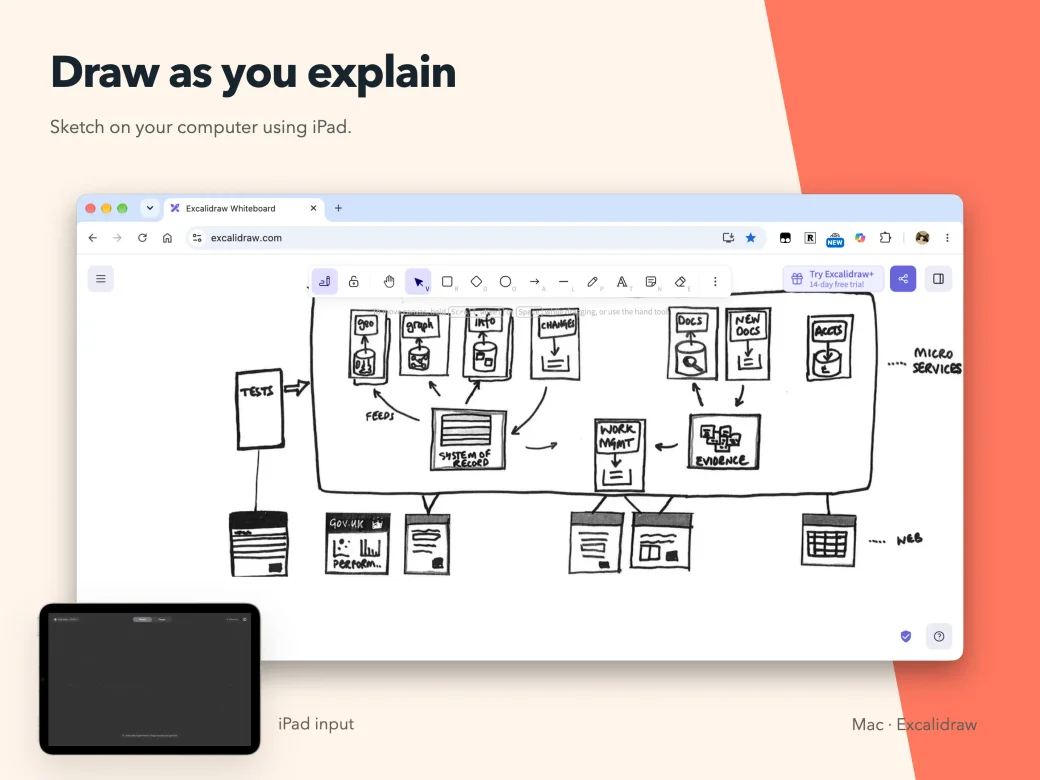
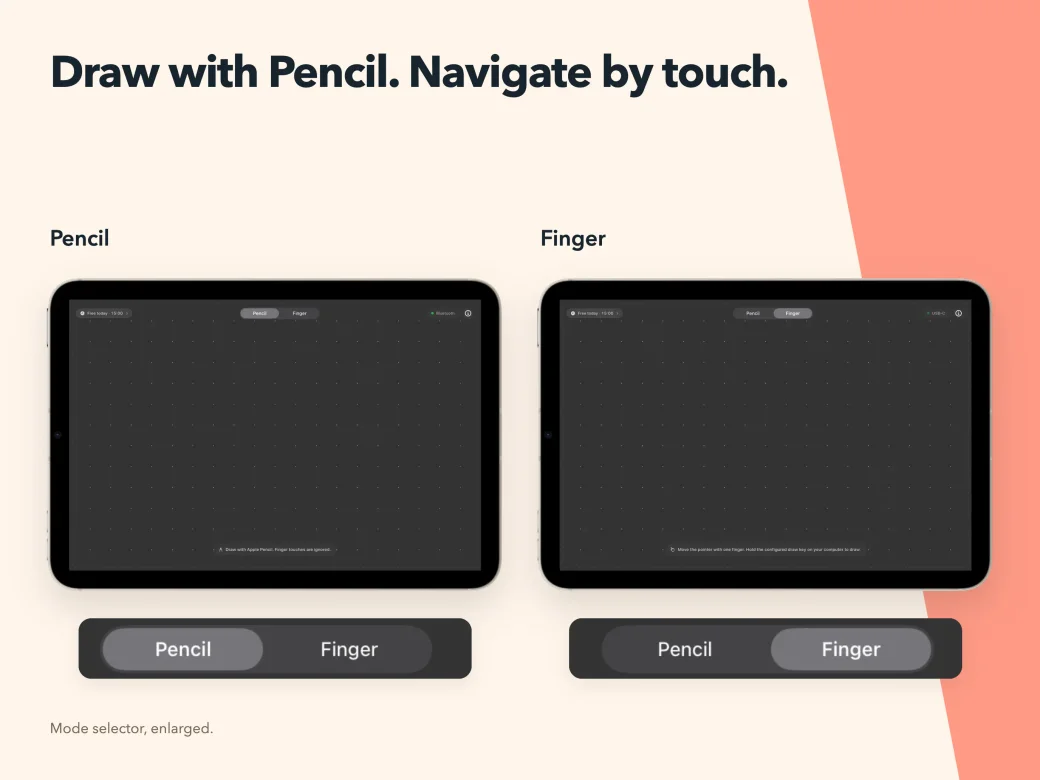
Use your iPad and Apple Pencil for pressure-sensitive drawing in supported Mac or Windows apps. Switch to Finger mode for relative cursor control.
The desktop companion is free. Your work stays on the computer; the iPad is an input surface, without screen mirroring.
HOW IT WORKS
Install the free InkBridge companion on your Mac or Windows PC.
Connect your iPad with a USB-C cable, or pair wirelessly over Bluetooth.
Open InkBridge on the iPad, pick up your Apple Pencil, and start drawing.
FEATURES
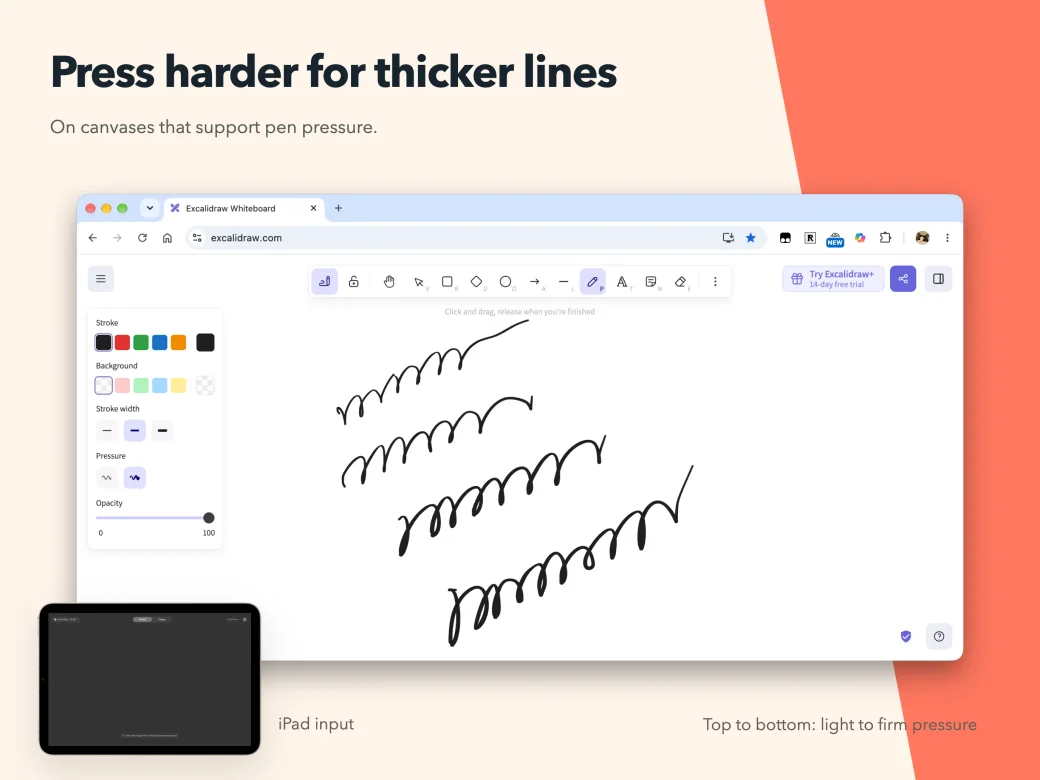
• Real pressure input—strokes respond to how firmly you press in supported apps such as Excalidraw freedraw and Krita
• Absolute cursor mapping with a configurable active area
• Tilt and Apple Pencil Pro gesture support—assign squeeze to an action such as right-click
• Hover support for positioning the cursor before touching the screen—requires an iPad and Apple Pencil combination that supports hover
• Finger trackpad mode—control the computer cursor with relative finger movement and use a configurable keyboard key to draw
• Low-latency USB-C connectivity with automatic encrypted Bluetooth fallback
• Multi-monitor support—choose the target display and the exact region to map
• A lightweight computer companion that stays out of your way while you work
PRIVACY
InkBridge collects no personal data. Apple Pencil input and essential device information travel only between your iPad and your paired computer over USB-C or encrypted Bluetooth. Nothing is sent to us or any third party.
REQUIREMENTS
• A compatible iPad running iPadOS 17.5 or later
• A Mac running macOS 14 or later, or a 64-bit Windows PC running Windows 10 or Windows 11
• Apple Pencil; Apple Pencil Pro gestures require a compatible iPad
• The free InkBridge computer companion
• InkBridge must remain open in the foreground on the iPad while in use
InkBridge is free to download. Activate a free 7-day trial of all features. After the trial, you can continue using one uninterrupted 15-minute free session each day, or make a one-time purchase to unlock unlimited lifetime use. No subscription and no automatic renewal.
Có gì mới
Phiên bản 1.1.3 · 22/11/2026
Fixed a crash that could occur when the USB connection was interrupted.
Quyền riêng tư của ứng dụng
Những gì XXM Studio LLC khai báo trên App Store về cách ứng dụng này xử lý dữ liệu.
-
Dữ liệu không được thu thập
Nhà phát triển không thu thập bất kỳ dữ liệu nào từ ứng dụng này.
Phương thức đảm bảo quyền riêng tư có thể khác nhau, chẳng hạn như tuỳ theo các tính năng bạn sử dụng hoặc độ tuổi của bạn.
Thông tin
- Người bán
- XXM Studio LLC
- Danh mục
- Đồ Họa & Thiết Kế
- Phiên bản
- 1.1.3
- Cập nhật
- 22/11/2026
- Phát hành
- 09/07/2026
- Kích thước
- 2,4 MB
- Yêu cầu
- iOS 17.5 trở lên
- Độ tuổi
- 4+
- Giá
- Miễn phí
- Mua hàng trong ứng dụng
- Có
- Ngôn ngữ
- Tiếng Anh, Tiếng Trung Giản thể
- Bản quyền
- © 2026 XXM Studio LLC
Có thể bạn cũng thích
-
 PadPad: Drawing TabletĐồ Họa & Thiết Kế
-
 VirtualTabletĐồ Họa & Thiết Kế
-
 Sprite TightĐồ Họa & Thiết Kế
-
 Brushcraft: Draw & PaintĐồ Họa & Thiết Kế
-
 VirtualTablet: BluetoothĐồ Họa & Thiết Kế
-
 Local AI Art Private DiffusionĐồ Họa & Thiết Kế
-
 Holo.Pen Lite: Virtual TabletĐồ Họa & Thiết Kế
-
 Holo.Draw LiteĐồ Họa & Thiết Kế
-
 FlipFrame: 2D Animation MakerĐồ Họa & Thiết Kế
-
 ArmorPaintĐồ Họa & Thiết Kế