Weekly Spelling
Class lists. Daily practice.
Được thiết kế cho iPhone, iPad
Miễn phí
- Độ tuổi9+
- Danh mụcGiáo Dục
- Nhà phát triểnGeeky Meta
- Ngôn ngữTiếng Anh
- Kích thước14,1 MB
Liên kết đến trang App Store chính thức
Download.org không lưu trữ tệp nào của Weekly Spelling. Nút này mở trang ứng dụng trên App Store, nơi Geeky Meta phát hành ứng dụng. Trang được kiểm tra lần cuối: 20/11/2026.
Ảnh chụp màn hình
Giới thiệu
Nhà phát triển chưa cung cấp nội dung này bằng ngôn ngữ của bạn.
Make weekly spelling practice easy to start and easy to repeat.
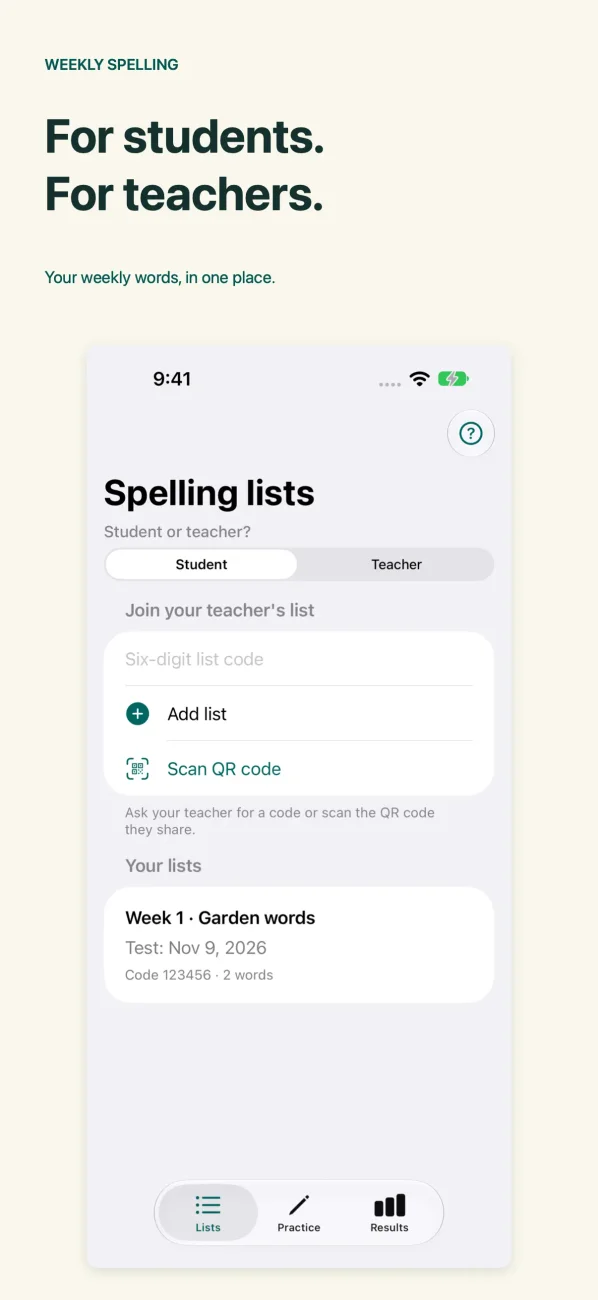
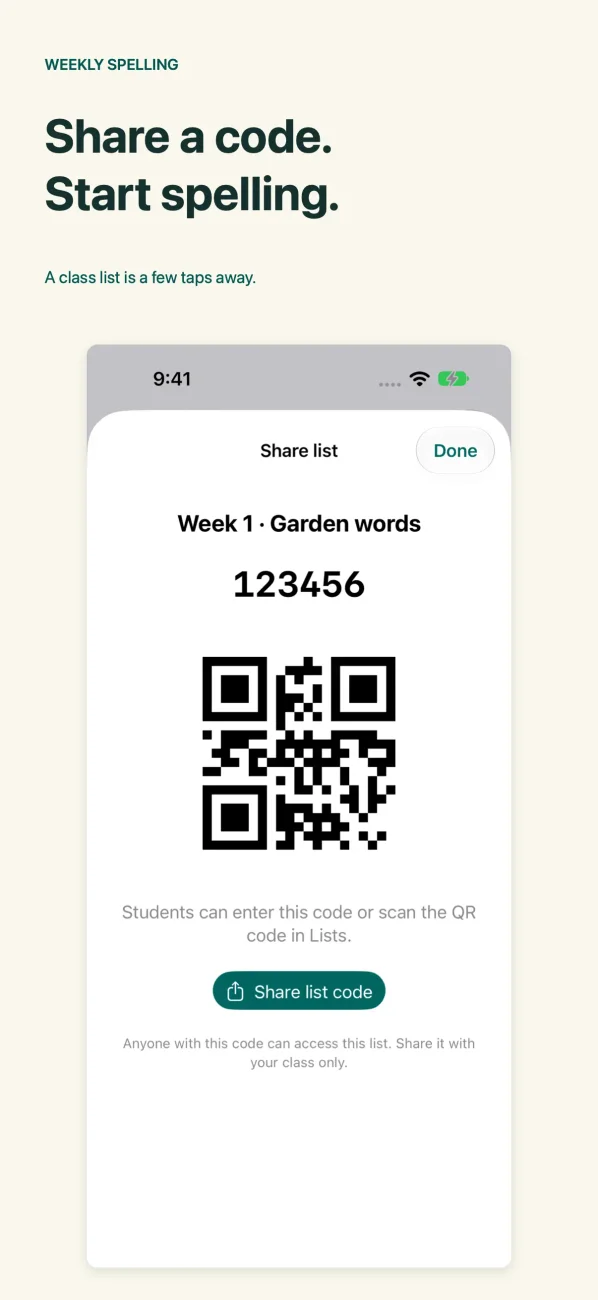
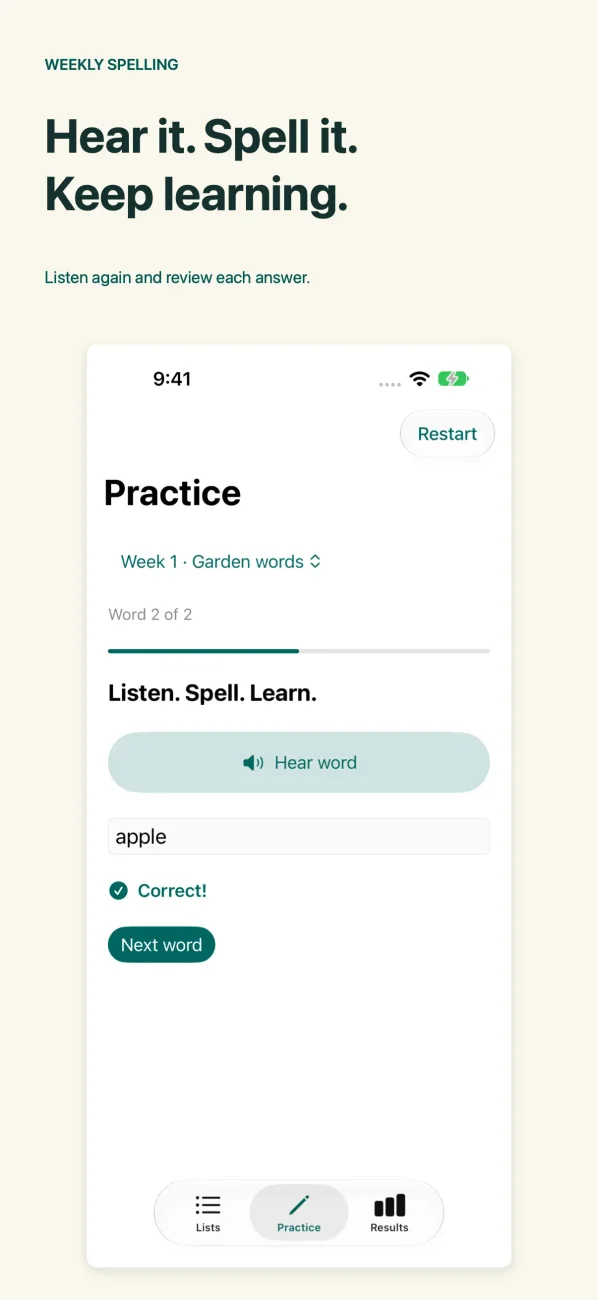
Teachers create a list, choose a test date, and share its six-digit code or QR code. Students add the list, hear each word, type their spelling, and review the answer before moving on.
• Create classroom lists with continuous word entry and easy word removal.
• Share a list by code or QR code, and edit it on the creating device.
• Add your teacher’s list and replay spoken words during practice.
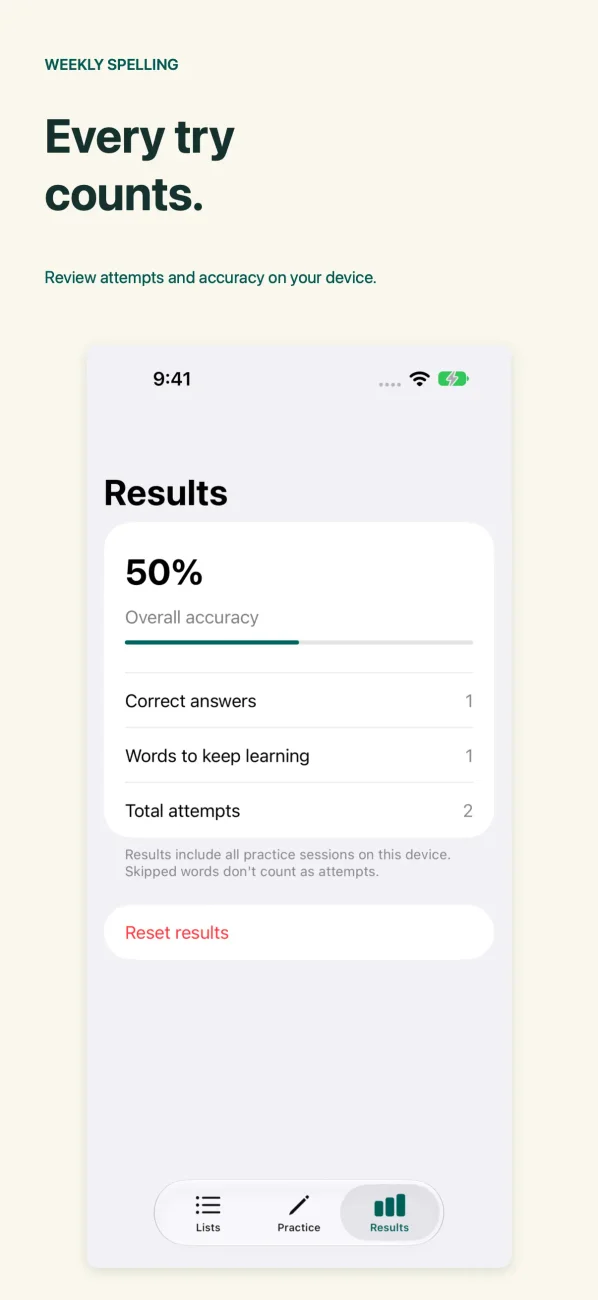
• Review answers, total attempts, and overall accuracy.
• Return to saved practice progress on the same device.
• Learn the basics with three short videos in Lists → Help.
• Copy an older shared list to a new code for editing, without a sign-in screen.
Classroom content screening runs on the device. On supported devices with Apple Intelligence available, an additional on-device review checks the list. When it is unavailable, local screening and explicit adult review remain available. Screening can miss inappropriate content, so an adult must review every list before sharing.
An internet connection is needed to share and refresh lists. Saved lists and practice progress are kept on the device. Anyone with a list’s code can access that shared list; share codes with your class only.
Shared lists are stored using Firebase. A device identity controls editing access without a sign-in screen. If that identity is lost, the shared list can be copied to a new code for editing.
Có gì mới
Phiên bản 1.3 · 10/11/2026
• Three short narrated quick-start videos explain Student and Teacher modes, list sharing, and practice.
• Add words continuously with keyboard Next, with clearer rows and easier removal.
• Refreshed lists, sharing, practice, and results.
• On-device vocabulary screening and clearer adult review.
• Stronger shared-list protection and device-owned editing.
• Improved saved progress, answer scoring, QR scanning, and accessibility.
Quyền riêng tư của ứng dụng
Những gì Geeky Meta khai báo trên App Store về cách ứng dụng này xử lý dữ liệu.
-
Dữ liệu liên kết với bạn
Có thể được thu thập và liên kết với danh tính của bạn.
- Nội dung của người dùng
- Mã định danh
-
Dữ liệu không liên kết với bạn
Có thể được thu thập nhưng không liên kết với danh tính của bạn.
- Chẩn đoán
- Dữ liệu khác
Phương thức đảm bảo quyền riêng tư có thể khác nhau, chẳng hạn như tuỳ theo các tính năng bạn sử dụng hoặc độ tuổi của bạn.
Thông tin
- Người bán
- Geeky Meta LLC
- Danh mục
- Giáo Dục
- Phiên bản
- 1.3
- Cập nhật
- 10/11/2026
- Phát hành
- 23/12/2024
- Kích thước
- 14,1 MB
- Yêu cầu
- iOS 17.5 trở lên
- Độ tuổi
- 9+
- Giá
- Miễn phí
- Ngôn ngữ
- Tiếng Anh
- Bản quyền
- © 2024 Geeky Meta LLC
Có thể bạn cũng thích
-
 Cody SpellGiáo Dục
-
 Meerkie - Afrikaans vir babasGiáo Dục
-
 Klinkende KlankeGiáo Dục
-
 Spelliful - Spelling WordsGiáo Dục
-
 Đố Vui Trái Cây - Chơi & HọcTrái cây: Đố & Ghép hình
-
 Spelling Test QuizGiáo Dục
-
 Little Reading For KidsGiáo Dục
-
 Afrikaans FlashcardsGiáo Dục
-
 Spell My ListGiáo Dục
-
 Số bằng tiếng AfrikaansHọc và dịch trực tuyến: đếm