
Dropbox 280.4.5053 for Windows
Cloud storage that syncs files across all your devices
You are on macOS — this is the Windows version. See the macOS version
Screenshots
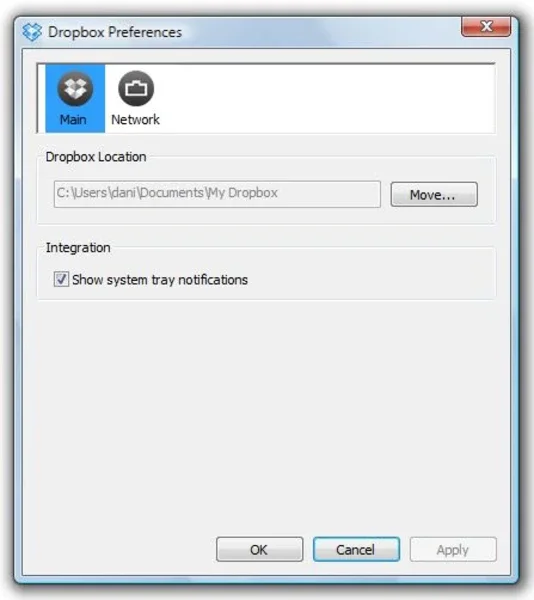
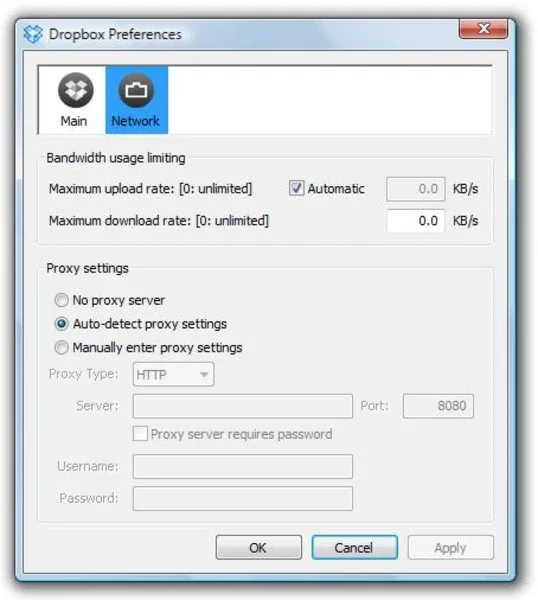
Description
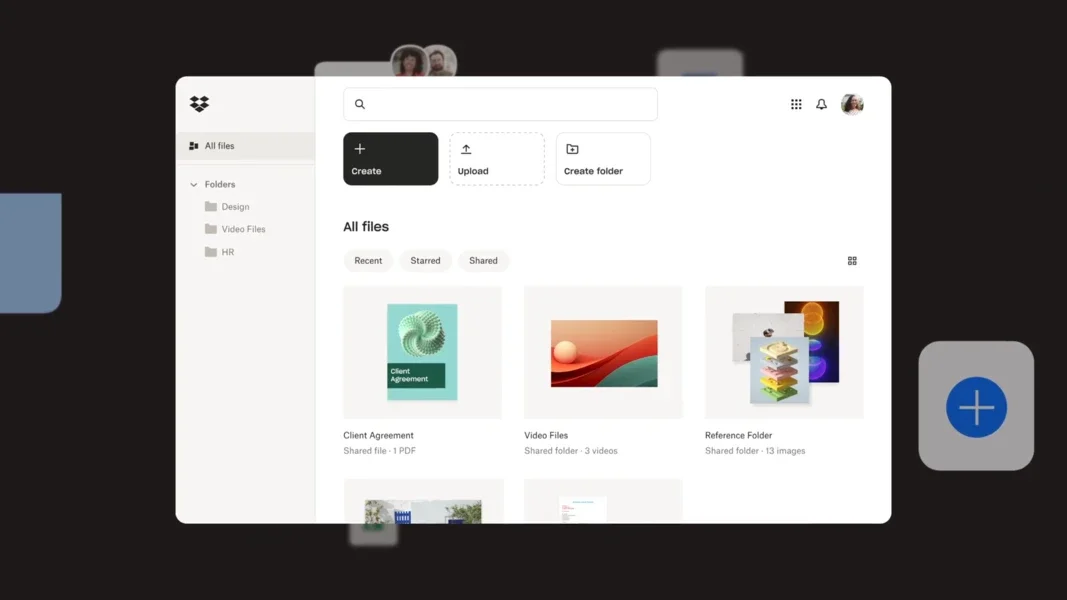
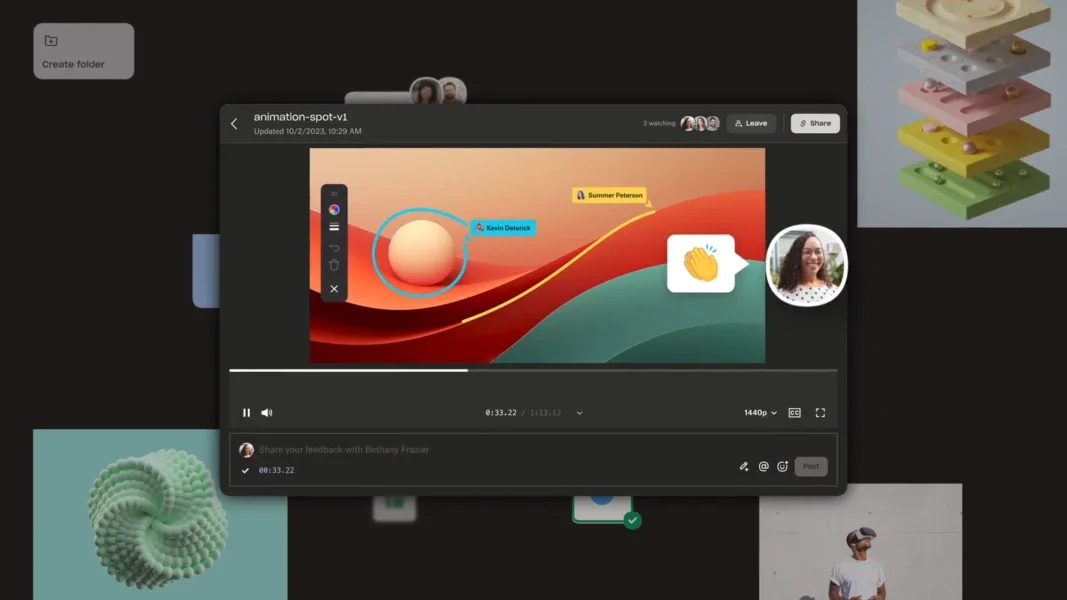
Dropbox keeps a copy of your files in the cloud and on every device linked to the same account. It stores and synchronizes files across computers, laptops, mobile devices and tablets, and a change made to a file on one device shows up on the others automatically. Drew Houston and Arash Ferdowsi started the service in 2007; it now has over 500 million registered users worldwide.
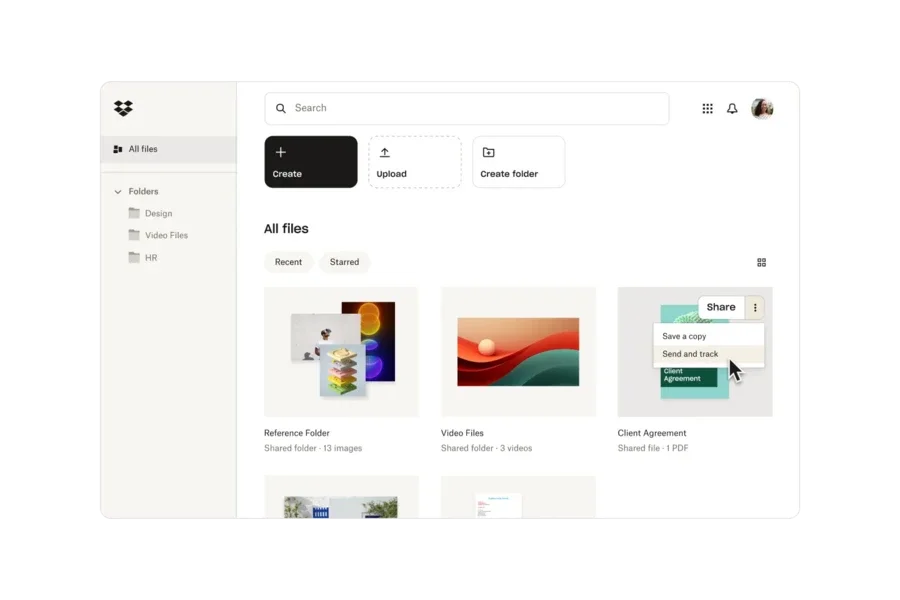
Getting started means signing up at dropbox.com and picking a free or paid plan. You then download and install the desktop application. Files go up by dragging and dropping them into the application or clicking the Upload button, and you can also upload through the web interface. Folders can be created to organize files and added the same way, by dragging them in.
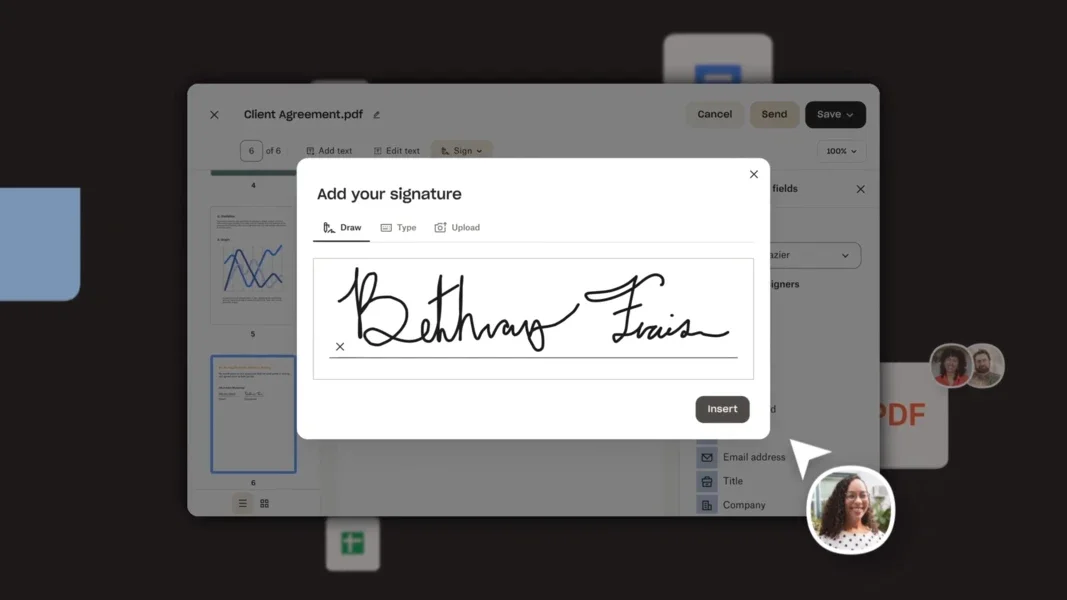
Sharing is done from the right-click menu: select Share, enter the recipients' email addresses, and they get an invitation. You can invite people to edit or view a file. Editing means opening the file in your preferred software and saving it; the changes appear in real time on all connected devices. Dropbox integrates with third-party applications such as Microsoft Office and Google Docs, and it runs on Windows, macOS, Linux, Android and iOS.
Files are encrypted with AES 256-bit encryption before leaving the device and while stored on Dropbox servers, covering data at rest and in transit. Two-factor authentication asks for a verification code sent to your phone or email in addition to your password. Version history is kept for up to 30 days, so an older version can be recovered after accidental deletion or malicious activity. The infrastructure is monitored 24/7 and watched by video surveillance, with on-site security personnel. Cost and limited storage space are the drawbacks.
Download files
ea79e1d4be80c70b8620e3f996440d48e5343d3f9ba37667372ecc0e2c2909fc
No digital signature976a4676dc7d315c05d04de4ef2c182f859004dcacb0bdee04a75a4124273361
No digital signatured81c0f61459502e3b3e17e3fadaf7ce7d526a741c5f1e68ca4bf99e070169807
No digital signature72fdc26cf2f5884e8bb0d642c0cabf6d6b8b0eb39362233066e97c7579603049
No digital signature2c0739ce82ad5ca3ab9b24166df8f1de7bd40048e5f46dd1a55ccd75888b1735
No digital signatureSystem requirements
Additional information
Developer
Latest release
Size
Category
File type
SHA-256
ea79e1d4be80c70b8620e3f996440d48e5343d3f9ba37667372ecc0e2c2909fc





