
Save-o-gram 3.4 for Windows
SHA-256 listed
Downloads public Instagram photos to a Windows PC
12+
Age rating
Screenshots
Description
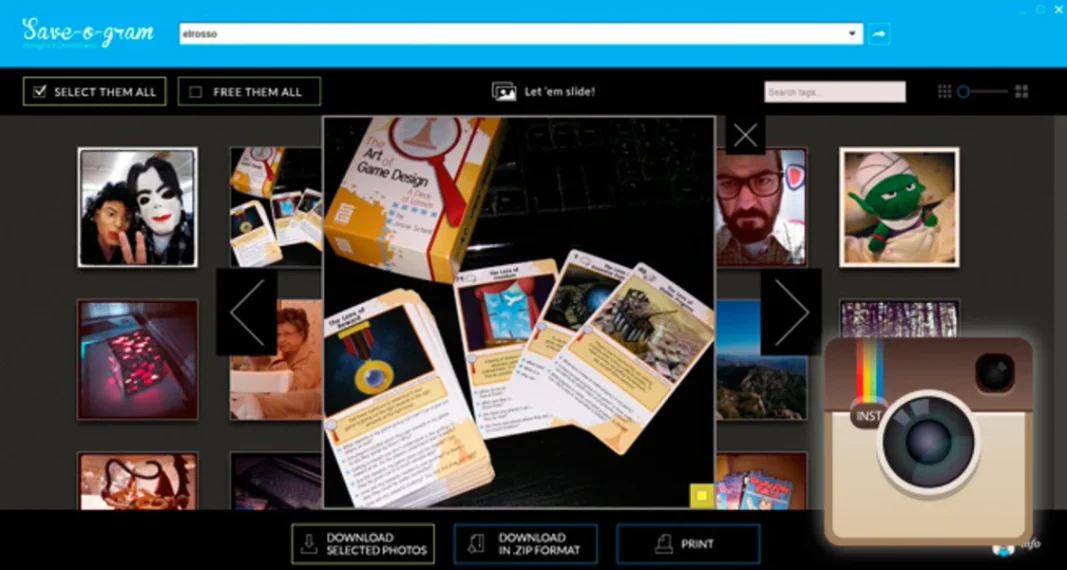
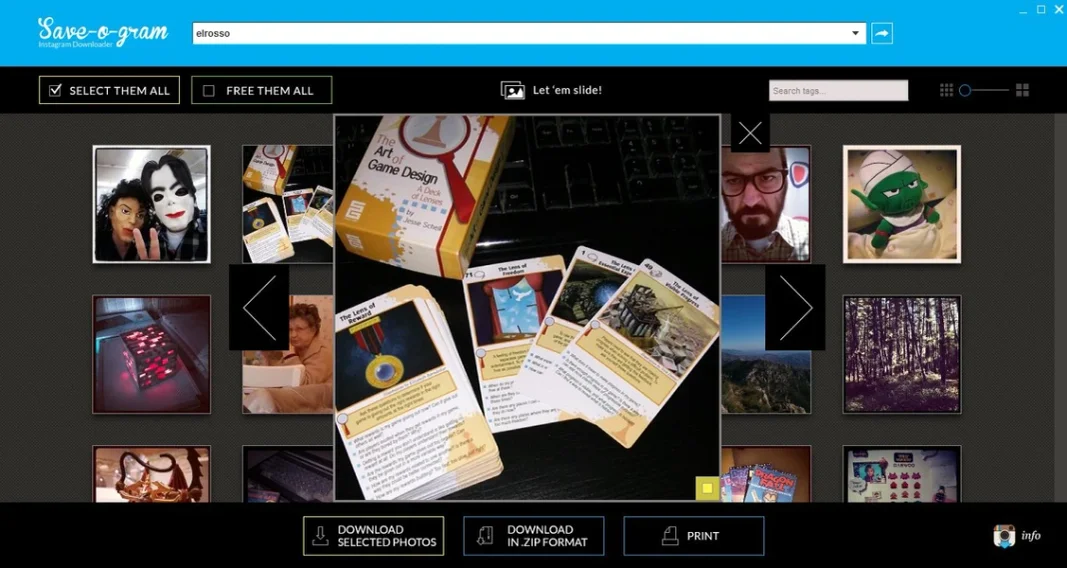
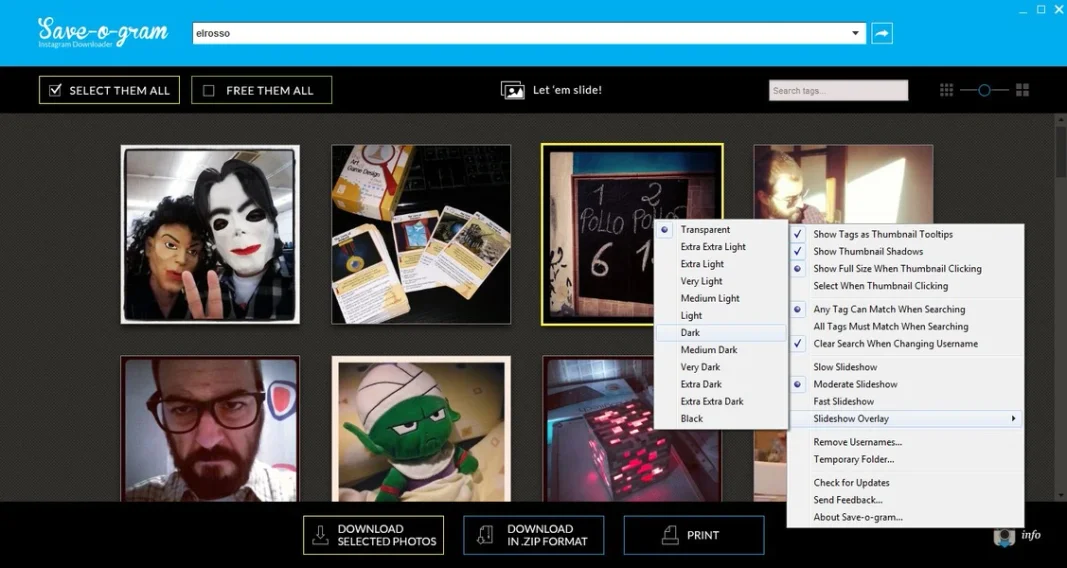
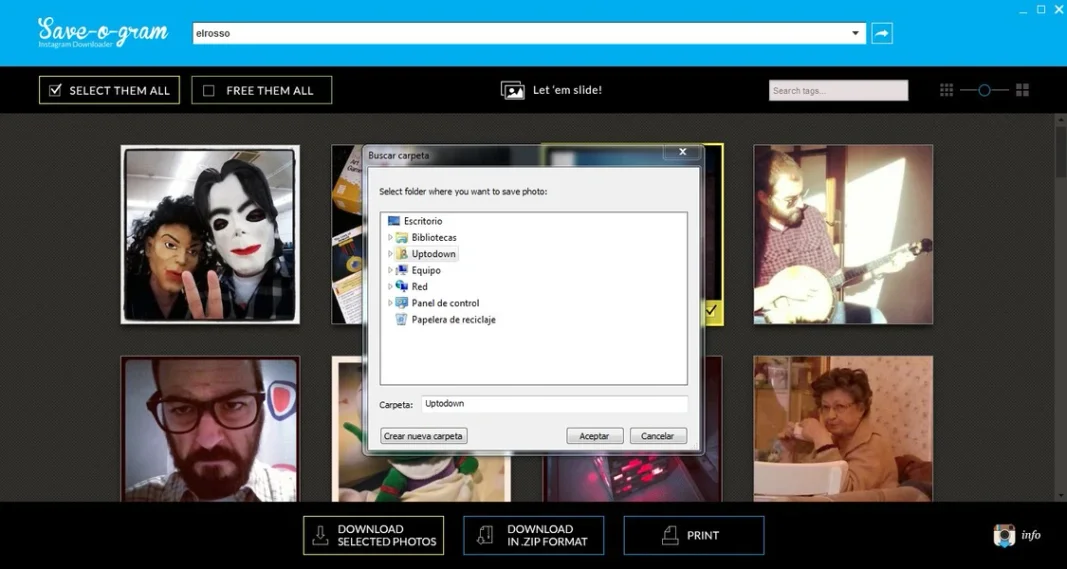
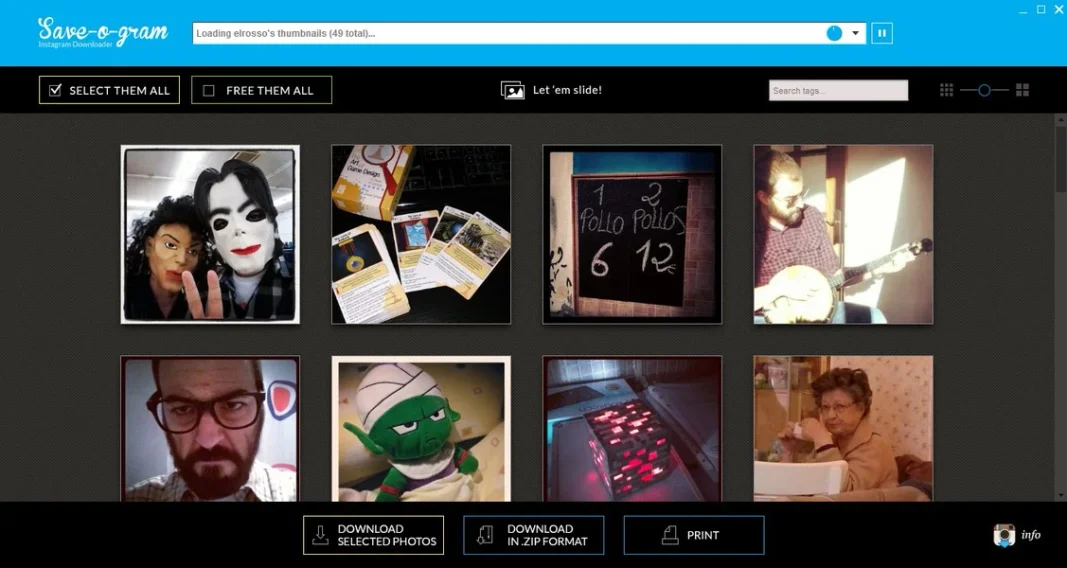
Save-o-gram downloads Instagram photos to your computer, and the quickest way in is to type an Instagram username into the top of the interface. The program then shows that account's public pictures in a grid. You can pick photos one by one or grab the whole collection at once, and the files come down either zipped or as JPEGs.
A tag search runs through Instagram's Explore feature and puts the results in the same grid. Open a photo in the viewer and the keyboard moves you from one picture to the next. Printing goes straight from the app, no export step in between.
Save-o-gram 3.4 is free on Windows.
Download files
File3.4EXE
Version3.4
ReleasedDec 24, 2015
Size2.9 MB
SHA-256
Get
916caa371d205510587dc24c554c091f55bc13566d4d24d13e522fc156cb1e94
Signed by Genesis Mobile · valid until Dec 18, 2015Filesave-o-gram-3.1.exeEXE
Version3.1
ReleasedSep 14, 2015
Size2.9 MB
SHA-256
Get
6c0eafa766295e5b766585ca0866c6638d2cae29c82b0e87bf0f2e8bb6fbb7d2
Filesave-o-gram-2.9.exeEXE
Version2.9
ReleasedFeb 23, 2015
Size2.9 MB
SHA-256
Get
749432c8cb6fa93117aa8c8de7cb52247590df6c6acd215a7eec528c3eda3ffa
Filesave-o-gram-2.1.exeEXE
Version2.1
ReleasedSep 17, 2014
Size1.1 MB
SHA-256
Get
2705bf121af3bd83db2bb810d1167af1d4c8df54ba0461300f62346f56081871
Filesave-o-gram-1.5.exeEXE
Version1.5
ReleasedMay 21, 2014
Size1.1 MB
SHA-256
Get
1179ac41437659f8a548d347242612983d0e600ad5019d56ea96d23ebd06944a
System requirements
Available on:
Additional information
Developer
Latest release
3.4 · Dec 24, 2015
Size
2.9 MB
Category
File type
EXE
SHA-256
916caa371d205510587dc24c554c091f55bc13566d4d24d13e522fc156cb1e94
Digital signature
Signed by Genesis Mobile · valid until Dec 18, 2015