
Sengi 1.8.0 for Windows
Desktop client for Mastodon and Pleroma with column-based account management
You are on macOS — this is the Windows version. See the macOS version
Screenshots

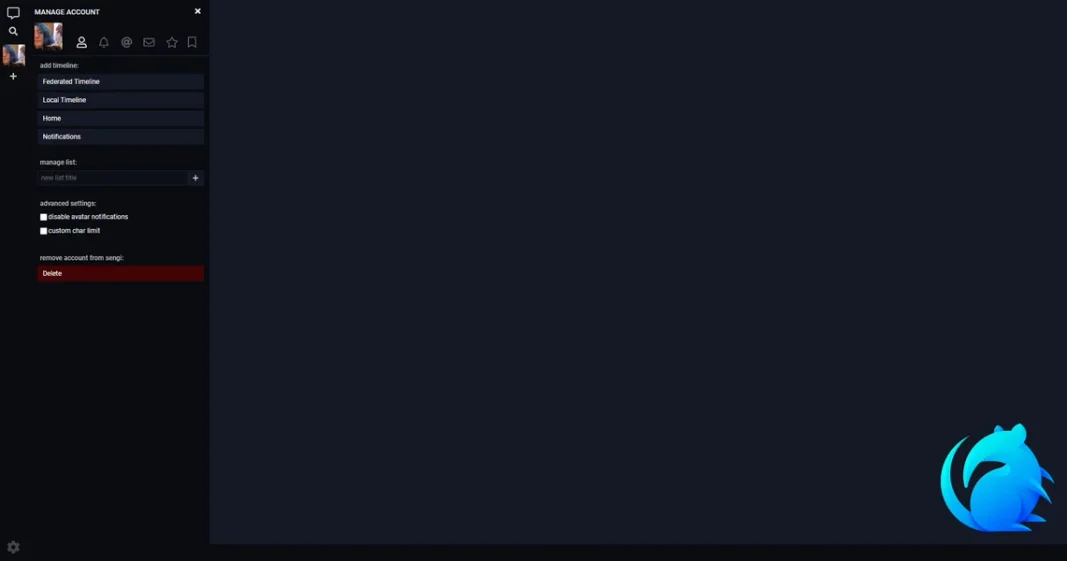
Description
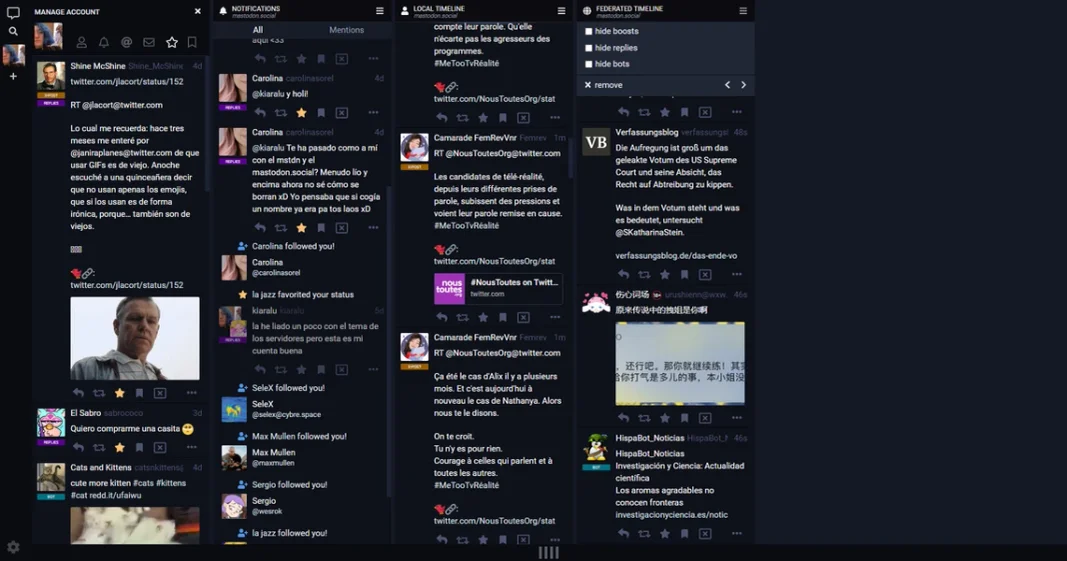
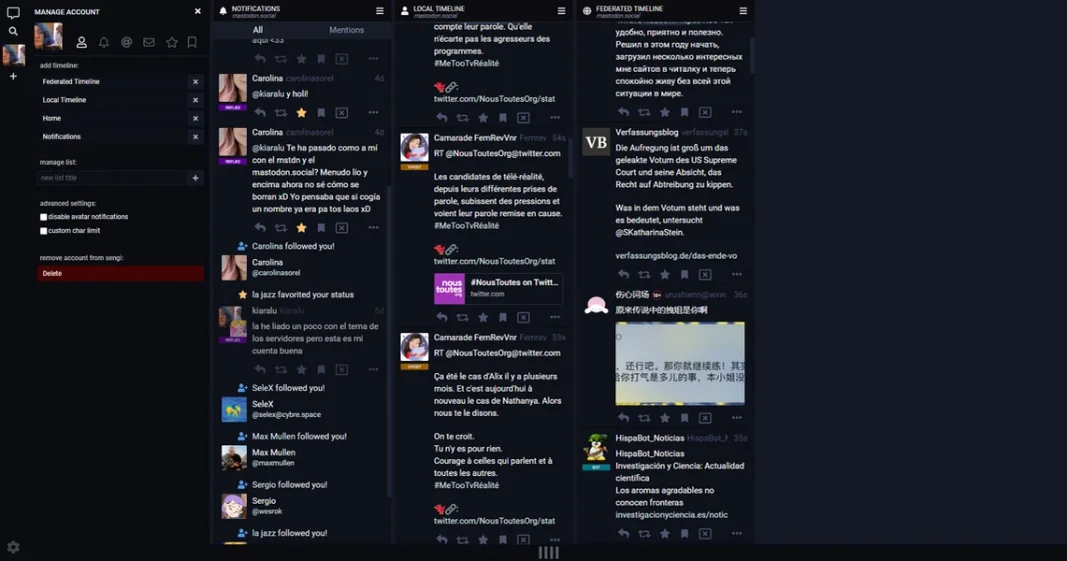
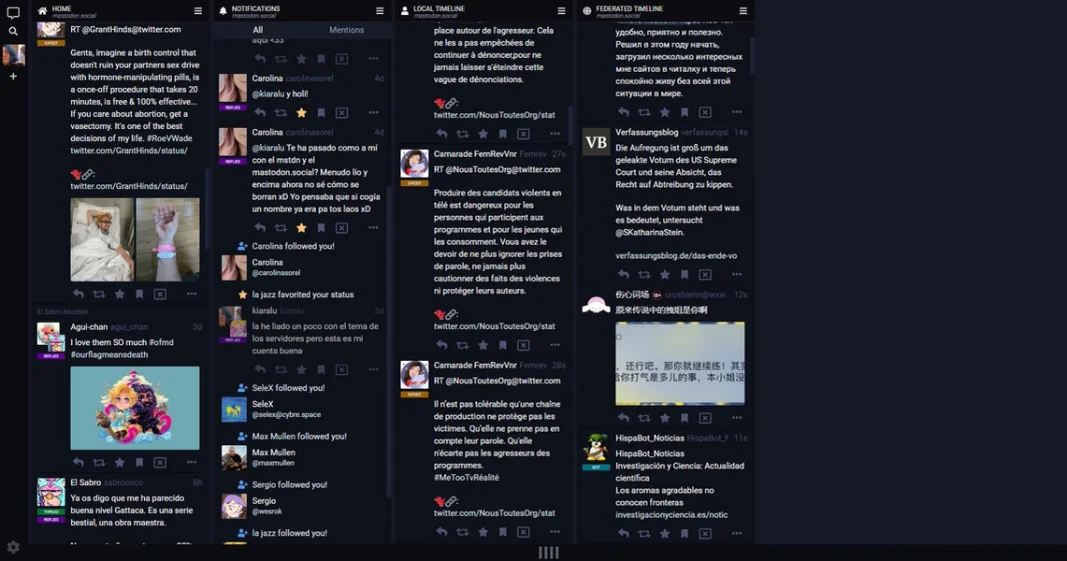
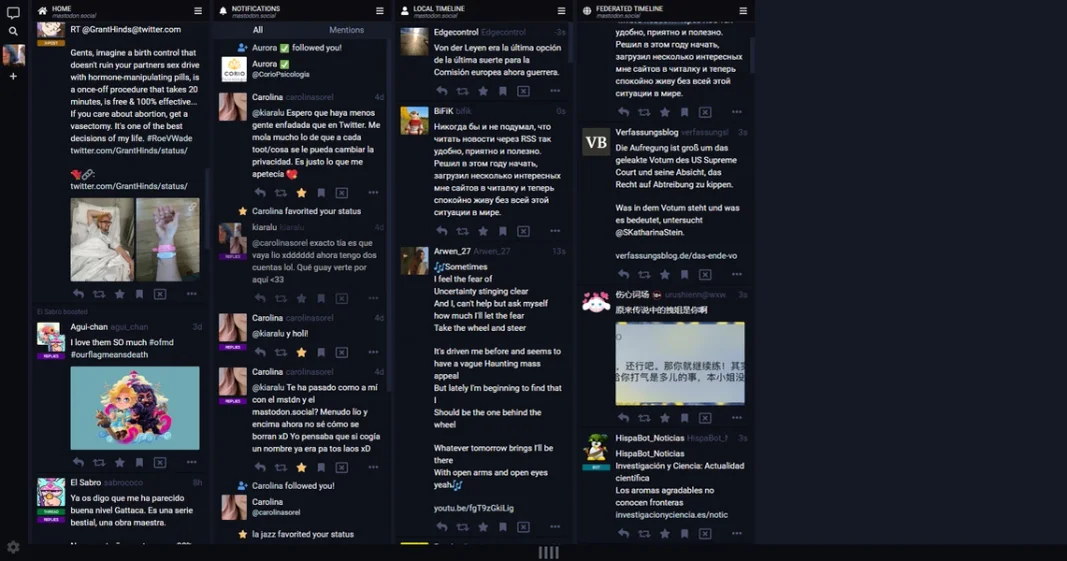
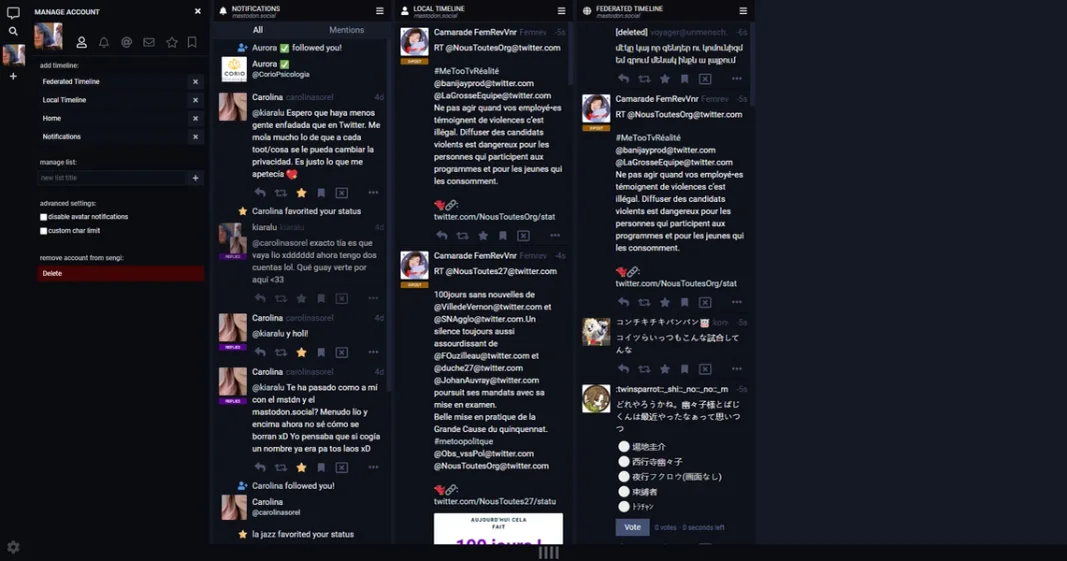
Sengi reads Mastodon and Pleroma timelines on a Windows desktop, showing each one in its own column. It's a desktop client for those two networks, and it handles multiple accounts on them at once. You log into several accounts and keep them apart by column rather than by window. Clicking an avatar switches you between Mastodon profiles.
Columns are the working surface. You pick what each one shows from a set of options: the home timeline, notifications, direct messages, saved items, and user-created lists. Every column can be customized, so the layout follows how you read rather than a fixed arrangement. The interface adapts to any screen size, from a small window to a wide monitor.
The features of both networks are all there, reached through a simple interface. If you have used a desktop client for Twitter, the settings and general feel will look familiar.
Download files
System requirements
Available on:
Minimum OS:
Windows Windows 10 or later
Additional information
Developer
Latest release
Size
Category
File type
SHA-256
6251582edabdf9e10706c1e48f74c7dc26ebe7662d04ee777bb2df6e81fba7b6