
Snapchat 4.0.1.0 for Windows
Desktop messaging, snaps, and video calls for Windows
Screenshots
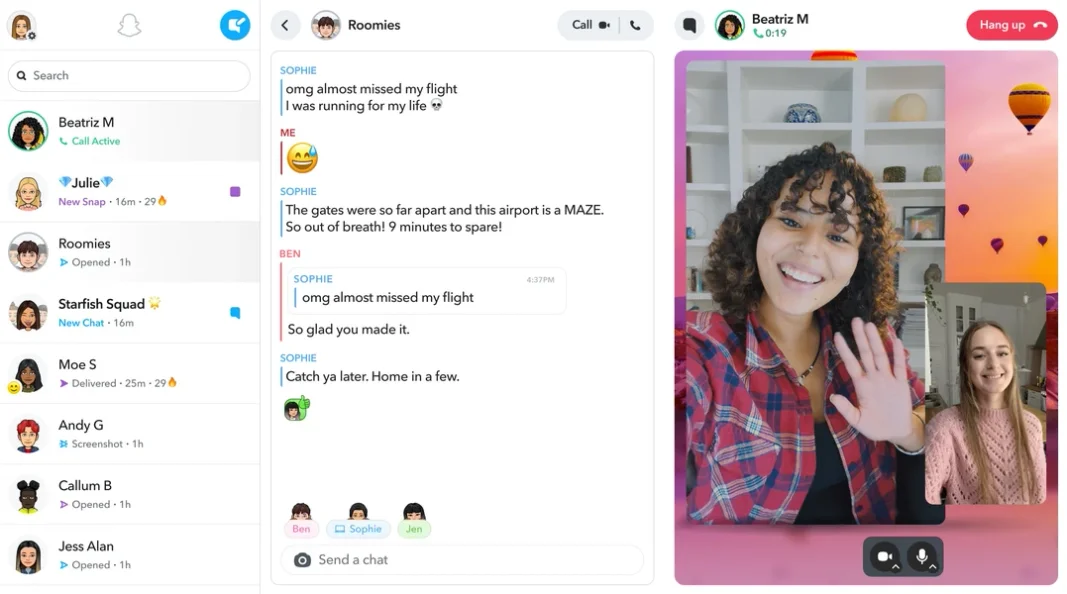
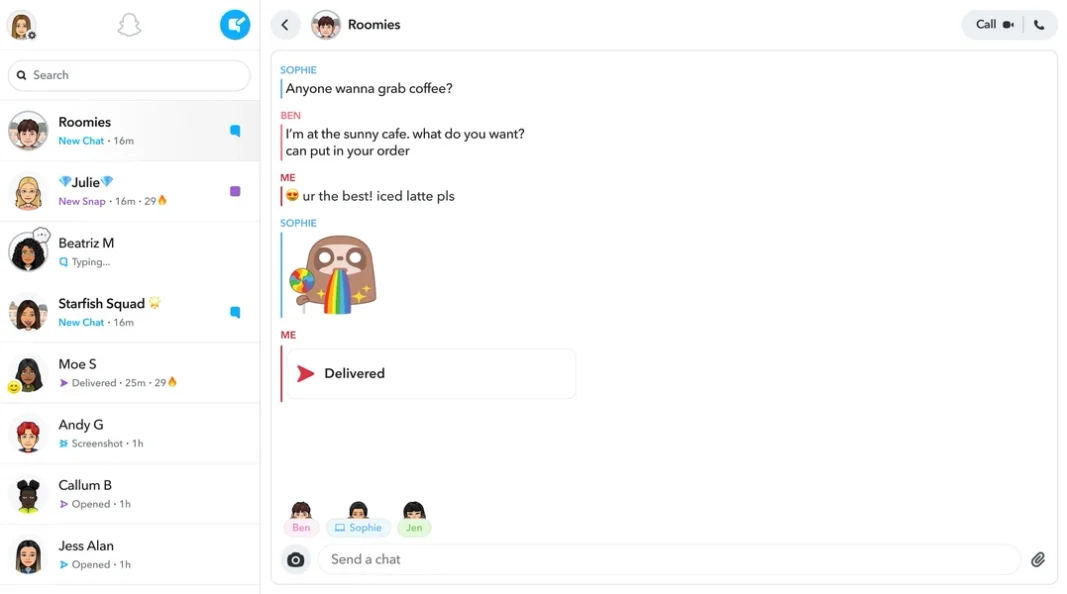
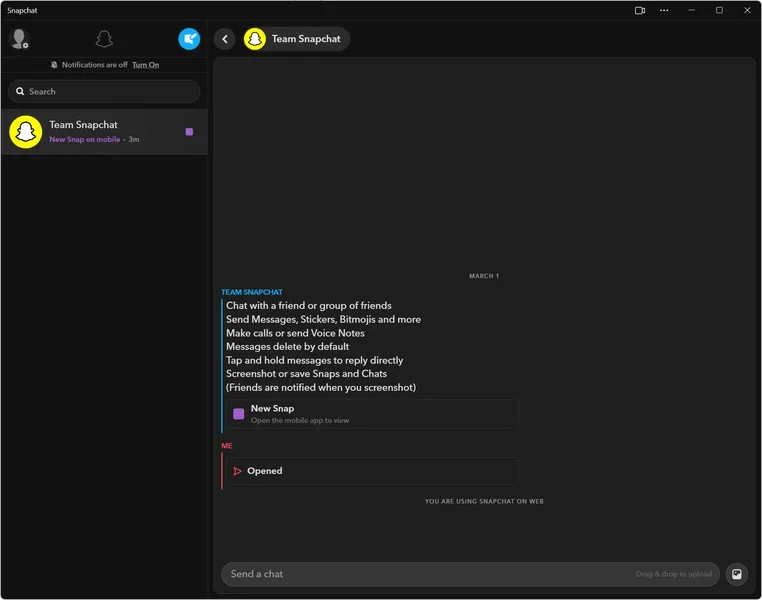
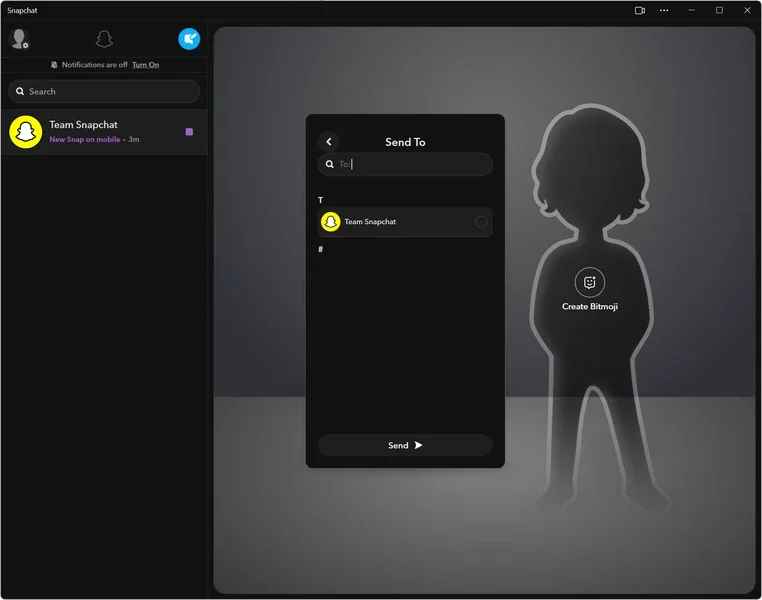
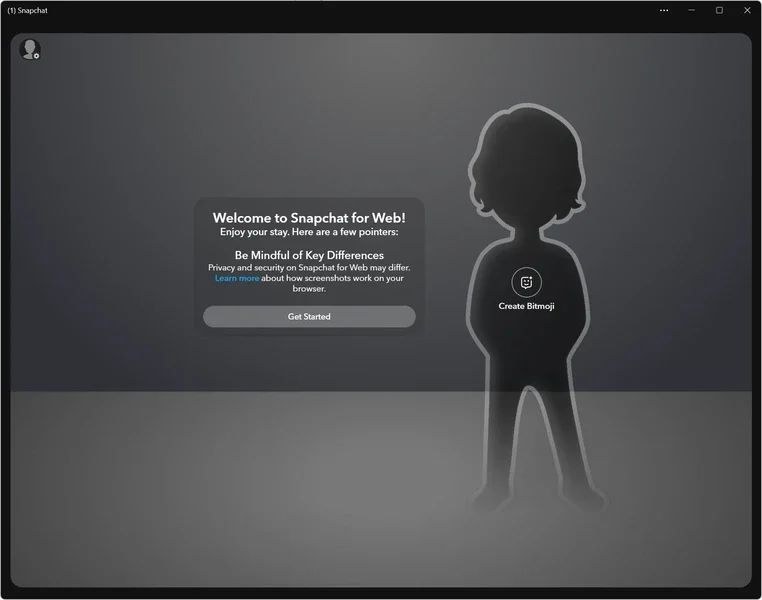
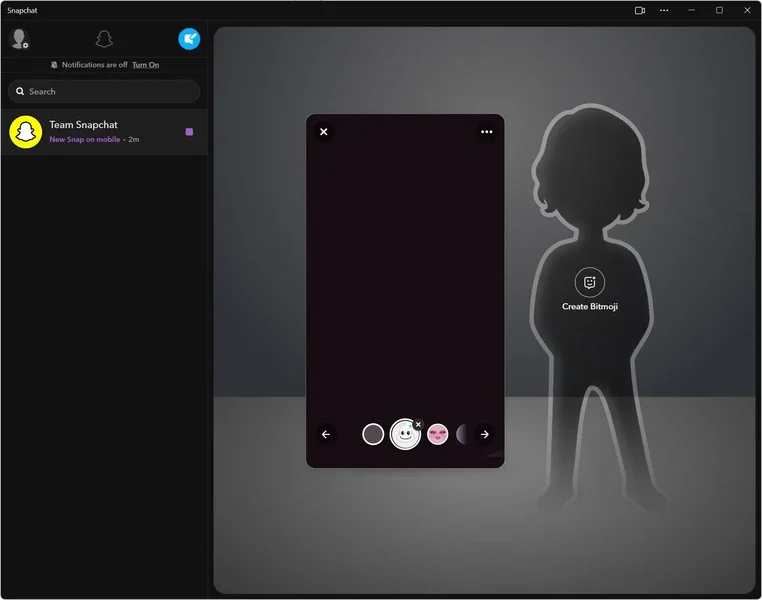
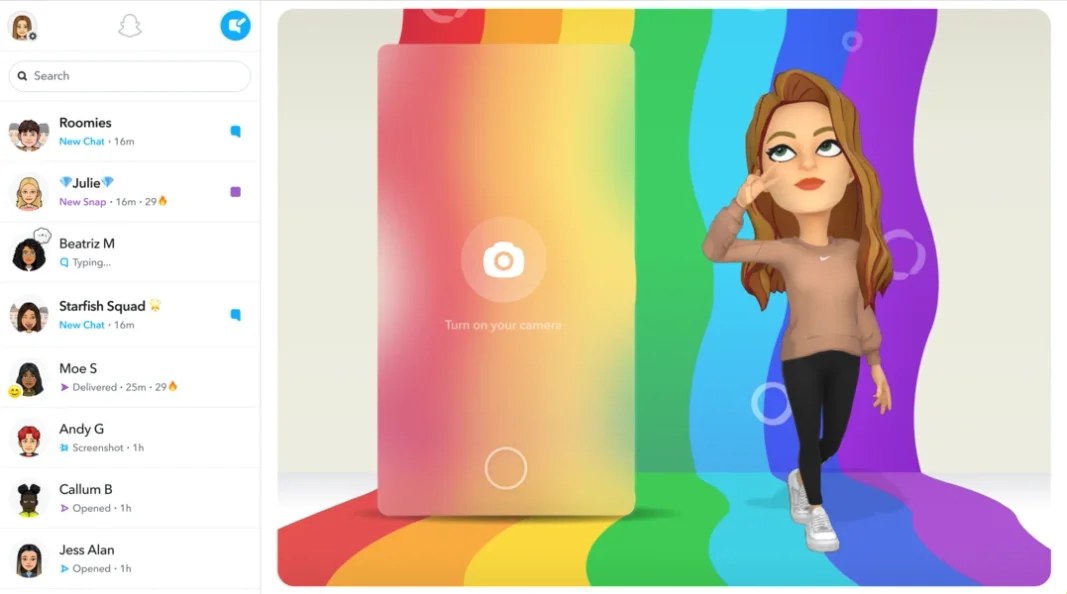
Description
Snapchat on Windows runs in a web-based environment, so it isn't a fully native desktop app. It has messaging, snaps, and video calls, using the built-in microphone and webcam. Bitmoji avatars can be created and customized on the desktop without a phone. Contact lists and conversation history stay consistent across devices, and avatars and profiles sync too.
What you can do in a conversation
Text messages, snaps, and real-time video calls all work in one place. You can keep a chat going and start a call without switching devices. Stickers, avatars, and standard messaging features are there for expressive conversations. Advanced creative tools and editing options are fewer than on mobile, so the desktop version is a practical add-on for communication, not a full replacement for the mobile app.
Download files
c127a7d42e6e5622a6c517c1645a6d3b48b839362a020a6aa8a0e6fe4eaab18b
Signed by 0679DDF4-0EFB-4AFC-A744-BD6C287FCC1E · valid until May 1, 20253f845a3fe53cdfad5ff21a4fda07638bacd2f61997158b31410ae70cdbad8235
4813a85482b185bd27068f85a4b83f4ecfee23d0b8533bbdc937520aab7bbfb5
cdd1a8779ca627885d4447dc388a5ee78cefcfcda949d33ded604fddc5d3c5cb
Signed by Microsoft Corporation · valid until Dec 13, 2024System requirements
Available on:
Minimum OS:
Windows Windows 11 or later
Additional information
Developer
Latest release
Size
Category
File type
SHA-256
c127a7d42e6e5622a6c517c1645a6d3b48b839362a020a6aa8a0e6fe4eaab18b