AtomicClock: Exact NTP Time
Timo PartlContains ads · In-app purchases
- EveryoneAge rating
- ToolsCategory
- Nov 19, 2026Updated
- FreePrice
Links to the official Google Play listing of partl.atomicclock. Last checked on Nov 23, 2026.

Screenshots


About this app
Precise atomic time — UTC clock, Greenwich Time Signal and clock widget
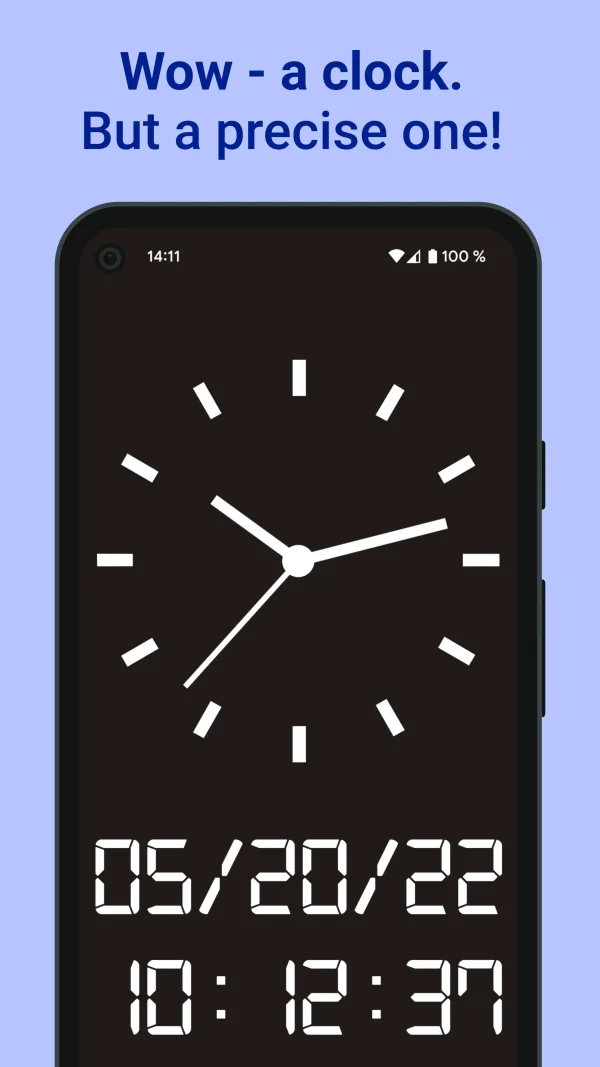
Need the exact time to set a watch, align a wall clock, compare UTC, or catch a moment where seconds matter? AtomicClock shows precise reference time from NTP time servers in a clear analog or digital clock.
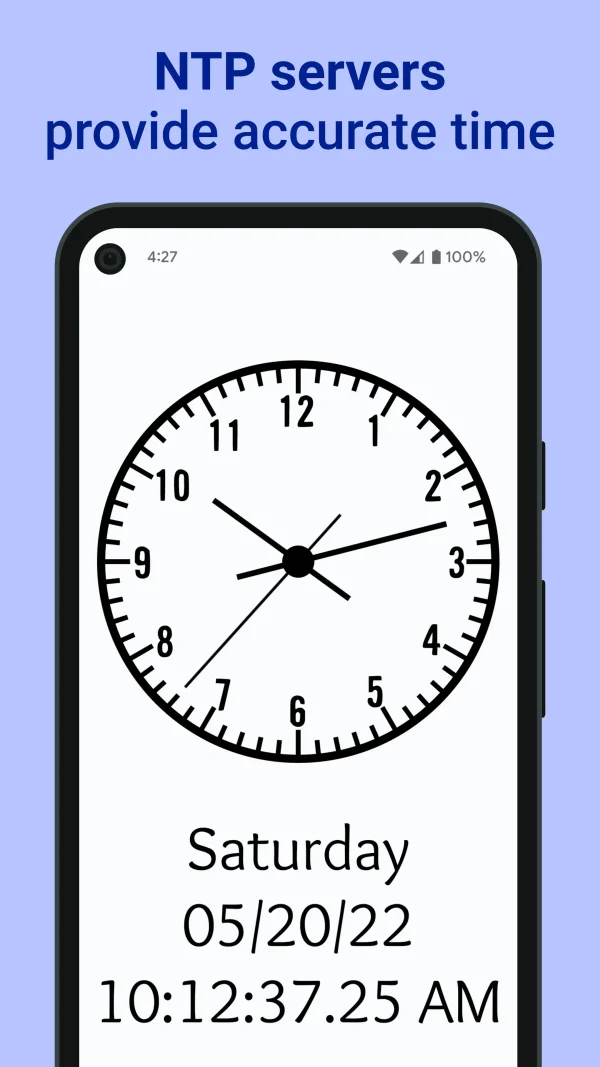
NTP servers provide network time referenced to atomic clocks. Choose a predefined or custom time server, then view local time or a UTC clock in 12-hour or 24-hour format. Use AtomicClock as an NTP clock, precision clock, reference clock, or seconds clock for manual time checks.
Practical ways to use AtomicClock
• Set a watch, wall clock, camera, or other device manually
• Compare local time with UTC
• Check precise time before an event or scheduled task
• Keep a clear clock visible while you work using picture-in-picture with Pro
Clock display and signal options
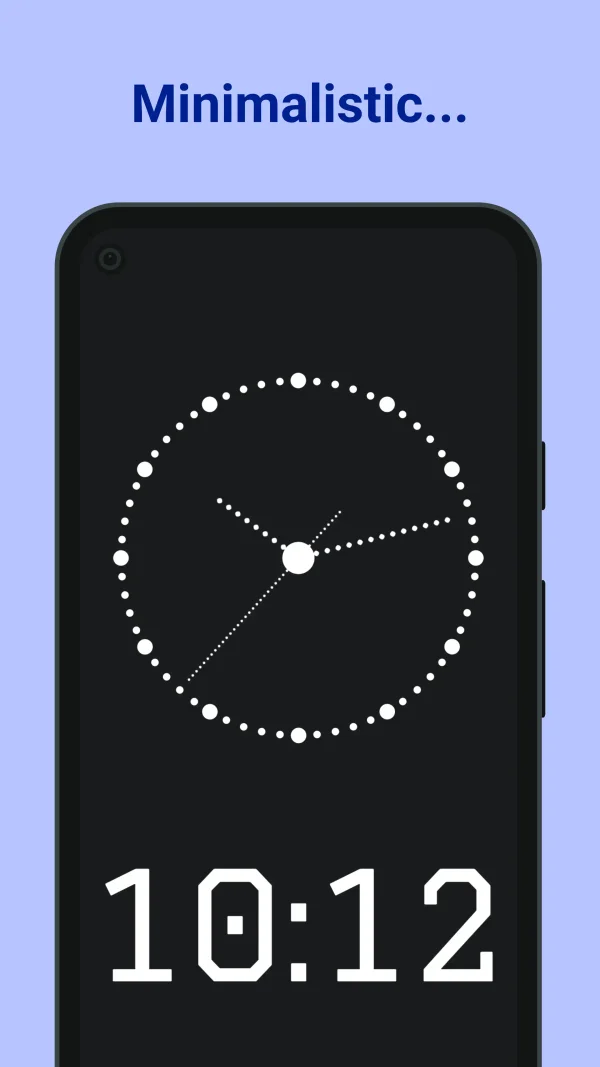
• Analog clock and digital clock views
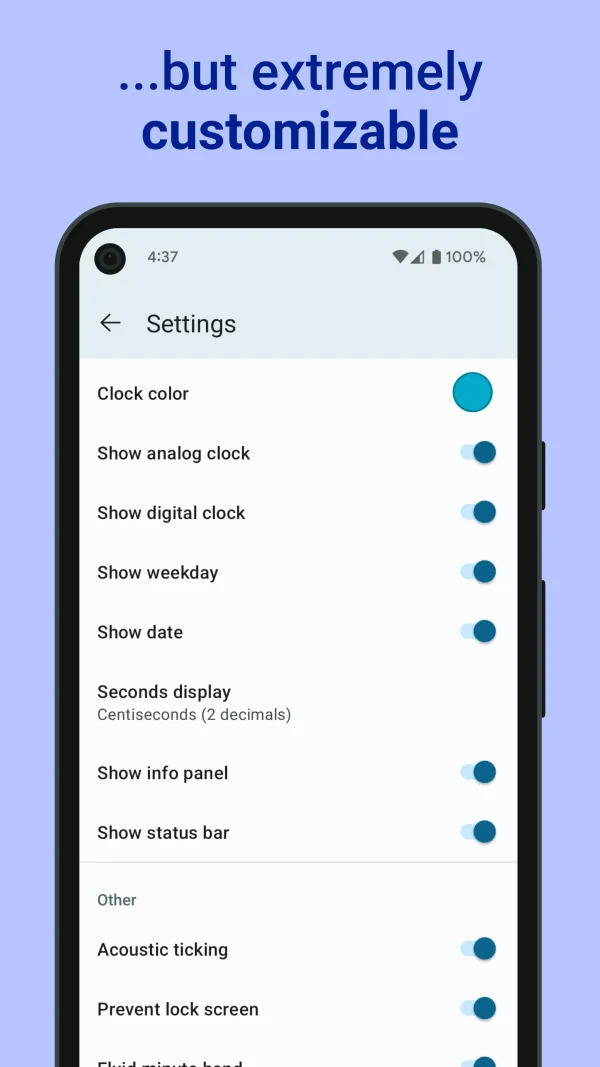
• Custom time formats, clock faces, hands, and fonts
• Smooth, fluid second-hand movement
• Optional acoustic ticking sounds
• Greenwich Time Signal
• Home screen clock widget with time and date
• Tap actions to hide information, freeze the display, or mute ticking
For technical NTP checks, view details such as the selected time server, round-trip time, and stratum. Accuracy depends on the server, network conditions, and device behavior.
AtomicClock is designed for reference time and manual clock sync. It does not automatically change device system time. The home screen widget uses system time for technical and battery reasons.
AtomicClock is free to use. AtomicClock Pro adds preferred clock styles and fonts, many widget customization options, all tap actions, picture-in-picture, and ad removal. Pro is a one-time purchase through your Google Play account with no subscription.
Data safety
What Timo Partl declares on Google Play about the data this app collects and shares.
- This app may share these data types with third partiesLocation, App activity and 2 others
- This app may collect these data typesLocation, App activity and 2 others
- Data is encrypted in transit
- Data can’t be deleted
Developer contact
- Websiteatomicclock.app
- Emailatomicclockapp@outlook.com
- Privacy policyatomicclock.app
- Addressc/o Block Services Stuttgarter Str. 106 70736 Fellbach Germany
Information
- Offered by
- Timo Partl
- Category
- Tools
- Version
- 2.1.24
- Updated
- Nov 19, 2026
- Released
- Nov 21, 2017
- Requires
- Android 8.0 or later
- Age rating
- Everyone
- Price
- Free
- In-app purchases
- $4.99 - $8.49 per item
- Package name
- partl.atomicclock
Similar apps
-
 Digital Clock Widget
Tools
-
 Flip Clock: World Clock
Productivity
-
 Clock Phone 16, Alarm & Timer
Tools
-
 Daypad - Simple Time Tracker
Productivity
-
 Pushover
Productivity
-
 Multi Timer: Timer + Stopwatch
Tools
-
 Time Clock: Work Time Tracker
Business
-
 Sunrise and Sunset Times
Tools
-
 heyUp: Custom Lock Screen
Personalization
-
 Talking Alarm Clock Beyond
Tools
-
 TIME TIMER for ANDROID
Education
-
 Runmefit – Walk, Sleep, Health
Health & Fitness