Auto Background Video Recorder
CardsContains ads · In-app purchases
- EveryoneAge rating
- Video Players & EditorsCategory
- Oct 30, 2026Updated
- FreePrice
Links to the official Google Play listing of com.pt.auto.background.video.recorder.hidden.camera. Last checked on Nov 20, 2026.

Screenshots
About this app
Record videos with preview options, scheduling, and front or back camera
What is Auto Background Video Recorder?
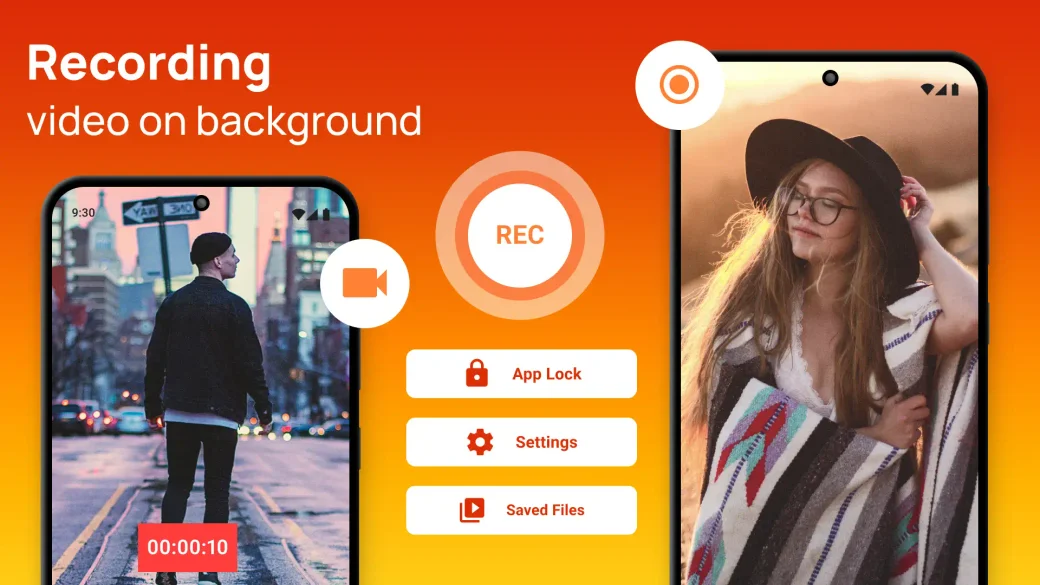
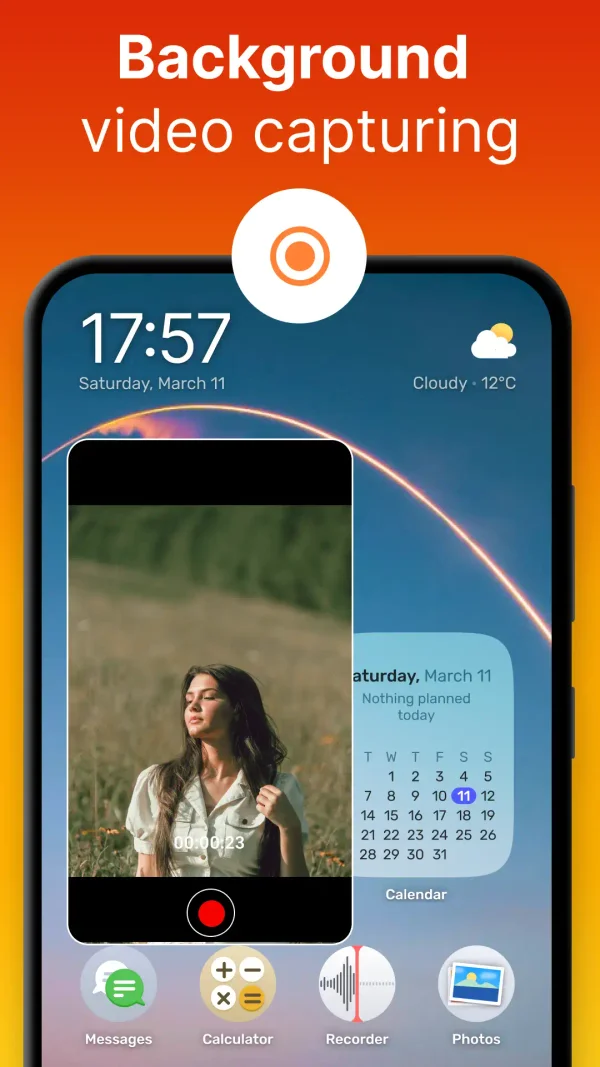
An Android camera app for recording videos with audio using background recording, preview options, and scheduled start times. Choose the front or back camera, start a recording with a tap, and find your saved clips in the built-in gallery.
Use it to document your own activities or record other people only with their consent and where recording is permitted.
Who is Auto Background Video Recorder for?
It is for people who want control over a recording's camera view and timing. Keep an in-app preview visible to check the scene, or turn that preview off when you do not need it on screen.
You can also prepare a recording for a chosen date and time, then return to the gallery to watch or share the resulting clip.
What does Auto Background Video Recorder do?
🎥 Choose how to record
Use the front or back camera and start or stop with a tap. Record with or without the in-app camera preview.
📅 Set a recording schedule
Choose a date and time to schedule recording. Automatic starts depend on Android and device restrictions.
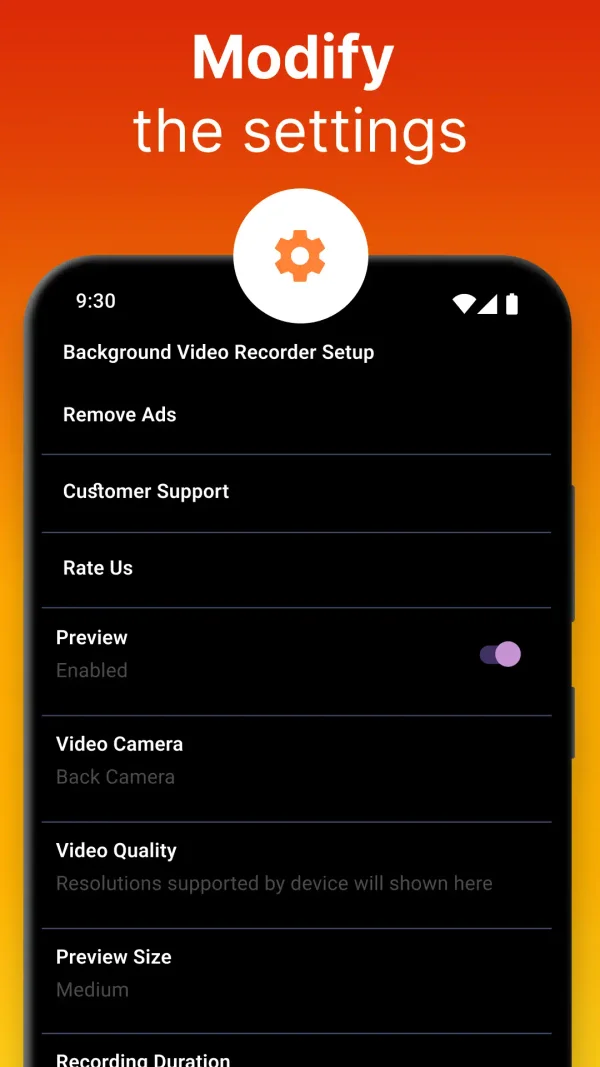
⚙ Adjust recording settings
Select video quality from the resolutions supported by your device and change the preview size to suit your screen.
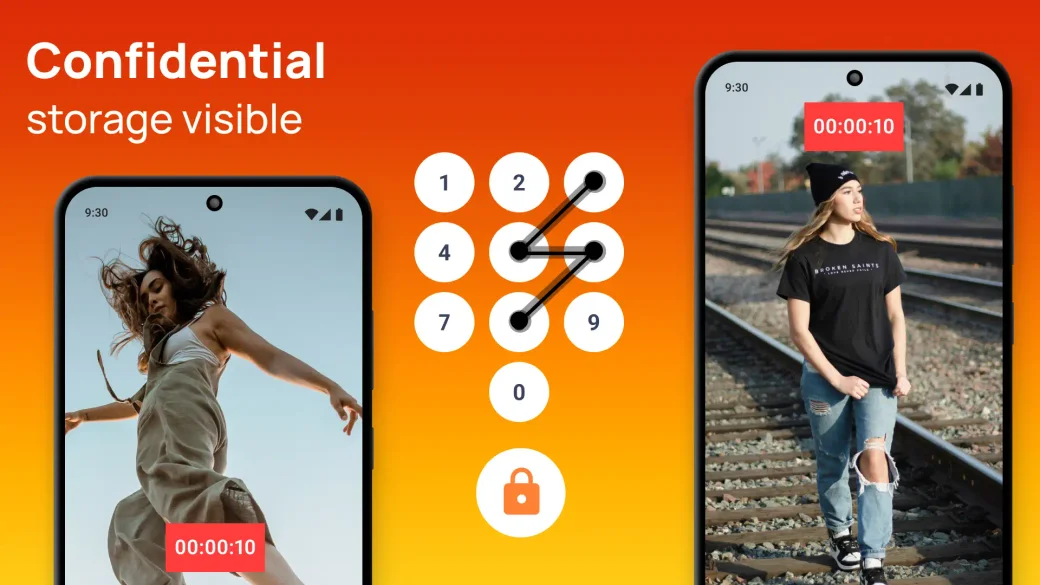
📂 Review and share clips
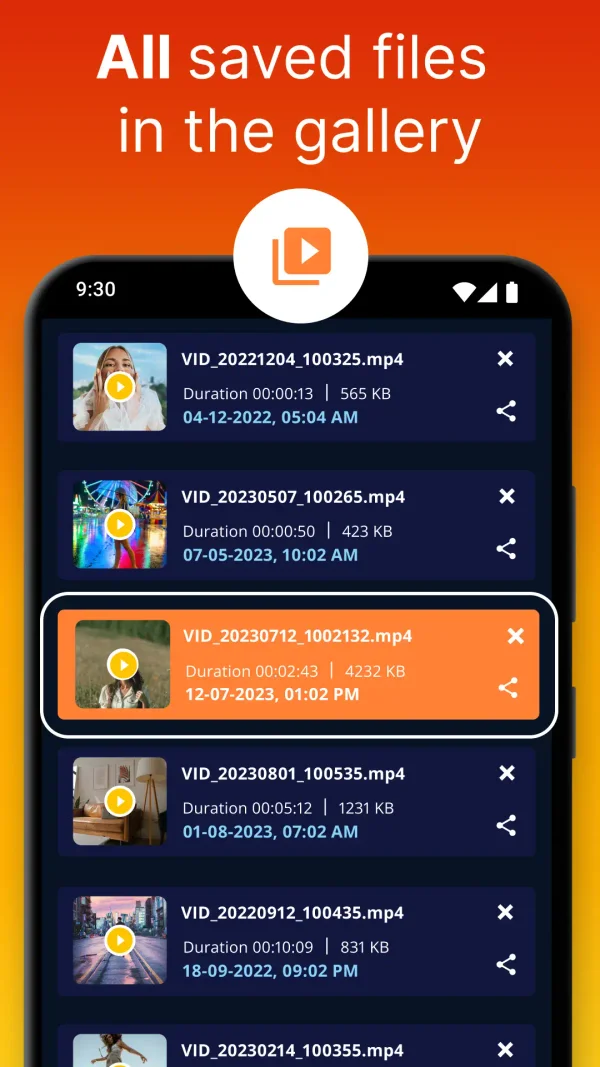
Open the integrated gallery to find and play saved recordings. Share a clip when you choose to make it available to someone else.
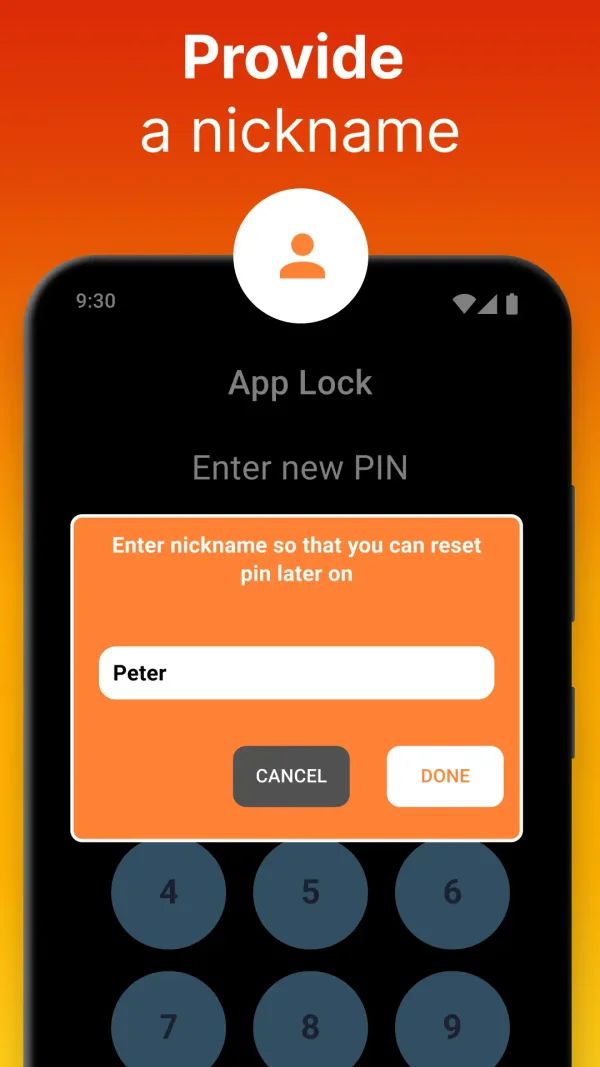
🔒 Set an app lock
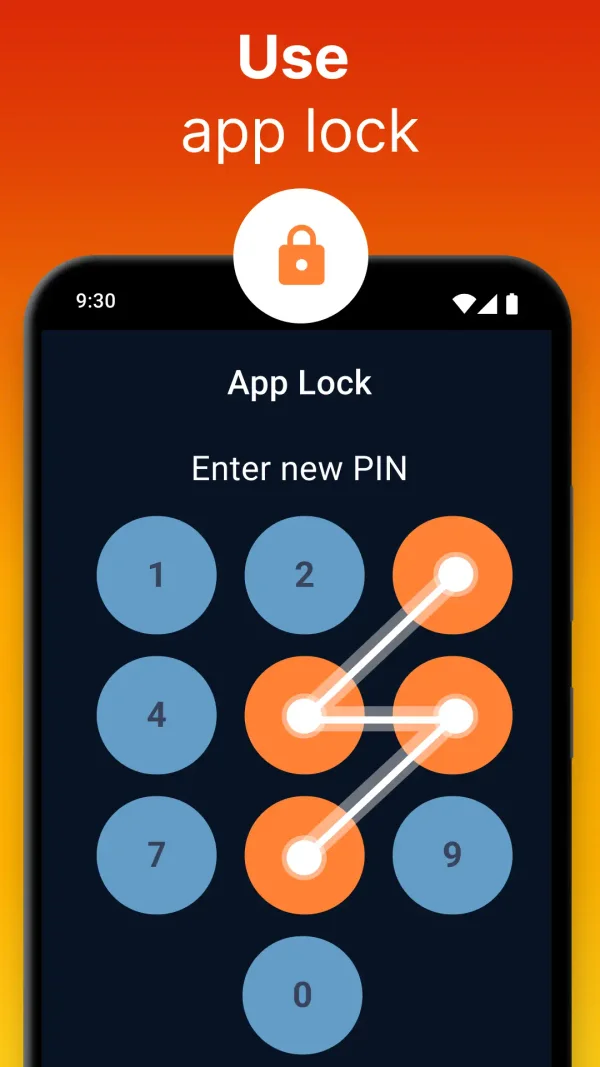
Use the built-in PIN app lock to restrict opening the app.
How does Auto Background Video Recorder work?
• Allow camera access for video and microphone access when recording audio.
• Choose the front or back camera, preview preference, and supported video quality.
• Start and stop with the recording controls, or set a date and time for scheduling.
• Return to the gallery to review or share a saved clip.
Keep enough storage and battery available for the recording you want to make. Recording length depends on those resources and your device's limits.
Compatibility and requirements
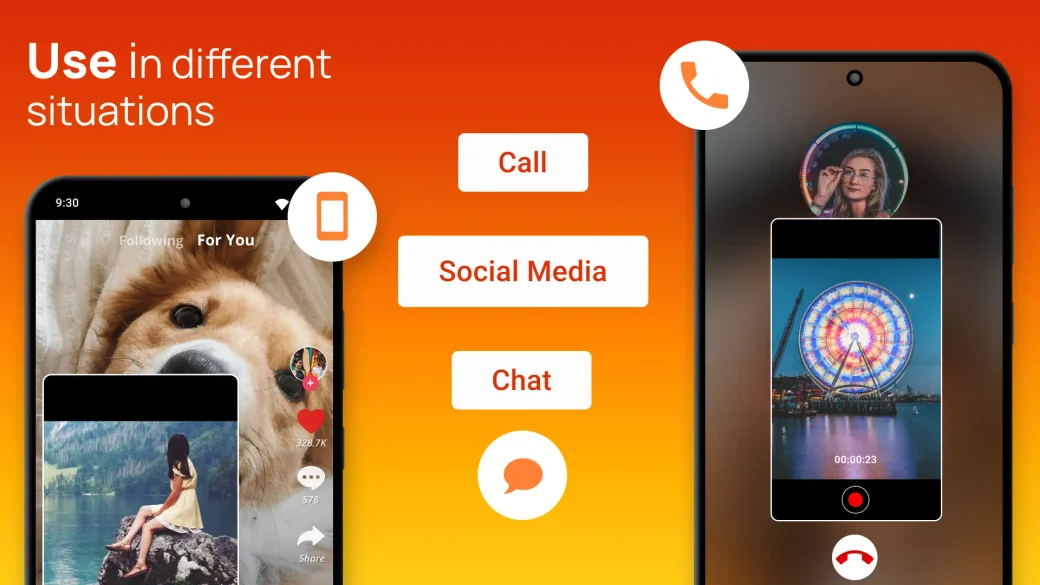
The app is for Android and contains adverts and in-app purchases. Background, locked-screen, and scheduled recording depend on Android version, permissions, and device restrictions.
Screen-off recording means the phone remains powered on. System privacy indicators or recording notifications may remain visible even when the in-app preview is off. Do not expect an invisible recording mode.
Respect other people's privacy and obtain consent before recording them. Share recordings only when you are entitled to do so.
Auto Background Video Recorder brings camera selection, preview controls, scheduling, and a recording gallery together for managing your own video sessions.
Data safety
What Cards declares on Google Play about the data this app collects and shares.
- This app may share these data types with third partiesApp info and performance and Device or other IDs
- This app may collect these data typesApp info and performance and Device or other IDs
- Data is encrypted in transit
- Data can’t be deleted
Developer contact
- Websitecardsapp.com
- Emailsupport.backgroundrecorder@cardsapp.com
- Privacy policycardsapp.com
- Address1 Atirei Yeda KFAR SABA, 4464301 Israel
Information
- Offered by
- Cards
- Category
- Video Players & Editors
- Version
- 3.1.2
- Updated
- Oct 30, 2026
- Released
- May 16, 2022
- Requires
- Android 6.0 or later
- Age rating
- Everyone
- Price
- Free
- In-app purchases
- $0.99 - $99.99 per item
- Package name
- com.pt.auto.background.video.recorder.hidden.camera
Similar apps
-
 Screen Recorder
Video Players & Editors
-
 Teleprompter for Video
Productivity
-
 ADV Screen Recorder
Tools
-
 Screen Recorder - AX Recorder
Video Players & Editors
-
 Screen Recorder: Facecam Audio
Video Players & Editors
-
 Screen Recorder
Video Players & Editors
-
 Screen Recorder -VidmaRecorder
Video Players & Editors
-
 Screen Recorder - XRec Lite
Video Players & Editors
-
 ieGeek Cam
Tools
-
 Screen Recorder Video Recorder
Tools
-
 Screen Recorder Video Recorder
Video Players & Editors
-
 Screen Recorder - XRecorder
Video Players & Editors