Canon Print Service
Canon Inc.- EveryoneAge rating
- ToolsCategory
- Sep 17, 2026Updated
- FreePrice
Links to the official Google Play listing of jp.co.canon.android.printservice.plugin. Last checked on Nov 20, 2026.
Screenshots


About this app
This print plugin enables printing to Canon printers via a network.
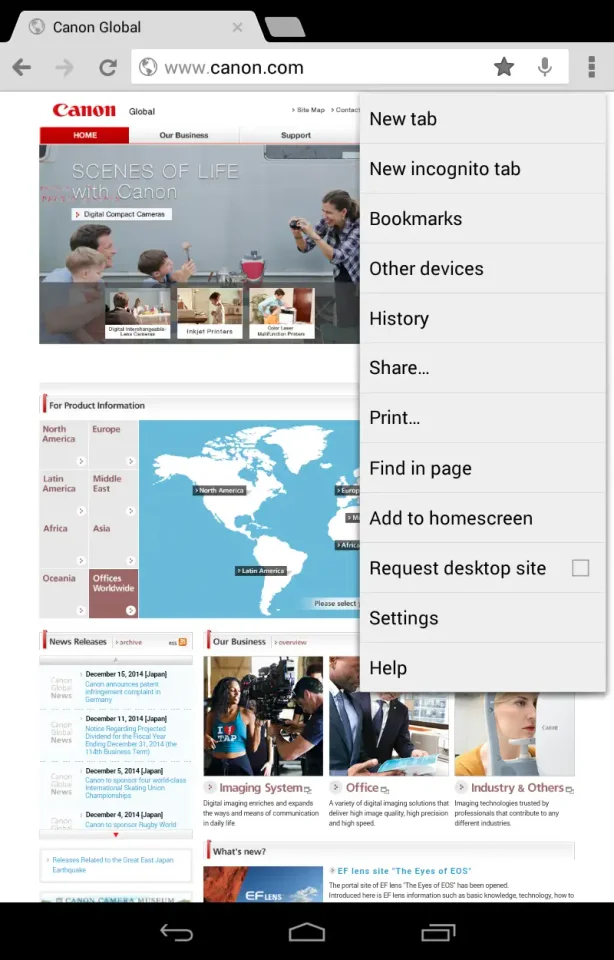
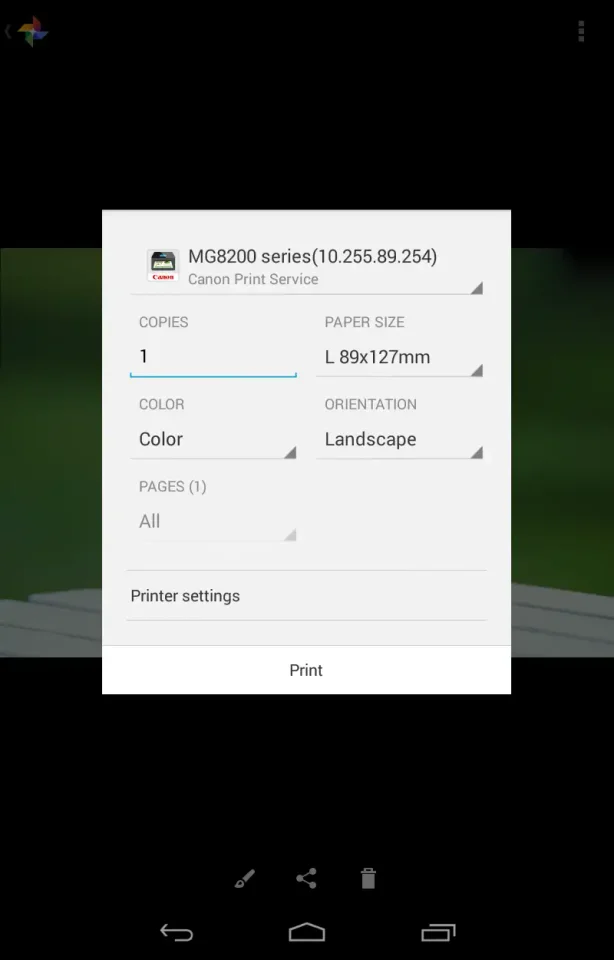
Canon Print Service is software that can print simply from the menus of applications that support Android's printing subsystem. It can print from smart phones and tablets using Canon printers connected to wireless networks.
Main features:
- Switching between color and black-and-white printing
- 2-sided printing
- 2 on 1 printing
- Borderless printing
- Stapling pages
- Setting paper types
- Secure printing
- Department ID management
- PDF direct printing
- Printer discovery by specifying IP address
- Recall from the share menu
* Items that can be set vary depending on the printer you are using.
*When opening the app, if you are asked to grant permission for notifications, please tap "Allow".
If you are using a mobile terminal with Android 6 or earlier installed:
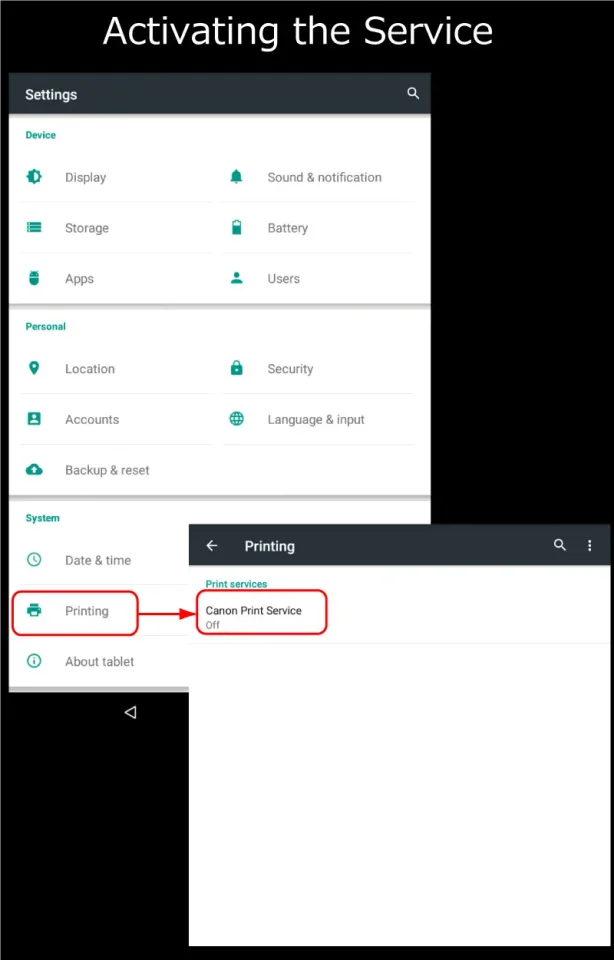
You need to activate the Canon Print Service for printing using it. The Canon Print Service is not activated immediately after installation. Activate it using one of the following methods.
- Tap the icon displayed in the notification area immediately after installation, and activate the service in the displayed settings screen.
- Tap [Settings] > [Printing] > [Canon Print Service], and activate the service in the displayed settings screen.
* If you are using a mobile terminal with Android 7 or later installed, the service is automatically activated after installation.
Compatible printers:
- Canon Inkjet Printers
PIXMA TS series, TR series, MG series, MX series, G series, GM series, E series, PRO series, MP series, iP series, iX series
MAXIFY MB series, iB series, GX series, BX series
imagePROGRAF PRO series, GP series, TX series, TM series, TA series, TZ series, TC series
*Except for some models
- imageFORCE series
- imageRUNNER ADVANCE series
- Color imageRUNNER series
- imageRUNNER series
- Color imageCLASS series
- imageCLASS series
- i-SENSYS series
- imagePRESS series
- LBP series
- Satera series
- Laser Shot series
- Compact Photo Printers
SELPHY CP900 series, CP1200, CP1300, CP1500
Data safety
What Canon Inc. declares on Google Play about the data this app collects and shares.
- No data shared with third partiesLearn more about how developers declare sharing
- This app may collect these data typesPersonal info, App activity, and Device or other IDs
- Data is encrypted in transit
- You can request that data be deleted
What’s new
Sep 17, 2026
Fixed minor bugs
Developer contact
- Websiteglobal.canon
- Emailprintservice-g@mail.canon
- Privacy policymyid.canon
- Address3-30-2, SHIMOMARUKO OTA-KU, 東京都 146-0092 Japan
Information
- Offered by
- Canon Inc.
- Category
- Tools
- Updated
- Sep 17, 2026
- Released
- Feb 6, 2014
- Age rating
- Everyone
- Price
- Free
- Package name
- jp.co.canon.android.printservice.plugin
Similar apps
-
 Samsung Print Service Plugin
Productivity
-
 V380 Pro
Tools
-
 Viidure-Dashcam Viewer
Tools
-
 DMSS
Lifestyle
-
 Easy-PhotoPrint Editor
Photography
-
 Nelko
Tools
-
 Send Anywhere (File Transfer)
Productivity
-
 Anker eufy
Lifestyle
-
 PDF Scanner App: Document Scan
Tools
-
 SELPHY Photo Layout
Photography
-
 CompanyCam
Productivity
-
 Image to PDF - PDF Maker
Productivity