File Manager
Splend AppsContains ads · In-app purchases
- EveryoneAge rating
- ToolsCategory
- Oct 19, 2026Updated
- FreePrice
Links to the official Google Play listing of com.splendapps.arsen. Last checked on Nov 20, 2026.
Screenshots
About this app
The developer has not provided this text in your language.
Easy to use File Manager with perfect set of features.
Smart and free file manager for Android with perfect set of features.
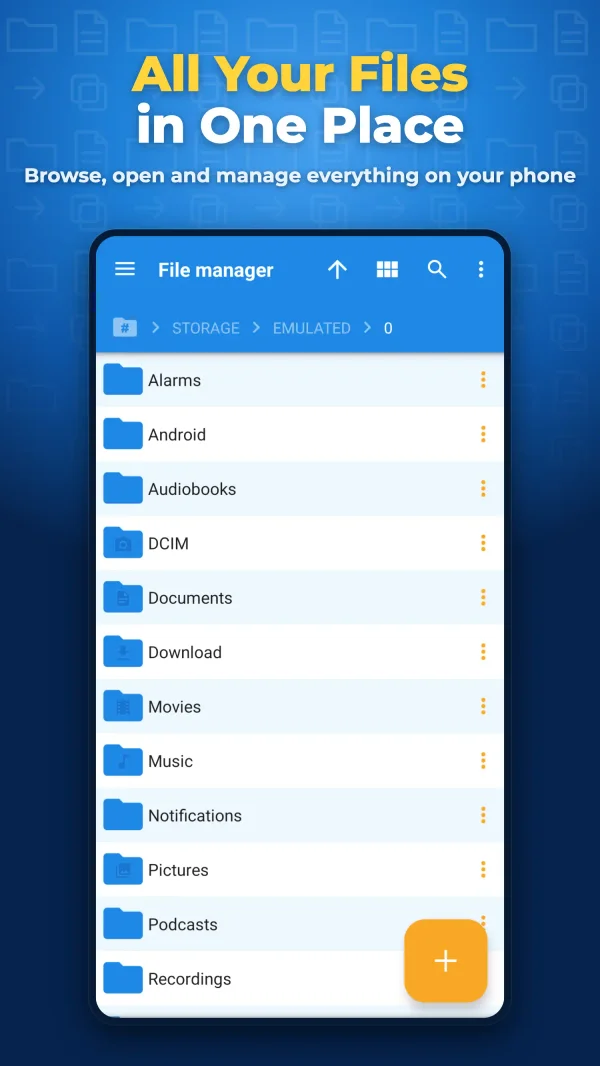
It provides quick and convenient access to your pictures, music, videos, documents and other files.
You'll find that all operations on files become easy and more intuitive.
Our file manager is powerful in its simplicity and convenience of use.
Key Features
• User friendly file management. Manage your files and folders in a very simple and natural way, like you do on your desktop or laptop!
• Browsing file system on Grid View or List View
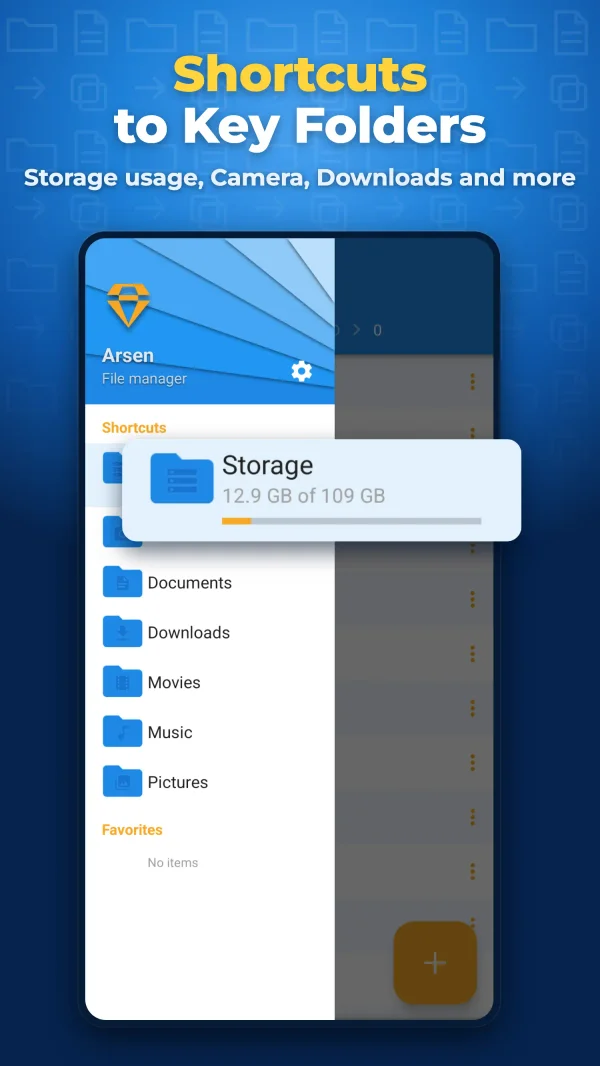
• Keep important things close - add them to Favorites! Bookmarks are available in app drawer.
• Shortcuts to most important directories: Camera, Documents, Downloads, Movies, Music and Pictures
• Interactive navigation path (breadcrumbs)
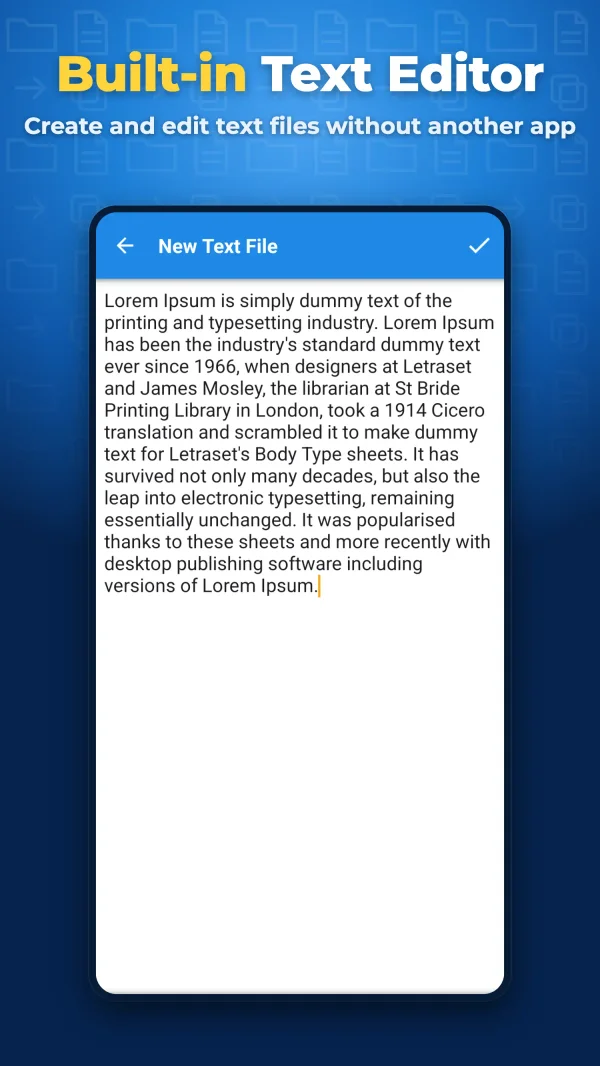
• Built-in text viewer and editor
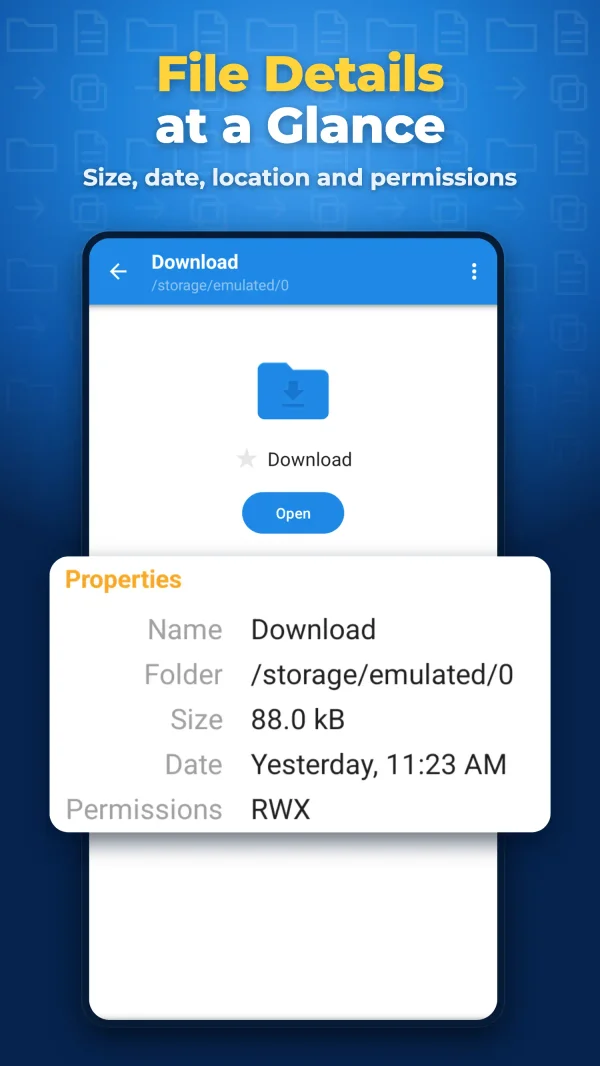
• Properties view with additional information: permissions, size and last modified date
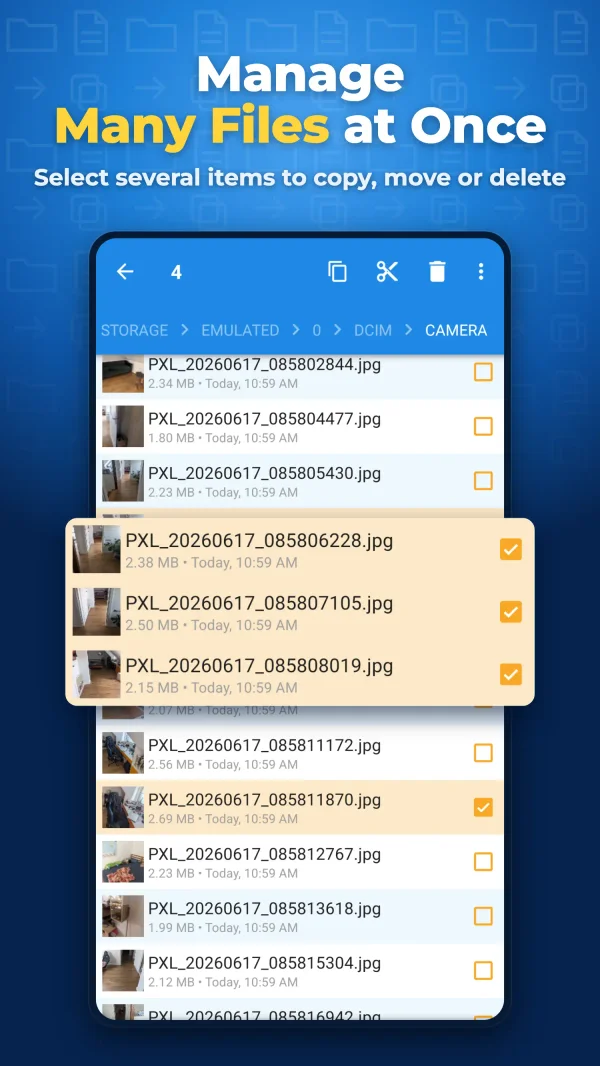
• Actions on group of files and folders (multiple select, long-click selection support)
Detailed Features
• Copy and Move (equivalent to Cut, Copy and Paste)
• Delete and Rename files, directories and favorites
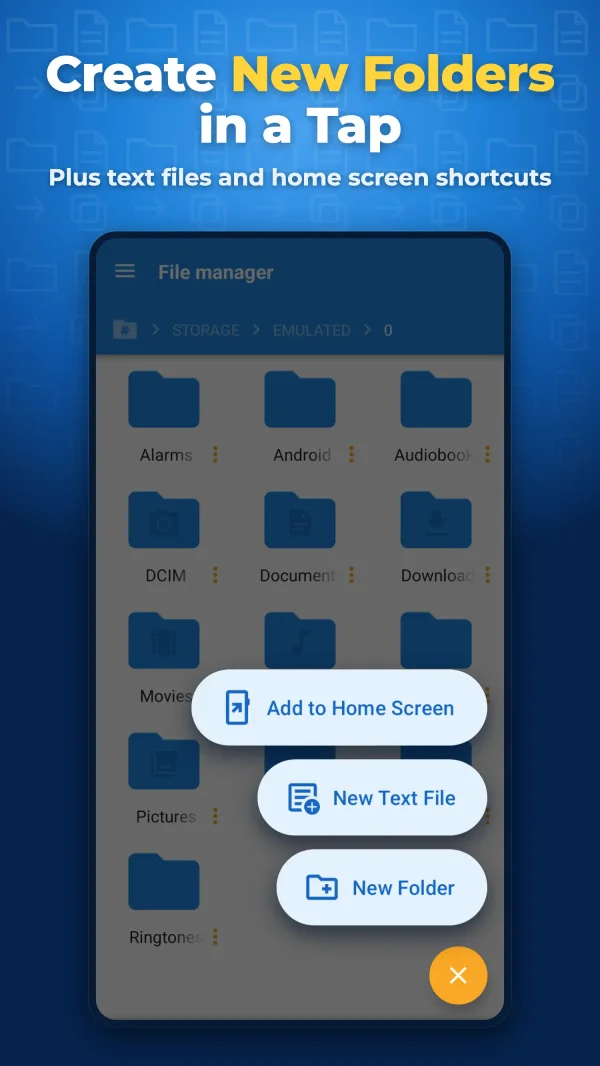
• Creating new folders
• Creating and editing text files
• Searching files and directories
• Zipping and Unzipping files. Built-in zip support allows you to compress and decompress files and archives.
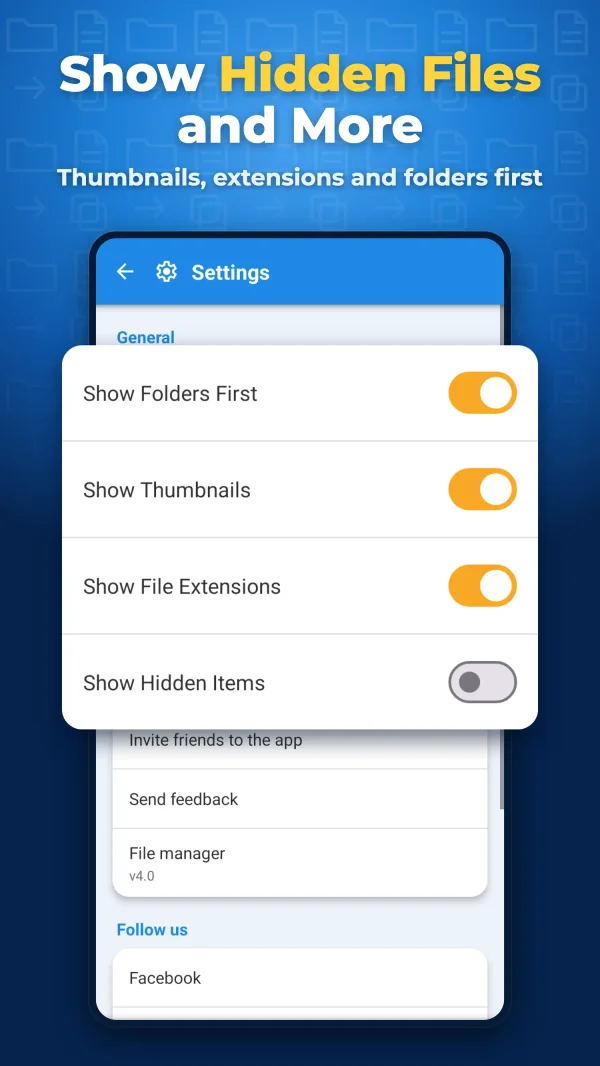
• Sorting by name, date and size - ascending and descending with folders first or not.
• Share and Send - integration with sharing on Android. You can share files with other apps: adding attachments to e-mails, uploading images to social networks, etc.
• Adding shortcuts to home screen for quick access
• Setting picture as system wallpaper (home screen wallpaper)
• Can show thumbnails for images and videos
• Can show hidden files and directories
• Cancellable progress dialogs for long lasting operations
• Root explorer - provides access to the entire file system and all directories on rooted devices
• Useful configuration options
• Support for tablets and different screen sizes
• Arsen is free to download and use
• Splend Apps support and more!
About Us
• Visit SplendApps.com: http://splendapps.com/
• Our Privacy Policy: http://splendapps.com/privacy-policy
• Contact Us: http://splendapps.com/contact-us
• Refund Policy: https://splendapps.com/refunds
Follow Us
• Facebook: https://www.facebook.com/SplendApps/
• Instagram: https://www.instagram.com/splendapps/
• Twitter: https://twitter.com/SplendApps
Data safety
What Splend Apps declares on Google Play about the data this app collects and shares.
- No data shared with third partiesLearn more about how developers declare sharing
- No data collectedLearn more about how developers declare collection
- Data is encrypted in transit
- Data can’t be deleted
What’s new
Version 4.4 · Oct 19, 2026
Usability improvements and minor bug fixes.
Developer contact
- Websitesplendapps.com
- Emailsupport@splendapps.com
- Privacy policysplendapps.com
- Address20-11 Al. Śliwowa 54-106 Wrocław Poland
Information
- Offered by
- Splend Apps
- Category
- Tools
- Version
- 4.4
- Updated
- Oct 19, 2026
- Released
- Apr 7, 2014
- Requires
- Android 7.0 or later
- Age rating
- Everyone
- Price
- Free
- In-app purchases
- $1.99 per item
- Package name
- com.splendapps.arsen