File Manager
InShot Inc.Contains ads · In-app purchases
- EveryoneAge rating
- ToolsCategory
- Nov 20, 2026Updated
- FreePrice
Links to the official Google Play listing of files.fileexplorer.filemanager. Last checked on Nov 21, 2026.
Screenshots



About this app
Powerful file explorer & file manager for android to manage files.
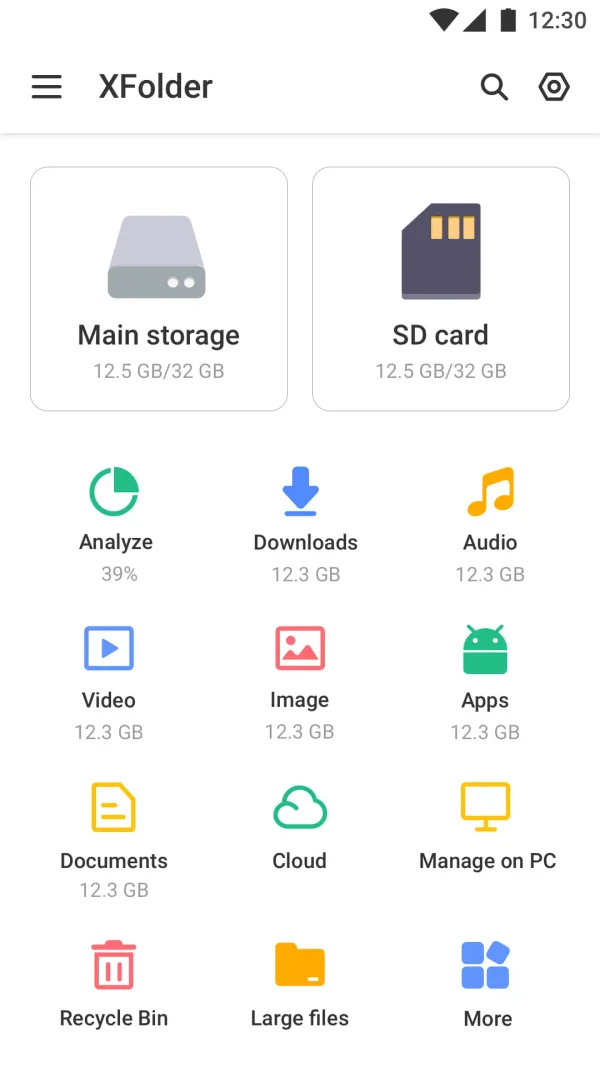
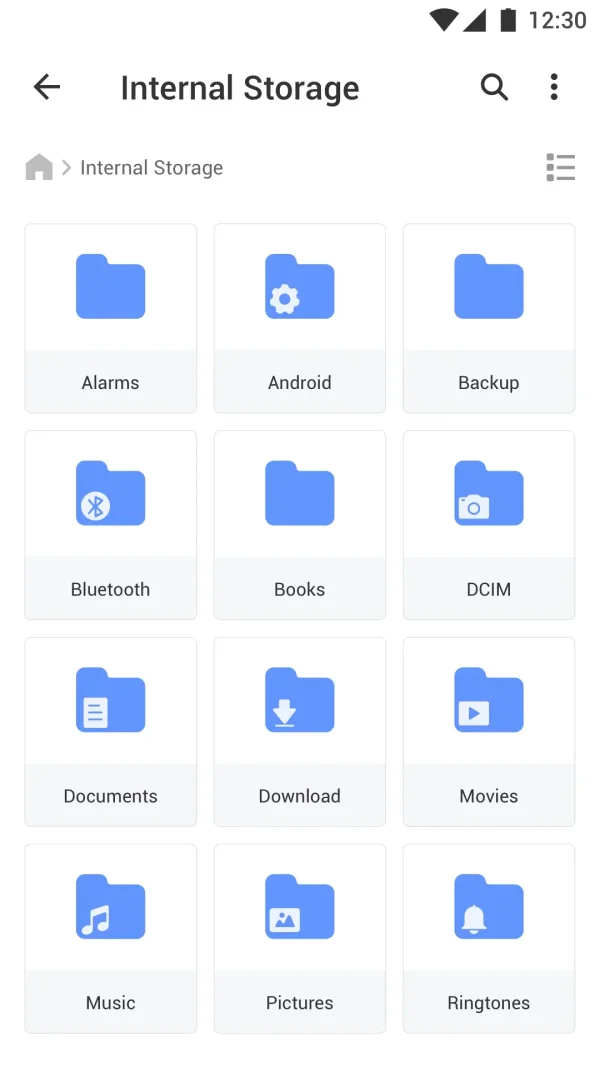
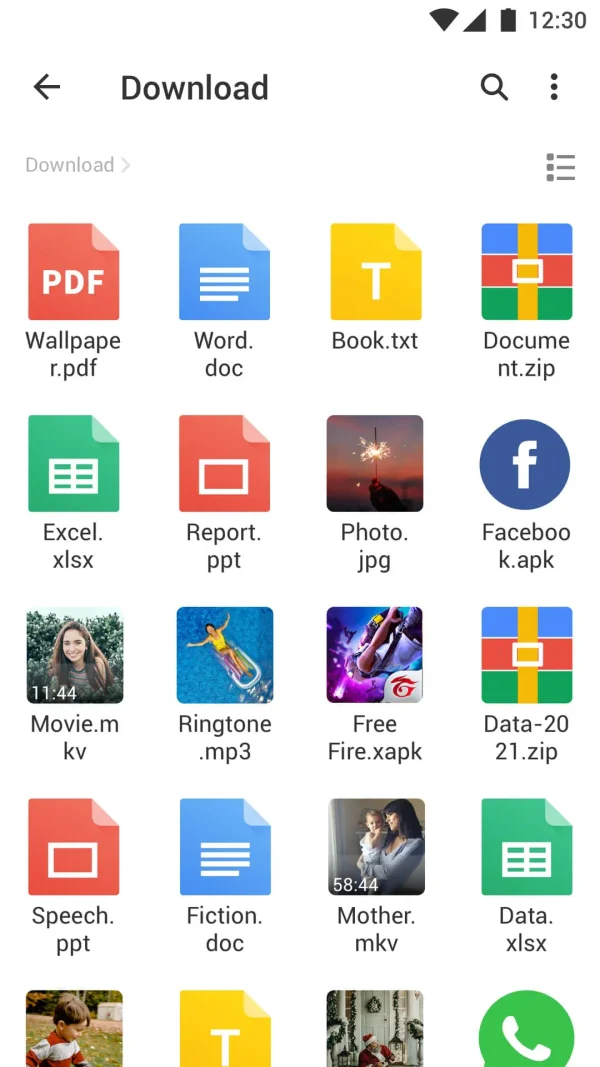
File Manager - XFolder, a powerful & easy-to-use file manager & file explorer with desktop-grade features, helps you handle ALL your files efficiently. With File Manager - XFolder, you can easily manage files on local device & SD card, and quickly find files by browsing.
📂 Manage Files All in One
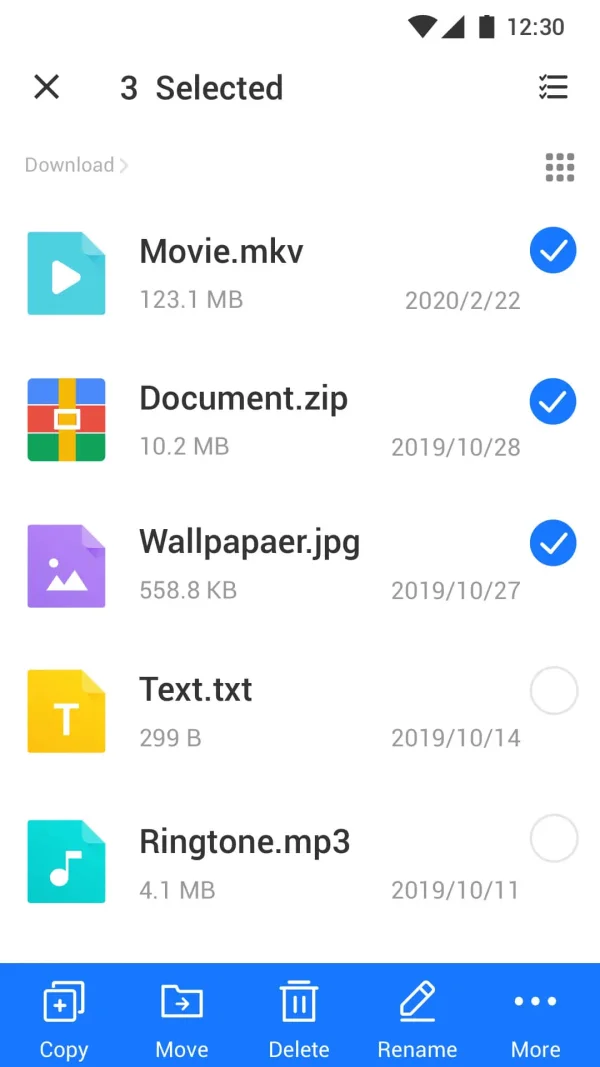
- Browse, Create, Multi-Select, Rename, Compress, Decompress, Copy & Paste, Move files and folders
- Lock your files in private folder to keep safe
🔎 Easily Find Files
- Search and find your buried files fast with only a few taps
- No longer waste much time looking for videos, music or memes you’ve downloaded before
Key Features:
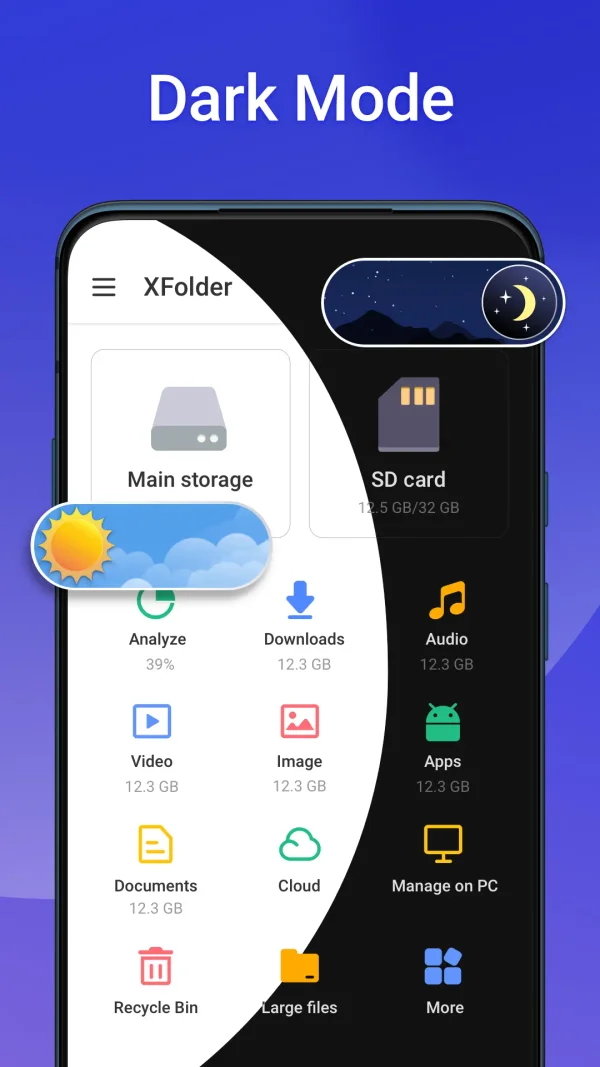
● ALL File Formats Supported: New files, Downloads, Videos, Audios, Images, Apps, Docs and Archives
● Quickly check both internal and external storage including SD card, USB OTG
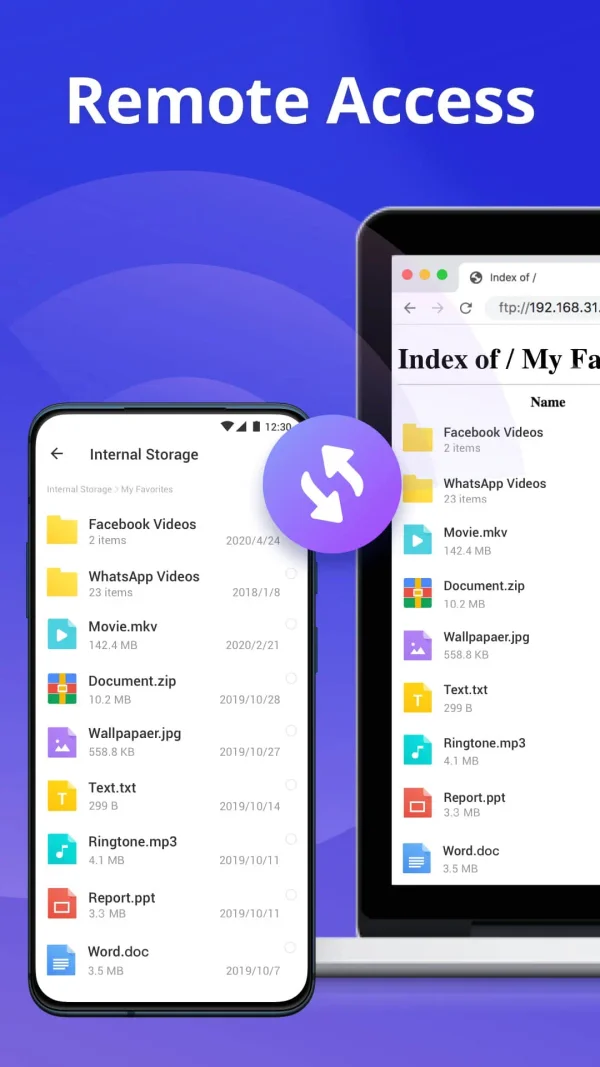
● FTP (File Transfer Protocol) : access your Android device storage from PC
● Compress & Decompress ZIP/RAR Archives
● Recycle Bin: restore your deleted files
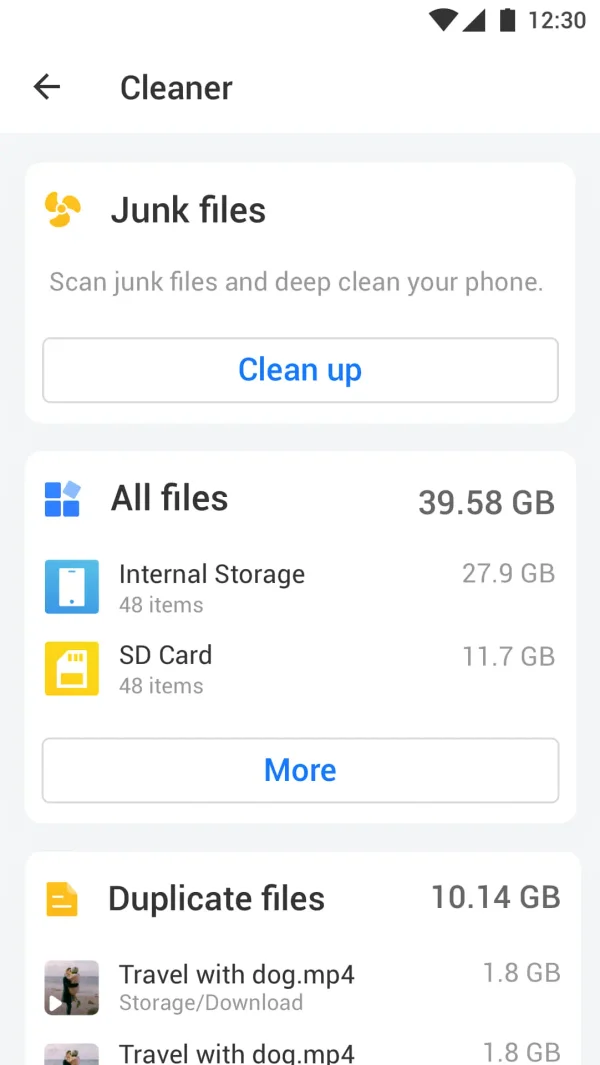
● View Large Files: browse and delete unused items
● App Management: check and remove unused apps
● Built-in Tools for better experience: Music Player, Image Viewer, Video Player & File Extractor
● Option to show hidden files
Full-Featured File Manager Tool
Find powerless to manage tons of files on your mobile device? Try File Manager - XFolder, find and manage all files, apps, videos and photos downloaded on your local device. Search and remove unused items with this file explorer tool.
Easy-to-use File Explorer Tool
With all the basics you'd expect and some outstanding extras — all packed into a nicely designed and easy-to-use interface. File Manager - XFolder is a handy file explorer and storage browser that helps you find and manage what you’re looking for fast.
---------Warm Tips
To experience all features of File Manager - XFolder needs some permissions as follows:
android.permission.WRITE_EXTERNAL_STORAGE
Please be ensured that the request is used for file management ONLY. This file manager & file explorer tool will NEVER do harm to users.
Thanks for downloading File Manager - XFolder. And if you have any feedback, please feel free to contact us at filemanager.feedback@gmail.com.
Data safety
What InShot Inc. declares on Google Play about the data this app collects and shares.
- No data shared with third partiesLearn more about how developers declare sharing
- This app may collect these data typesApp info and performance and Device or other IDs
- Data is encrypted in transit
- Data can’t be deleted
What’s new
Version 1.5.5.9 · Nov 20, 2026
🌟New theme
🌟Cache files cleaning
🌟Bug fixes and performance improvements
Developer contact
- Websiteinshot.app
- Emailsupport@inshot.com
- Privacy policyinshotapp.com
- Address8 The Grn Ste R Dover, DE 19901-3618 United States
Information
- Offered by
- InShot Inc.
- Category
- Tools
- Version
- 1.5.5.9
- Updated
- Nov 20, 2026
- Released
- Nov 27, 2020
- Requires
- Android 6.0 or later
- Age rating
- Everyone
- Price
- Free
- In-app purchases
- $2.99 - $7.99 per item
- Package name
- files.fileexplorer.filemanager
Similar apps
-
 File Manager
Productivity
-
 Anti-virus Dr.Web Light
Tools
-
 My Folder : Safe Secure Hidden
Tools
-
 Gallery - Album, Photo Vault
Tools
-
 ZX File Manager
Tools
-
 File Manager
Tools
-
 Uninstaller
Tools
-
 Photo Lock: Hide Videos, Pics
Productivity
-
 ASTRO File Manager & Cleaner
Tools
-
 Cx File Explorer
Tools
-
 Samsung My Files
Tools
-
 Deleted Photo & Video Recovery
Tools