LibreDocs
UserLAnd Technologies- EveryoneAge rating
- ProductivityCategory
- Nov 17, 2026Updated
- $1.99Price
Links to the official Google Play listing of tech.ula.libredocs. Last checked on Nov 19, 2026.
Screenshots
About this app
LibreDocs - Run LibreOffice on Android
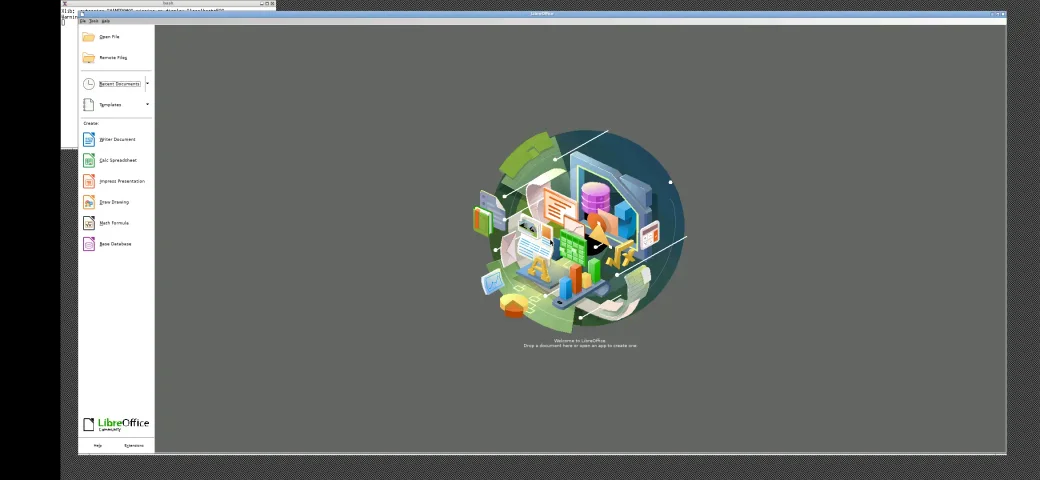
This is really LibreOffice running on your device. It is full featured and professionally supported. This runs the Linux desktop edition of LibreOffice.
About LibreOffice:
Open source productivity software. Includes the following capabilities:
Writer:
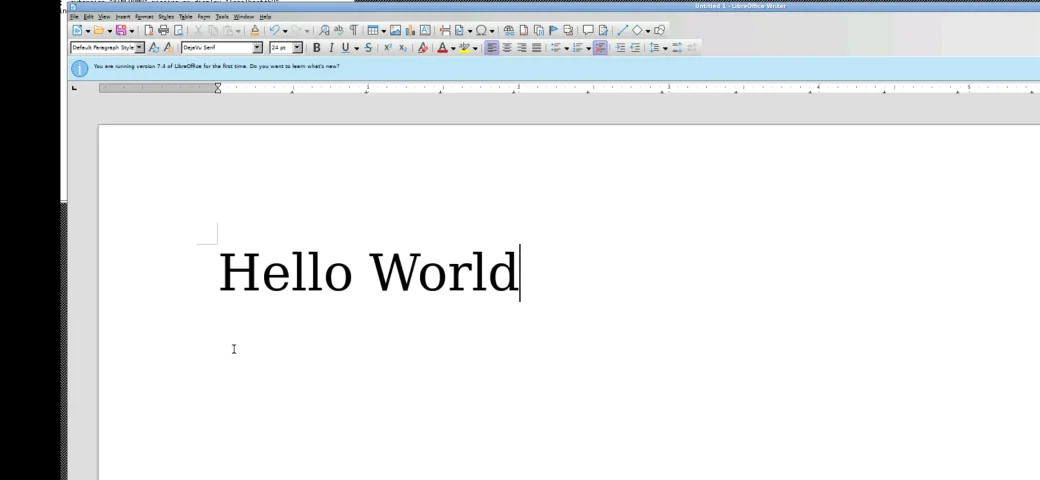
A word processor with similar functionality and file support to Microsoft Word or WordPerfect. It has extensive WYSIWYG word processing capabilities, but can also be used as a basic text editor. It can also create fillable forms via PDF or the Forms tab.
Calc:
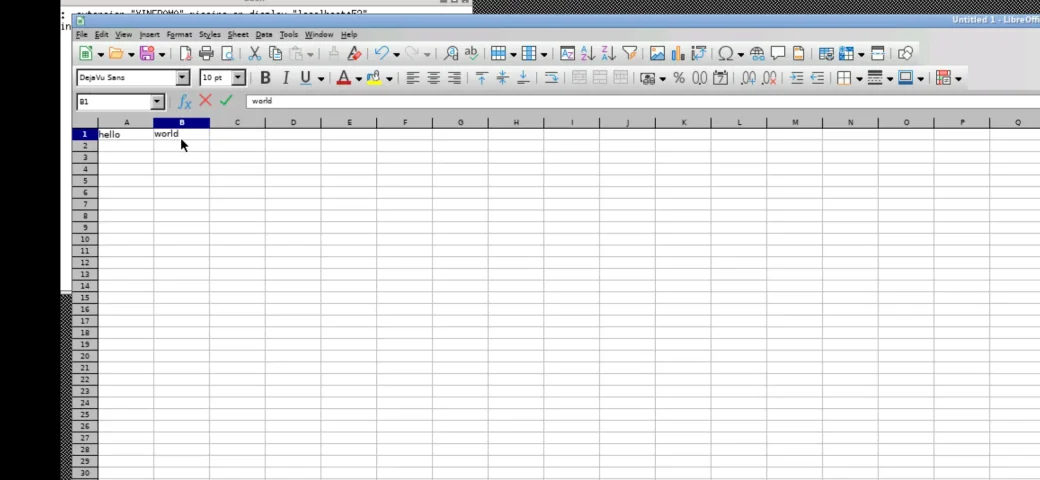
A spreadsheet program, similar to Microsoft Excel or Lotus 1-2-3. It has several unique features, including a system which automatically defines series of graphs, based on information available to the user.
Impress:
A presentation program resembling Microsoft PowerPoint. Impress has support for multiple file formats including PPTX, ODP, and SXI.
Draw:
A vector graphics editor, raster graphics editor, and diagramming tool similar to Microsoft Visio, CorelDRAW, and Adobe Photoshop. It provides connectors between shapes, which are available in a range of line styles and facilitate building drawings such as flowcharts. It also includes features similar to desktop publishing software such as Scribus and Microsoft Publisher, but the features are not on par with desktop publishing software. It can also act as a PDF file editor.
Math:
An application designed for creating and editing mathematical formulae. The application uses a variant of XML for creating formulas, as defined in the OpenDocument specification. These formulas can be incorporated into other documents in the LibreOffice suite, such as those created by Writer or Calc, by embedding the formulas into the document.
Base:
A database management program, similar to Microsoft Access. LibreOffice Base allows databases to be created and managed, and the generation of forms and reports of database content. Like Access, it can be used to create small embedded databases that are stored with the document files (using Java-based HSQLDB and C++ based Firebird as its storage engine), and for more demanding tasks it can also be used as a front-end for various database management systems, including Access Database Engine (ACE/JET), ODBC/JDBC data sources, and MySQL, MariaDB, PostgreSQL and Microsoft Access.
You can read more about it here: https://www.libreoffice.org/
How to use this LibreDocs Android app:
When using the graphical interface, use LibreOffice just like normal. But here are some specifics to the Android interface.
* Tap with one figure to left click.
* Move mouse by sliding around one finger.
* Pinch to zoom.
* Press and hold and then slide one finger to pan (useful when zoomed in).
* Slide two fingers up and down to scroll.
* If you want to bring up a keyboard, tap on the screen to get a set of icons to appear and then click the keyboard icon.
* If you want to do the equivalent to a right click, tap with two fingers.
* If you want to change the desktop scaling, find the service android notification and click the settings. You have to stop and restart the app after changing this settings for it to take effect.
This is all easier to do on a tablet and with a stylus, but it can be done on a phone or using your finger as well.
To access files from the rest of Android, there are many useful links in your home directory (/home/userland) to places like your Documents, Pictures, etc. No need to import or export files.
If you don't want to, or cannot pay the cost of this app, you can run LibreOffice via the UserLAnd app.
Licensing:
The icon is provided via the Creative Commons Attribution Share-Alike 3.0 Unported (CC-by-sa) from the Document Foundation.
This app is not created by the main LibreOffice development team. Instead it is an adaptation that allows the Linux version to run on Android.
Data safety
What UserLAnd Technologies declares on Google Play about the data this app collects and shares.
- No data shared with third partiesLearn more about how developers declare sharing
- No data collectedLearn more about how developers declare collection
What’s new
Version 26.11.17 · Nov 17, 2026
Your app's Linux system is now built fresh from our new image pipeline, with up-to-date packages and a faster, more reliable download. Opening files in your phone's shared storage no longer fails the first time, and more programs run correctly. Already installed? Your existing setup is kept; reinstall to get the new system.
Developer contact
- Websiteuserland.tech
- Emailsupport@userland.tech
- Privacy policyuserland.tech
- Address10258 SW 67th Ave Portland, OR 97223 United States
Information
- Offered by
- UserLAnd Technologies
- Category
- Productivity
- Version
- 26.11.17
- Updated
- Nov 17, 2026
- Released
- Aug 24, 2023
- Requires
- Android 7.0 or later
- Age rating
- Everyone
- Price
- $1.99
- Package name
- tech.ula.libredocs