LibreDocs
UserLAnd Technologies- 3 歳以上対象年齢
- 仕事効率化カテゴリ
- 2026/11/17更新日
- ¥290価格
tech.ula.libredocsのGoogle Play公式ページにリンクしています。最終確認:2026/11/19。
スクリーンショット



このアプリについて
Googleによる英語 (アメリカ合衆国)からの自動翻訳です。
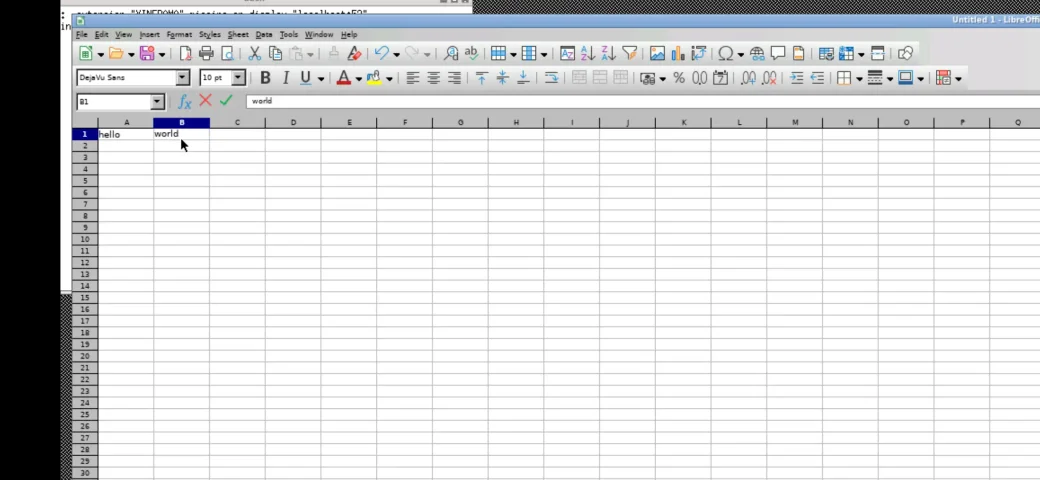
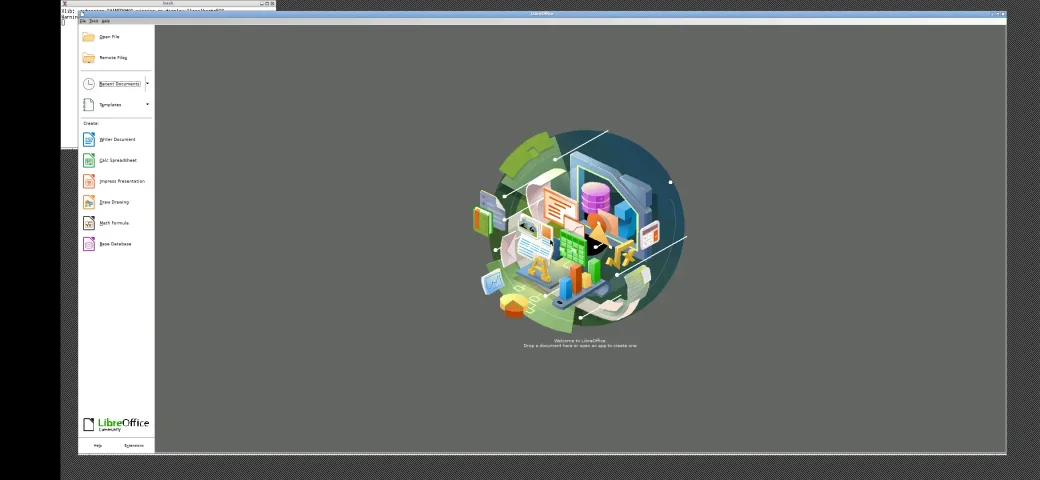
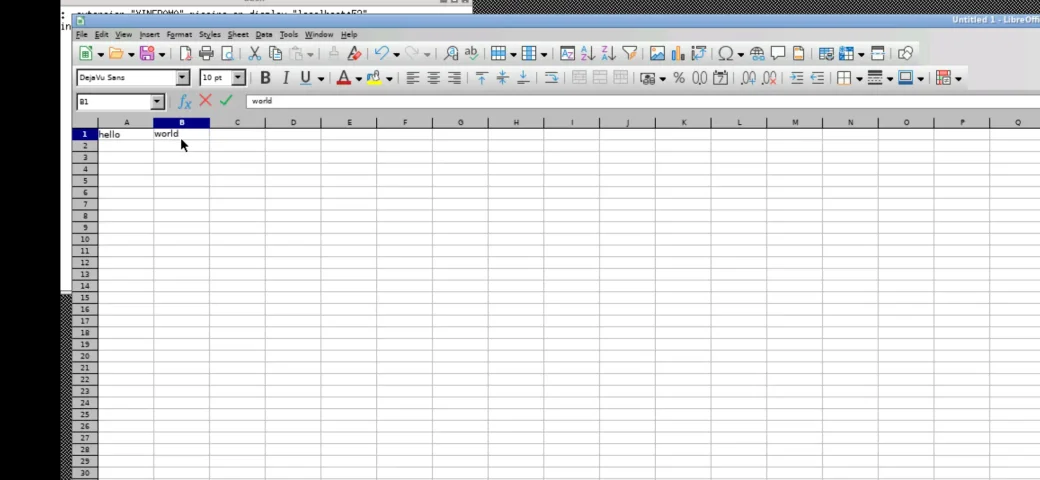
LibreDocs - Android で LibreOffice を実行する
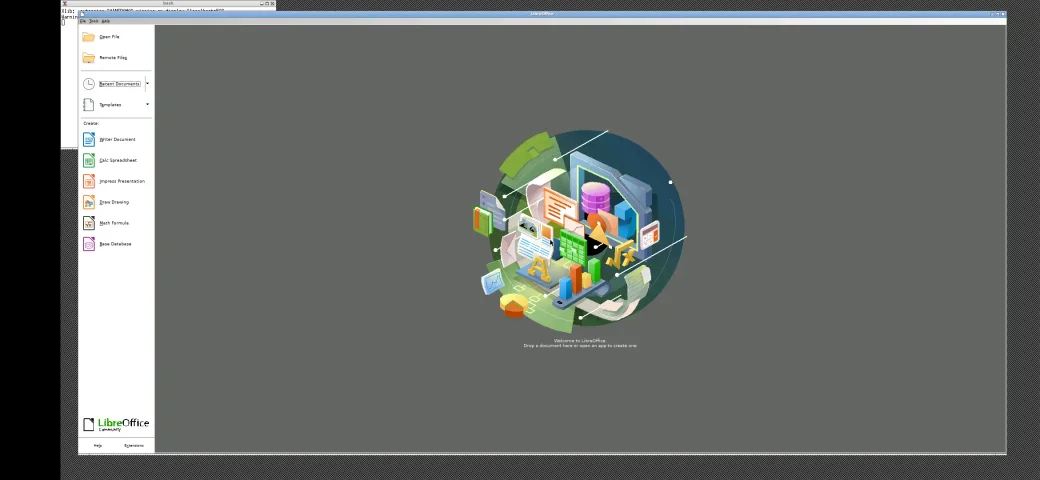
これは、お使いのデバイス上で動作するLibreOfficeです。フル機能を備え、プロフェッショナルなサポートも提供されています。Linuxデスクトップ版のLibreOfficeが動作します。
LibreOfficeについて:
オープンソースの生産性向上ソフトウェアです。以下の機能が含まれています。
Writer:
Microsoft WordやWordPerfectと同様の機能とファイル形式に対応したワープロソフトです。高度なWYSIWYGワープロ機能を備えているだけでなく、基本的なテキストエディタとしても使用できます。PDFまたは「フォーム」タブから入力可能なフォームを作成することもできます。
Calc:
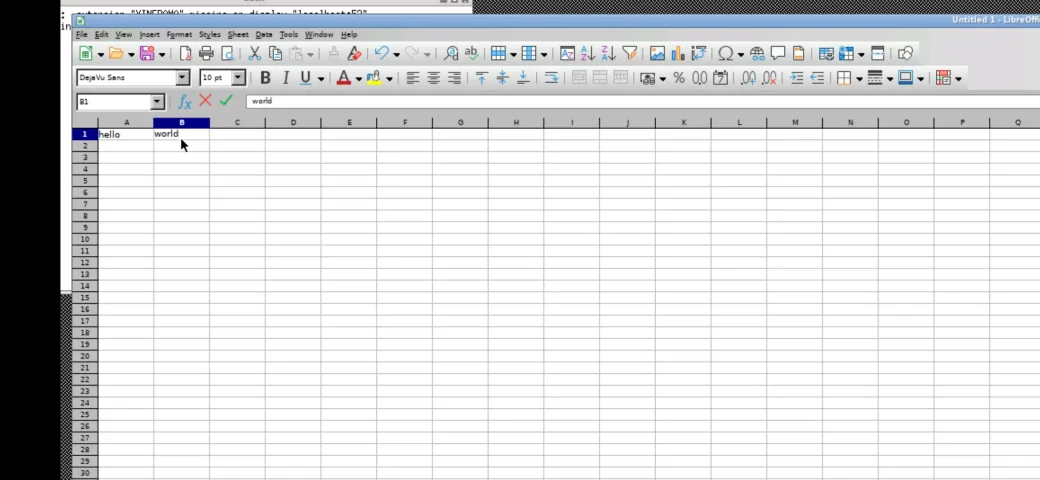
Microsoft ExcelやLotus 1-2-3と同様の表計算ソフトです。ユーザーが利用できる情報に基づいてグラフを自動的に作成するシステムなど、独自の機能が多数搭載されています。
Impress:
Microsoft PowerPointに似たプレゼンテーションソフトです。PPTX、ODP、SXIなど、複数のファイル形式に対応しています。
Draw:
Microsoft Visio、CorelDRAW、Adobe Photoshopと同様のベクターグラフィックエディタ、ラスターグラフィックエディタ、ダイアグラム作成ツールです。図形間のコネクタ機能を提供し、様々な線種から選択できるため、フローチャートなどの図の作成が容易になります。ScribusやMicrosoft Publisherといったデスクトップパブリッシングソフトウェアに類似した機能も備えていますが、機能面ではデスクトップパブリッシングソフトウェアに匹敵するレベルではありません。また、PDFファイルエディタとしても機能します。
Math:
数式の作成と編集に特化したアプリケーションです。OpenDocument仕様で定義されているXMLの派生形式を用いて数式を作成します。作成した数式は、WriterやCalcなどで作成されたLibreOfficeスイートの他のドキュメントに埋め込むことで利用できます。
Base:
Microsoft Accessに類似したデータベース管理プログラムです。LibreOffice Baseでは、データベースの作成と管理、およびデータベースコンテンツに基づくフォームやレポートの生成が可能です。 Accessと同様に、LibreOfficeはドキュメントファイルと共に保存される小規模な組み込みデータベースを作成するために使用できます(ストレージエンジンとしてJavaベースのHSQLDBとC++ベースのFirebirdを使用)。また、より高度なタスクでは、Access Database Engine(ACE/JET)、ODBC/JDBCデータソース、MySQL、MariaDB、PostgreSQL、Microsoft Accessなど、さまざまなデータベース管理システムのフロントエンドとしても使用できます。
詳細はこちらをご覧ください:https://www.libreoffice.org/
LibreDocs Androidアプリの使い方:
グラフィカルインターフェースを使用する場合は、通常のLibreOfficeと同じように操作してください。ただし、Androidインターフェース特有の操作方法がいくつかあります。
* 指1本でタップして左クリックします。
* 指1本でスライドしてマウスを移動します。
* ピンチ操作でズームイン/ズームアウトします。
* 長押ししてから指1本でスライドしてパンします(ズームイン時に便利です)。
* 指2本で上下にスライドしてスクロールします。
* キーボードを表示するには、画面をタップしてアイコンを表示させ、キーボードアイコンをタップしてください。
* 右クリックに相当する操作を行うには、2本の指でタップしてください。
* デスクトップの拡大縮小を変更するには、Androidサービスの通知を探し、設定をタップしてください。設定を変更した後は、アプリを停止して再起動する必要があります。
これらの操作はタブレットとスタイラスペンを使うとより簡単に行えますが、スマートフォンでも指で操作できます。
Androidの他の場所にあるファイルにアクセスするには、ホームディレクトリ(/home/userland)にドキュメントやピクチャなどの場所への便利なリンクが多数あります。ファイルのインポートやエクスポートは不要です。
このアプリの料金を支払いたくない、または支払えない場合は、UserLAndアプリ経由でLibreOfficeを実行できます。
ライセンス:
このアイコンは、Document Foundationが提供するCreative Commons Attribution Share-Alike 3.0 Unported (CC-by-sa)ライセンスに基づいて提供されています。
このアプリはLibreOfficeのメイン開発チームによって作成されたものではありません。Linux版をAndroid上で動作させるための改変版です。
原文を表示
This is really LibreOffice running on your device. It is full featured and professionally supported. This runs the Linux desktop edition of LibreOffice.
About LibreOffice:
Open source productivity software. Includes the following capabilities:
Writer:
A word processor with similar functionality and file support to Microsoft Word or WordPerfect. It has extensive WYSIWYG word processing capabilities, but can also be used as a basic text editor. It can also create fillable forms via PDF or the Forms tab.
Calc:
A spreadsheet program, similar to Microsoft Excel or Lotus 1-2-3. It has several unique features, including a system which automatically defines series of graphs, based on information available to the user.
Impress:
A presentation program resembling Microsoft PowerPoint. Impress has support for multiple file formats including PPTX, ODP, and SXI.
Draw:
A vector graphics editor, raster graphics editor, and diagramming tool similar to Microsoft Visio, CorelDRAW, and Adobe Photoshop. It provides connectors between shapes, which are available in a range of line styles and facilitate building drawings such as flowcharts. It also includes features similar to desktop publishing software such as Scribus and Microsoft Publisher, but the features are not on par with desktop publishing software. It can also act as a PDF file editor.
Math:
An application designed for creating and editing mathematical formulae. The application uses a variant of XML for creating formulas, as defined in the OpenDocument specification. These formulas can be incorporated into other documents in the LibreOffice suite, such as those created by Writer or Calc, by embedding the formulas into the document.
Base:
A database management program, similar to Microsoft Access. LibreOffice Base allows databases to be created and managed, and the generation of forms and reports of database content. Like Access, it can be used to create small embedded databases that are stored with the document files (using Java-based HSQLDB and C++ based Firebird as its storage engine), and for more demanding tasks it can also be used as a front-end for various database management systems, including Access Database Engine (ACE/JET), ODBC/JDBC data sources, and MySQL, MariaDB, PostgreSQL and Microsoft Access.
You can read more about it here: https://www.libreoffice.org/
How to use this LibreDocs Android app:
When using the graphical interface, use LibreOffice just like normal. But here are some specifics to the Android interface.
* Tap with one figure to left click.
* Move mouse by sliding around one finger.
* Pinch to zoom.
* Press and hold and then slide one finger to pan (useful when zoomed in).
* Slide two fingers up and down to scroll.
* If you want to bring up a keyboard, tap on the screen to get a set of icons to appear and then click the keyboard icon.
* If you want to do the equivalent to a right click, tap with two fingers.
* If you want to change the desktop scaling, find the service android notification and click the settings. You have to stop and restart the app after changing this settings for it to take effect.
This is all easier to do on a tablet and with a stylus, but it can be done on a phone or using your finger as well.
To access files from the rest of Android, there are many useful links in your home directory (/home/userland) to places like your Documents, Pictures, etc. No need to import or export files.
If you don't want to, or cannot pay the cost of this app, you can run LibreOffice via the UserLAnd app.
Licensing:
The icon is provided via the Creative Commons Attribution Share-Alike 3.0 Unported (CC-by-sa) from the Document Foundation.
This app is not created by the main LibreOffice development team. Instead it is an adaptation that allows the Linux version to run on Android.
データ セーフティ
このアプリが収集・共有するデータについて、UserLAnd TechnologiesがGoogle Playで申告している内容です。
- 第三者と共有されるデータはありません詳しくは、デベロッパーが共有を申告する方法についての説明をご覧ください
- データは収集されません詳しくは、デベロッパーが収集を申告する方法についての説明をご覧ください
新機能
バージョン 26.11.17 · 2026/11/17
Your app's Linux system is now built fresh from our new image pipeline, with up-to-date packages and a faster, more reliable download. Opening files in your phone's shared storage no longer fails the first time, and more programs run correctly. Already installed? Your existing setup is kept; reinstall to get the new system.
開発元の連絡先
- ウェブサイトuserland.tech
- メールsupport@userland.tech
- プライバシーポリシーuserland.tech
- 住所10258 SW 67th Ave Portland, OR 97223 United States
情報
- 提供元
- UserLAnd Technologies
- カテゴリ
- 仕事効率化
- バージョン
- 26.11.17
- 更新日
- 2026/11/17
- リリース
- 2023/8/24
- 必要条件
- Android 7.0以降
- 対象年齢
- 3 歳以上
- 価格
- ¥290
- パッケージ名
- tech.ula.libredocs