Lock Screen OS
Apps GenzContains ads · In-app purchases
- EveryoneAge rating
- PersonalizationCategory
- Jul 27, 2026Updated
- FreePrice
Links to the official Google Play listing of com.babydola.lockscreen. Last checked on Nov 19, 2026.
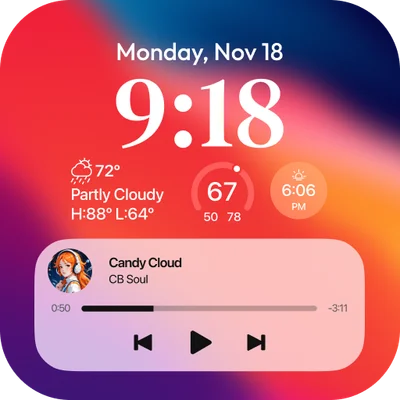
Screenshots



About this app
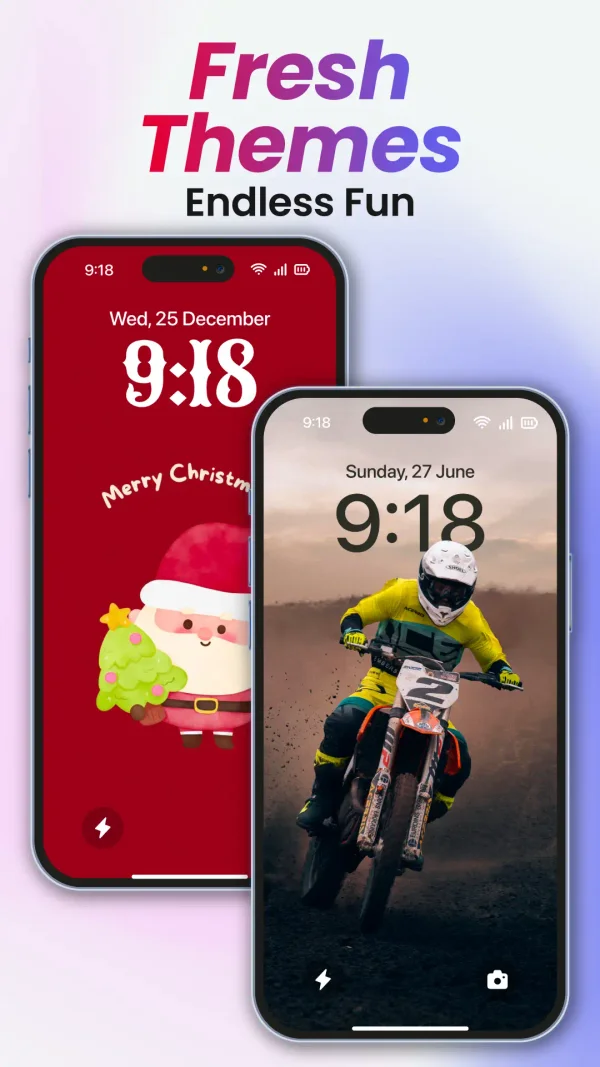
Personalize Lock Screen with beautiful wallpapers, fonts, widgets
Lock Screen OS is a great replacement for system lock of Android.
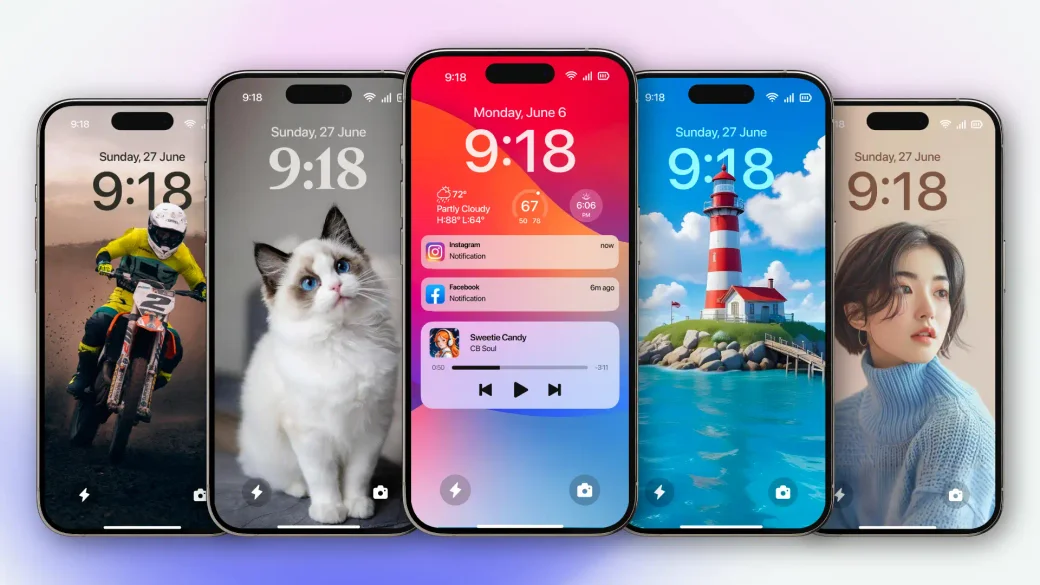
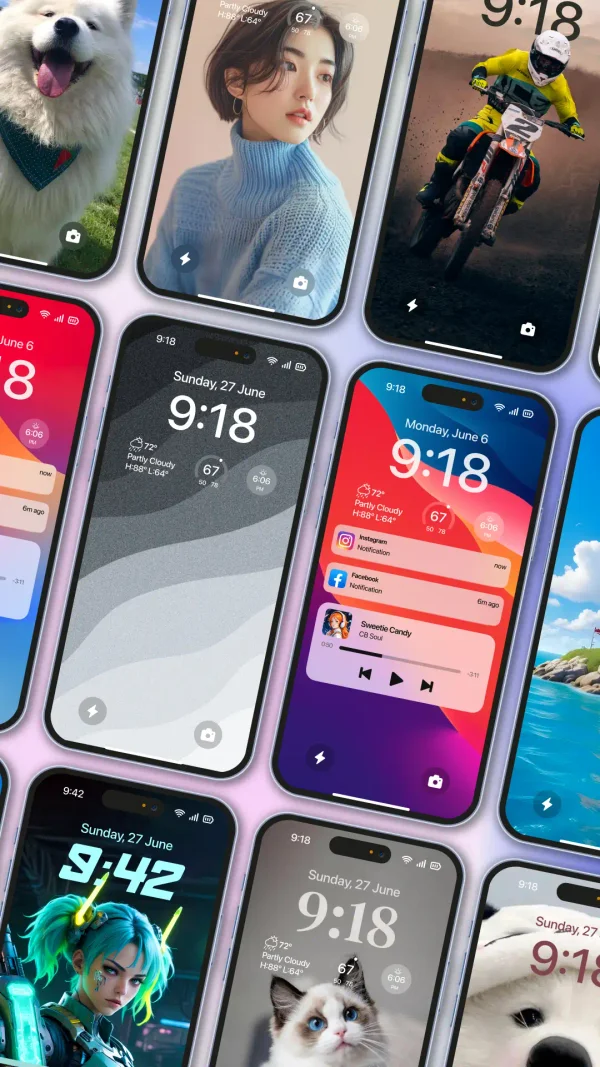
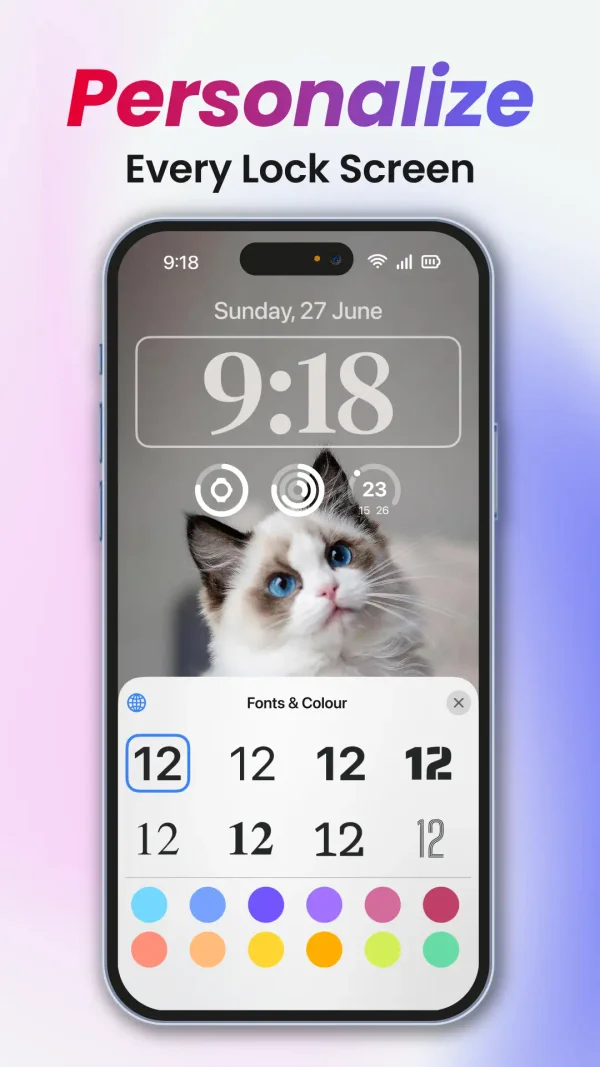
Lock Screen OS provides you with all-new ways to personalize your Lock Screen. Showcase favorite photos, customize font styles, and display a set of widgets to get information at a glance.
🔻 Reimagined Lock Screen OS
Change your phone into an OS with all-new ways to personalize your Lock Screen. Customize font styles, and display a set of widgets to get information at a glance.
🔻 Create multiple Lock Screens
You can now create different Lock Screens, each with a unique backdrop and style, and easily switch between them. Browse a gallery of wallpapers with suggested photos and themed collections for inspiration.
🔻 Notifications
View notifications on the Lock Screen in an expanded list view, stacked view, or hidden view.
To make Lock Screen OS working most perfect. You must grant some special permissions like to:
- CAMERA: Open camera in your phone when screen is locked.
- READ_PHONE_STATE: Show phone call when screen is locked.
- NOTIFICATION ACCESS: Show notification when screen is locked.
- READ/WRITE_EXTERNAL_STORAGE: Support wallpaper set from your storage and our server save image.
- DRAW OVER SCREEN: Show Lock Screen in over all application
- ACCESSIBILITY PERMISSION: To enable Lock Screen OS, please allow Accessibility services. The service is only used to allow this app to draw on the phone's home screen and status bar. The application commits not to collect or share any user information about this accessibility right.
Step setting in the first install can help Lock Screen OS applications work better.
Step 1 : Grant all permission requirements.
Step 2 : Setup pass code > click on Pass code option > create new or change pass code.
Step 3 : Disable system notification > Click on Disable system lock option > Please note that , selected system lock is "None".
Step 4 : If you need to hide content and show system notification > Please select Notification option and turn on switch if needed.
You can quickly view with youtube video at : https://youtu.be/bpaan93yfCU
Lock Screen OS is a perfect application and helps you have wonderful Android applications with beautiful interface.
Disclaimers
All product names, logos, brands, trademarks and registered trademarks, which are not owned by us, are property of their respective owners
All company, product and service names used in this app are for identification purposes only. Use of these names, trademarks and brands does not imply endorsement.
This app is owned by us. We are not affiliated, associated, authorized, endorsed by, or in any way officially connected with any 3rd party apps or companies.
All of your opinion can be help us making more application and improving other in future, if you need help for using feature or have some suggestion, Please contact us via: support@appsgenz.com
Ok, let's turn off and turn on the screen to enjoy it now!
Data safety
What Apps Genz declares on Google Play about the data this app collects and shares.
- No data shared with third partiesLearn more about how developers declare sharing
- This app may collect these data typesLocation
- Data is encrypted in transit
- Data can’t be deleted
What’s new
Version 4.0.10 · Jul 27, 2026
Lock Screen OS - New version 4.0.10 (85)
Developer contact
- Websiteappsgenz.com
- Emailadmin@appsgenz.com
- Privacy policyappsgenz.com
- AddressDinh Phu, Xuan Phu, Yen Dung Bac Giang Bắc Giang 230000 Vietnam
Information
- Offered by
- Apps Genz
- Category
- Personalization
- Version
- 4.0.10
- Updated
- Jul 27, 2026
- Released
- Mar 16, 2021
- Requires
- Android 7.0 or later
- Age rating
- Everyone
- Price
- Free
- In-app purchases
- $0.99 per item
- Package name
- com.babydola.lockscreen
Similar apps
-
 Color Widgets, Theme: iWidgets
Lifestyle
-
 Move to iOS
Tools
-
 DNA Launcher ‧ Home Screen
Personalization
-
 Minimal Widgets
Personalization
-
 Volume Styles - Custom control
Personalization
-
 A Launcher : Galaxy A Launcher
Personalization
-
 heyUp: Custom Lock Screen
Personalization
-
 Ratio: Productivity Homescreen
Productivity
-
 App Lock - AppLock VIP
Tools
-
 MyICON - Icon Changer, Themes
Personalization
-
 Everything Widgets
Personalization
-
 Facemoji Emoji Keyboard Pro
Tools