Samsung Flow
Samsung Electronics Co., Ltd.- EveryoneAge rating
- ProductivityCategory
- Sep 4, 2026Updated
- FreePrice
Links to the official Google Play listing of com.samsung.android.galaxycontinuity. Last checked on Nov 21, 2026.
Screenshots
About this app
A magical experience that seamlessly connects your devices.
End of support for Android R OS and earlier.
Due to operational reasons, usage on devices running R OS or earlier versions will be restricted starting December 2026.
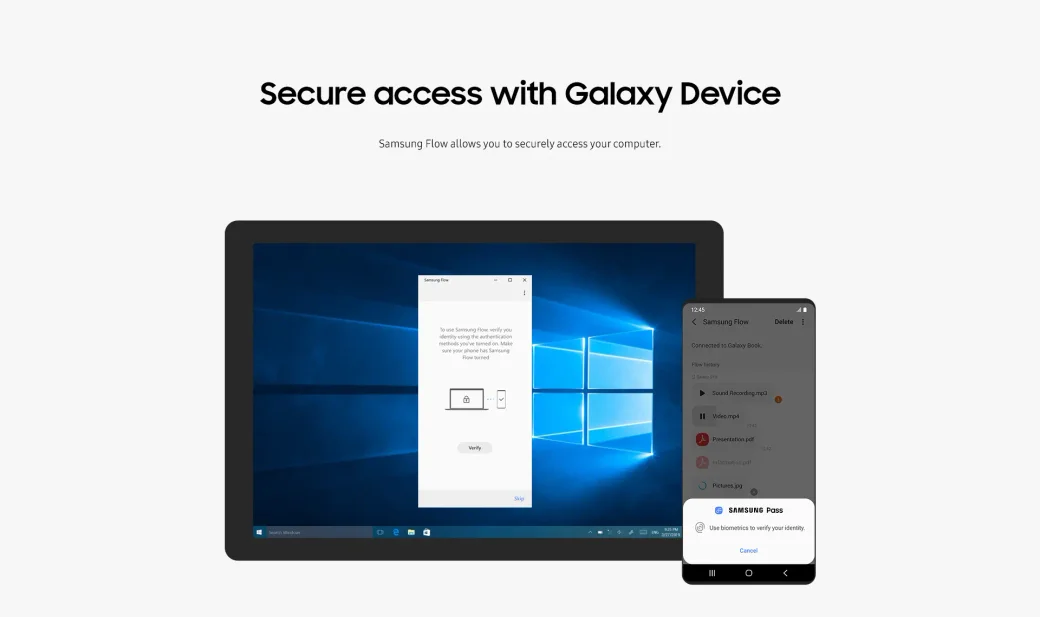
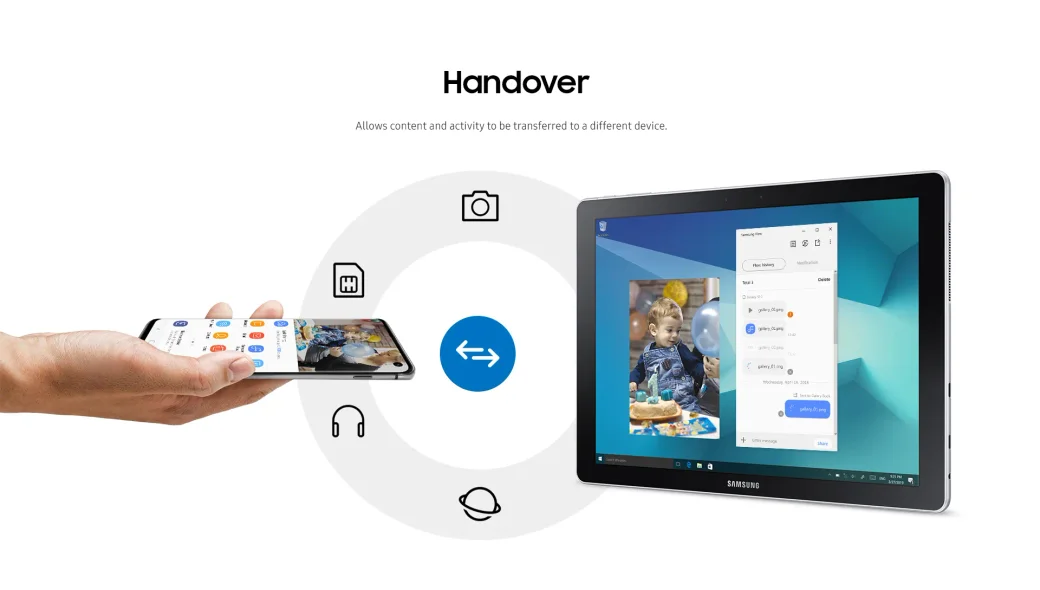
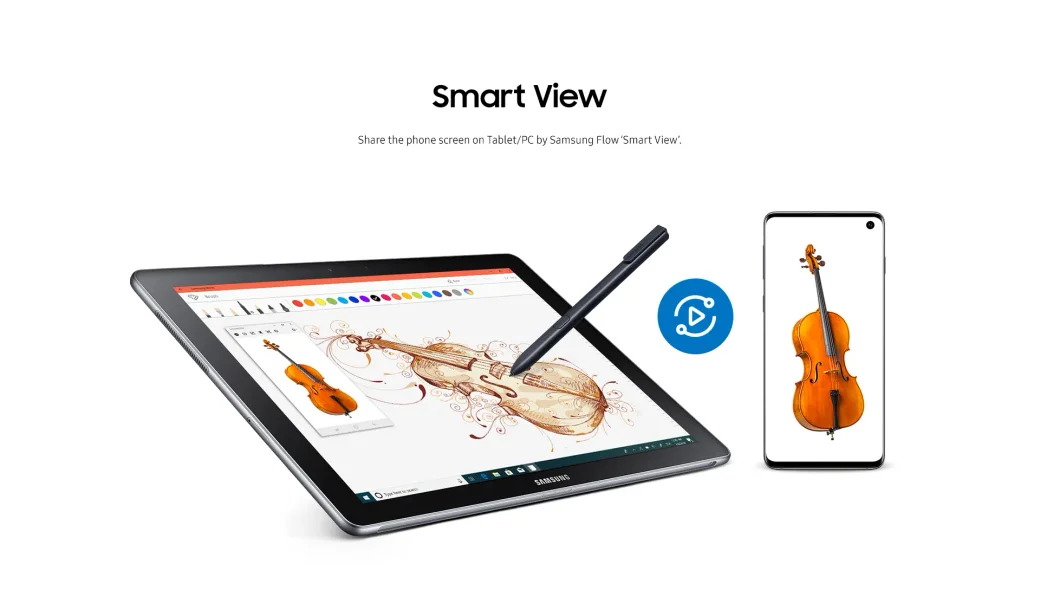
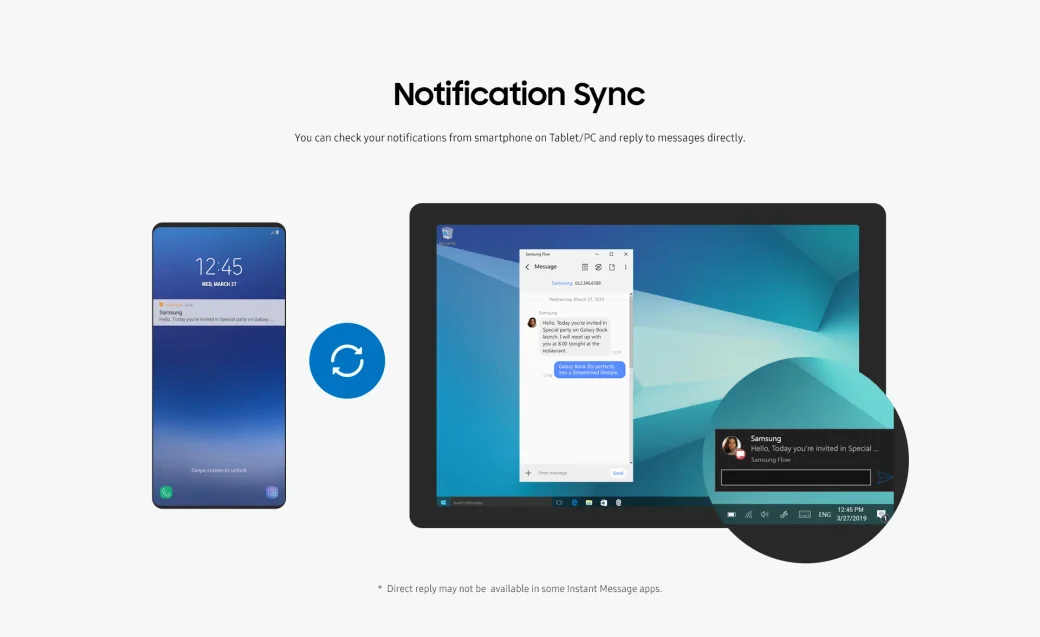
Samsung Flow is a software product that enables a seamless, secure, connected experience across your devices. You can authenticate your Tablet/PC with your smartphone, share content between devices, and sync notifications or view contents from your smartphone on your Tablet/PC. You can turn on the smartphone's Mobile Hotspot to keep your Tablet/PC connected.
You can also log in to your Tablet/PC with your biometric data (Iris, Fingerprints) if you register with Samsung Pass.
The following devices support Samsung Flow:
1. Windows Tablet/PC : Windows 10 OS Creators update (V1703) and June patch build (15063.413)
(Galaxy TabPro S, Galaxy Book, Galaxy Book2. Galaxy Book S, PC)
2. Android Tablet: Android S OS or newer
3. Android Phone : Android S OS or Newer
It may not be supported by some models, depending on the smartphone specifications.
* Samsung Flow will operate only on official software released by Samsung Electronics.
* Windows: Bluetooth (Bluetooth LE optional) or Wi-Fi/LAN, Wi-Fi direct
Windows 10 users can find the Samsung Flow app on the Windows App Store.
Go to the Samsung Flow webpage where you can find the setup guide:
www.samsung.com/samsungflow
If you have not updated the Samsung Flow app to the latest version, please go to Windows Store > Menu > Downloads and Updates to update the app.
* The PC unlock function is no longer provided because the Windows policy has changed.
The following permissions are required for the app service. For optional permissions, the default functionality of the service is turned on, but not allowed.
Required permissions
• Nearby devices: Used to find nearby devices and track registered devices
• Notifications: Used to show the connection status between your devices
• Storage: Used to store content shared among registered devices on an external storage device and view the stored content (~Android 10)
Optional permissions
• Phone: Used to answer and decline calls to your phone on your tablet or computer
• Call logs: Used to read the contact information included in the event of the incoming call when receiving a call
• Contacts: Used to obtain information about callers or senders when you receive calls or text messages on your phone
• SMS: Used to receive and reply to text messages to your phone on your tablet or computer
• Microphone: Used to record and send the audio from your phone to your computer or tablet while using Smart View
• Location: Used to search for your phone using your tablet or computer connected through Bluetooth (~Android 12)
Data safety
What Samsung Electronics Co., Ltd. declares on Google Play about the data this app collects and shares.
- No data shared with third partiesLearn more about how developers declare sharing
- No data collectedLearn more about how developers declare collection
Developer contact
- Websitesamsung.com
- Emailflow.dev@samsung.com
- Privacy policyaccount.samsung.com
- Address대한민국 16677 경기도 수원시 영통구 삼성로 129 (매탄동)
Information
- Offered by
- Google Commerce Ltd
- Category
- Productivity
- Updated
- Sep 4, 2026
- Released
- Mar 3, 2016
- Age rating
- Everyone
- Price
- Free
- Package name
- com.samsung.android.galaxycontinuity
Similar apps
-
 Device Care
Tools
-
 One Hand Operation +
Tools
-
 ECOVACS HOME
Lifestyle
-
 MindMeister - Mind Mapping
Productivity
-
 nzb360 - Media Server Manager
Tools
-
 Moto Widget
Tools
-
 Yubii Home
House & Home
-
 Blynk IoT
Tools
-
 Microsoft 365 Admin
Productivity
-
 CuboAi Smart Baby Monitor
Parenting
-
 Samsung Email
Productivity
-
 VeSync
Lifestyle