Screenshot
Splend AppsContains ads · In-app purchases
- EveryoneAge rating
- ToolsCategory
- Oct 19, 2026Updated
- FreePrice
Links to the official Google Play listing of com.splendapps.splendshot. Last checked on Nov 20, 2026.
Screenshots
About this app
The developer has not provided this text in your language.
Easy to use app to capture and manage screenshots.
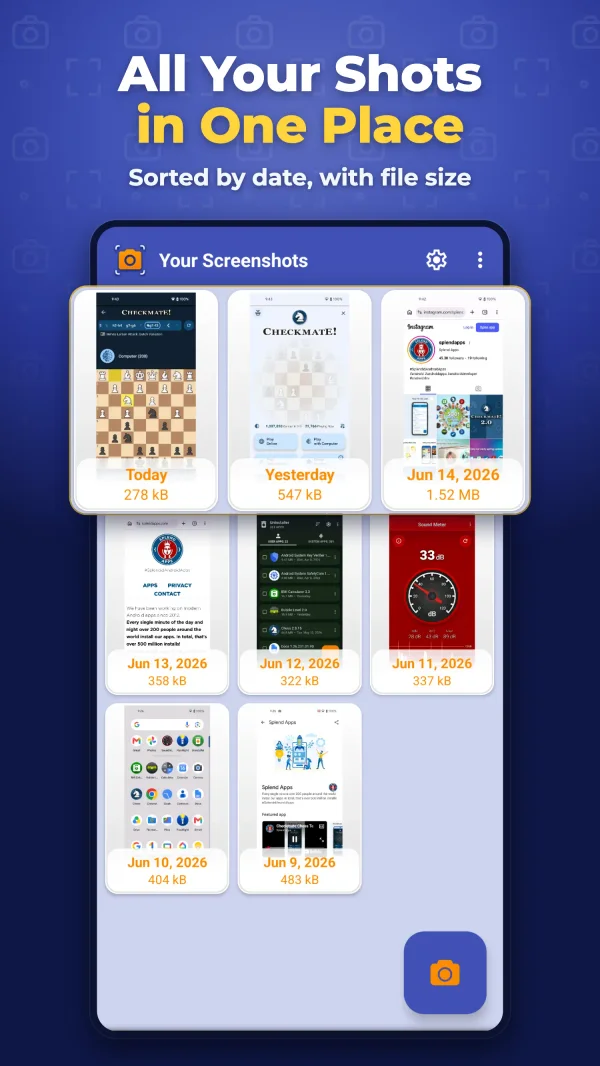
Free android app which allows you to capture screenshots and manage them in a user friendly way. It is truly usable with great user experience. It is powerful in its simplicity and convenience of use.
Key Features
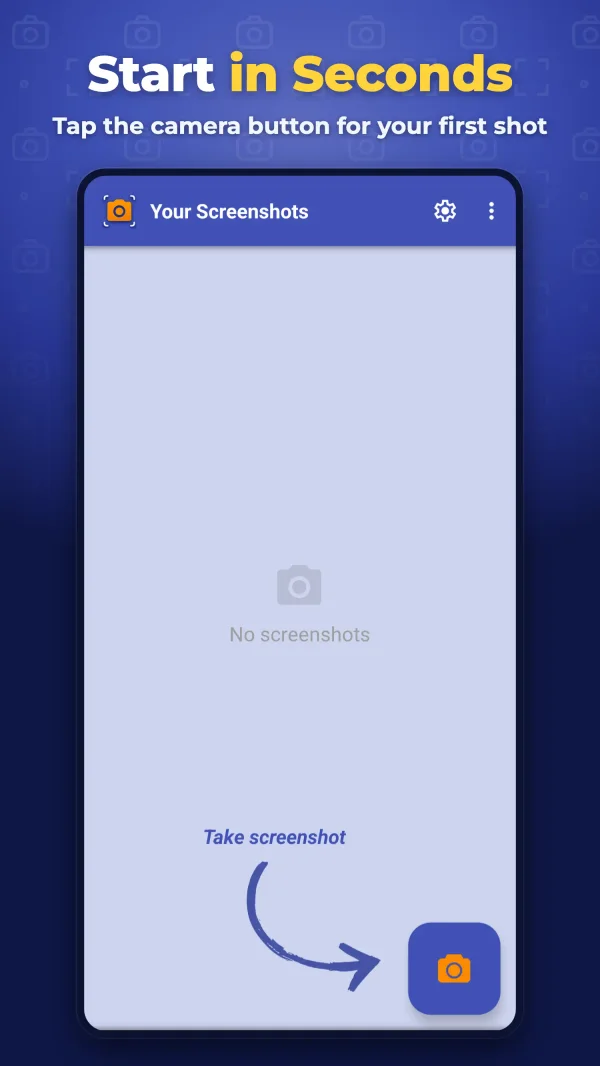
• Take screenshots on your phone and tablet
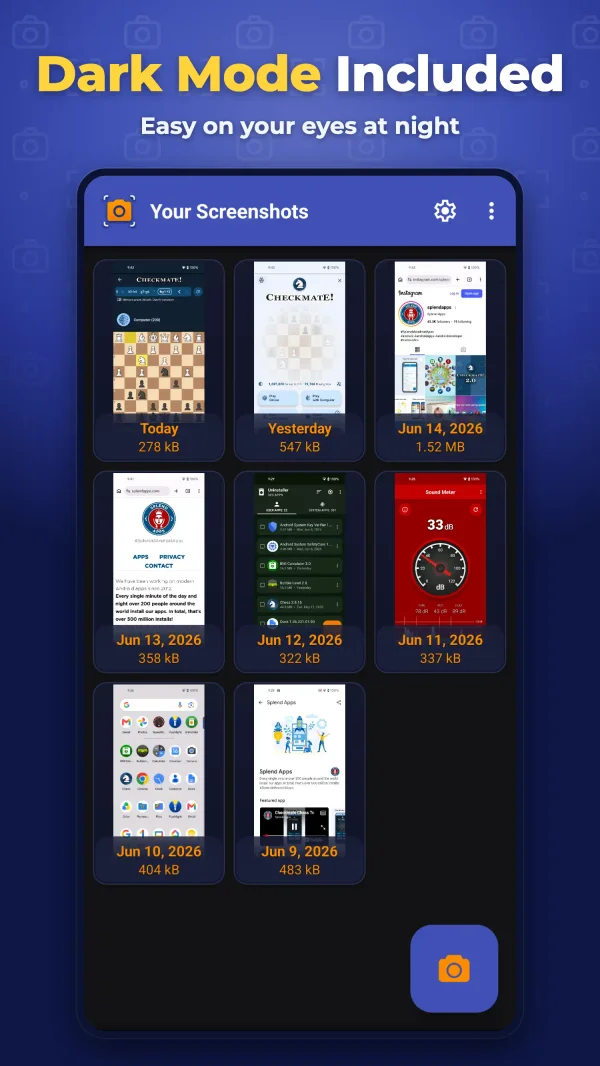
• View and manage screenshots in gallery view (multiple select support) and in a single screenshot view
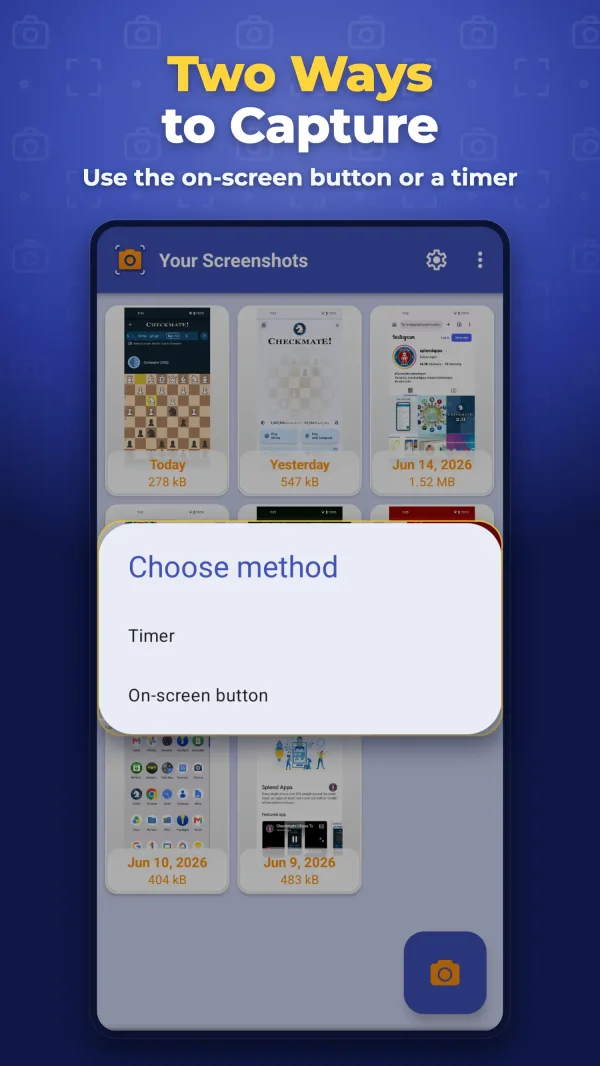
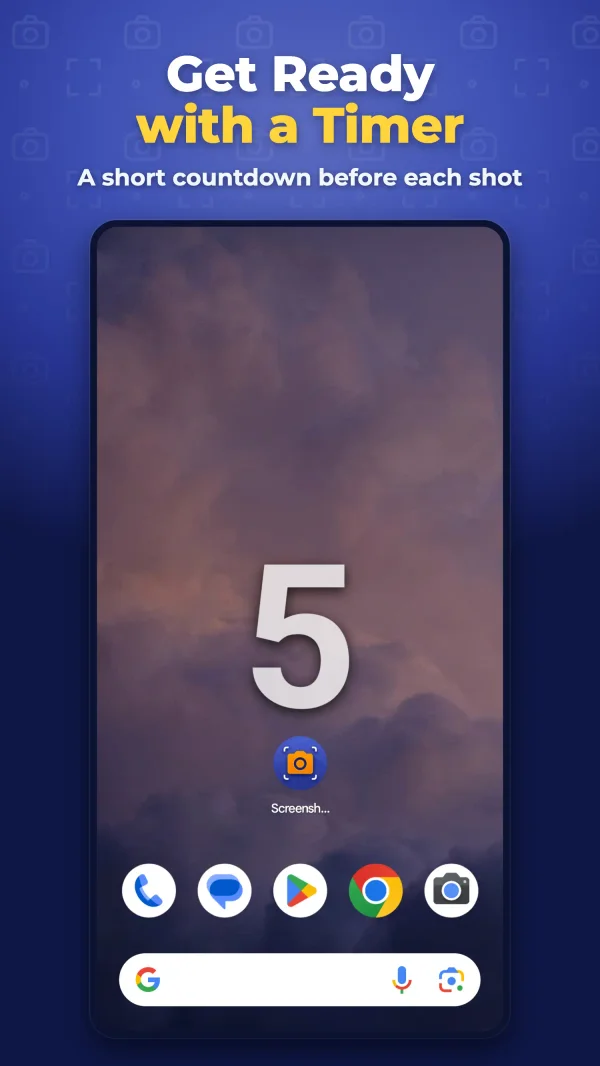
• You can set a delay (timer) in seconds before taking screen (screenshot after countdown)
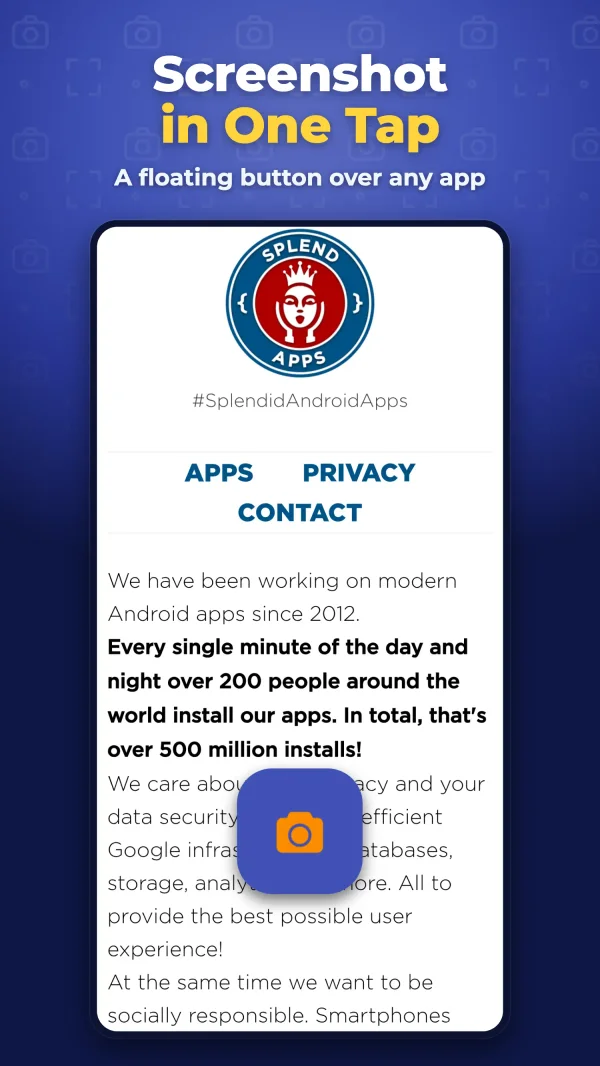
• On-screen shutter button (overlay icon) which is visible on top of all screens and allows you to capture screen exactly when pressed
• Screen capture execution from status bar in notification area
• Support for standard android screenshot triggers (Volume Down + Power and Home + Power buttons)
More Details
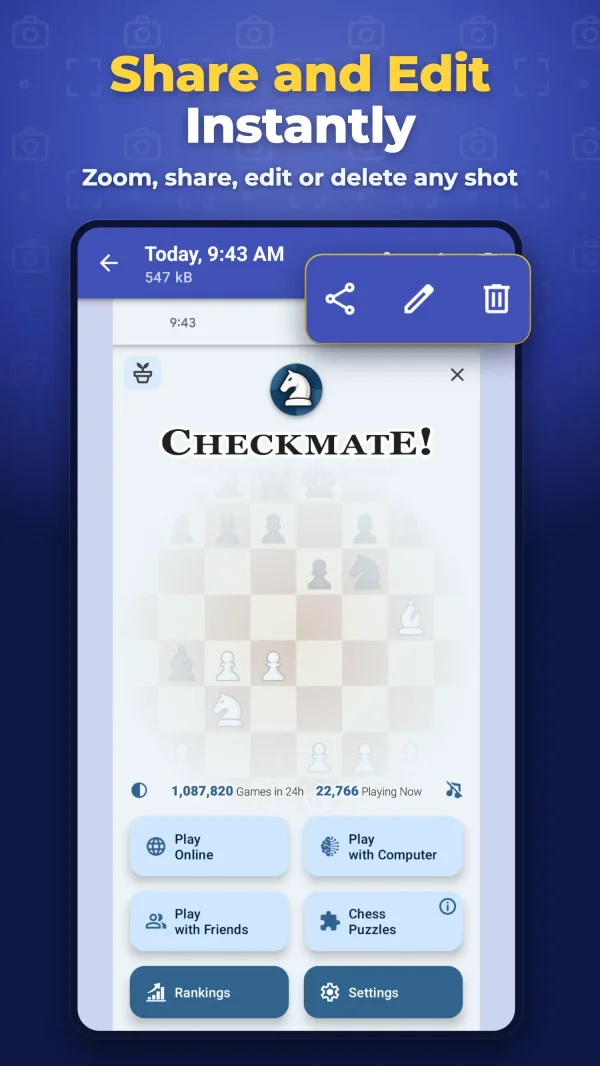
• Save and Share screenshot via e-mail, Facebook, Twitter, Google+, WhatsApp, Instagram, Dropbox and many more...
• Crop and Edit captured screens
• Delete unnecessary screenshots
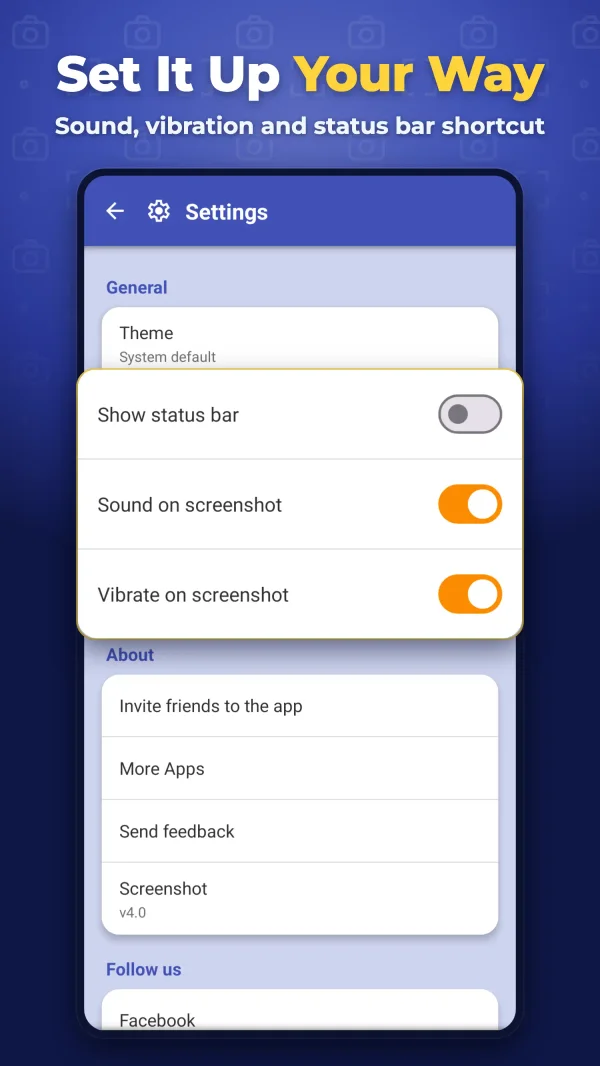
• Can show or hide status bar
• Can play the shutter sound and vibrate on screenshot
• Support for screenshots android system directory
• Notification icon is hidden away during capturing
• No root required but some functions may not be available on unrooted devices
• Screenshot is free to download and use
• Splend Apps support and more!
About Us
• Visit SplendApps.com: http://splendapps.com/
• Our Privacy Policy: http://splendapps.com/privacy-policy
• Contact Us: http://splendapps.com/contact-us
• Refund Policy: https://splendapps.com/refunds
Follow Us
• Facebook: https://www.facebook.com/SplendApps/
• Instagram: https://www.instagram.com/splendapps/
• Twitter: https://twitter.com/SplendApps
Data safety
What Splend Apps declares on Google Play about the data this app collects and shares.
- No data shared with third partiesLearn more about how developers declare sharing
- No data collectedLearn more about how developers declare collection
- Data is encrypted in transit
- Data can’t be deleted
What’s new
Version 4.4 · Oct 19, 2026
Usability improvements and minor bug fixes.
Developer contact
- Websitesplendapps.com
- Emailsupport@splendapps.com
- Privacy policysplendapps.com
- Address20-11 Al. Śliwowa 54-106 Wrocław Poland
Information
- Offered by
- Splend Apps
- Category
- Tools
- Version
- 4.4
- Updated
- Oct 19, 2026
- Released
- Sep 1, 2014
- Requires
- Android 7.0 or later
- Age rating
- Everyone
- Price
- Free
- In-app purchases
- $0.99 per item
- Package name
- com.splendapps.splendshot
Similar apps
-
 Screen Recorder Unlimited
Tools
-
 Screen Recorder Video Recorder
Tools
-
 ScreenStream
Tools
-
 ADV Screen Recorder
Tools
-
 Screen Recorder GU Recorder
Video Players & Editors
-
 Manual Camera DSLR (Lite)
Photography
-
 Photone - Grow Light Meter
Tools
-
 Screen Recorder - XRec Lite
Video Players & Editors
-
 Glip Screen Recorder
Tools
-
 AGC ToolKit - Watermark LUT
Tools
-
 QR Code & Barcode Scanner Plus
Tools
-
 ScreenMaster:Screenshot Markup
Productivity