Separated Apps
Samsung Electronics Co., Ltd.- EveryoneAge rating
- ProductivityCategory
- Oct 19, 2026Updated
- FreePrice
Links to the official Google Play listing of com.samsung.android.appseparation. Last checked on Nov 28, 2026.

Screenshots
About this app
Designed for enterprises that need to protect sensitive work data.
App information
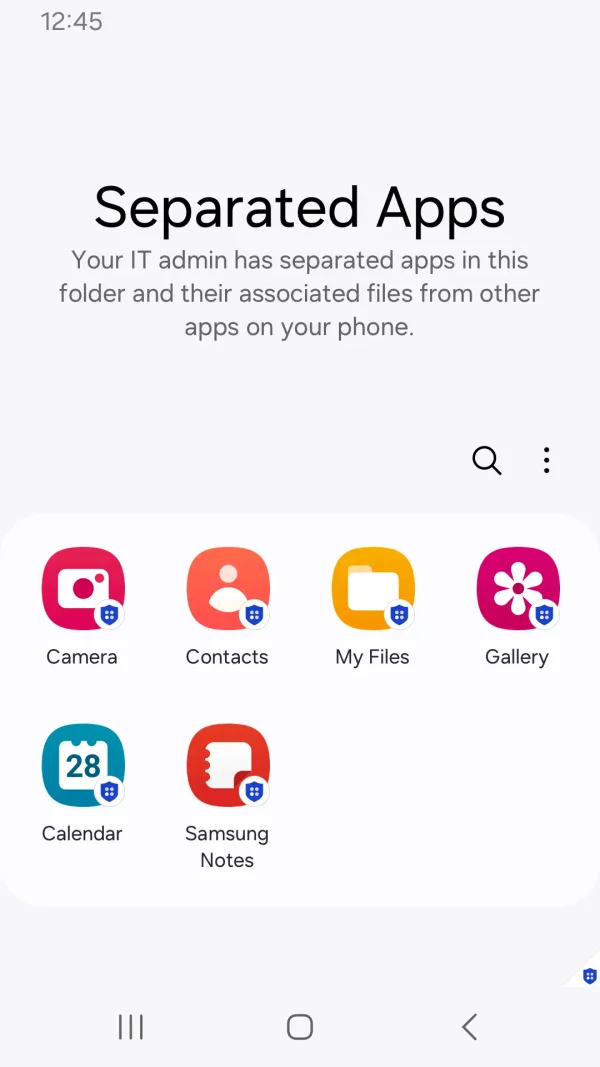
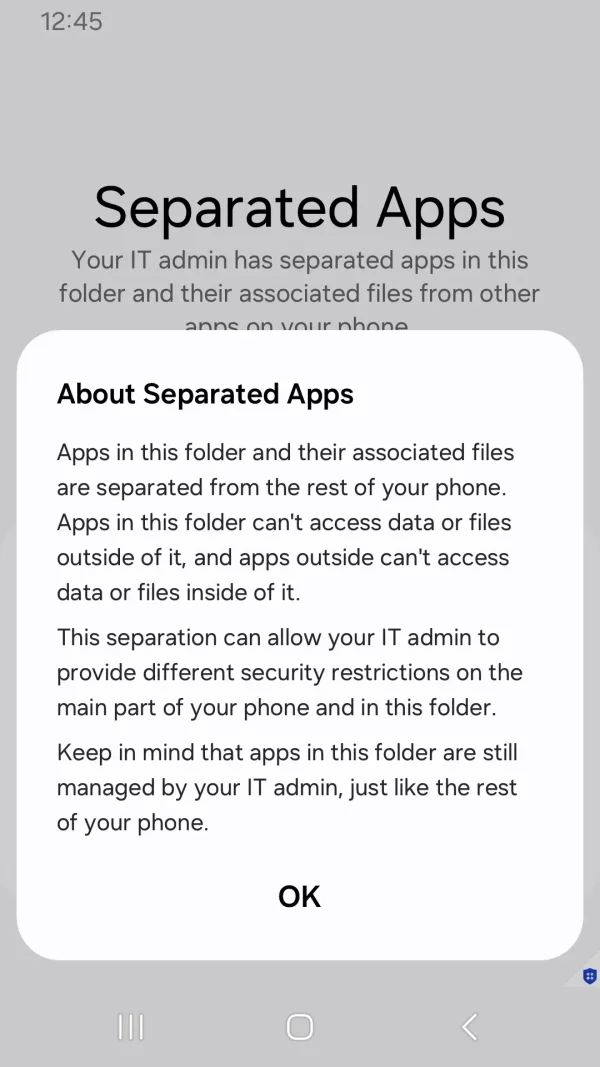
Designed for enterprises that need to protect sensitive work data, Knox Separated Apps allows IT admins to separate third-party apps from corporate apps on fully managed devices.
“"IT admins use Separated Apps to isolate apps on managed devices. This app isn’t intended for personal use."
How it works
- After an enterprise IT admin installs work apps on fully managed devices through a UEM, they can enable Separated Apps and select certain apps to install in the secure, separate area.
- By default, the following apps are available in the Separated Apps area.
.Google Chrome
.Microsoft Office (depending on the device model)
.Samsung Calendar
.Samsung Camera
.Samsung Gallery
.Samsung MyFiles
.Samsung Video
For more details, see the Knox SDK documentation.
The following permissions are required for the app service. For optional
permissions, the default functionality of the service is turned on, but not allowed.
[Optional permissions]
- Notifications : Used to provide you
Data safety
What Samsung Electronics Co., Ltd. declares on Google Play about the data this app collects and shares.
- No data shared with third partiesLearn more about how developers declare sharing
- No data collectedLearn more about how developers declare collection
- Committed to follow the Play Families Policy
Developer contact
- Websitesamsungknox.com
- Emailknox.sec@samsung.com
- Privacy policyeula.secb2b.com
- Address대한민국 16677 경기도 수원시 영통구 삼성로 129 (매탄동)
Information
- Offered by
- Samsung Electronics Co., Ltd.
- Category
- Productivity
- Version
- 3.3.00.5
- Updated
- Oct 19, 2026
- Released
- Oct 30, 2023
- Age rating
- Everyone
- Price
- Free
- Package name
- com.samsung.android.appseparation
Similar apps
-
 Personal Safety
Tools
-
 Galaxy Wearable
Tools
-
 Samsung My Files
Tools
-
 Moto Widget
Tools
-
 OnePlus Community
Communication
-
 Device Care
Tools
-
 Samsung Members
Tools
-
 myAir™ by Resmed
Medical
-
 beurer HealthManager Pro
Health & Fitness
-
 Yoti - your digital identity
Productivity
-
 WeTransfer : File Transfer
Productivity
-
 Solid Explorer File Manager
Productivity