Speech Recognition & Synthesis
Google LLC- USK ab 0 JahrenAltersfreigabe
- ToolsKategorie
- 24.11.2026Aktualisiert
- KostenlosPreis
Verlinkt auf den offiziellen Google Play-Eintrag von com.google.android.tts. Zuletzt geprüft am 25.11.2026.
Screenshots
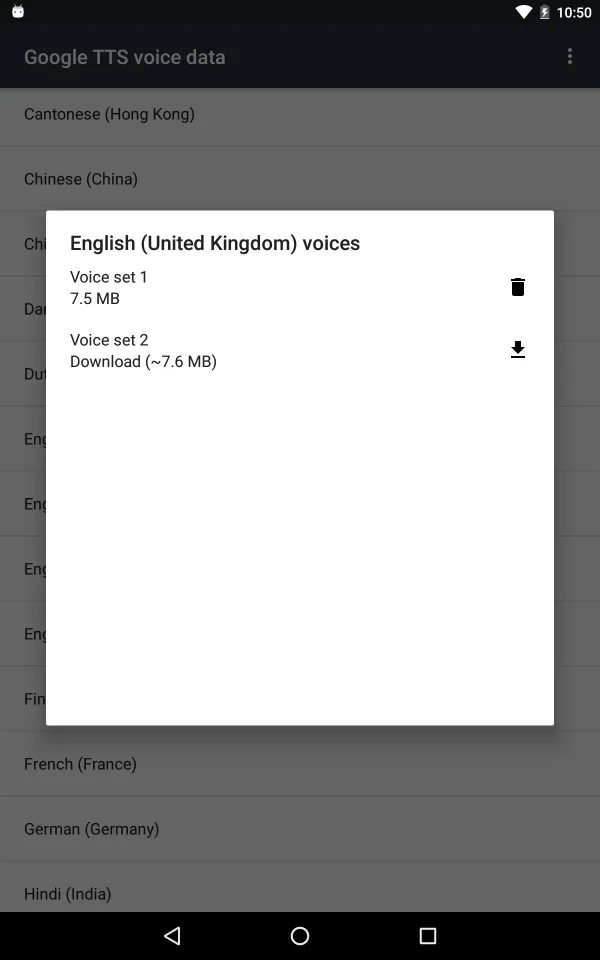
Über diese App
Der Entwickler hat diesen Text nicht in Ihrer Sprache bereitgestellt.
Speech recognition and synthesis for your device.
Power your device with the magic of Google’s text-to-speech and speech-to-text technology. Google Speech-to-Text functionality
Speech Recognition provides speech-to-text functionality to Google and other third party apps to convert what you say to text. For example, it can be used by:
• Google Maps when you use your voice to search places
• Recorder App to transcribe your recordings on device
• Phone App Call Screen feature to get a real-time transcription of your caller
• Accessibility apps like Voice Access for operating your device through voice
• Dictation or keyboard apps you might use to dictate text messages through voice
• Apps that contain a search by voice feature so that you can quickly search for your favorite shows or songs
• Language learning apps that recognize what you say as you practice a new language
• …and many other applications in Play Store
To use Google Speech-to-Text functionality on your Android device, go to Settings > Apps & notifications > Default apps > Assist App. Select Speech Recognition and Synthesis from Google as your preferred voice input engine.
Google Text-to-Speech functionality
Speech Services powers applications to read the text on your screen aloud. For example, it can be used by:
• Google Play Books to “Read Aloud” your favorite book
• Google Translate to speak translations aloud so you can hear the pronunciation of a word
• Talkback and accessibility applications for spoken feedback across your device
• …and many other applications in Play Store
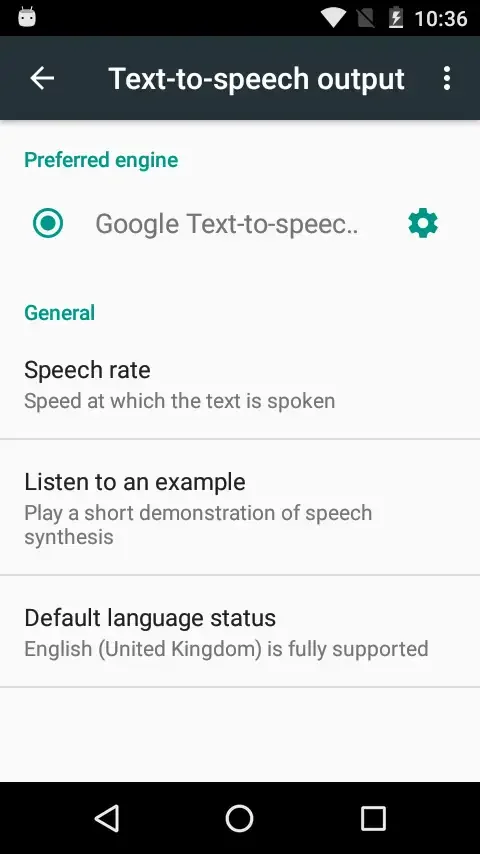
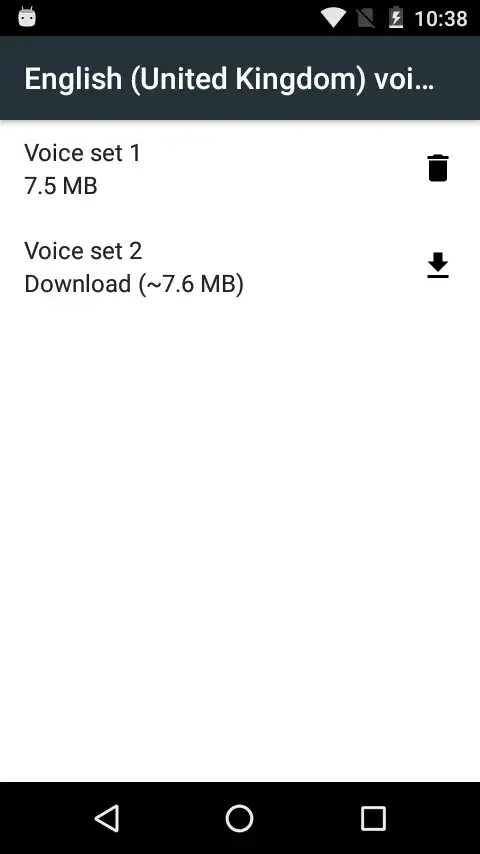
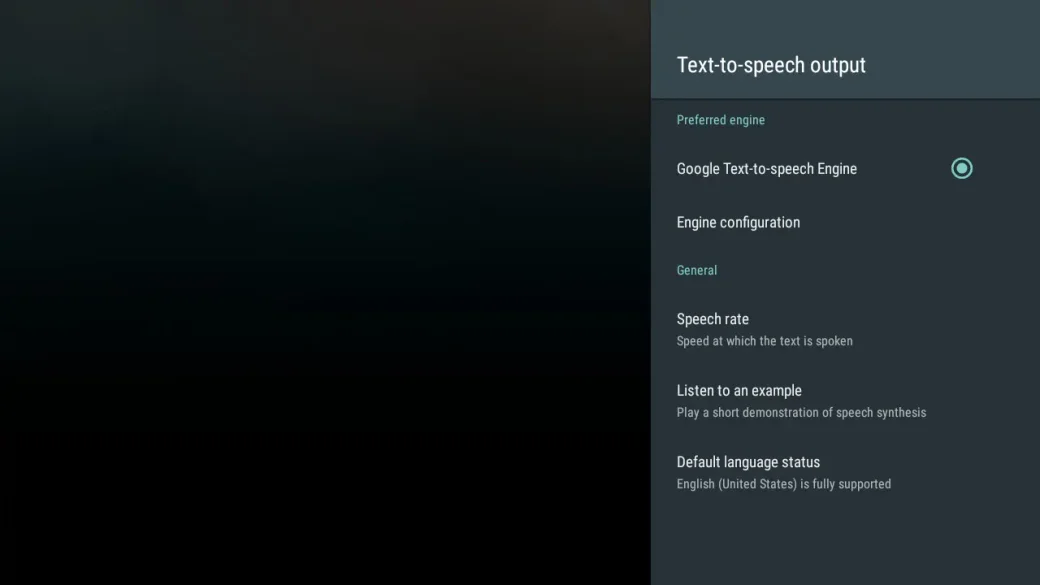
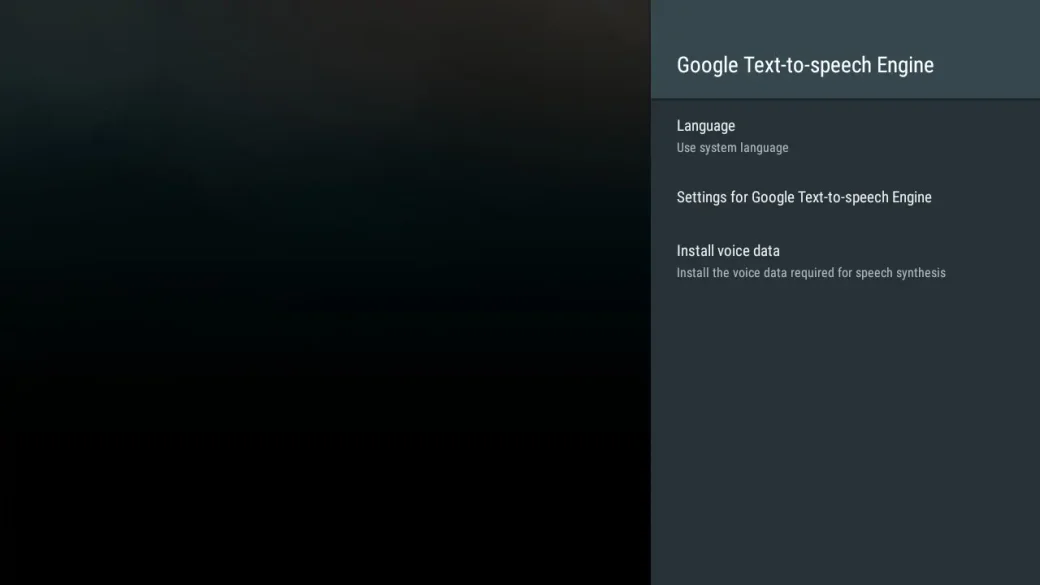
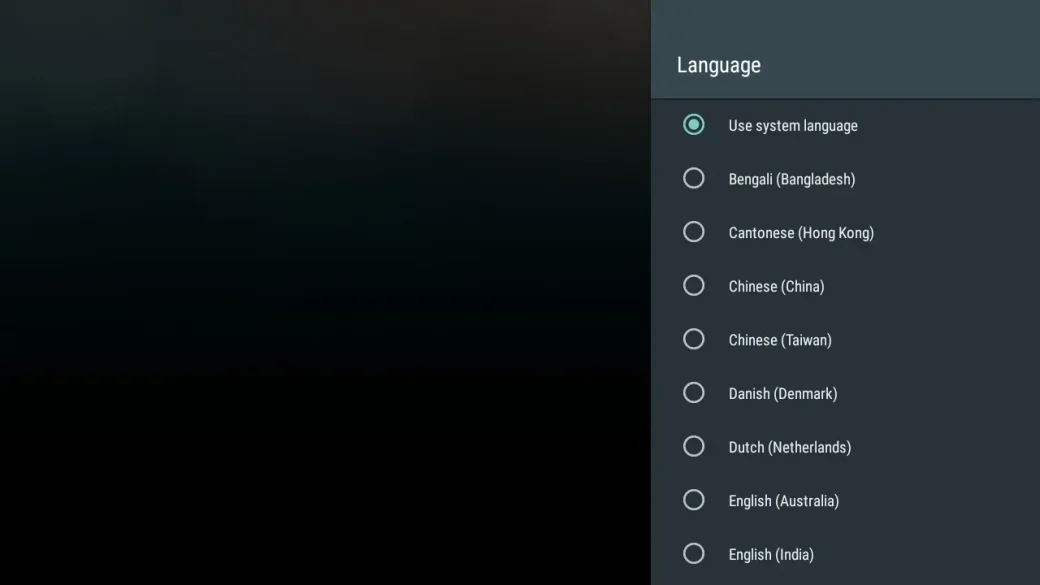
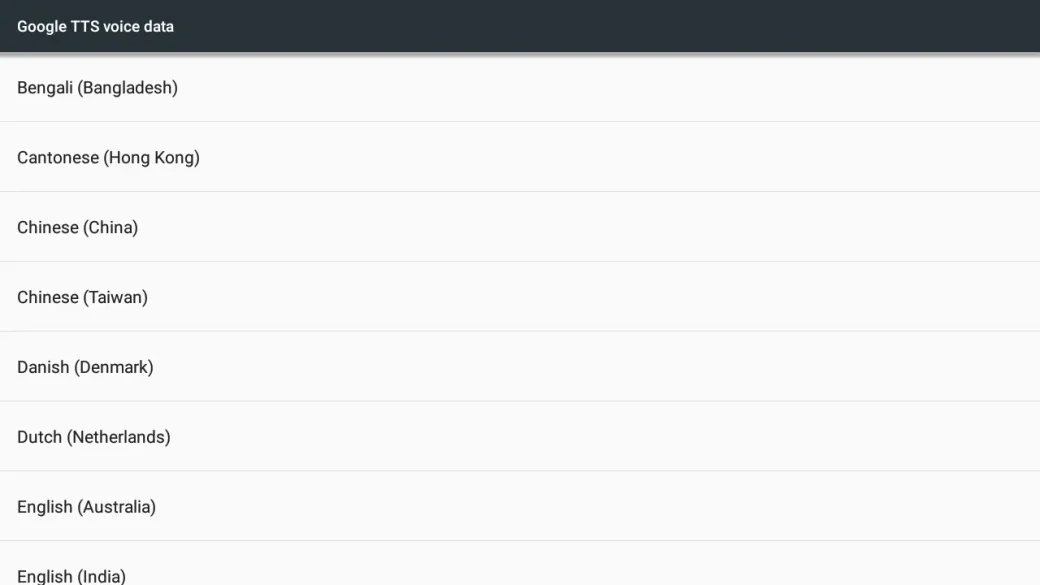
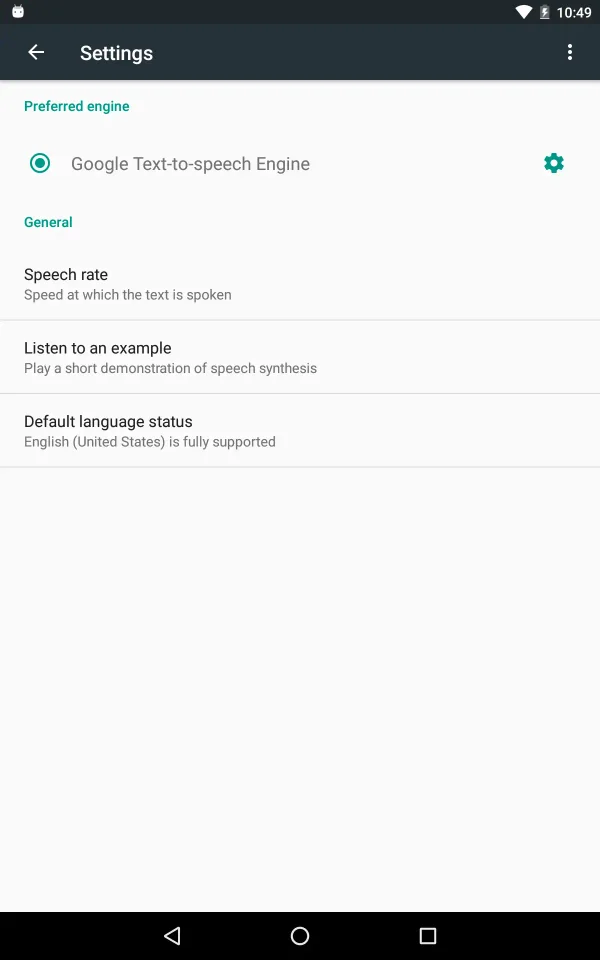
To use Google Text-to-Speech functionality on your Android device, go to Settings > Languages & Input > Text-to-Speech output. Select Speech Recognition and Synthesis from Google as your preferred engine.
Note, on many Android devices, Speech Recognition and Synthesis from Google is already available, but you can update to the latest version here.
Datensicherheit
Was Google LLC bei Google Play zu den Daten angibt, die diese App erfasst und weitergibt.
- Keine Daten werden mit Drittunternehmen oder -organisationen geteiltWeitere Informationen dazu, wie Entwickler Angaben zur Weitergabe von Daten machen
- Diese App kann die folgenden Datentypen erhebenPersonenbezogene Daten, App-Aktivitäten und 2 weitere
- Daten werden bei der Übertragung verschlüsselt
- Daten können nicht gelöscht werden
Neue Funktionen
24.11.2026
Your app has a new name: “Speech Recognition and Synthesis from Google”. The Speech Recognition and Synthesis from Google app not only provides text-to-speech but also empowers applications with speech-to-text functionality to convert your voice to text. Read more in the “About this app” section.
Kontakt zum Entwickler
- Websitegoogle.com
- E-Mailtts-feedback@google.com
- Datenschutzerklärunggoogle.com
- Adresse1600 Amphitheatre Pkwy Mountain View, CA 94043 United States
Informationen
- Angeboten von
- Google LLC
- Kategorie
- Tools
- Aktualisiert
- 24.11.2026
- Veröffentlicht
- 10.10.2013
- Altersfreigabe
- USK ab 0 Jahren
- Preis
- Kostenlos
- Paketname
- com.google.android.tts
Ähnliche Apps
-
 Gboard – die Google-Tastatur
Tools
-
 Files by Google
Tools
-
 Google Übersetzer
Tools
-
 Google Go
Tools
-
 Messages - SMS Texting App
Kommunikation
-
 Rechner
Tools
-
 Samsung Calculator
Tools
-
 Gallery
Fotografie
-
 Gmail Go
Kommunikation
-
 Persönliche Sicherheit
Tools
-
 Android Auto
Autos & Fahrzeuge
-
 „Mein Gerät finden“ von Google
Tools