Speech Recognition & Synthesis
Google LLC- PEGI 3Classification d’âge
- OutilsCatégorie
- 24/11/2026Mis à jour
- GratuitPrix
Renvoie vers la fiche Google Play officielle de com.google.android.tts. Dernière vérification le 25/11/2026.
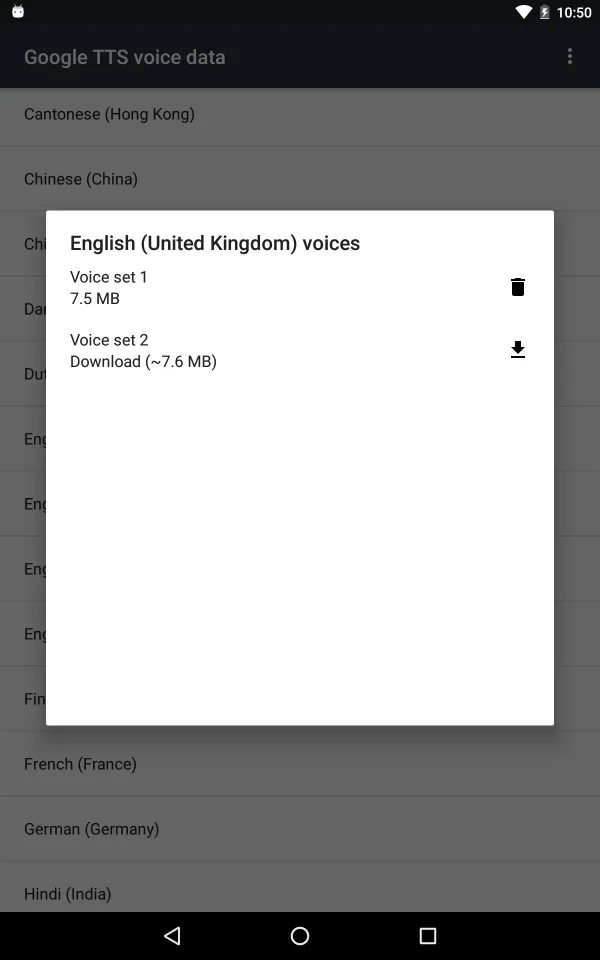
Captures d’écran
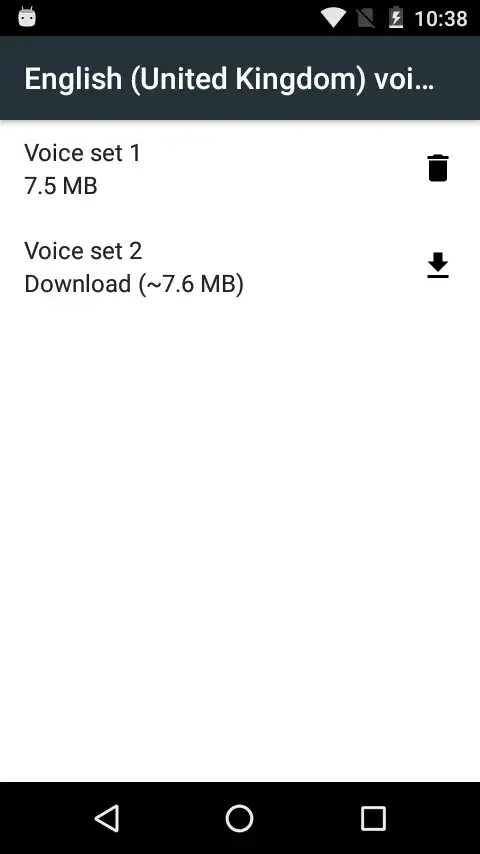
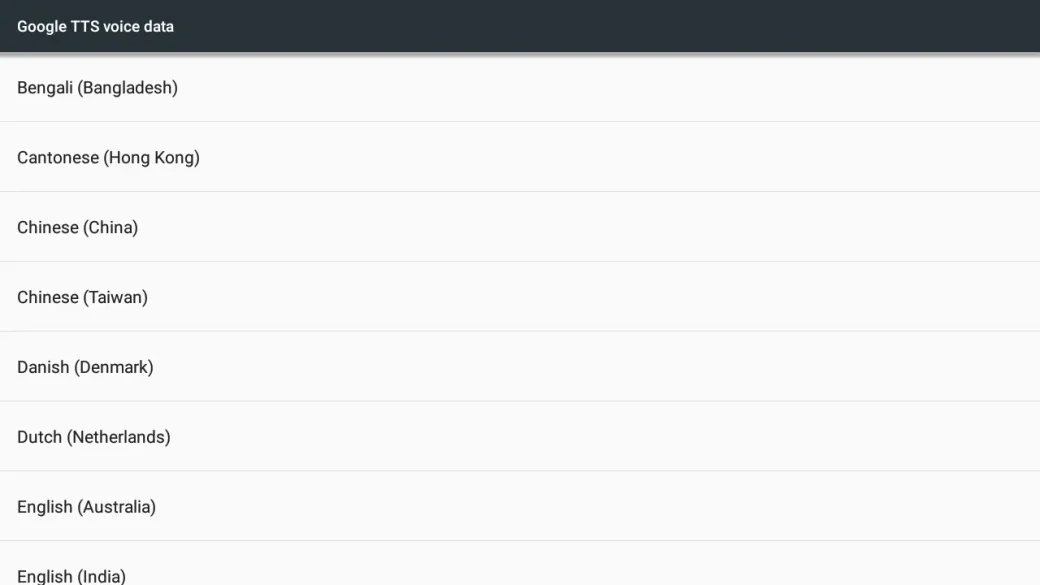
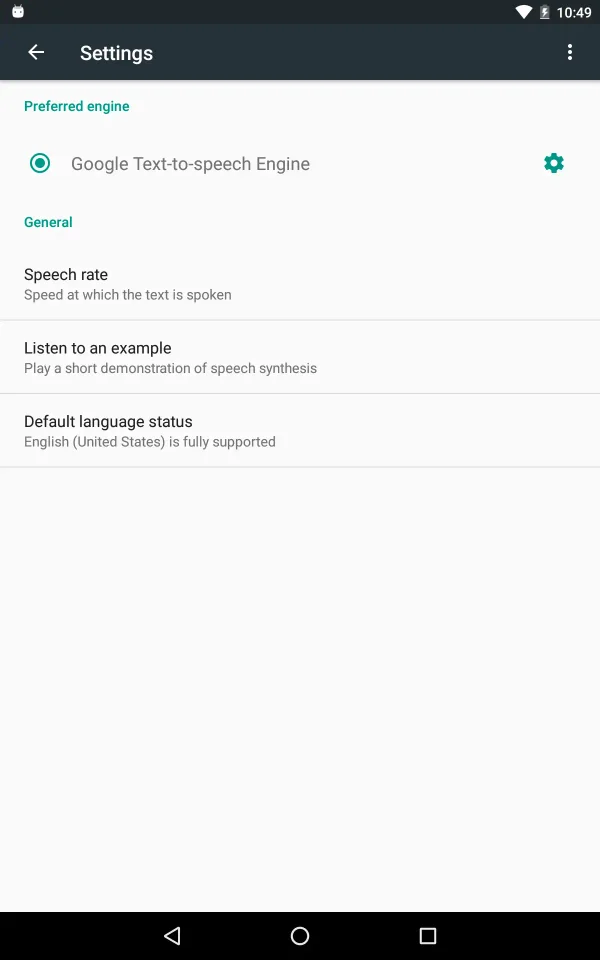
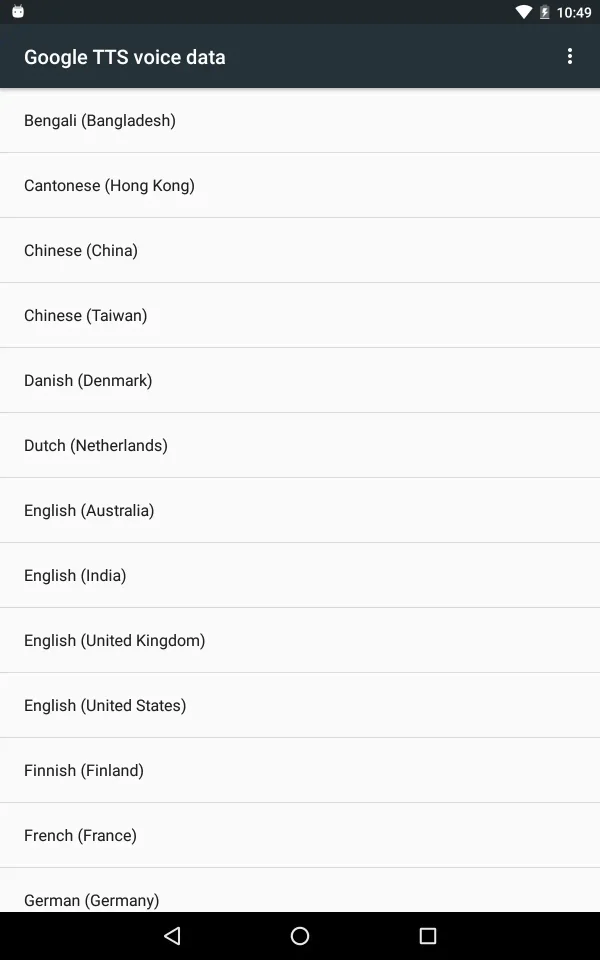
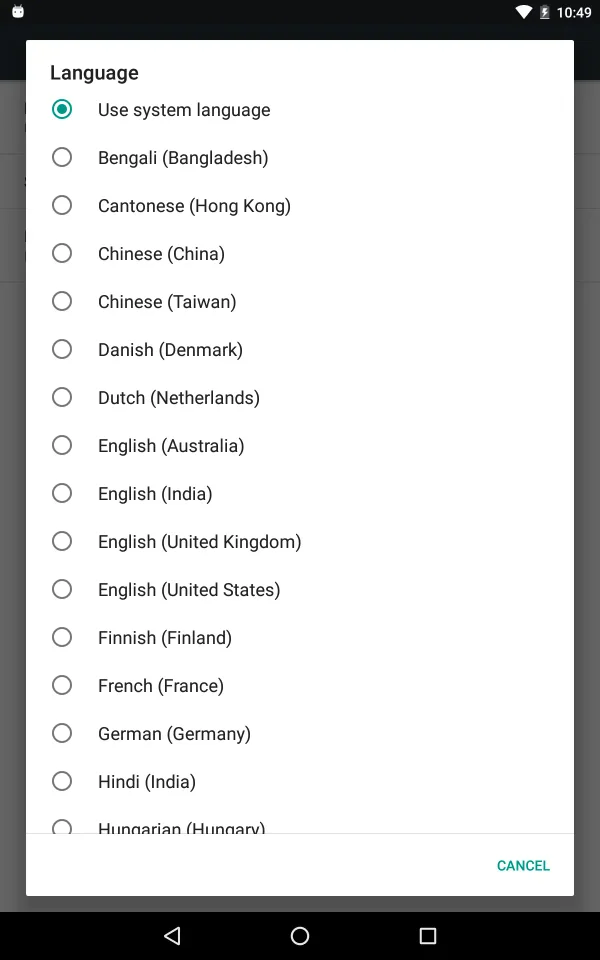
À propos de cette application
Le développeur n’a pas fourni ce texte dans votre langue.
Speech recognition and synthesis for your device.
Power your device with the magic of Google’s text-to-speech and speech-to-text technology. Google Speech-to-Text functionality
Speech Recognition provides speech-to-text functionality to Google and other third party apps to convert what you say to text. For example, it can be used by:
• Google Maps when you use your voice to search places
• Recorder App to transcribe your recordings on device
• Phone App Call Screen feature to get a real-time transcription of your caller
• Accessibility apps like Voice Access for operating your device through voice
• Dictation or keyboard apps you might use to dictate text messages through voice
• Apps that contain a search by voice feature so that you can quickly search for your favorite shows or songs
• Language learning apps that recognize what you say as you practice a new language
• …and many other applications in Play Store
To use Google Speech-to-Text functionality on your Android device, go to Settings > Apps & notifications > Default apps > Assist App. Select Speech Recognition and Synthesis from Google as your preferred voice input engine.
Google Text-to-Speech functionality
Speech Services powers applications to read the text on your screen aloud. For example, it can be used by:
• Google Play Books to “Read Aloud” your favorite book
• Google Translate to speak translations aloud so you can hear the pronunciation of a word
• Talkback and accessibility applications for spoken feedback across your device
• …and many other applications in Play Store
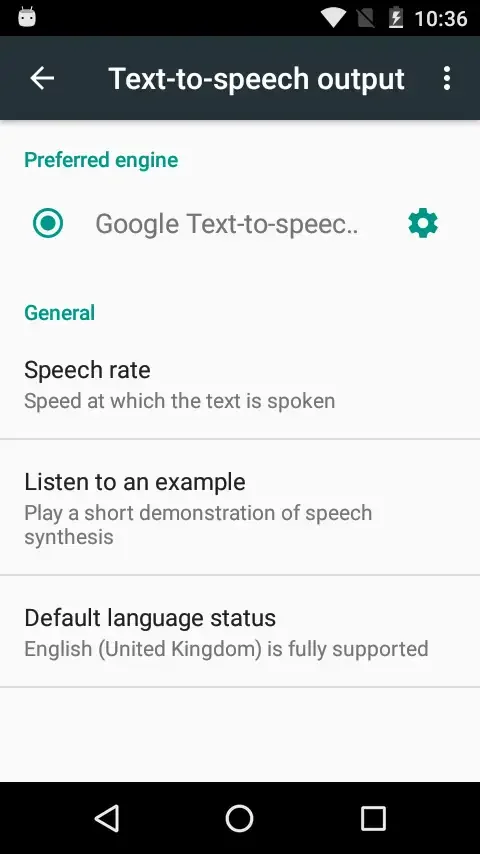
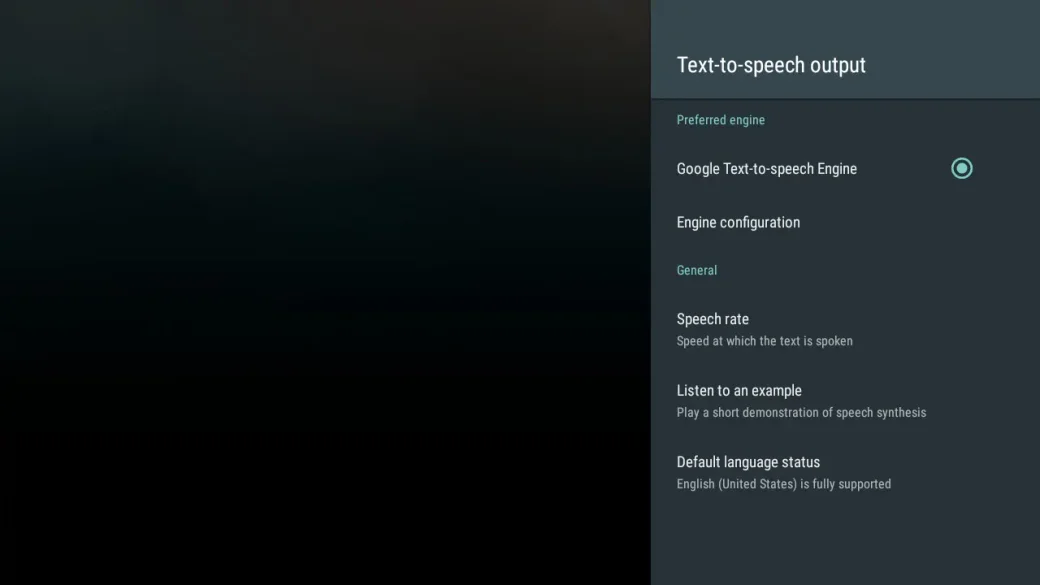
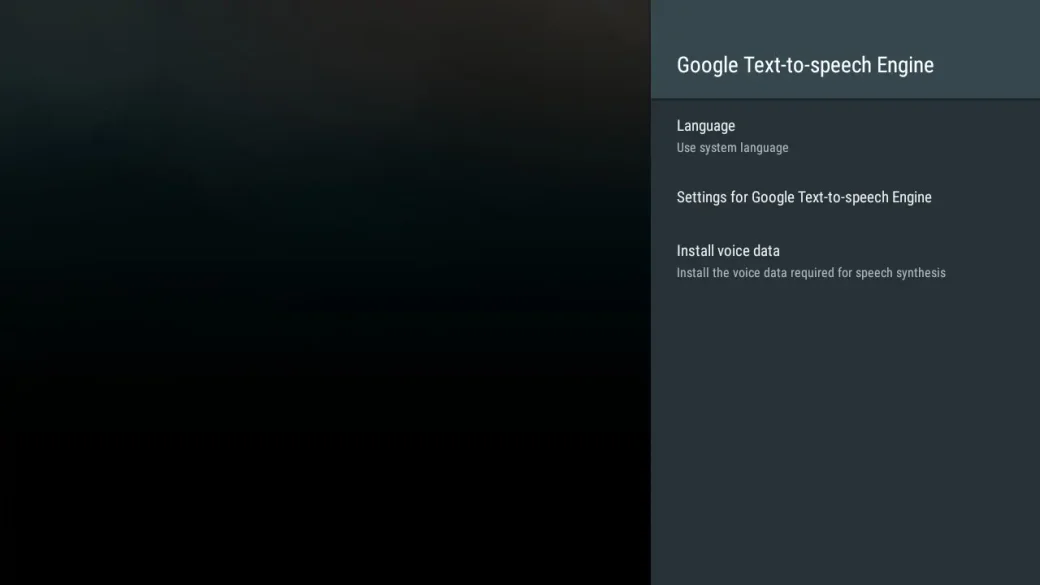
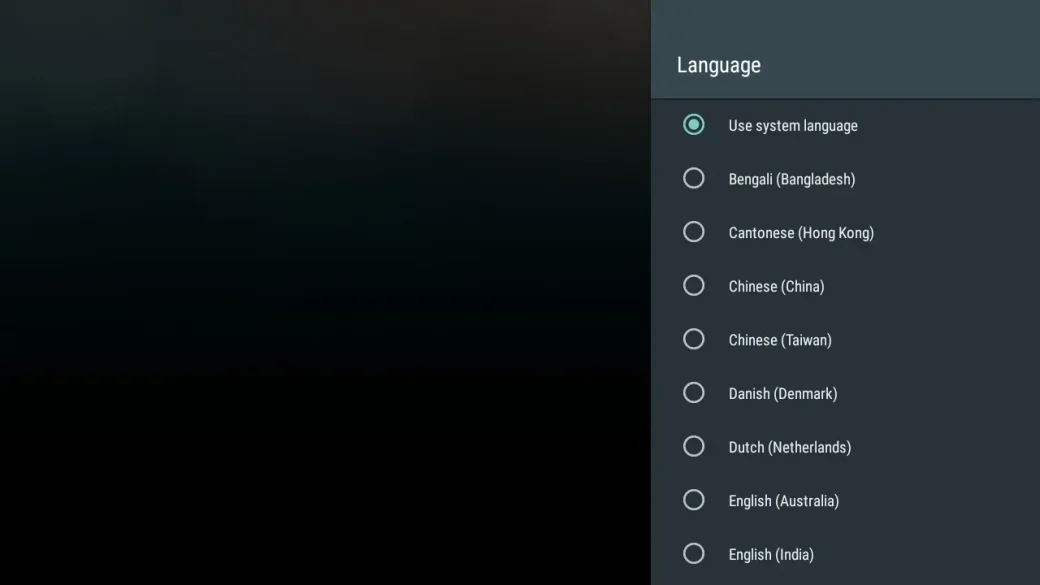
To use Google Text-to-Speech functionality on your Android device, go to Settings > Languages & Input > Text-to-Speech output. Select Speech Recognition and Synthesis from Google as your preferred engine.
Note, on many Android devices, Speech Recognition and Synthesis from Google is already available, but you can update to the latest version here.
Sécurité des données
Ce que Google LLC déclare sur Google Play au sujet des données que cette application collecte et partage.
- Aucune donnée partagée avec des tiersEn savoir plus sur la manière dont les développeurs déclarent le partage
- Cette appli peut recueillir ces types de donnéesInformations personnelles, Activité dans l'application et 2 autres
- Les données sont chiffrées lors de leur transfert
- Impossible de supprimer les données
Nouveautés
24/11/2026
Your app has a new name: “Speech Recognition and Synthesis from Google”. The Speech Recognition and Synthesis from Google app not only provides text-to-speech but also empowers applications with speech-to-text functionality to convert your voice to text. Read more in the “About this app” section.
Coordonnées du développeur
- Site webgoogle.com
- E-mailtts-feedback@google.com
- Politique de confidentialitégoogle.com
- Adresse1600 Amphitheatre Pkwy Mountain View, CA 94043 United States
Informations
- Proposée par
- Google LLC
- Catégorie
- Outils
- Mis à jour
- 24/11/2026
- Publié
- 10/10/2013
- Classification d’âge
- PEGI 3
- Prix
- Gratuit
- Nom du package
- com.google.android.tts
Applications similaires
-
 Gboard, le clavier Google
Outils
-
 Files by Google
Outils
-
 Google Traduction
Outils
-
 Google Go
Outils
-
 Messages - Texte Messaging
Communication
-
 Calculatrice
Outils
-
 Calculatrice de Samsung
Outils
-
 Galerie
Photographie
-
 Gmail Go
Communication
-
 Sécurité personnelle
Outils
-
 Android Auto
Auto et véhicules
-
 Localiser de Google
Outils