Speech Recognition & Synthesis
Google LLC- PEGI 3Yaş sınırı
- AraçlarKategori
- 24.11.2026Güncellendi
- ÜcretsizFiyat
com.google.android.tts için resmi Google Play sayfasına bağlanır. Son kontrol: 25.11.2026.
Ekran görüntüleri
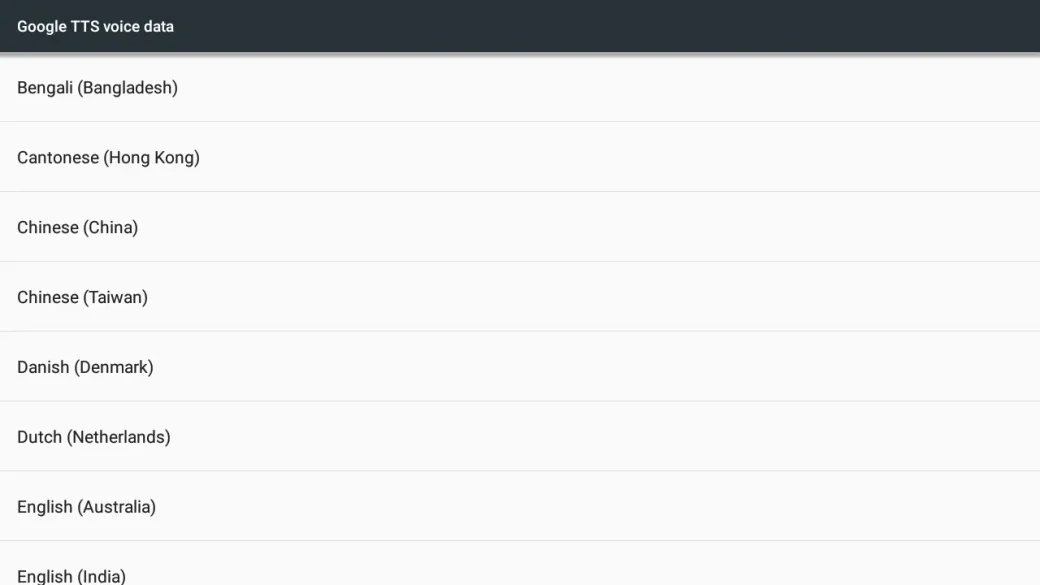
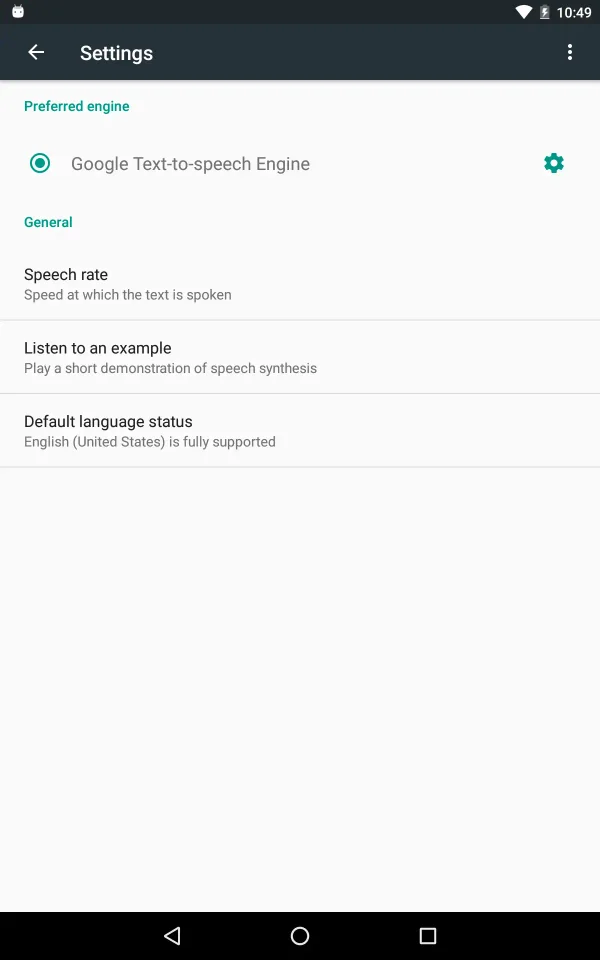
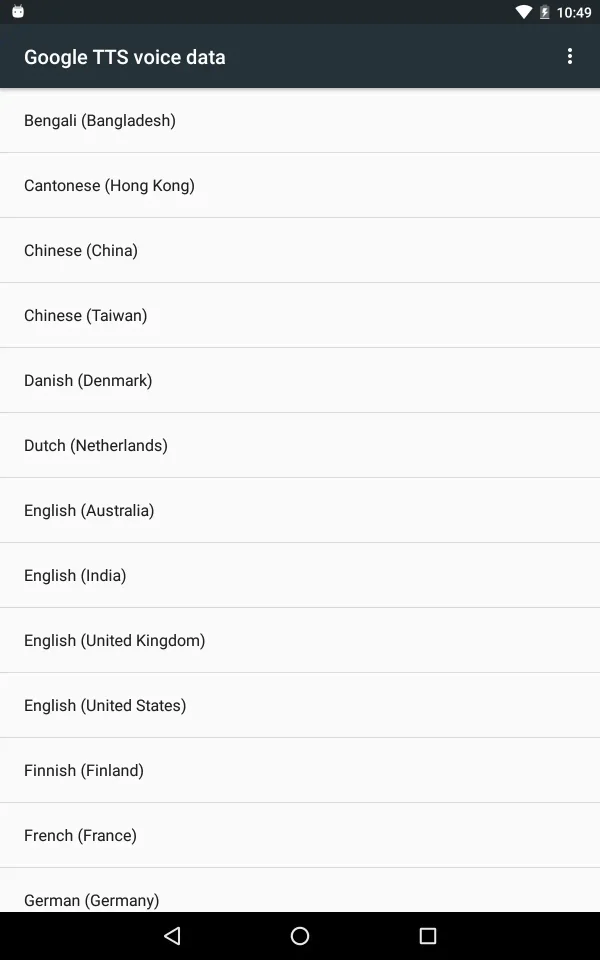
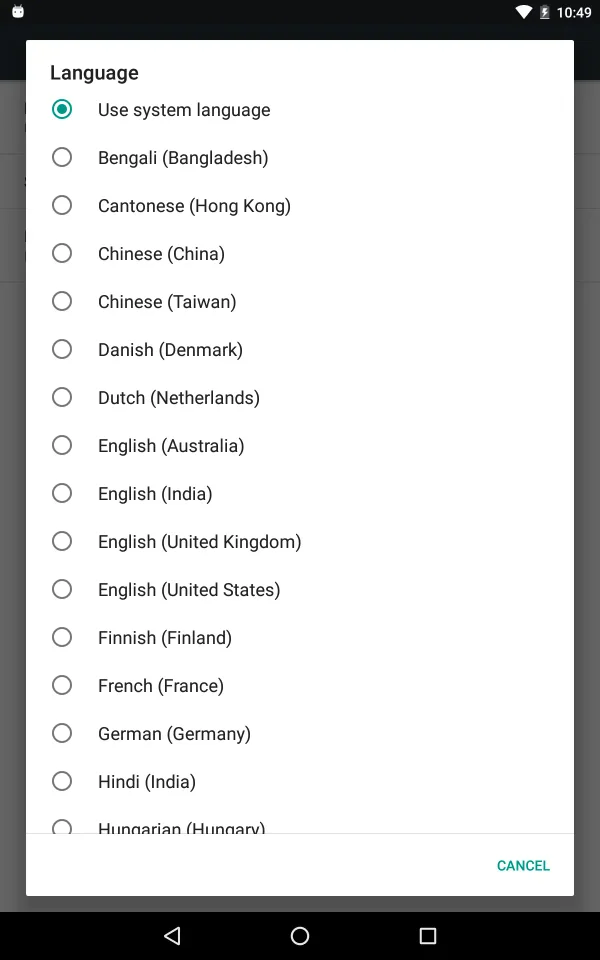
Bu uygulama hakkında
Geliştirici bu metni dilinizde sunmamış.
Speech recognition and synthesis for your device.
Power your device with the magic of Google’s text-to-speech and speech-to-text technology. Google Speech-to-Text functionality
Speech Recognition provides speech-to-text functionality to Google and other third party apps to convert what you say to text. For example, it can be used by:
• Google Maps when you use your voice to search places
• Recorder App to transcribe your recordings on device
• Phone App Call Screen feature to get a real-time transcription of your caller
• Accessibility apps like Voice Access for operating your device through voice
• Dictation or keyboard apps you might use to dictate text messages through voice
• Apps that contain a search by voice feature so that you can quickly search for your favorite shows or songs
• Language learning apps that recognize what you say as you practice a new language
• …and many other applications in Play Store
To use Google Speech-to-Text functionality on your Android device, go to Settings > Apps & notifications > Default apps > Assist App. Select Speech Recognition and Synthesis from Google as your preferred voice input engine.
Google Text-to-Speech functionality
Speech Services powers applications to read the text on your screen aloud. For example, it can be used by:
• Google Play Books to “Read Aloud” your favorite book
• Google Translate to speak translations aloud so you can hear the pronunciation of a word
• Talkback and accessibility applications for spoken feedback across your device
• …and many other applications in Play Store
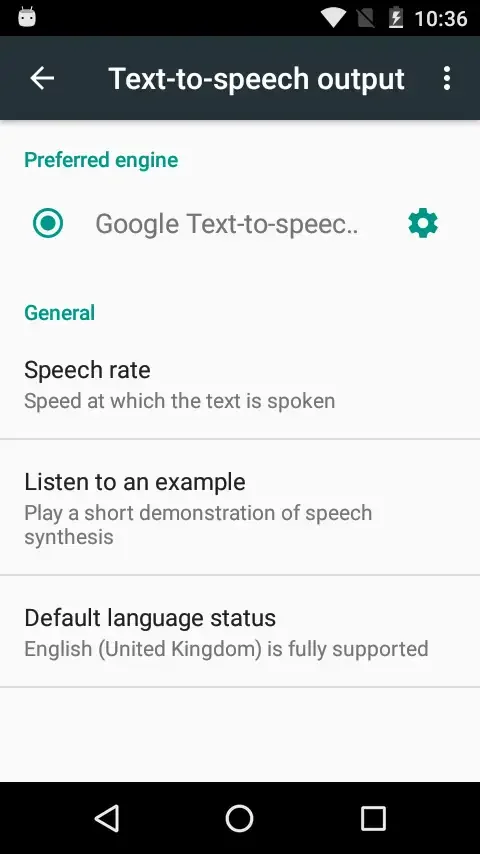
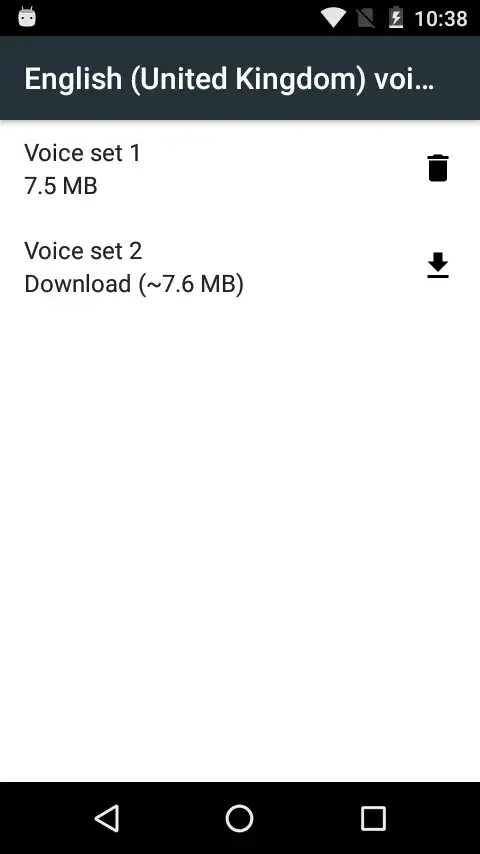
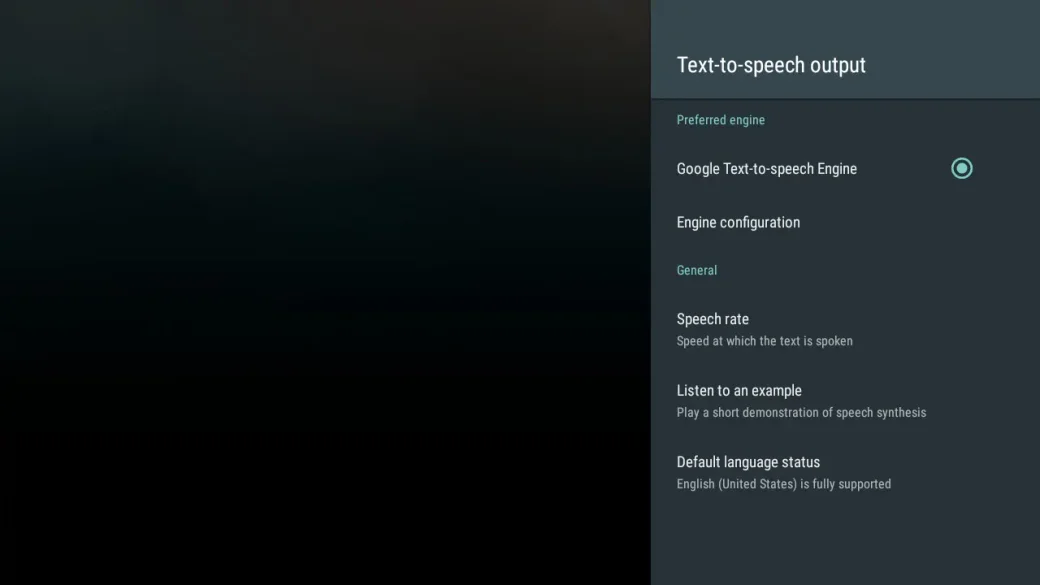
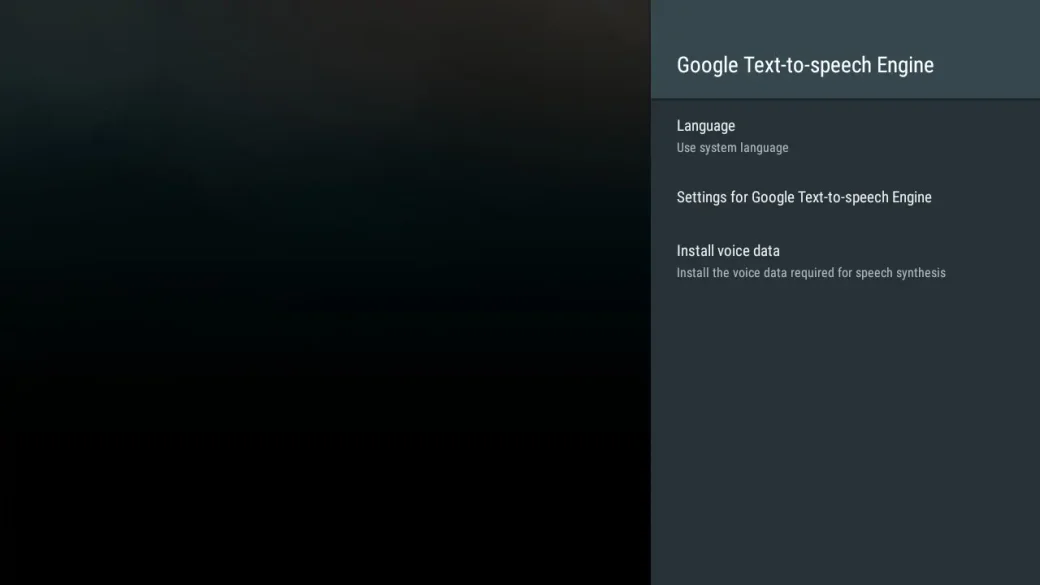
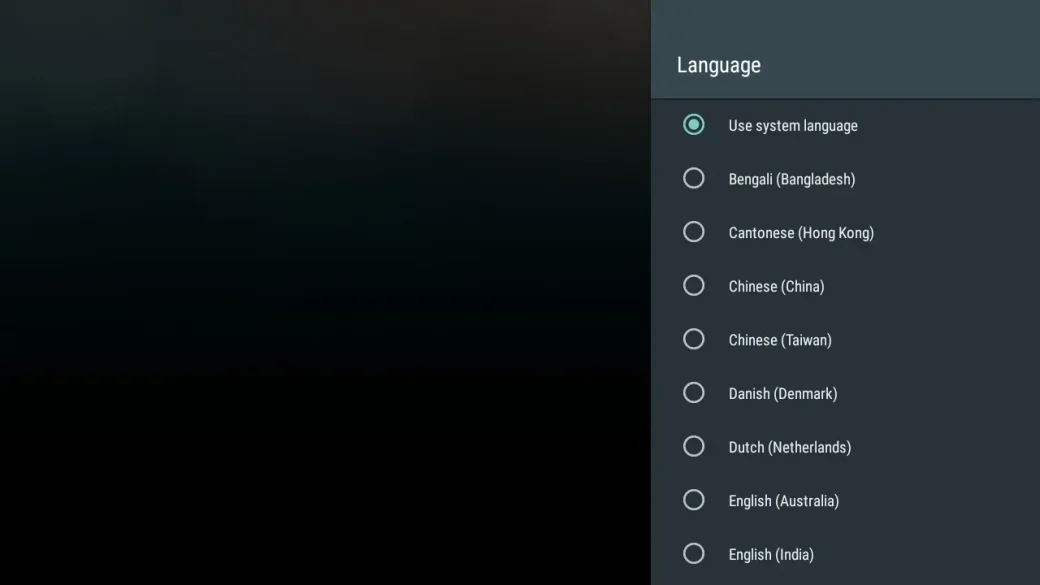
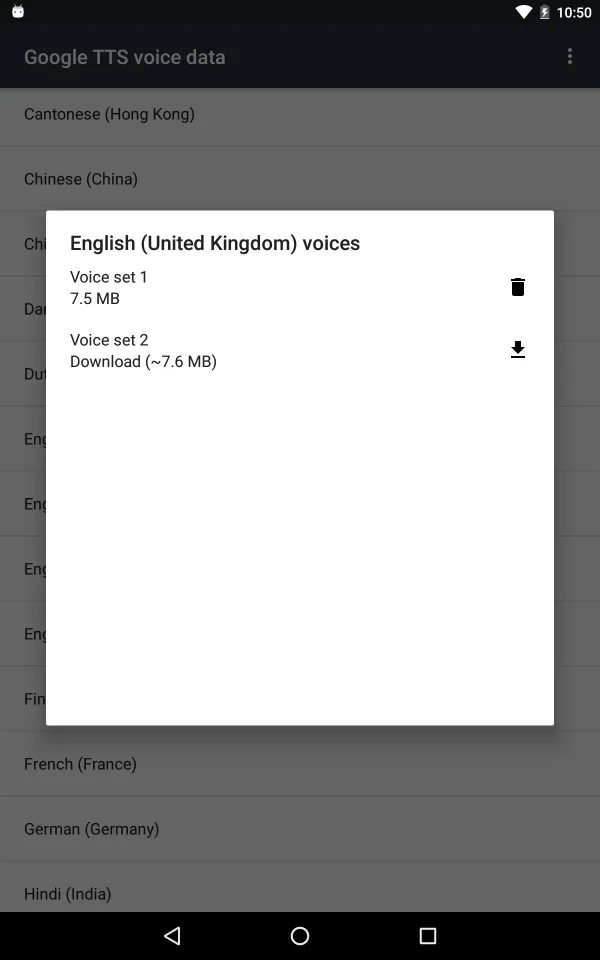
To use Google Text-to-Speech functionality on your Android device, go to Settings > Languages & Input > Text-to-Speech output. Select Speech Recognition and Synthesis from Google as your preferred engine.
Note, on many Android devices, Speech Recognition and Synthesis from Google is already available, but you can update to the latest version here.
Veri güvenliği
Bu uygulamanın topladığı ve paylaştığı veriler hakkında Google LLC tarafından Google Play üzerinde yapılan beyan.
- Üçüncü taraflarla veri paylaşımı yokGeliştiricilerin, veri paylaşımını nasıl beyan ettikleri hakkında daha fazla bilgi edinin
- Bu uygulamanın toplayabileceği veri türleriKişisel bilgiler, Uygulama etkinliği ve 2 veri türü daha
- Veriler, aktarım sırasında şifreleniyor
- Veriler silinemiyor
Yenilikler
24.11.2026
Your app has a new name: “Speech Recognition and Synthesis from Google”. The Speech Recognition and Synthesis from Google app not only provides text-to-speech but also empowers applications with speech-to-text functionality to convert your voice to text. Read more in the “About this app” section.
Geliştirici iletişim bilgileri
- Web sitesigoogle.com
- E-postatts-feedback@google.com
- Gizlilik politikasıgoogle.com
- Adres1600 Amphitheatre Pkwy Mountain View, CA 94043 United States
Bilgiler
- Sunan
- Google LLC
- Kategori
- Araçlar
- Güncellendi
- 24.11.2026
- Yayın tarihi
- 10.10.2013
- Yaş sınırı
- PEGI 3
- Fiyat
- Ücretsiz
- Paket adı
- com.google.android.tts
Benzer uygulamalar
-
 Gboard - Google Klavye
Araçlar
-
 Google Files
Araçlar
-
 Google Çeviri
Araçlar
-
 Google Go
Araçlar
-
 Messages - SMS Texting App
Haberleşme
-
 Hesap Makinesi
Araçlar
-
 Samsung Calculator
Araçlar
-
 Galeri
Fotoğrafçılık
-
 Gmail Go
Haberleşme
-
 Kişisel Güvenlik
Araçlar
-
 Android Auto
Otomobil ve Araçlar
-
 Google’ın Cihaz Takip Merkezi
Araçlar