Speech Recognition & Synthesis
Google LLC- 3 tuổi trở lênĐộ tuổi
- Công cụDanh mục
- 24/11/2026Cập nhật
- Miễn phíGiá
Dẫn đến trang Google Play chính thức của com.google.android.tts. Kiểm tra lần cuối: 25/11/2026.
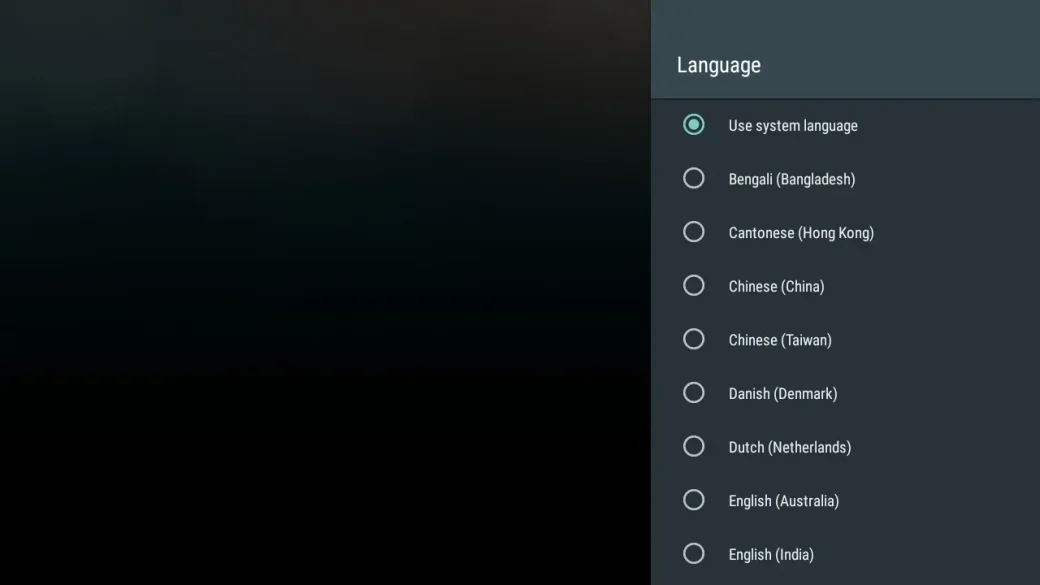
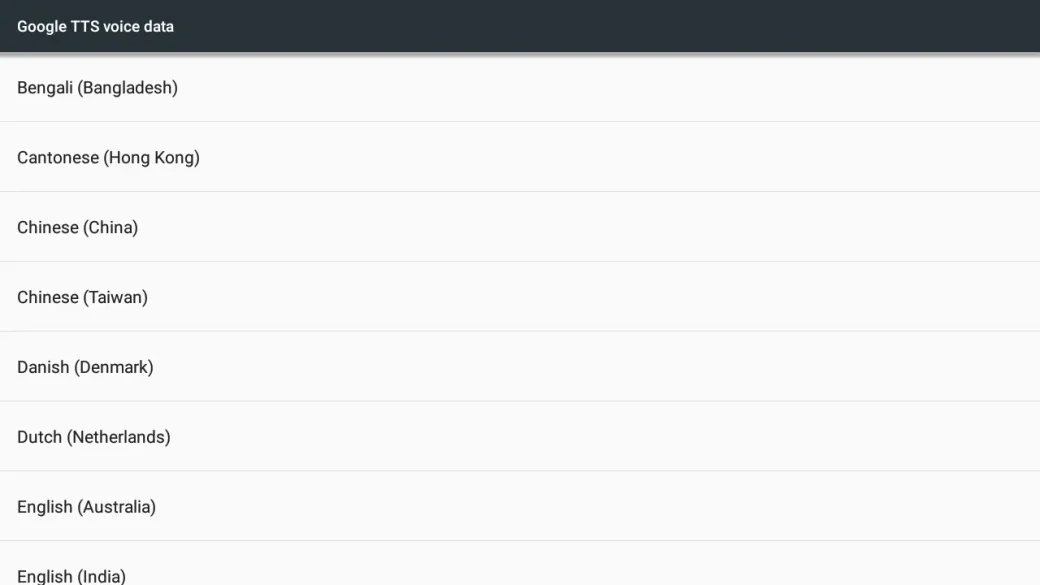
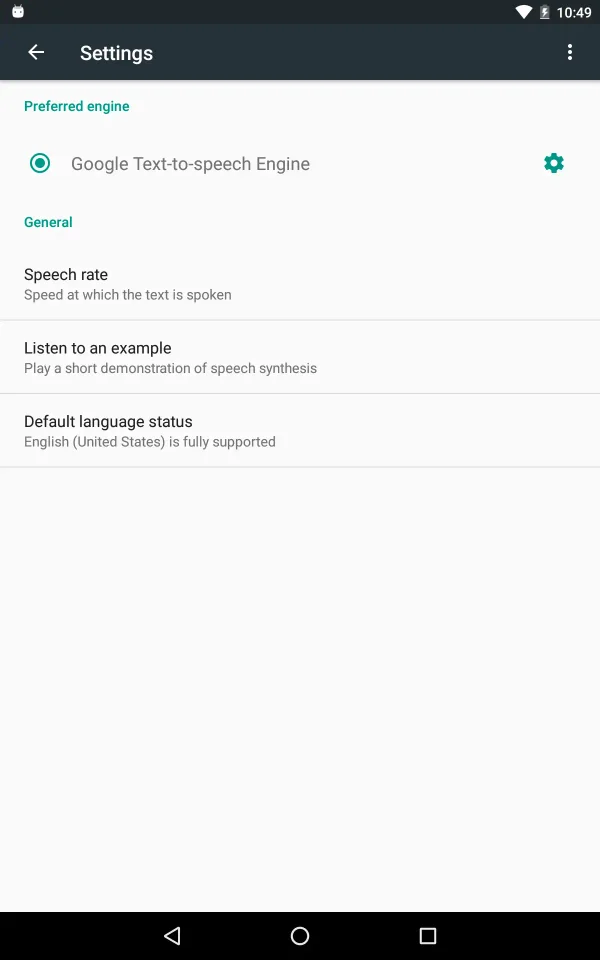
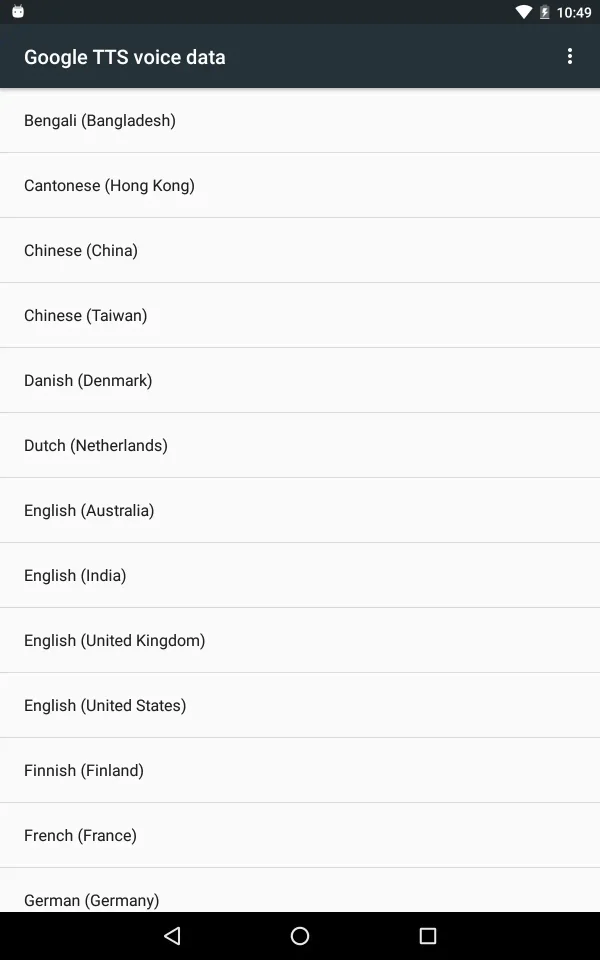
Ảnh chụp màn hình
Thông tin về ứng dụng này
Nhà phát triển chưa cung cấp nội dung này bằng ngôn ngữ của bạn.
Speech recognition and synthesis for your device.
Power your device with the magic of Google’s text-to-speech and speech-to-text technology. Google Speech-to-Text functionality
Speech Recognition provides speech-to-text functionality to Google and other third party apps to convert what you say to text. For example, it can be used by:
• Google Maps when you use your voice to search places
• Recorder App to transcribe your recordings on device
• Phone App Call Screen feature to get a real-time transcription of your caller
• Accessibility apps like Voice Access for operating your device through voice
• Dictation or keyboard apps you might use to dictate text messages through voice
• Apps that contain a search by voice feature so that you can quickly search for your favorite shows or songs
• Language learning apps that recognize what you say as you practice a new language
• …and many other applications in Play Store
To use Google Speech-to-Text functionality on your Android device, go to Settings > Apps & notifications > Default apps > Assist App. Select Speech Recognition and Synthesis from Google as your preferred voice input engine.
Google Text-to-Speech functionality
Speech Services powers applications to read the text on your screen aloud. For example, it can be used by:
• Google Play Books to “Read Aloud” your favorite book
• Google Translate to speak translations aloud so you can hear the pronunciation of a word
• Talkback and accessibility applications for spoken feedback across your device
• …and many other applications in Play Store
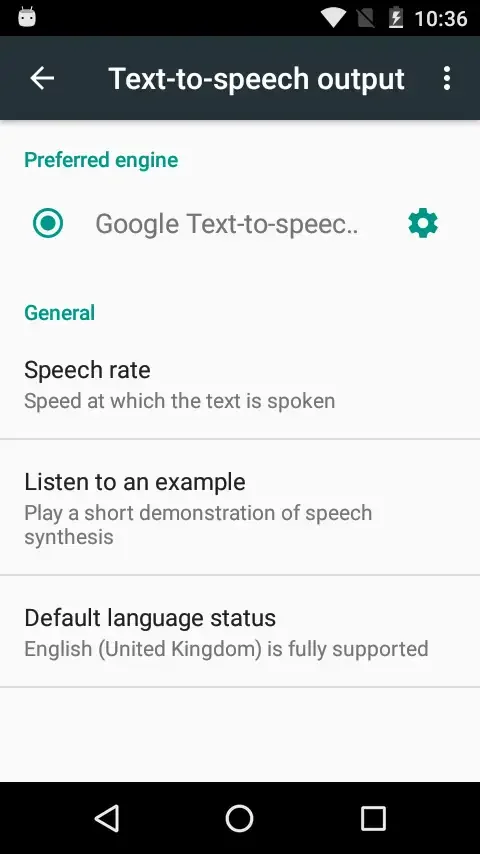
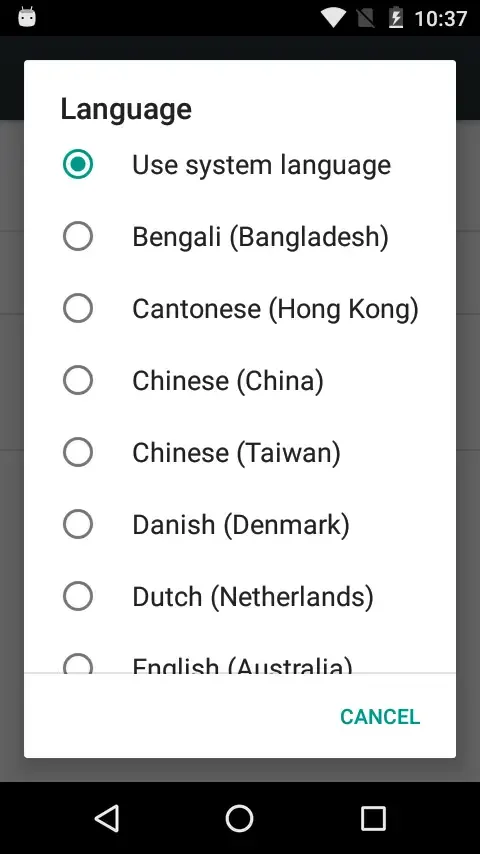
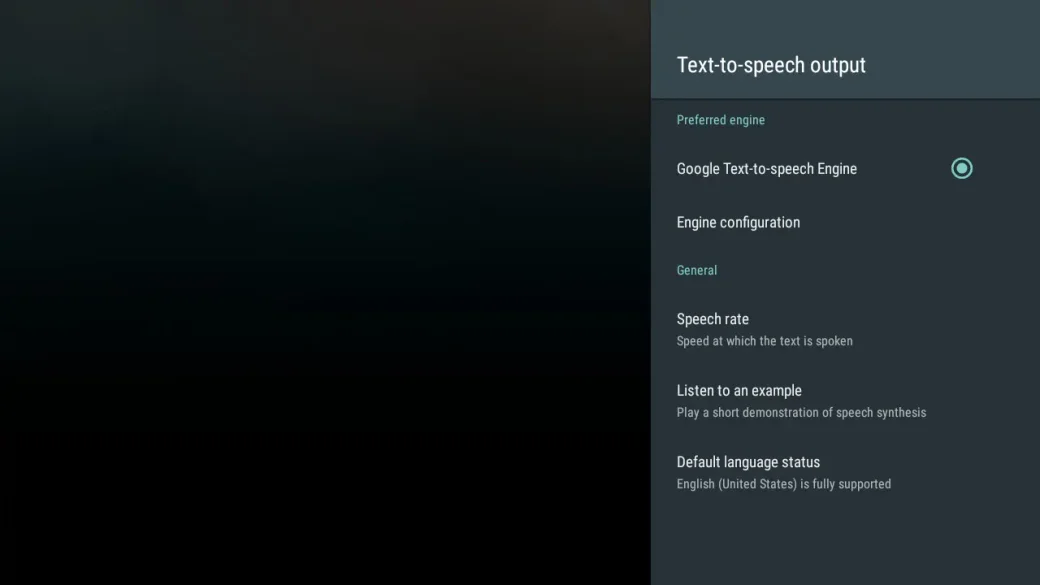
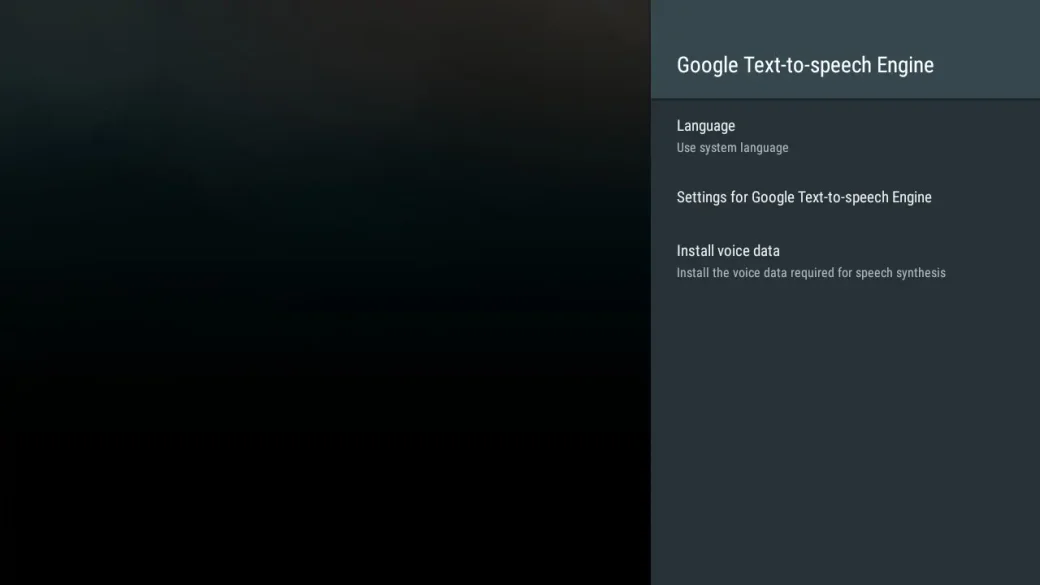
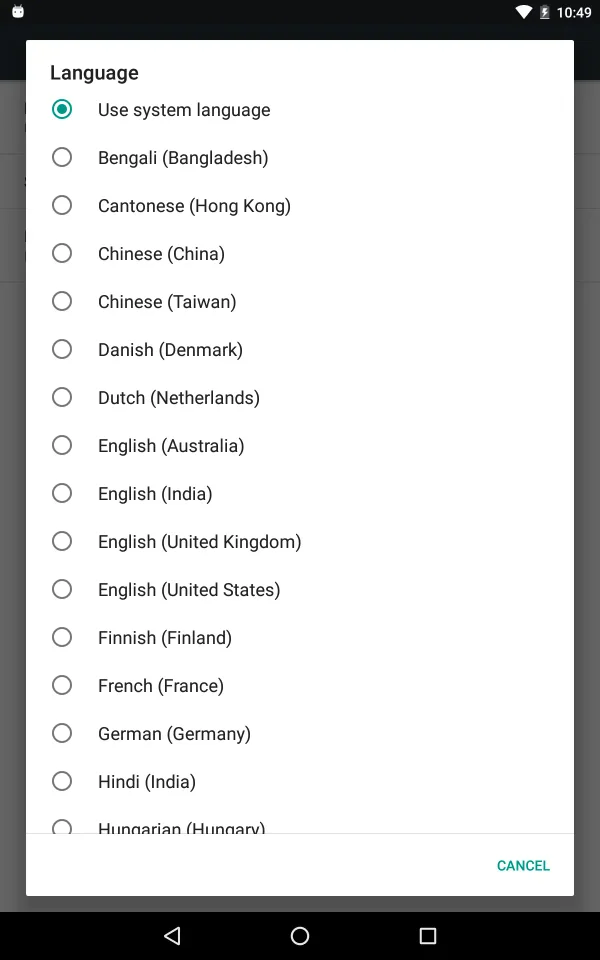
To use Google Text-to-Speech functionality on your Android device, go to Settings > Languages & Input > Text-to-Speech output. Select Speech Recognition and Synthesis from Google as your preferred engine.
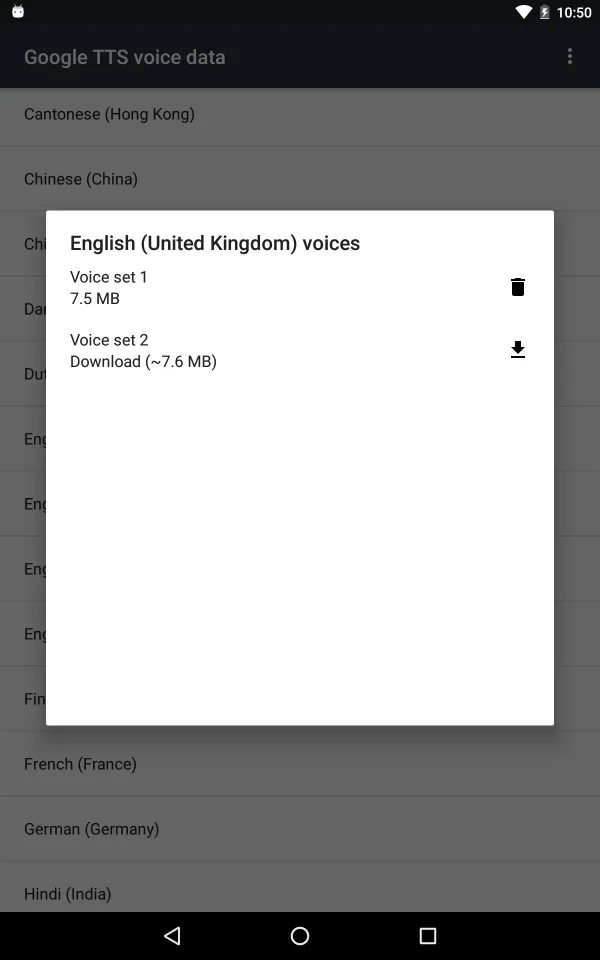
Note, on many Android devices, Speech Recognition and Synthesis from Google is already available, but you can update to the latest version here.
An toàn dữ liệu
Những gì Google LLC khai báo trên Google Play về dữ liệu mà ứng dụng này thu thập và chia sẻ.
- Không chia sẻ dữ liệu với bên thứ baTìm hiểu thêm về cách nhà phát triển khai báo thông tin về hoạt động chia sẻ dữ liệu
- Ứng dụng này có thể thu thập những loại dữ liệu sau đâyThông tin cá nhân, Hoạt động trong ứng dụng và 2 loại dữ liệu khác
- Dữ liệu được mã hóa trong khi chuyển
- Không thể xóa dữ liệu
Có gì mới
24/11/2026
Your app has a new name: “Speech Recognition and Synthesis from Google”. The Speech Recognition and Synthesis from Google app not only provides text-to-speech but also empowers applications with speech-to-text functionality to convert your voice to text. Read more in the “About this app” section.
Liên hệ nhà phát triển
- Trang webgoogle.com
- E-mailtts-feedback@google.com
- Chính sách quyền riêng tưgoogle.com
- Địa chỉ1600 Amphitheatre Pkwy Mountain View, CA 94043 United States
Thông tin
- Cung cấp bởi
- Google LLC
- Danh mục
- Công cụ
- Cập nhật
- 24/11/2026
- Phát hành
- 10/10/2013
- Độ tuổi
- 3 tuổi trở lên
- Giá
- Miễn phí
- Tên gói
- com.google.android.tts