Speech Recognition & Synthesis
Google LLC- PEGI 3Clasificación por edad
- HerramientasCategoría
- 24/11/2026Actualizado
- GratisPrecio
Enlaza a la ficha oficial de com.google.android.tts en Google Play. Última comprobación el 25/11/2026.
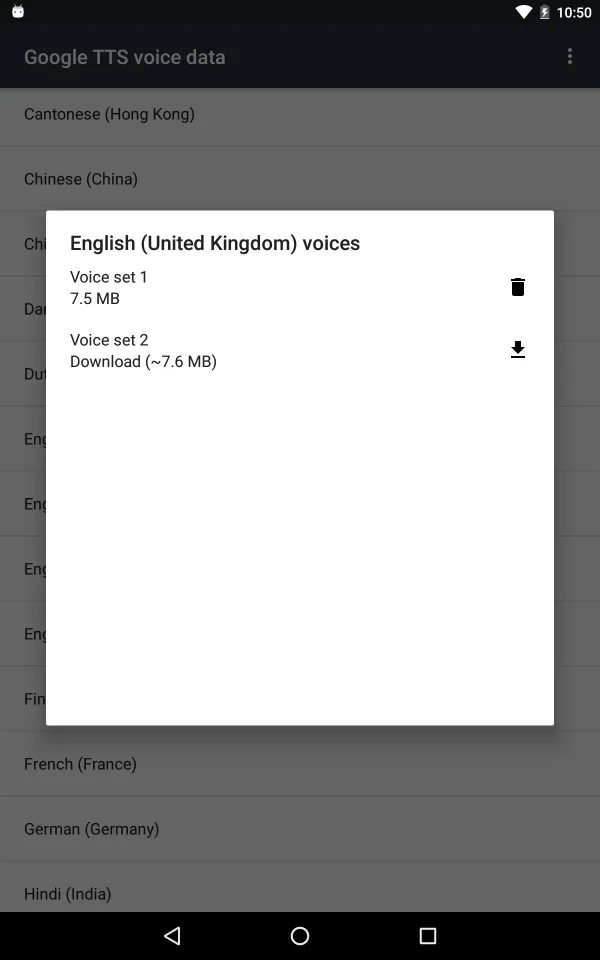
Capturas de pantalla
Acerca de esta aplicación
El desarrollador no ha proporcionado este texto en tu idioma.
Speech recognition and synthesis for your device.
Power your device with the magic of Google’s text-to-speech and speech-to-text technology. Google Speech-to-Text functionality
Speech Recognition provides speech-to-text functionality to Google and other third party apps to convert what you say to text. For example, it can be used by:
• Google Maps when you use your voice to search places
• Recorder App to transcribe your recordings on device
• Phone App Call Screen feature to get a real-time transcription of your caller
• Accessibility apps like Voice Access for operating your device through voice
• Dictation or keyboard apps you might use to dictate text messages through voice
• Apps that contain a search by voice feature so that you can quickly search for your favorite shows or songs
• Language learning apps that recognize what you say as you practice a new language
• …and many other applications in Play Store
To use Google Speech-to-Text functionality on your Android device, go to Settings > Apps & notifications > Default apps > Assist App. Select Speech Recognition and Synthesis from Google as your preferred voice input engine.
Google Text-to-Speech functionality
Speech Services powers applications to read the text on your screen aloud. For example, it can be used by:
• Google Play Books to “Read Aloud” your favorite book
• Google Translate to speak translations aloud so you can hear the pronunciation of a word
• Talkback and accessibility applications for spoken feedback across your device
• …and many other applications in Play Store
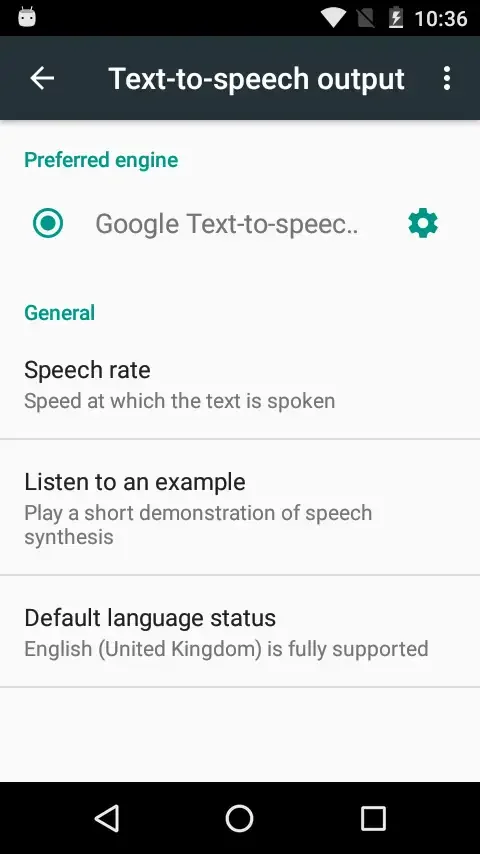
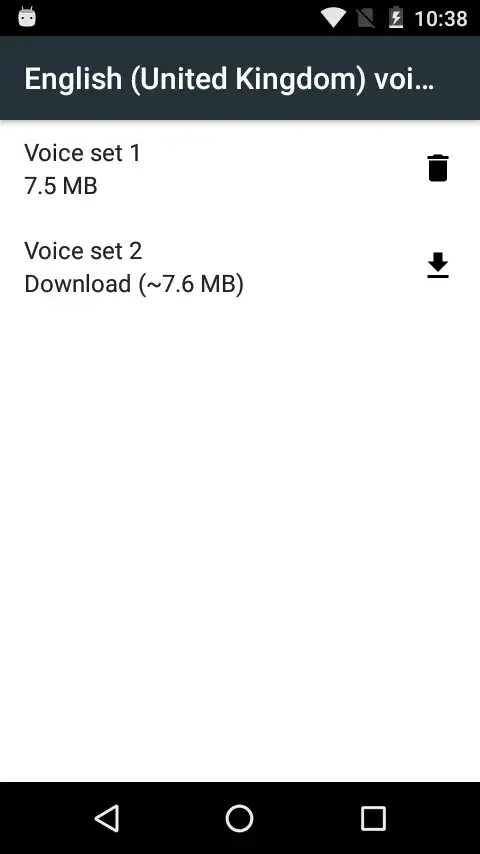
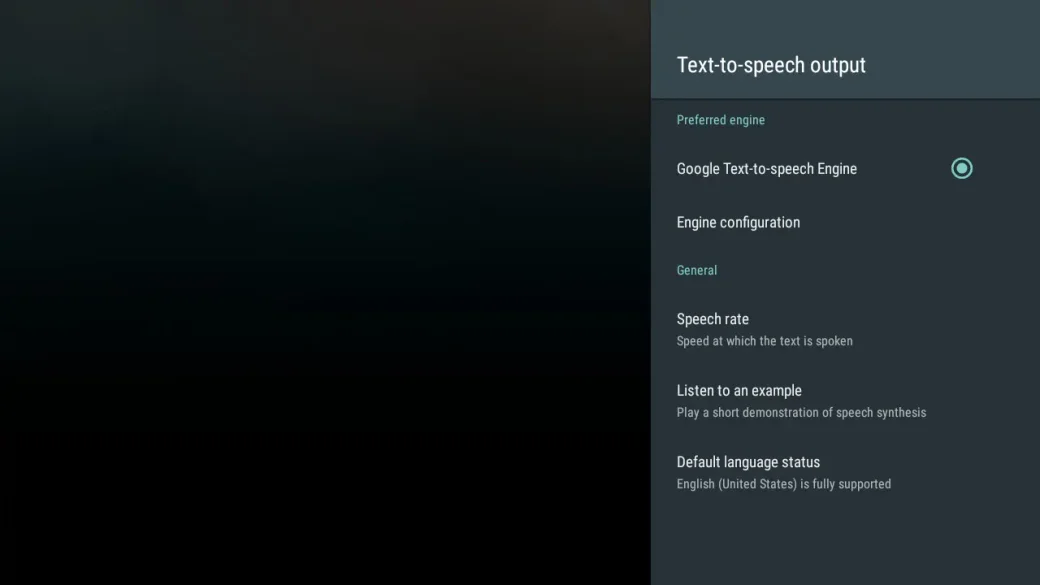
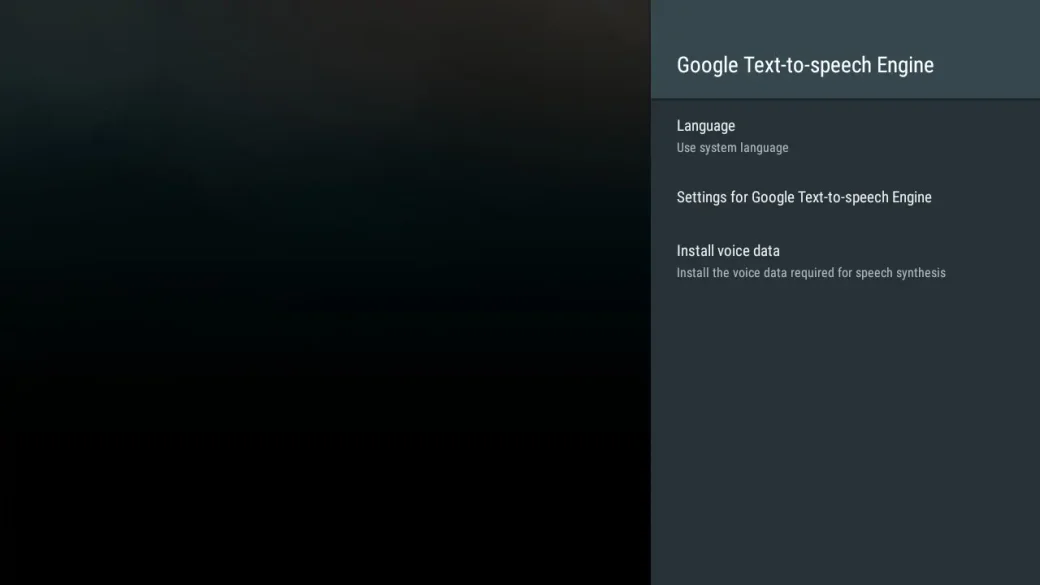
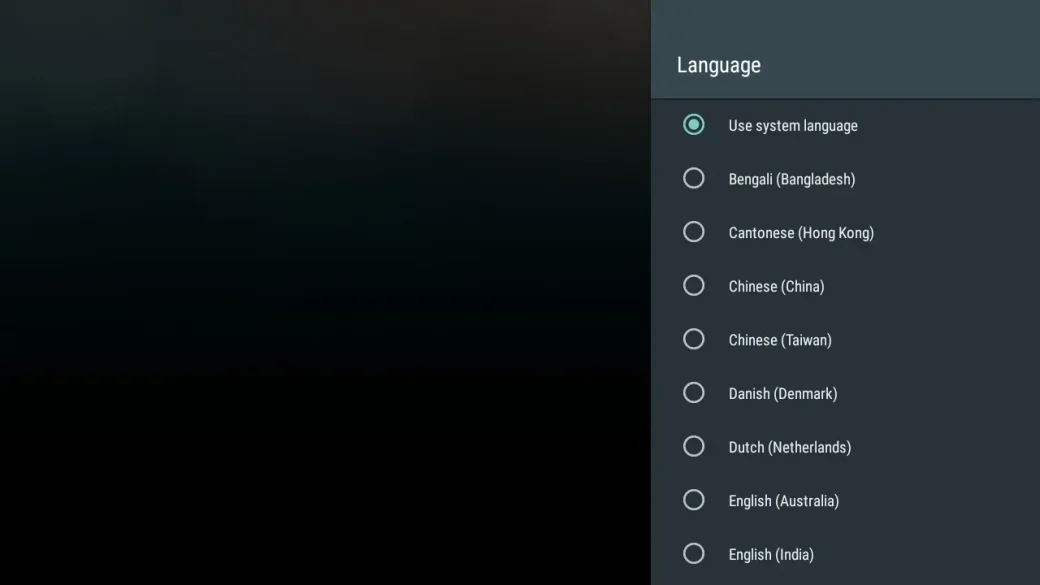
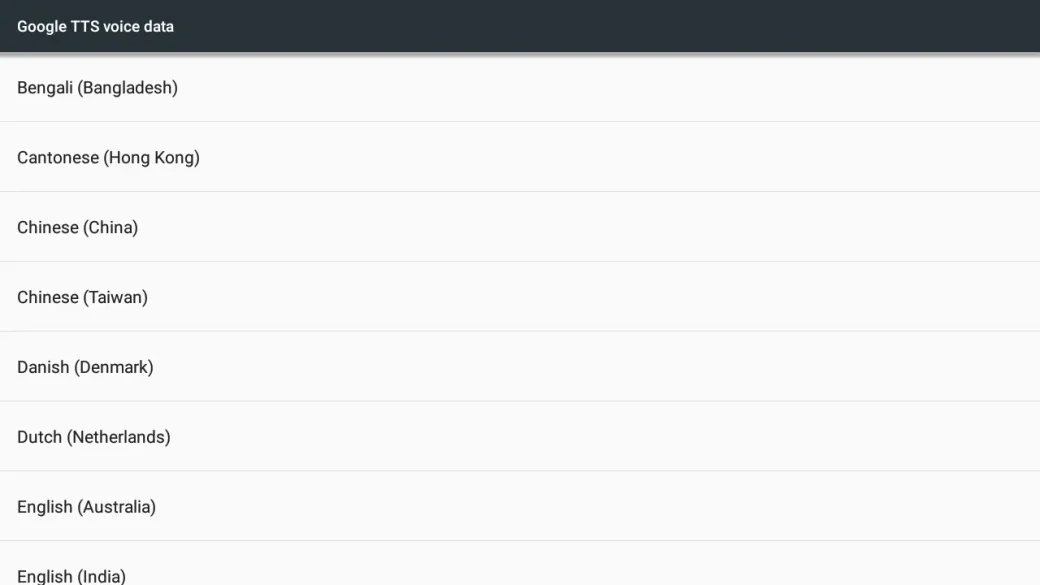
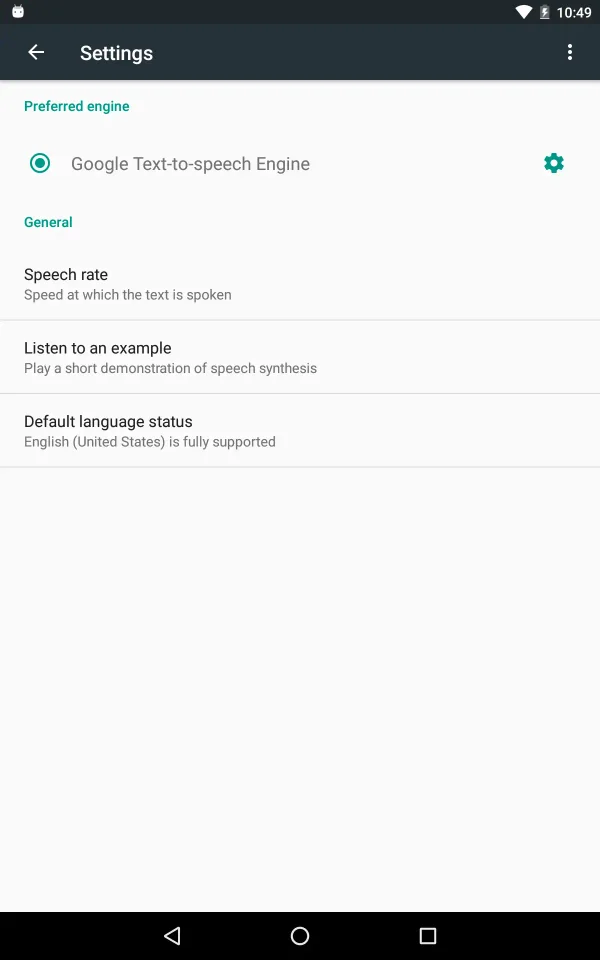
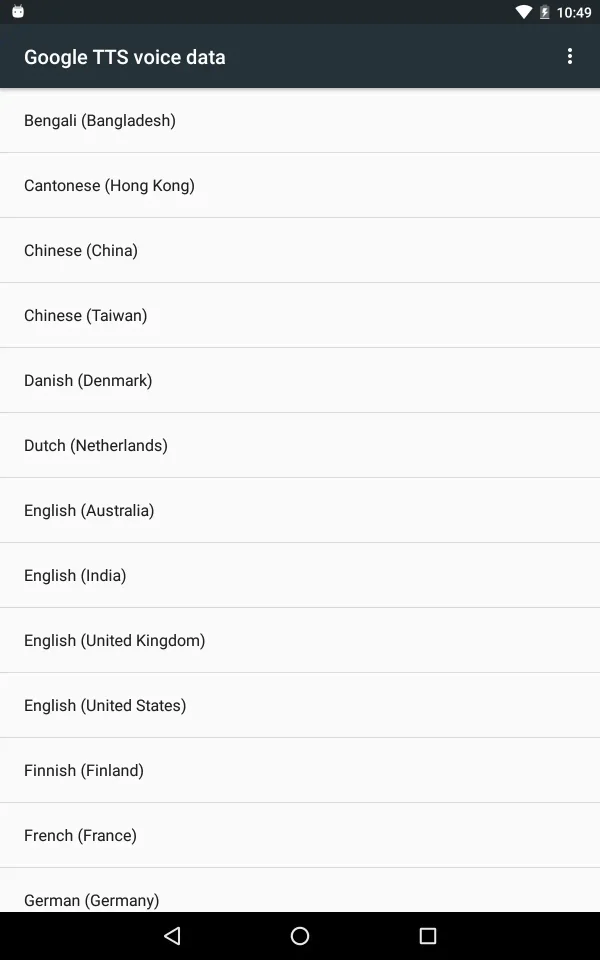
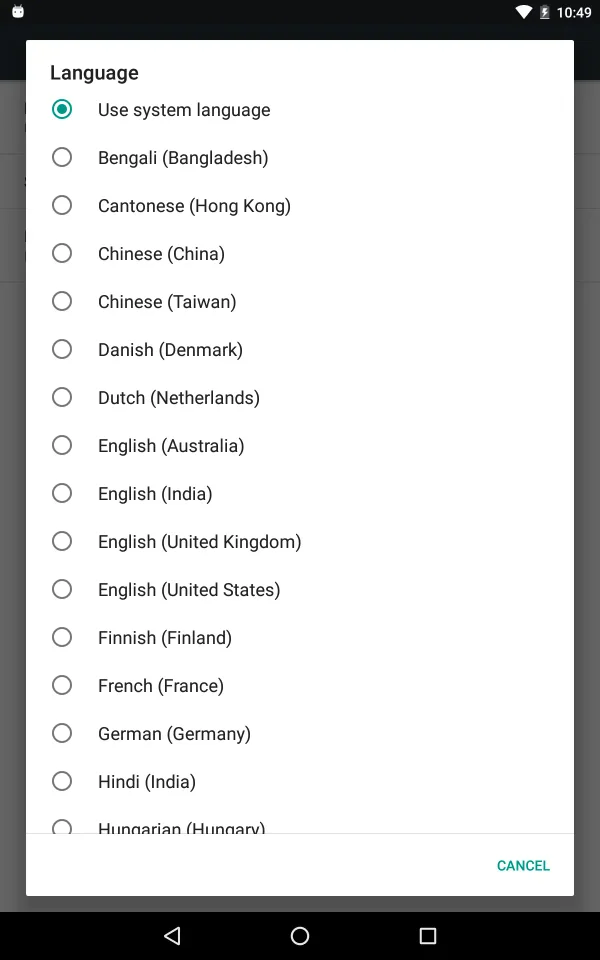
To use Google Text-to-Speech functionality on your Android device, go to Settings > Languages & Input > Text-to-Speech output. Select Speech Recognition and Synthesis from Google as your preferred engine.
Note, on many Android devices, Speech Recognition and Synthesis from Google is already available, but you can update to the latest version here.
Seguridad de los datos
Lo que Google LLC declara en Google Play sobre los datos que esta aplicación recopila y comparte.
- No se comparten datos con tercerosMás información sobre cómo los desarrolladores declaran lo que comparten
- Esta aplicación puede recoger estos tipos de datosInformación personal, Actividad en la aplicación y 2 más
- Los datos están cifrados durante el tránsito
- Los datos no se pueden eliminar
Novedades
24/11/2026
Your app has a new name: “Speech Recognition and Synthesis from Google”. The Speech Recognition and Synthesis from Google app not only provides text-to-speech but also empowers applications with speech-to-text functionality to convert your voice to text. Read more in the “About this app” section.
Contacto del desarrollador
- Sitio webgoogle.com
- Correo electrónicotts-feedback@google.com
- Política de privacidadgoogle.com
- Dirección1600 Amphitheatre Pkwy Mountain View, CA 94043 United States
Información
- Ofrecida por
- Google LLC
- Categoría
- Herramientas
- Actualizado
- 24/11/2026
- Publicado
- 10/10/2013
- Clasificación por edad
- PEGI 3
- Precio
- Gratis
- Nombre del paquete
- com.google.android.tts
Aplicaciones similares
-
 Gboard: el teclado de Google
Herramientas
-
 Files de Google
Herramientas
-
 Traductor de Google
Herramientas
-
 Google Go
Herramientas
-
 Mensajes - App de mensajería
Comunicación
-
 Calculadora
Herramientas
-
 Samsung Calculator
Herramientas
-
 Gallery
Fotografía
-
 Gmail Go
Comunicación
-
 Emergencias
Herramientas
-
 Android Auto
Automoción
-
 Localizador de Google
Herramientas