UserLAnd - Linux on Android
UserLAnd TechnologiesIn-App-Käufe
- USK ab 0 JahrenAltersfreigabe
- ToolsKategorie
- 19.11.2026Aktualisiert
- KostenlosPreis
Verlinkt auf den offiziellen Google Play-Eintrag von tech.ula. Zuletzt geprüft am 20.11.2026.
Screenshots
Über diese App
Automatische Übersetzung von Google. Originalsprache: Englisch (Vereinigte Staaten).
Führen Sie Linux auf Android aus. Kein Root erforderlich.
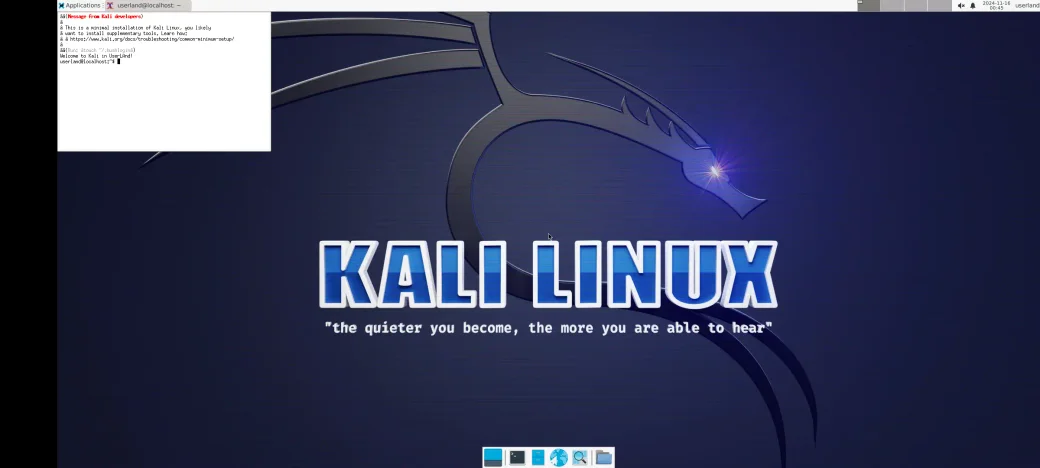
Mit UserLAnd können Sie verschiedene Linux-Distributionen wie Ubuntu,
Debian und Kali ausführen.
- Kein Rooten Ihres Geräts erforderlich.
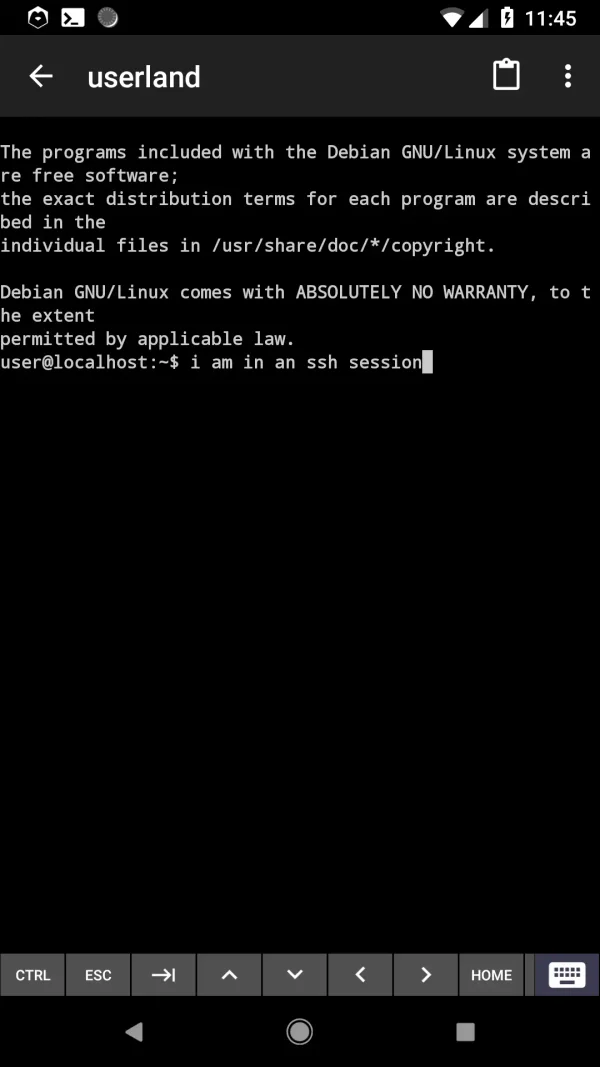
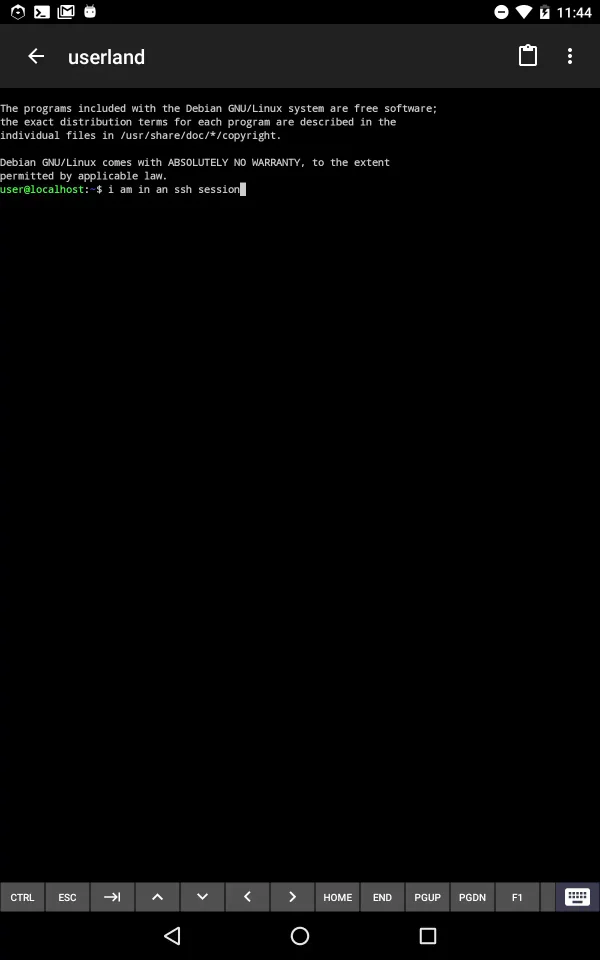
- Nutzen Sie ein integriertes Terminal für den Zugriff auf Ihre bevorzugten Shells.
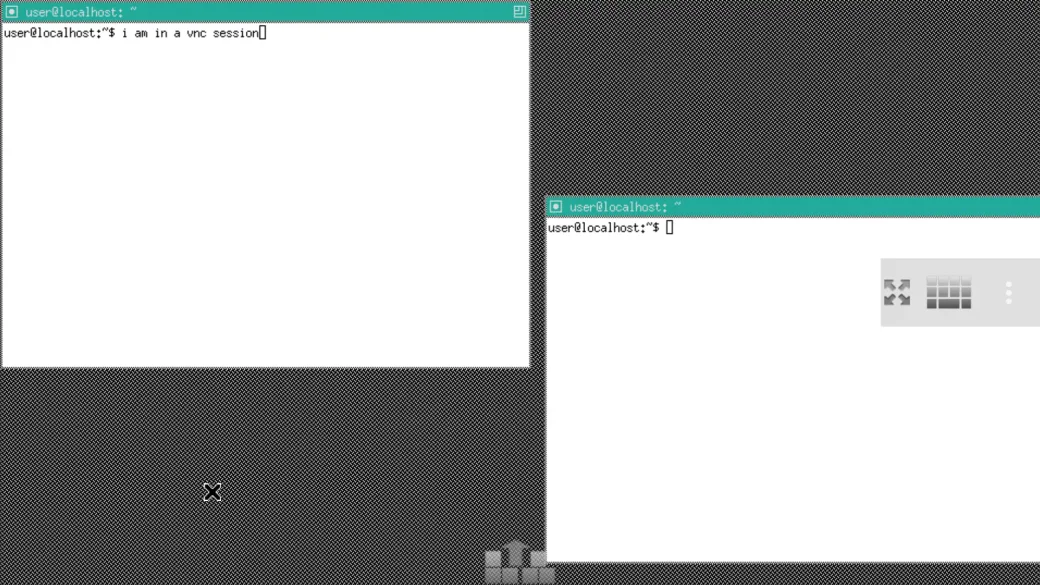
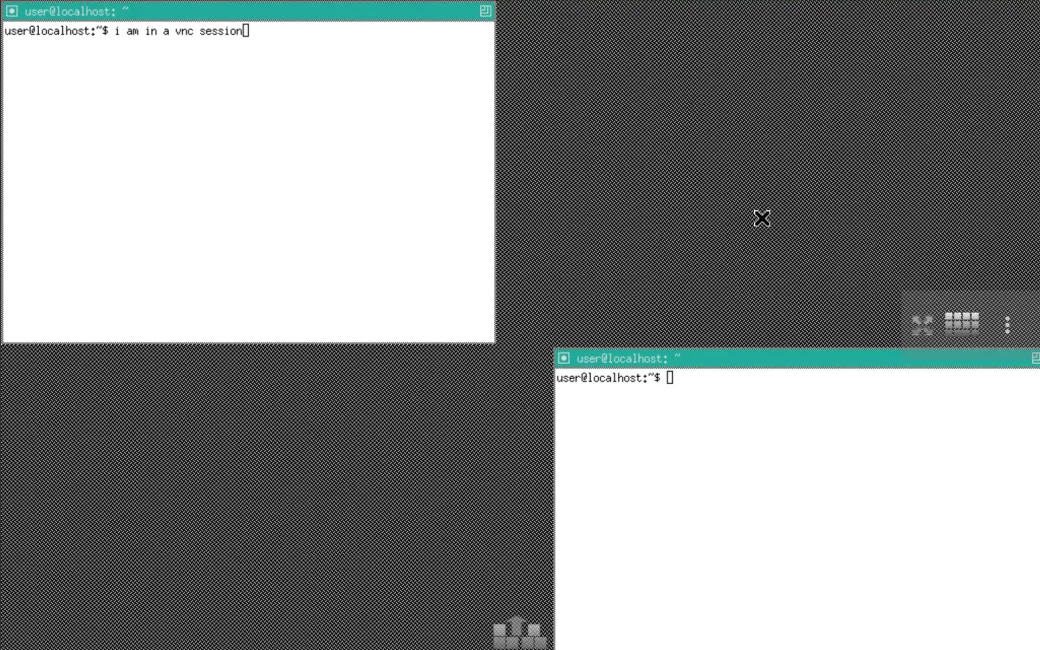
- Stellen Sie einfach VNC-Verbindungen für eine grafische Benutzeroberfläche her.
- Einfache Einrichtung für gängige Linux-Distributionen wie Ubuntu und Debian.
- Einfache Einrichtung für gängige Linux-Anwendungen wie Octave und Firefox.
Experimentieren und lernen Sie Linux und andere gängige Software-Tools direkt auf Ihrem Smartphone.
UserLAnd wurde von den Machern der beliebten Android-App
GNURoot Debian entwickelt und wird von ihnen aktiv weiterentwickelt. Es ist als Ersatz für die ursprüngliche GNURoot Debian-App gedacht.
Beim ersten Start von UserLAnd wird eine Liste gängiger Distributionen und Linux-Anwendungen angezeigt.
Ein Klick auf eine dieser Distributionen führt Sie durch die Einrichtungsschritte. Nach deren Abschluss lädt UserLAnd die benötigten Dateien herunter und installiert sie. Basierend auf der Einrichtung werden Sie anschließend über ein Terminal oder eine VNC-fähige Android-Anwendung mit Ihrer Linux-Distribution oder -Anwendung verbunden.
Möchten Sie mehr über die ersten Schritte erfahren? Besuchen Sie unser Wiki auf GitHub:
https://github.com/CypherpunkArmory/UserLAnd/wiki/Getting-Started-in-UserLAnd
Haben Sie Fragen, Feedback oder möchten Sie Fehler melden? Kontaktieren Sie uns auf GitHub:
https://github.com/CypherpunkArmory/UserLAnd/issues
Originaltext anzeigen
UserLAnd allows you to run several Linux distributions like Ubuntu,
Debian, and Kali.
- No need to root your device.
- Use a built-in terminal to access your favorite shells.
- Easily connect to VNC sessions for a graphical experience.
- Easy setup for several common Linux distributions, like Ubuntu and Debian.
- Easy setup for several common Linux applications, like Octave and Firefox.
- A way to experiment and learn Linux and other common software tools from the palm of your hand.
UserLAnd was created and is being actively maintained by the folks behind the popular Android
application, GNURoot Debian. It is meant as a replacement for the original GNURoot Debian app.
When UserLAnd first launches, it presents a list of common distributions and Linux applications.
Clicking one of these then leads to a series of set-up prompts. Once these have been completed,
UserLAnd will download and set up files required to start the task that has been selected. Based on
the set-up, you will then be connected to your Linux distribution or application in a terminal or
VNC viewing Android application.
Want to know more about getting started? View our wiki on Github:
https://github.com/CypherpunkArmory/UserLAnd/wiki/Getting-Started-in-UserLAnd
Want to ask questions, give feedback, or report any bugs you've encountered? Reach us on Github:
https://github.com/CypherpunkArmory/UserLAnd/issues
Datensicherheit
Was UserLAnd Technologies bei Google Play zu den Daten angibt, die diese App erfasst und weitergibt.
- Keine Daten werden mit Drittunternehmen oder -organisationen geteiltWeitere Informationen dazu, wie Entwickler Angaben zur Weitergabe von Daten machen
- Keine Daten erhobenWeitere Informationen dazu, wie Entwickler Angaben zur Datenerhebung machen
Neue Funktionen
Version 26.11.19 · 19.11.2026
New: Acquire wake lock in the notification keeps sessions running with the screen off
Fixed: sessions failing to start on Android 17's November update
Fixed: Ubuntu 26.04's core commands under Standard (proot)
Fixed: Fedora's user had no password, so sudo didn't work
Fixed: first access to Android storage could fail (pro)
Fixed: a second Android storage folder prompt could hang (pro)
Steadier desktops (VNC, shared memory)
New setups start on Standard (proot), not the last backend picked
Kontakt zum Entwickler
- Websiteuserland.tech
- E-Mailsupport@userland.tech
- Datenschutzerklärunguserland.tech
- Adresse10258 SW 67th Ave Portland, OR 97223 United States
Informationen
- Angeboten von
- UserLAnd Technologies
- Kategorie
- Tools
- Version
- 26.11.19
- Aktualisiert
- 19.11.2026
- Veröffentlicht
- 17.10.2018
- Erfordert
- Android 7.0 oder höher
- Altersfreigabe
- USK ab 0 Jahren
- Preis
- Kostenlos
- In-App-Käufe
- 0,99 €–21,99 € bei Abrechnung über Google Play
- Paketname
- tech.ula
Ähnliche Apps
-
 G-CPU:Monitor CPU, RAM, Widget
Tools
-
 Spck-Code-Editor / Git-Client
Tools
-
 MYCPE ONE
Lernen
-
 Cyberpunk Red Companion
Unterhaltung
-
 RealVNC Viewer: Remote Desktop
Effizienz
-
 Coding Python
Tools
-
 TeamViewer Remote Control
Business
-
 MacroDroid - Automatisierung
Tools
-
 Razer Cortex Games: Rewards
Unterhaltung
-
 phyphox
Lernen
-
 Confluence Cloud
Effizienz
-
 TrebEdit - Mobile HTML Editor
Tools