UserLAnd - Linux on Android
UserLAnd Technologiesアプリ内課金
- 3 歳以上対象年齢
- ツールカテゴリ
- 2026/11/19更新日
- 無料価格
tech.ulaのGoogle Play公式ページにリンクしています。最終確認:2026/11/20。
スクリーンショット
このアプリについて
Googleによる英語 (アメリカ合衆国)からの自動翻訳です。
Android で Linux を実行します。ルートは必要ありません。
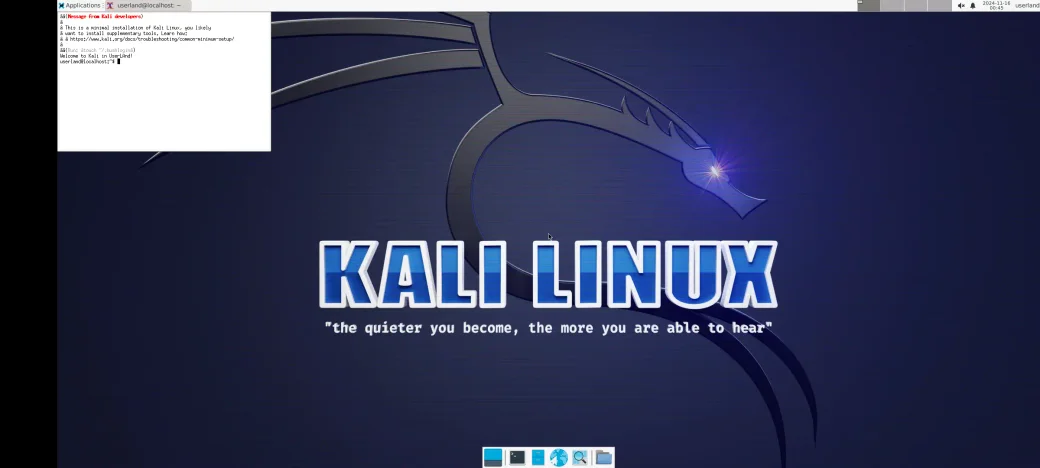
UserLAndを使えば、Ubuntu、Debian、Kaliなど、複数のLinuxディストリビューションを実行できます。
- デバイスのルート化は不要です。
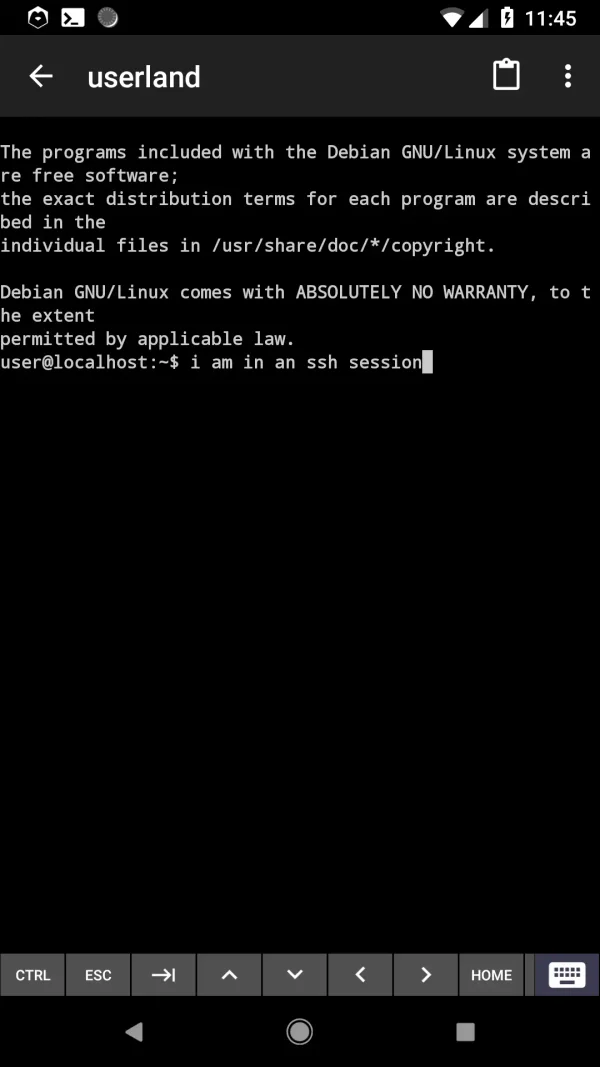
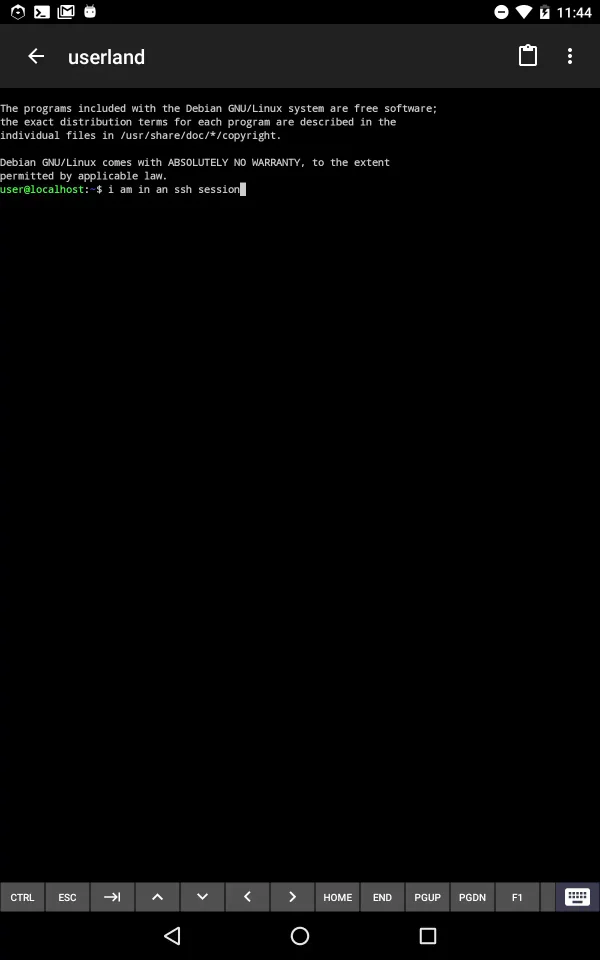
- 内蔵ターミナルで、お気に入りのシェルにアクセスできます。
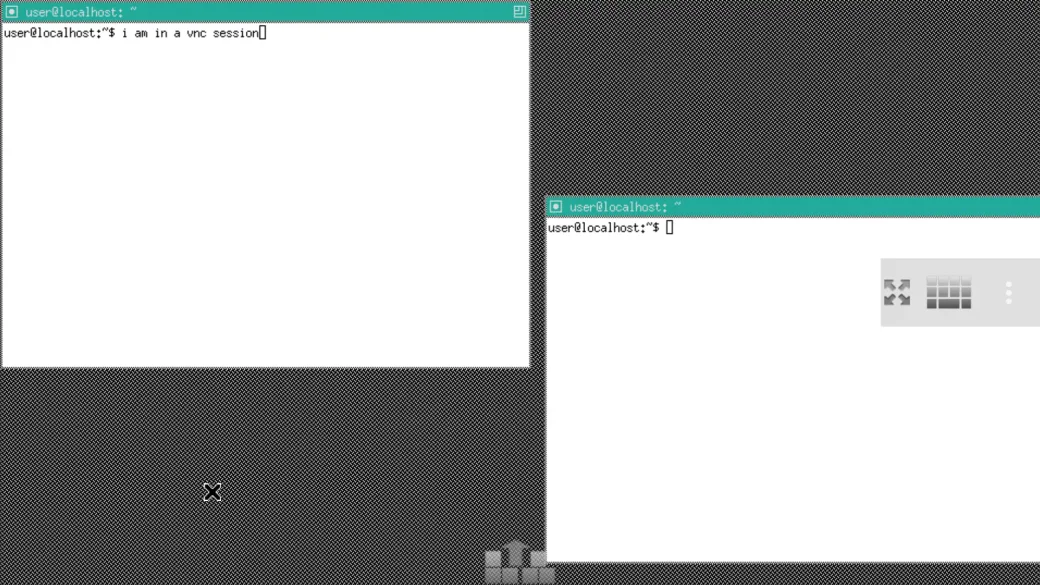
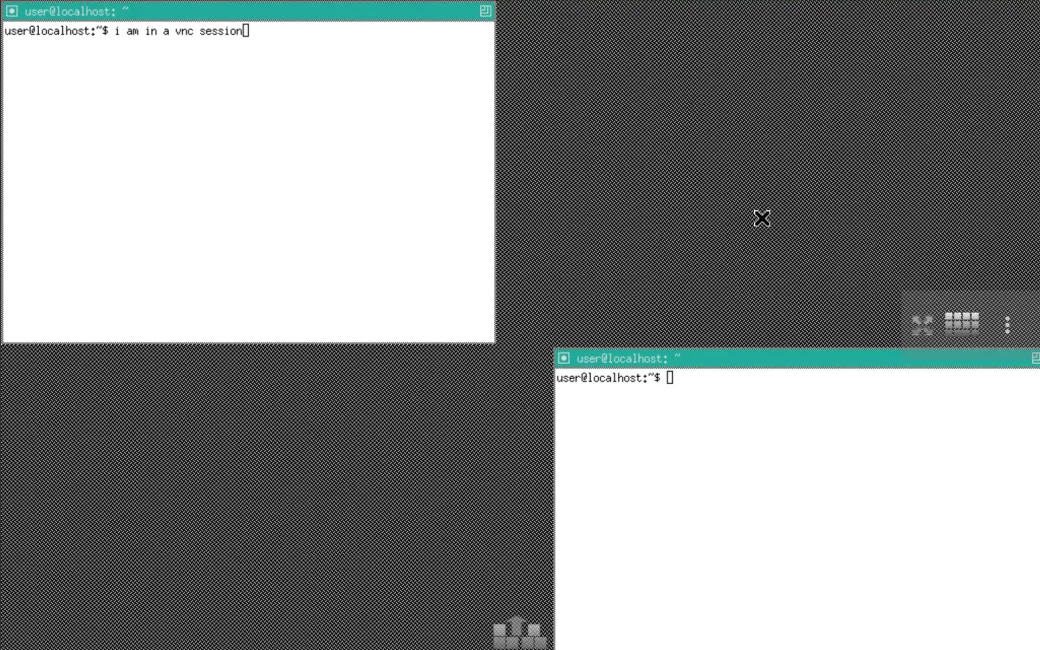
- VNCセッションに簡単に接続して、グラフィカルな操作環境を利用できます。
- UbuntuやDebianなど、一般的なLinuxディストリビューションを簡単にセットアップできます。
- OctaveやFirefoxなど、一般的なLinuxアプリケーションを簡単にセットアップできます。
- 手軽にLinuxやその他の一般的なソフトウェアツールを試したり、学んだりできます。
UserLAndは、人気のAndroidアプリ「GNURoot Debian」の開発チームによって作成され、現在も活発にメンテナンスされています。オリジナルのGNURoot Debianアプリの後継として開発されました。
UserLAndを初めて起動すると、一般的なディストリビューションとLinuxアプリケーションの一覧が表示されます。
いずれかの項目をクリックすると、セットアップ画面が表示されます。これらの手順が完了すると、
UserLAndは選択したタスクを開始するために必要なファイルをダウンロードしてセットアップします。
セットアップが完了すると、
ターミナルまたは
VNCビューイングAndroidアプリケーションで、Linuxディストリビューションまたはアプリケーションに接続されます。
さらに詳しい使い方を知りたいですか?GitHubのWikiをご覧ください:
https://github.com/CypherpunkArmory/UserLAnd/wiki/Getting-Started-in-UserLAnd
質問、フィードバック、またはバグ報告をご希望の場合は、GitHubまでご連絡ください:
https://github.com/CypherpunkArmory/UserLAnd/issues
原文を表示
UserLAnd allows you to run several Linux distributions like Ubuntu,
Debian, and Kali.
- No need to root your device.
- Use a built-in terminal to access your favorite shells.
- Easily connect to VNC sessions for a graphical experience.
- Easy setup for several common Linux distributions, like Ubuntu and Debian.
- Easy setup for several common Linux applications, like Octave and Firefox.
- A way to experiment and learn Linux and other common software tools from the palm of your hand.
UserLAnd was created and is being actively maintained by the folks behind the popular Android
application, GNURoot Debian. It is meant as a replacement for the original GNURoot Debian app.
When UserLAnd first launches, it presents a list of common distributions and Linux applications.
Clicking one of these then leads to a series of set-up prompts. Once these have been completed,
UserLAnd will download and set up files required to start the task that has been selected. Based on
the set-up, you will then be connected to your Linux distribution or application in a terminal or
VNC viewing Android application.
Want to know more about getting started? View our wiki on Github:
https://github.com/CypherpunkArmory/UserLAnd/wiki/Getting-Started-in-UserLAnd
Want to ask questions, give feedback, or report any bugs you've encountered? Reach us on Github:
https://github.com/CypherpunkArmory/UserLAnd/issues
データ セーフティ
このアプリが収集・共有するデータについて、UserLAnd TechnologiesがGoogle Playで申告している内容です。
- 第三者と共有されるデータはありません詳しくは、デベロッパーが共有を申告する方法についての説明をご覧ください
- データは収集されません詳しくは、デベロッパーが収集を申告する方法についての説明をご覧ください
新機能
バージョン 26.11.19 · 2026/11/19
New: Acquire wake lock in the notification keeps sessions running with the screen off
Fixed: sessions failing to start on Android 17's November update
Fixed: Ubuntu 26.04's core commands under Standard (proot)
Fixed: Fedora's user had no password, so sudo didn't work
Fixed: first access to Android storage could fail (pro)
Fixed: a second Android storage folder prompt could hang (pro)
Steadier desktops (VNC, shared memory)
New setups start on Standard (proot), not the last backend picked
開発元の連絡先
- ウェブサイトuserland.tech
- メールsupport@userland.tech
- プライバシーポリシーuserland.tech
- 住所10258 SW 67th Ave Portland, OR 97223 United States
情報
- 提供元
- UserLAnd Technologies
- カテゴリ
- ツール
- バージョン
- 26.11.19
- 更新日
- 2026/11/19
- リリース
- 2018/10/17
- 必要条件
- Android 7.0以降
- 対象年齢
- 3 歳以上
- 価格
- 無料
- アプリ内課金
- ¥110~¥2,150/アイテム
- パッケージ名
- tech.ula
類似のアプリ
-
 G-CPU:Monitor CPU, RAM, Widget
ツール
-
 Spck コード エディター / Git クライアント
ツール
-
 MYCPE ONE
教育
-
 Cyberpunk Red Companion
エンタメ
-
 RealVNC Viewer: Remote Desktop
仕事効率化
-
 Coding Python
ツール
-
 TeamViewer Remote Control
ビジネス
-
 MacroDroid - デバイス自動化
ツール
-
 Razer Cortex ゲーム: リワード
エンタメ
-
 phyphox
教育
-
 Confluence Cloud
仕事効率化
-
 TrebEdit - Mobile HTML Editor
ツール