UserLAnd - Linux on Android
UserLAnd TechnologiesCompras no app
- Classificação LivreClassificação etária
- FerramentasCategoria
- 24/11/2026Atualizado
- GrátisPreço
Leva à página oficial de tech.ula na Google Play. Última verificação em 24/11/2026.
Capturas de tela
Sobre este app
Tradução automática do Google. Idioma original: Inglês (Estados Unidos).
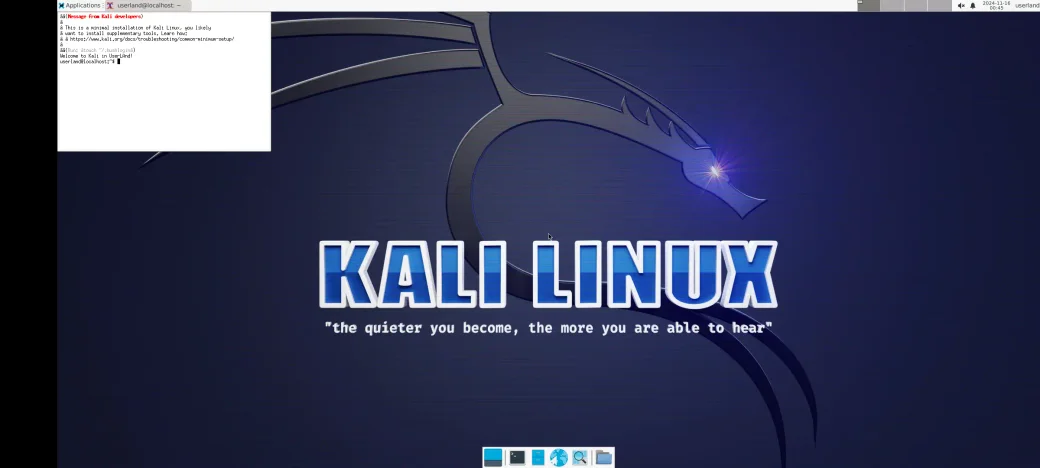
Execute o Linux no Android. Nenhuma raiz necessária.
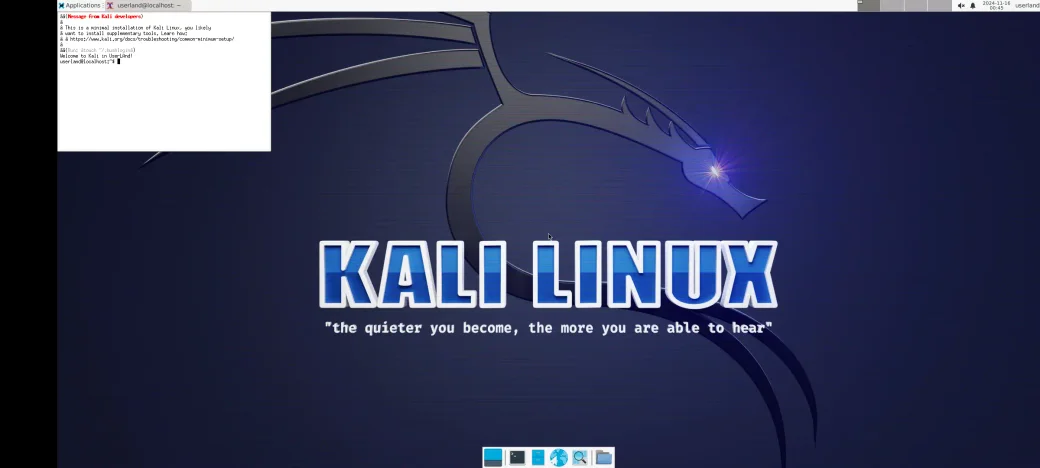
O UserLAnd permite executar diversas distribuições Linux, como Ubuntu,
Debian e Kali.
- Não é necessário fazer root no seu dispositivo.
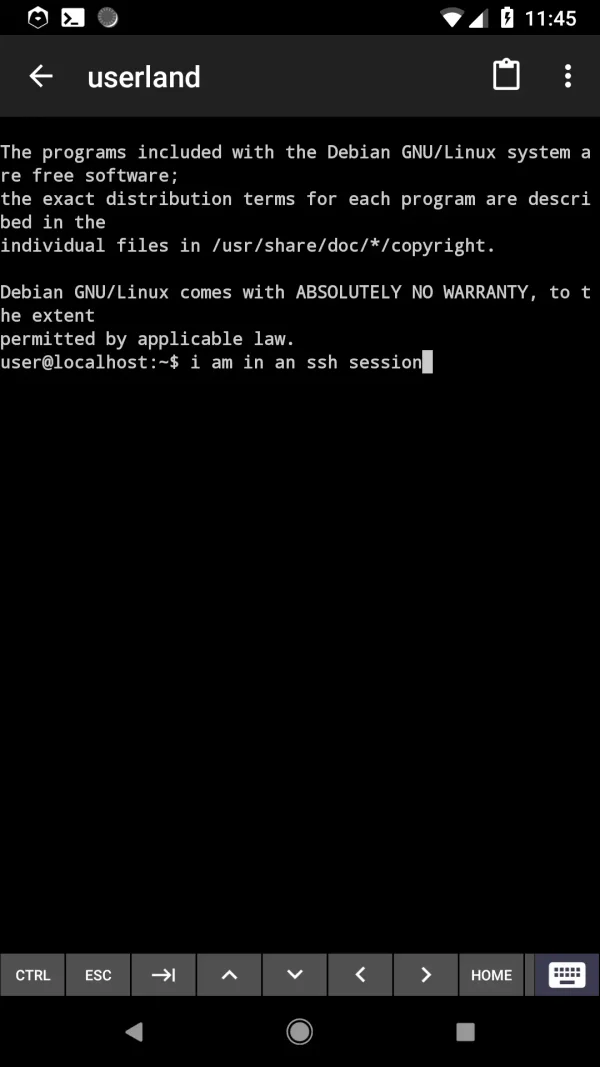
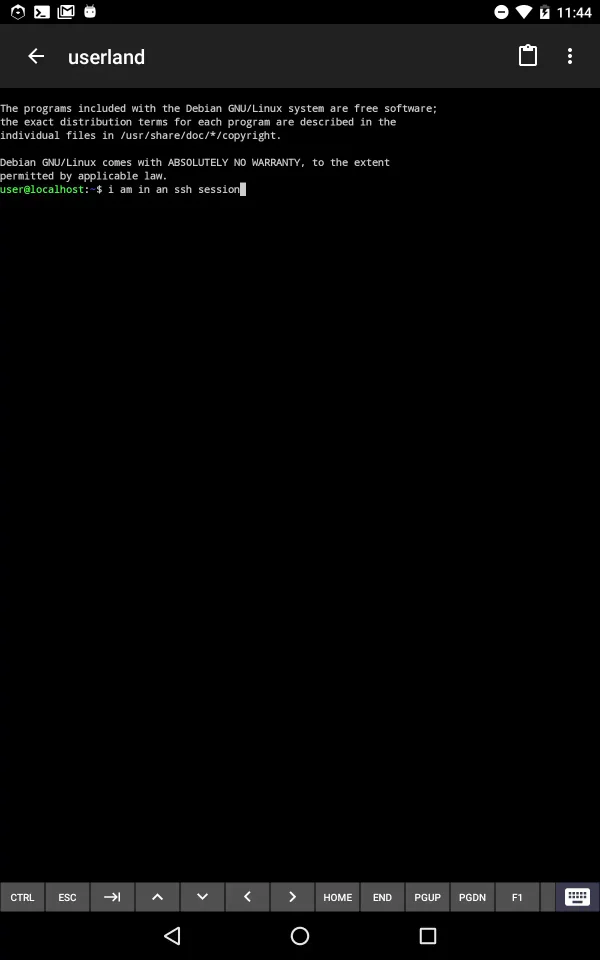
- Use um terminal integrado para acessar seus shells favoritos.
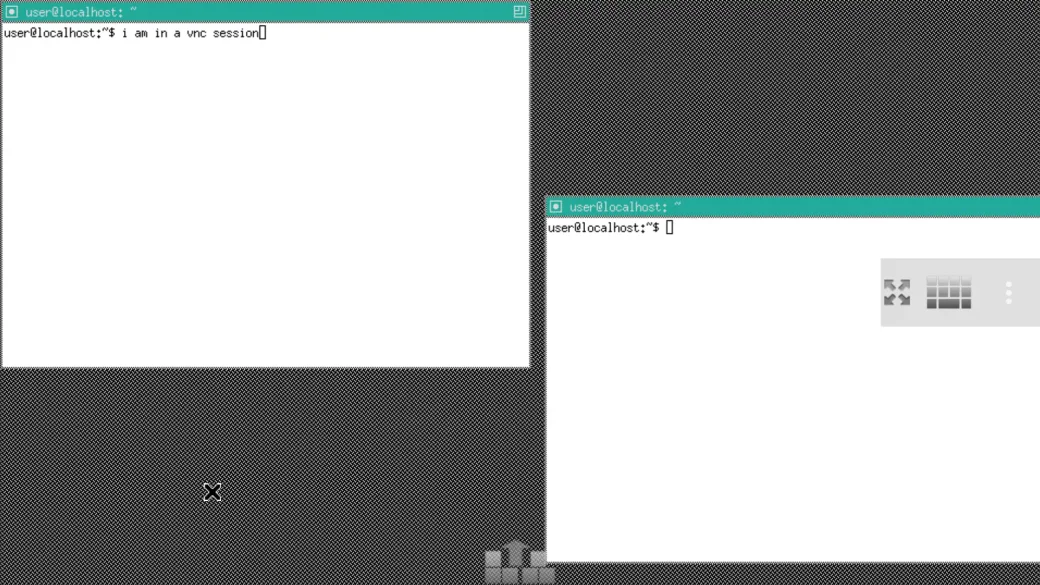
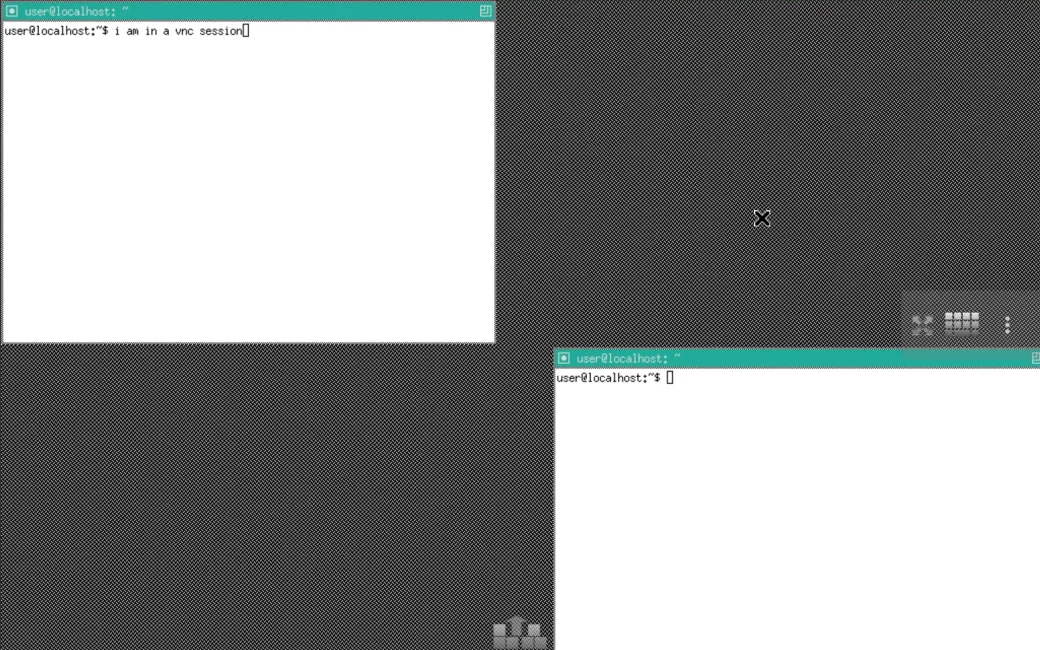
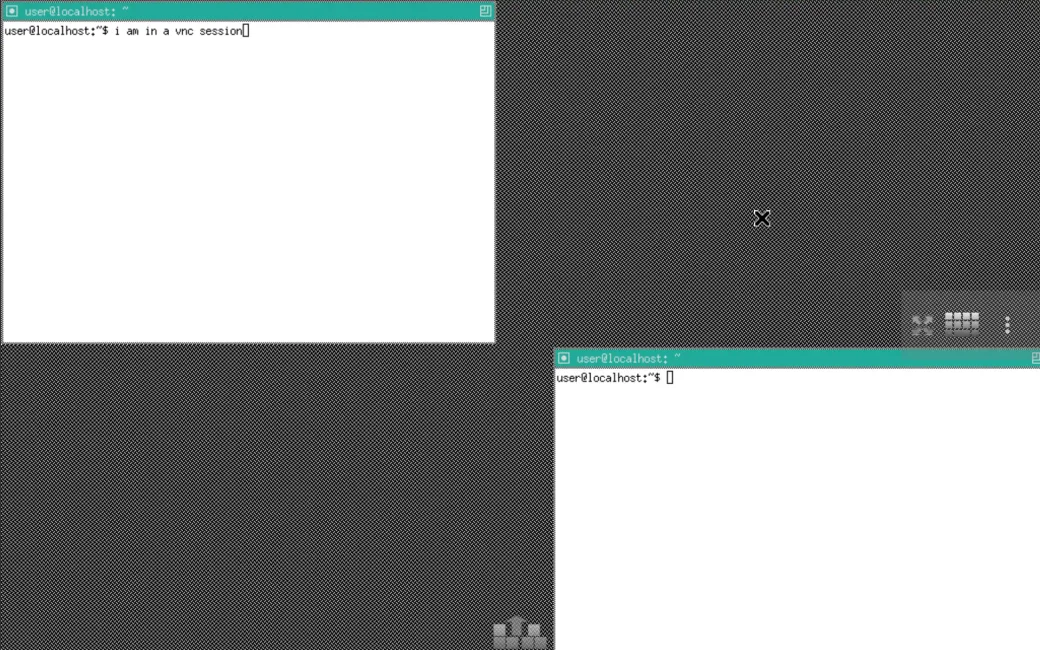
- Conecte-se facilmente a sessões VNC para uma experiência gráfica.
- Configuração fácil para diversas distribuições Linux comuns, como Ubuntu e Debian.
- Configuração fácil para diversos aplicativos Linux comuns, como Octave e Firefox.
- Uma maneira de experimentar e aprender Linux e outras ferramentas de software comuns na palma da sua mão.
O UserLAnd foi criado e é mantido ativamente pela equipe por trás do popular aplicativo para Android, GNURoot Debian. Ele foi projetado como um substituto para o aplicativo GNURoot Debian original.
Ao ser iniciado pela primeira vez, o UserLAnd apresenta uma lista de distribuições e aplicativos Linux comuns.
Clicar em um deles leva a uma série de instruções de configuração. Após a conclusão dessas instruções,
o UserLAnd fará o download e configurará os arquivos necessários para iniciar a tarefa selecionada. Com base na configuração, você se conectará à sua distribuição Linux ou aplicativo em um terminal ou aplicativo Android com visualização VNC.
Quer saber mais sobre como começar? Consulte nosso wiki no Github:
https://github.com/CypherpunkArmory/UserLAnd/wiki/Getting-Started-in-UserLAnd
Tem dúvidas, feedback ou quer relatar algum bug? Entre em contato conosco pelo Github:
https://github.com/CypherpunkArmory/UserLAnd/issues
Mostrar o texto original
UserLAnd allows you to run several Linux distributions like Ubuntu,
Debian, and Kali.
- No need to root your device.
- Use a built-in terminal to access your favorite shells.
- Easily connect to VNC sessions for a graphical experience.
- Easy setup for several common Linux distributions, like Ubuntu and Debian.
- Easy setup for several common Linux applications, like Octave and Firefox.
- A way to experiment and learn Linux and other common software tools from the palm of your hand.
UserLAnd was created and is being actively maintained by the folks behind the popular Android
application, GNURoot Debian. It is meant as a replacement for the original GNURoot Debian app.
When UserLAnd first launches, it presents a list of common distributions and Linux applications.
Clicking one of these then leads to a series of set-up prompts. Once these have been completed,
UserLAnd will download and set up files required to start the task that has been selected. Based on
the set-up, you will then be connected to your Linux distribution or application in a terminal or
VNC viewing Android application.
Want to know more about getting started? View our wiki on Github:
https://github.com/CypherpunkArmory/UserLAnd/wiki/Getting-Started-in-UserLAnd
Want to ask questions, give feedback, or report any bugs you've encountered? Reach us on Github:
https://github.com/CypherpunkArmory/UserLAnd/issues
Segurança dos dados
O que UserLAnd Technologies declara na Google Play sobre os dados que este app coleta e compartilha.
- Os dados não são compartilhados com terceirosSaiba mais sobre como os desenvolvedores declaram o compartilhamento
- Este app pode coletar estes tipos de dadosInformações pessoais, Informações financeiras e mais 3
- Os dados são criptografados em trânsito
- Você pode solicitar a exclusão dos dados
Novidades
Versão 26.11.23 · 24/11/2026
- Launch UserLAnd Cloud in North America initially. Run fast, x86_64 servers in the cloud for a low price. Storage/sound/microphone all seamlessly shared from your device.
- Each way to run a setup (standard, virtual machine, QEMU, UserLAnd Cloud) has an info button explaining its pros and cons.
- A clearer comparison of Free, Pro and UserLAnd Cloud. Any Cloud plan includes all of Pro.
Contato do desenvolvedor
- Siteuserland.tech
- E-mailsupport@userland.tech
- Política de privacidadeuserland.tech
- Endereço10258 SW 67th Ave Portland, OR 97223 United States
Informações
- Oferecido por
- UserLAnd Technologies
- Categoria
- Ferramentas
- Versão
- 26.11.23
- Atualizado
- 24/11/2026
- Lançamento
- 17/10/2018
- Requer
- Android 7.0 ou posterior
- Classificação etária
- Classificação Livre
- Preço
- Grátis
- Compras no app
- R$ 3,99 – R$ 114,99 por item
- Nome do pacote
- tech.ula
Apps semelhantes
-
 G-CPU:Monitor CPU, RAM, Widget
Ferramentas
-
 Spck Code Editor / Cliente Git
Ferramentas
-
 MYCPE ONE
Educação
-
 Cyberpunk Red Companion
Entretenimento
-
 RealVNC Viewer: Remote Desktop
Produtividade
-
 Coding Python
Ferramentas
-
 TeamViewer Remote Control
Negócios
-
 MacroDroid - Automação
Ferramentas
-
 Razer Cortex Games: Rewards
Entretenimento
-
 phyphox
Educação
-
 Confluence Cloud
Produtividade
-
 TrebEdit - Editor de HTML
Ferramentas