Watch face Neon Plus
10h08.com - Wear Os Watch Face- USK ab 0 JahrenAltersfreigabe
- PersonalisierungKategorie
- 03.07.2025Aktualisiert
- KostenlosPreis
Verlinkt auf den offiziellen Google Play-Eintrag von com.watchfacestudio.watchfaceneonplus. Zuletzt geprüft am 26.11.2026.
Screenshots


Über diese App
Automatische Übersetzung von Google. Originalsprache: Englisch (Vereinigte Staaten).
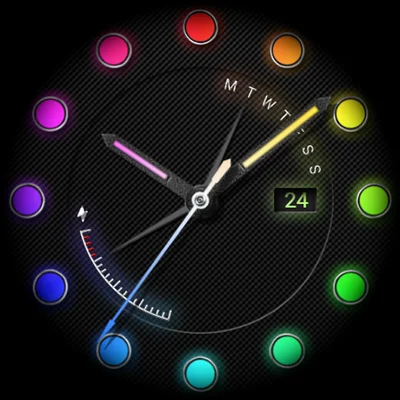
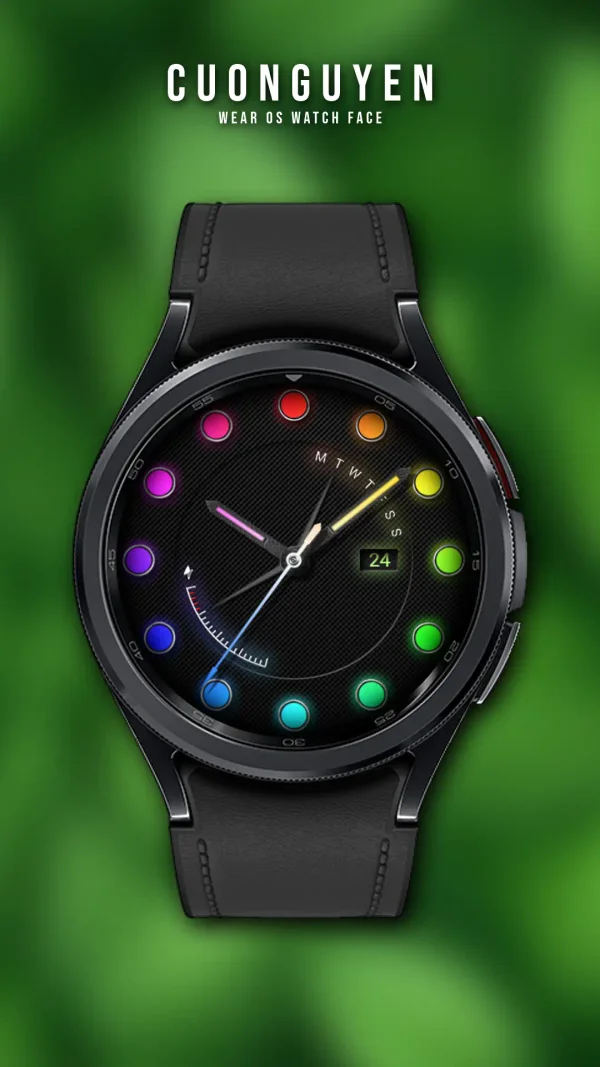
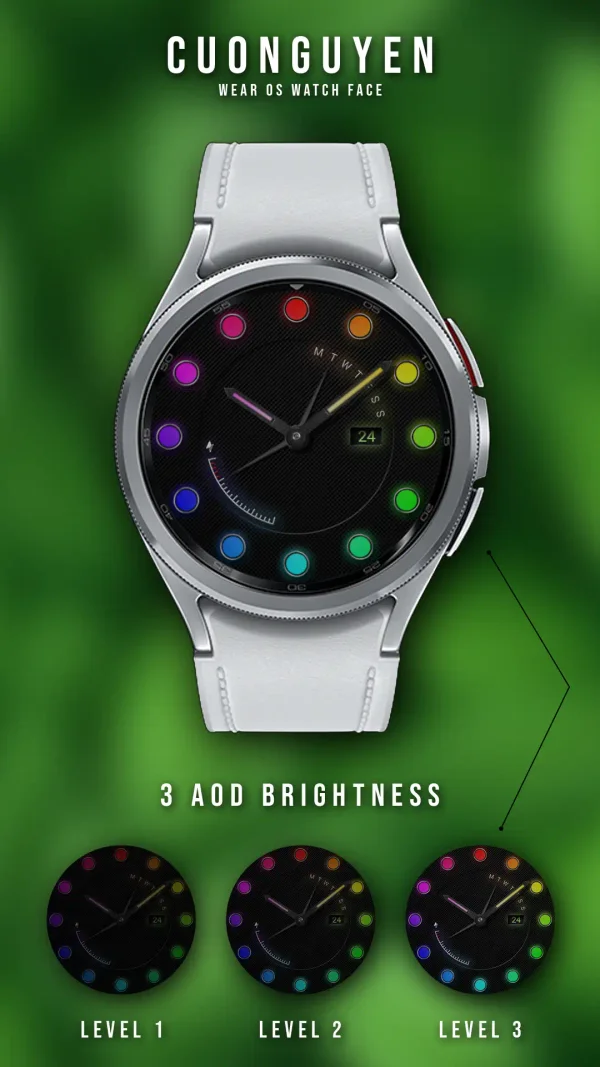
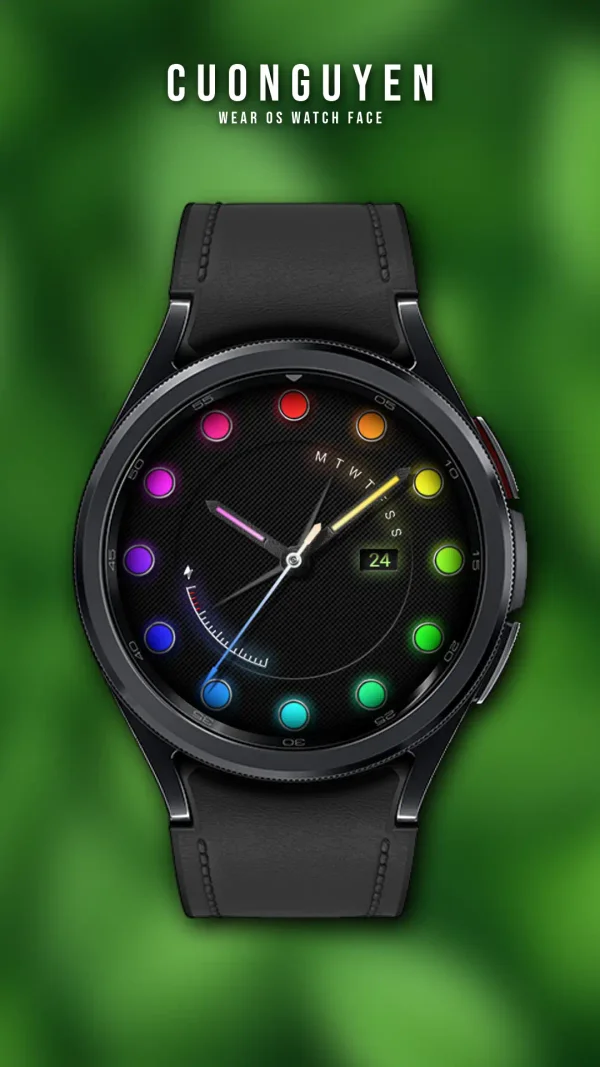
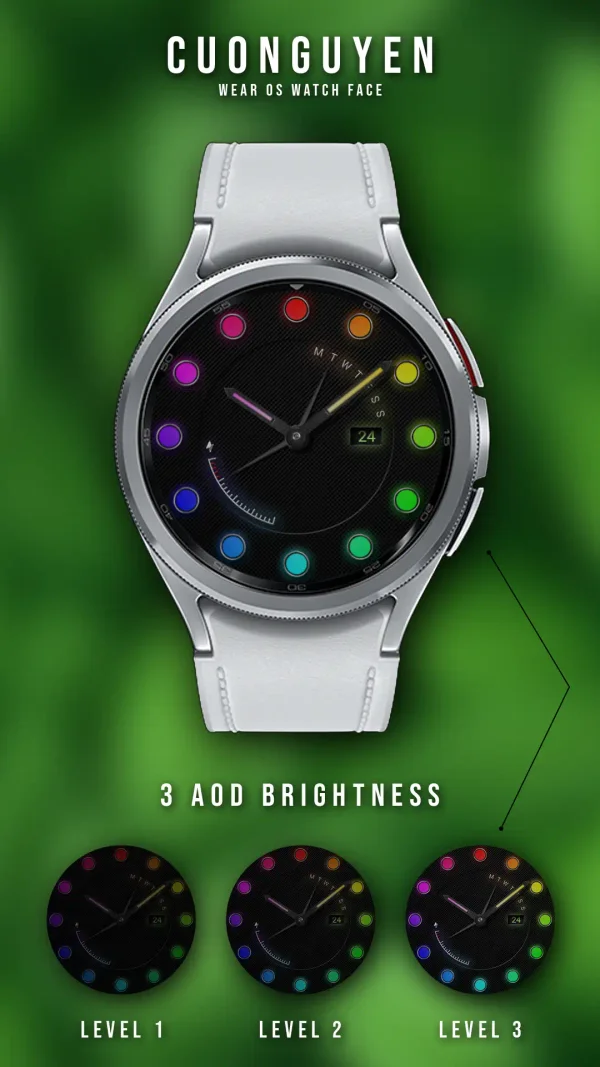
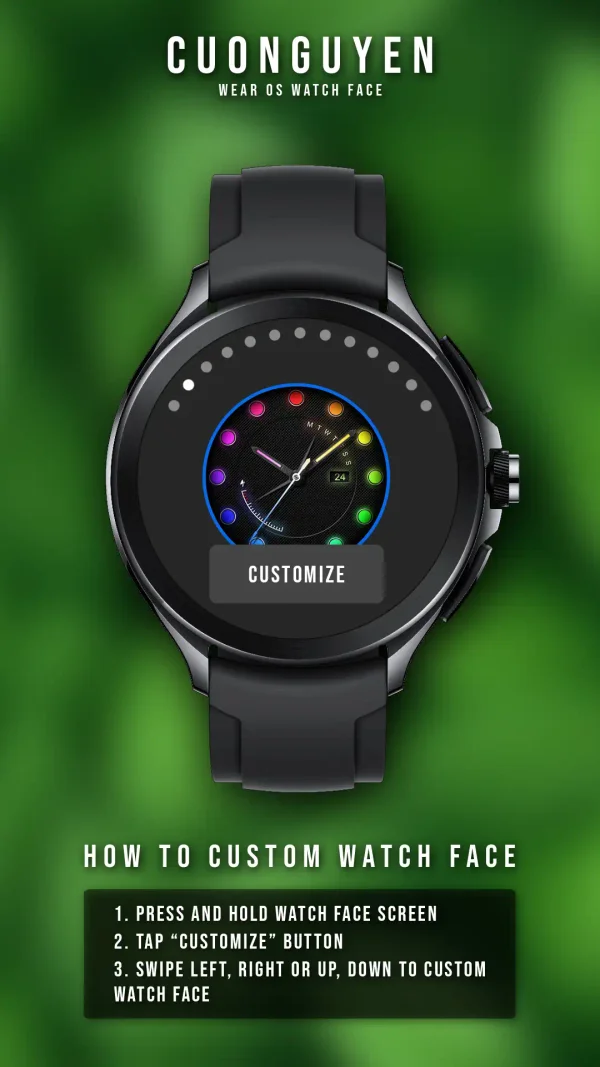
Neon mehrfacher Farbwechsel. Batterieoptimierung. AOD-Helligkeitsstufen.
⌚️ Zifferblatt Neon Plus
🟥 Anzeige & Benutzerdefiniert
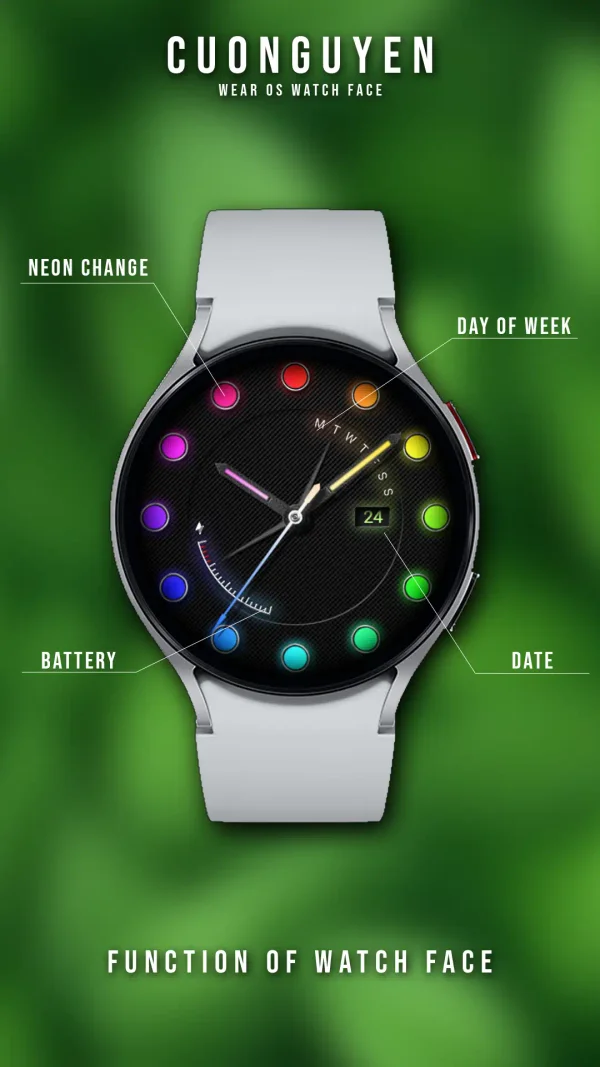
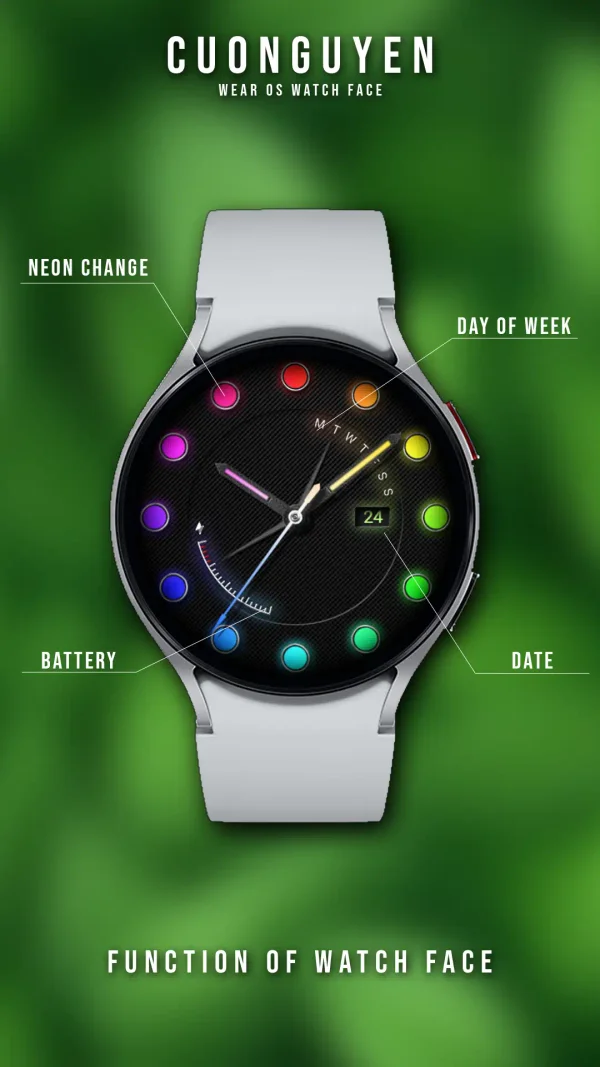
- Datum, analoge Uhrzeit
- Batteriestand, Batterieoptimierung mit drei AOD-Helligkeitsstufen
- Neon-Mehrfachfarbwechsel
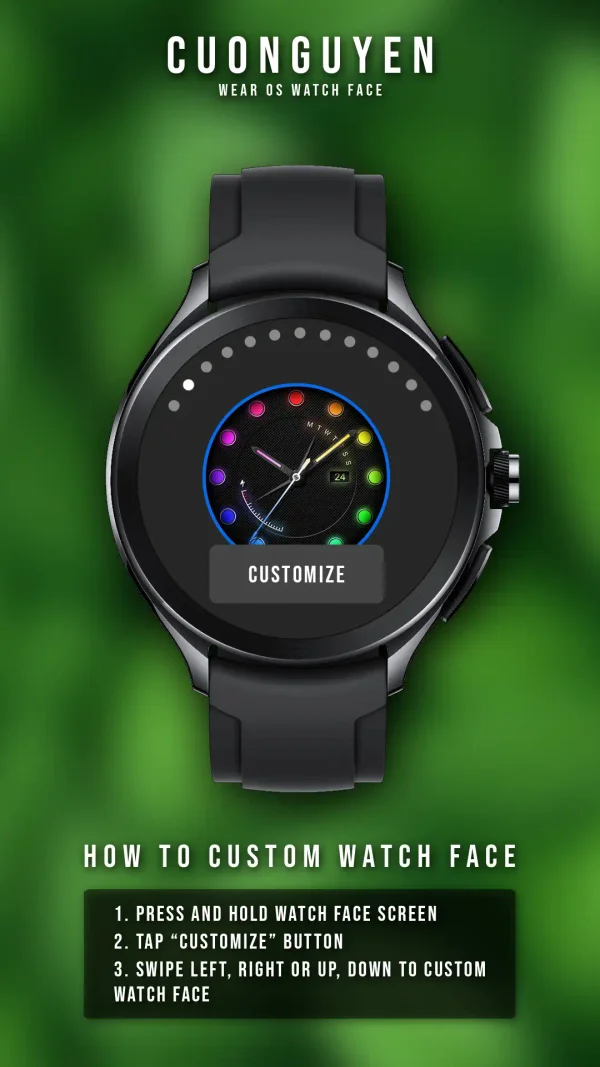
🟨 Wie kann ich dieses Zifferblatt anpassen?
1. Halten Sie das Zifferblatt gedrückt
2. Tippen Sie auf die Schaltfläche „Anpassen“.
3. Wischen Sie nach links oder rechts, nach oben oder unten, um das Zifferblatt anzupassen
🟦 Wie installiere ich das Zifferblatt auf meiner Uhr?
1. Installieren Sie das Zifferblatt aus dem Google Play Store
2. Halten Sie das Zifferblatt gedrückt
3. Wischen Sie von rechts nach links und tippen Sie auf „Zifferblatt hinzufügen“
4. Scrollen Sie zum Ende der Seite und wählen Sie im Abschnitt „Heruntergeladen“ das Zifferblatt aus
🟧 Kompatibel mit Smartwatches mit Wear OS. Zum Beispiel: Galaxy Watch 6, Galaxy Watch 7 Ultra, Ticwatch Pro 5, Pixcel Watch 2, Watch 2 Pro, ...
🟩 Sehen Sie sich meine anderen Zifferblätter an: https://play.google.com/store/apps/developer?id=cuonguyen
🟪 Folgen Sie meinen Social-Media-Seiten für die neuesten Zifferblatt-Updates:
https://www.facebook.com/cuonguyen.wf
https://www.instagram.com/cuonguyen.wf
https://www.threads.net/@cuonguyen.wf
https://x.com/cuonguyen_wf
https://www.pinterest.com/cuonguyen_wf/
Originaltext anzeigen
⌚️ Watch face Neon Plus
🟥 Display & Custom
- Date, analog time
- Battery level, battery optimization with three AOD brightness levels
- Neon multiple color change
🟨 How to custom this watch face?
1. Press and hold watch face screen
2. Tap “Customize” button
3. Swipe left or right, up or down to customize watch face
🟦 How to install watch face on your watch?
1. Install watch face from Google Play store
2. Press and hold watch face screen
3. Swipe right to left and tap “Add watch face”
4. Scroll to the bottom of the page and selectwatch face in the “downloaded” section
🟧 Compatible with smart watches running Wear OS. For example: Galaxy Watch 6, Galaxy Watch 7 Ultra, Ticwatch Pro 5, Pixcel Watch 2, Watch 2 Pro,...
🟩 See my other watch faces: https://play.google.com/store/apps/developer?id=cuonguyen
🟪 Follow my social media pages for the latest watch face updates:
https://www.facebook.com/cuonguyen.wf
https://www.instagram.com/cuonguyen.wf
https://www.threads.net/@cuonguyen.wf
https://x.com/cuonguyen_wf
https://www.pinterest.com/cuonguyen_wf/
Datensicherheit
Was 10h08.com - Wear Os Watch Face bei Google Play zu den Daten angibt, die diese App erfasst und weitergibt.
- Keine Daten werden mit Drittunternehmen oder -organisationen geteiltWeitere Informationen dazu, wie Entwickler Angaben zur Weitergabe von Daten machen
- Keine Daten erhobenWeitere Informationen dazu, wie Entwickler Angaben zur Datenerhebung machen
Neue Funktionen
03.07.2025
Update API
Kontakt zum Entwickler
- E-Mailcuonguyen.nvc@gmail.com
- Datenschutzerklärungsites.google.com
- AdresseĐường Đà Nẵng 4/6/246A Hải Phòng 180000 Vietnam
Informationen
- Angeboten von
- 10h08.com - Wear Os Watch Face
- Kategorie
- Personalisierung
- Aktualisiert
- 03.07.2025
- Veröffentlicht
- 25.09.2024
- Altersfreigabe
- USK ab 0 Jahren
- Preis
- Kostenlos
- Paketname
- com.watchfacestudio.watchfaceneonplus
Ähnliche Apps
-
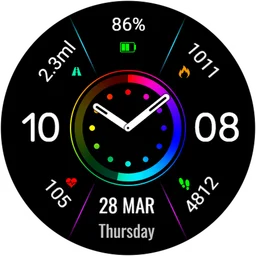 Minimal RATON 02 Watch face
Personalisierung
-
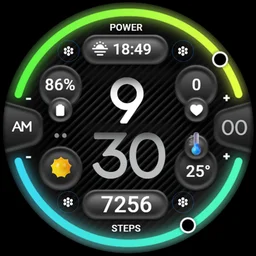 OMG 31 Digital Watch Face
Personalisierung
-
 Color Trails Watch Face
Personalisierung
-
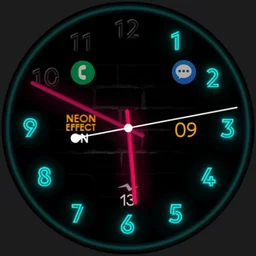 Neon analog watch face
Personalisierung
-
 WES25 - Colorful Pro Watchface
Personalisierung
-
 Neon Watch Face - Wear OS
Personalisierung
-
 Neon watchface
Personalisierung
-
 Regenbogenglas
Personalisierung
-
 Beauty Black Pro Watch Face
Personalisierung
-
 Cadran Snake Galaxy Watch Face
Personalisierung
-
 Dash Drive Zifferblatt
Personalisierung
-
 Crystal Prism - watch face
Personalisierung