Watch face Neon Plus
10h08.com - Wear Os Watch Face- PEGI 3Yaş sınırı
- KişiselleştirmeKategori
- 03.07.2025Güncellendi
- ÜcretsizFiyat
com.watchfacestudio.watchfaceneonplus için resmi Google Play sayfasına bağlanır. Son kontrol: 26.11.2026.
Ekran görüntüleri

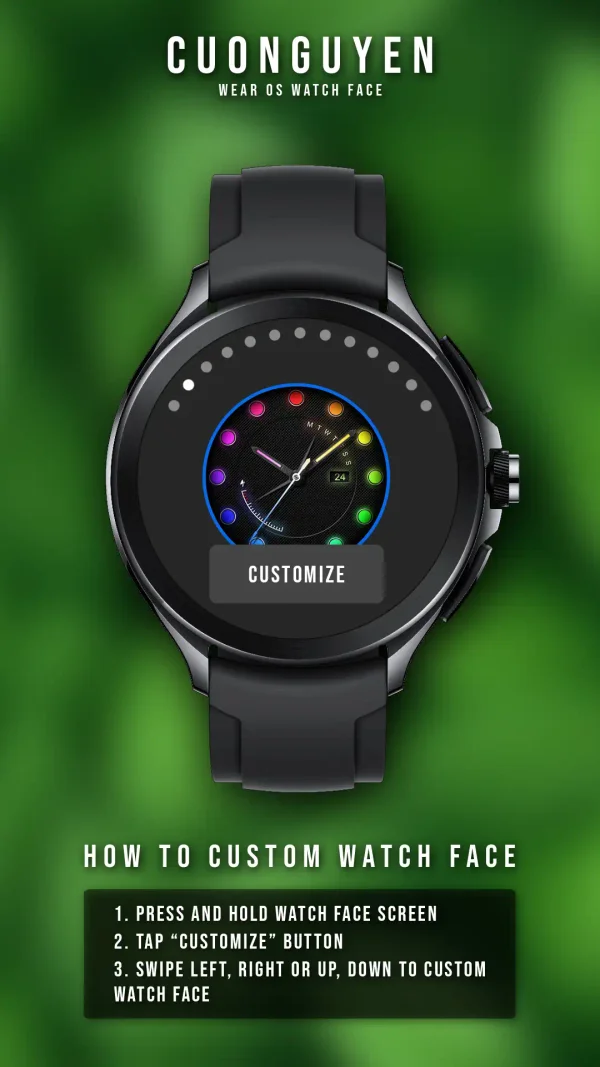

Bu uygulama hakkında
Google tarafından otomatik çeviri. Orijinal dil: İngilizce (Amerika Birleşik Devletleri).
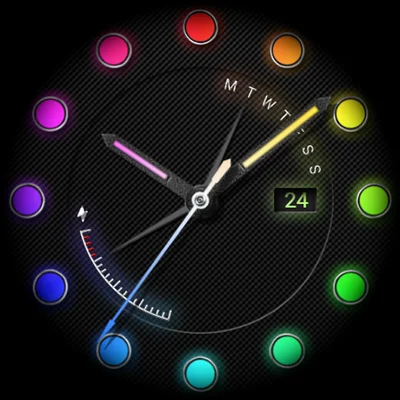
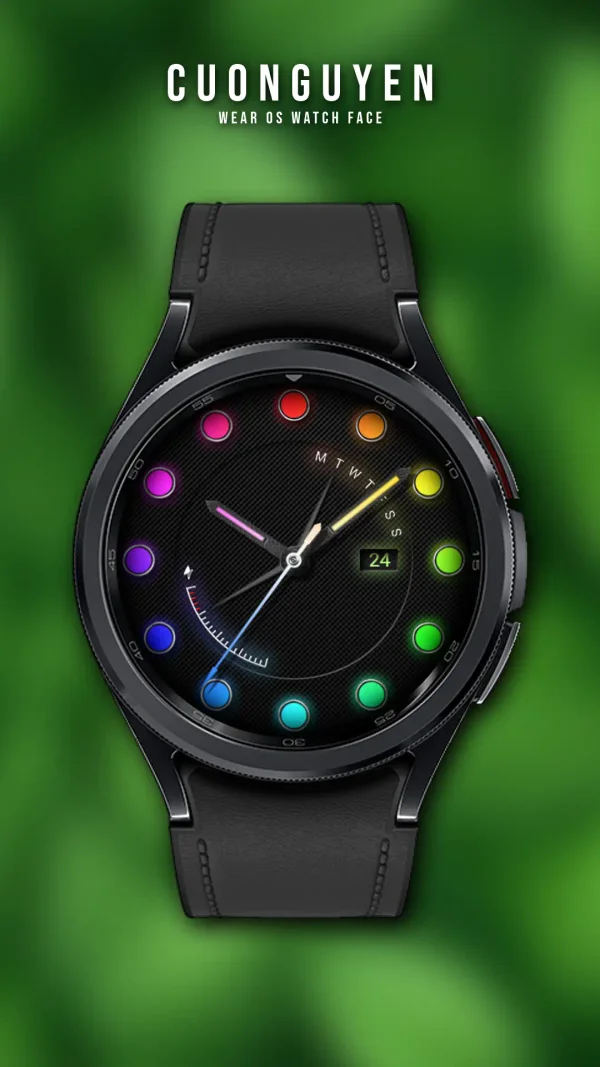
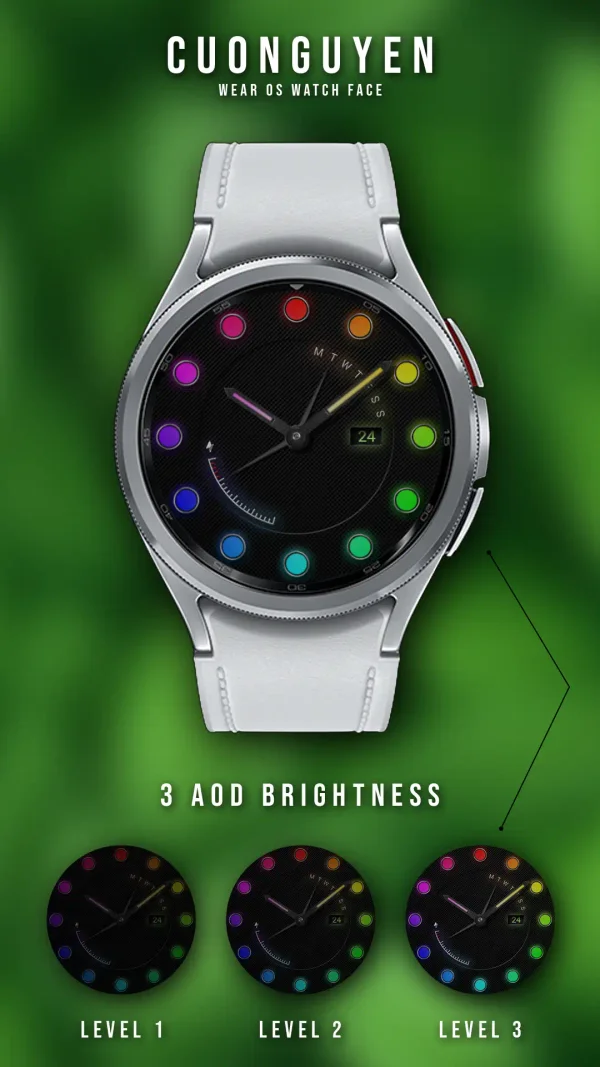
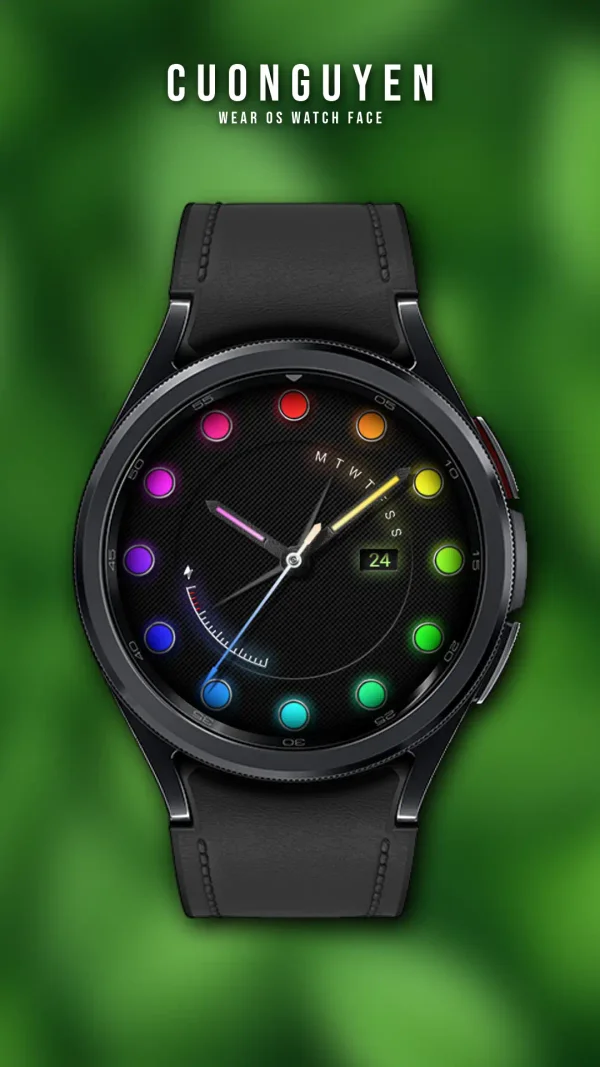
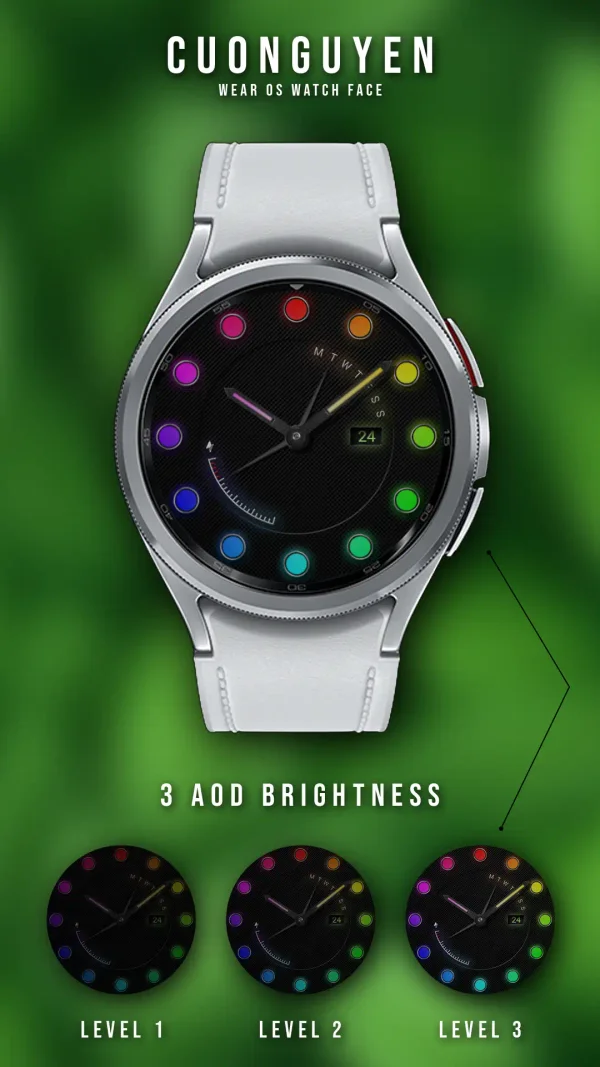
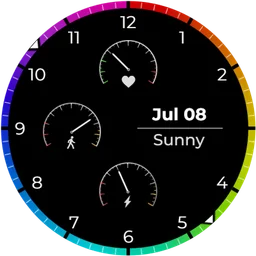
Neon çoklu renk değişimi. Pil optimizasyonu. AOD parlaklık seviyeleri.
⌚️ Saat yüzü Neon Plus
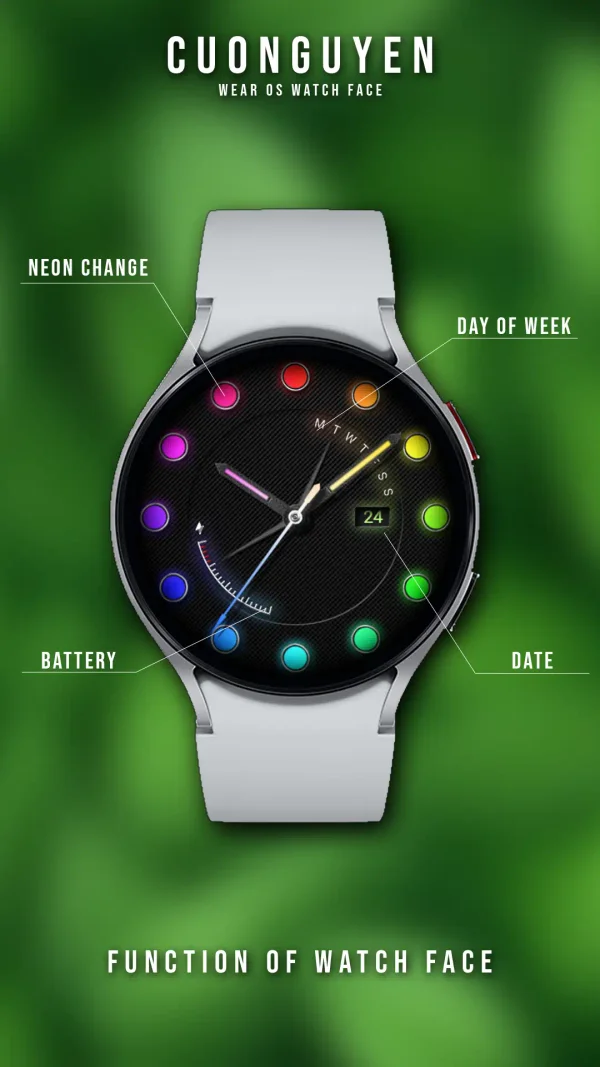
🟥 Ekran ve Özel
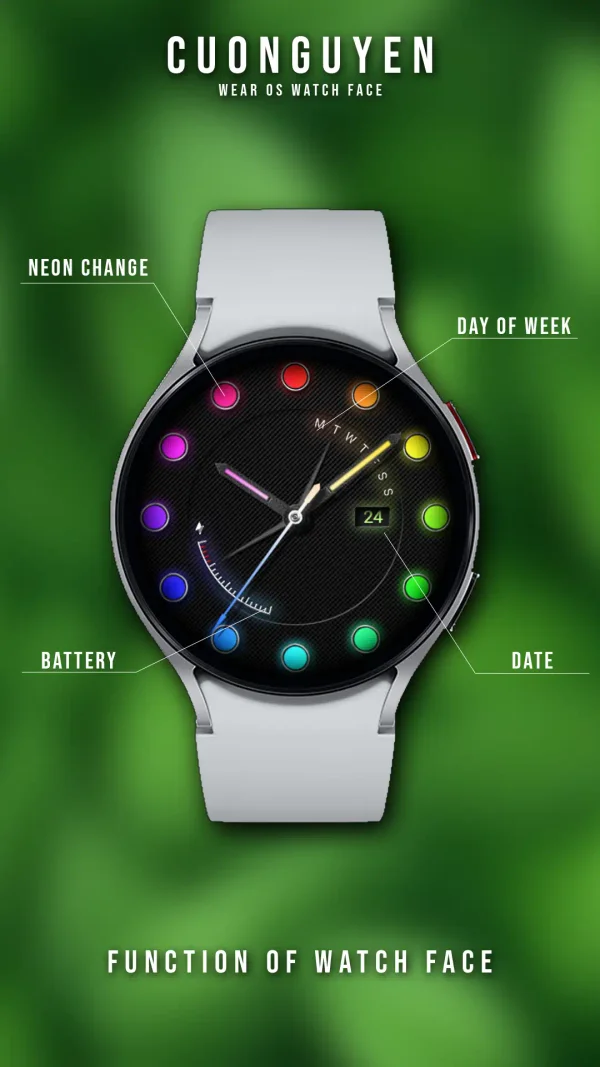
- Tarih, analog saat
- Pil seviyesi, üç AOD parlaklık seviyesiyle pil optimizasyonu
- Neon çoklu renk değişimi
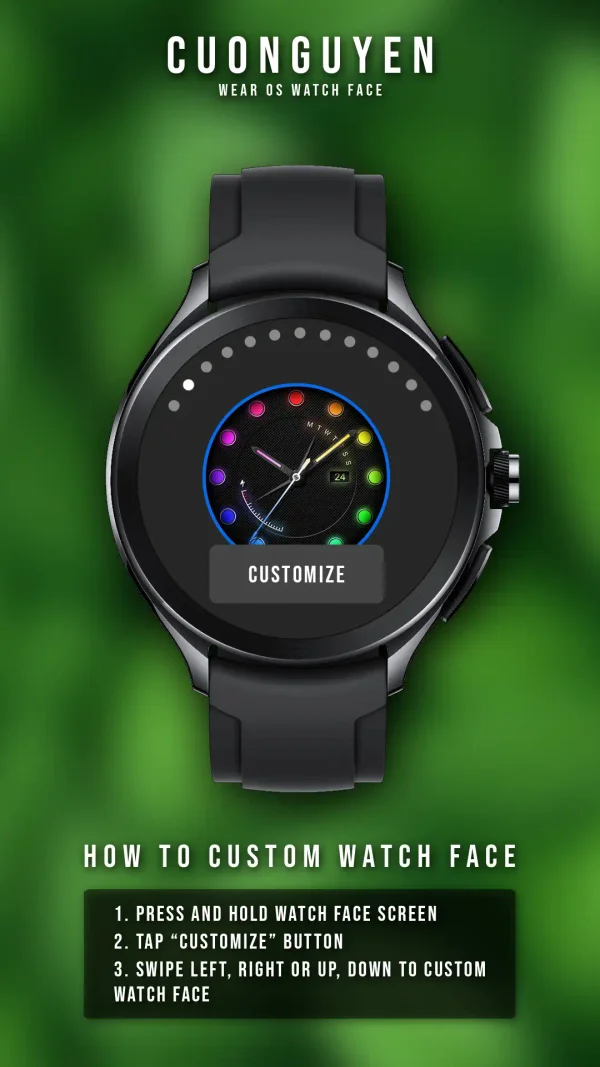
🟨 Bu saat kadranı nasıl özelleştirilir?
1. Saat görünümü ekranına basın ve basılı tutun
2. "Özelleştir" düğmesine dokunun
3. Saat yüzünü özelleştirmek için sola veya sağa, yukarı veya aşağı kaydırın
🟦 Saatinize saat yüzü nasıl kurulur?
1. Saat yüzünü Google Play mağazasından yükleyin
2. Saat görünümü ekranına basın ve basılı tutun
3. Sağdan sola kaydırın ve "Saat görünümü ekle"ye dokunun
4. Sayfanın en altına gidin ve "indirilenler" bölümünde saat yüzünü seçin
🟧 Wear OS çalıştıran akıllı saatlerle uyumludur. Örneğin: Galaxy Watch 6, Galaxy Watch 7 Ultra, Ticwatch Pro 5, Pixcel Watch 2, Watch 2 Pro,...
🟩 Diğer saat yüzlerimi görün: https://play.google.com/store/apps/developer?id=cuonguyen
🟪 En son saat yüzü güncellemeleri için sosyal medya sayfalarımı takip edin:
https://www.facebook.com/cuonguyen.wf
https://www.instagram.com/cuonguyen.wf
https://www.threads.net/@cuonguyen.wf
https://x.com/cuonguyen_wf
https://www.pinterest.com/cuonguyen_wf/
Orijinal metni göster
⌚️ Watch face Neon Plus
🟥 Display & Custom
- Date, analog time
- Battery level, battery optimization with three AOD brightness levels
- Neon multiple color change
🟨 How to custom this watch face?
1. Press and hold watch face screen
2. Tap “Customize” button
3. Swipe left or right, up or down to customize watch face
🟦 How to install watch face on your watch?
1. Install watch face from Google Play store
2. Press and hold watch face screen
3. Swipe right to left and tap “Add watch face”
4. Scroll to the bottom of the page and selectwatch face in the “downloaded” section
🟧 Compatible with smart watches running Wear OS. For example: Galaxy Watch 6, Galaxy Watch 7 Ultra, Ticwatch Pro 5, Pixcel Watch 2, Watch 2 Pro,...
🟩 See my other watch faces: https://play.google.com/store/apps/developer?id=cuonguyen
🟪 Follow my social media pages for the latest watch face updates:
https://www.facebook.com/cuonguyen.wf
https://www.instagram.com/cuonguyen.wf
https://www.threads.net/@cuonguyen.wf
https://x.com/cuonguyen_wf
https://www.pinterest.com/cuonguyen_wf/
Veri güvenliği
Bu uygulamanın topladığı ve paylaştığı veriler hakkında 10h08.com - Wear Os Watch Face tarafından Google Play üzerinde yapılan beyan.
- Üçüncü taraflarla veri paylaşımı yokGeliştiricilerin, veri paylaşımını nasıl beyan ettikleri hakkında daha fazla bilgi edinin
- Veri toplanamadıGeliştiricilerin, veri toplamayı nasıl beyan ettikleri hakkında daha fazla bilgi edinin
Yenilikler
03.07.2025
Update API
Geliştirici iletişim bilgileri
- E-postacuonguyen.nvc@gmail.com
- Gizlilik politikasısites.google.com
- AdresĐường Đà Nẵng 4/6/246A Hải Phòng 180000 Vietnam
Bilgiler
- Sunan
- 10h08.com - Wear Os Watch Face
- Kategori
- Kişiselleştirme
- Güncellendi
- 03.07.2025
- Yayın tarihi
- 25.09.2024
- Yaş sınırı
- PEGI 3
- Fiyat
- Ücretsiz
- Paket adı
- com.watchfacestudio.watchfaceneonplus
Benzer uygulamalar
-
 Ballnight - watch face
Kişiselleştirme
-
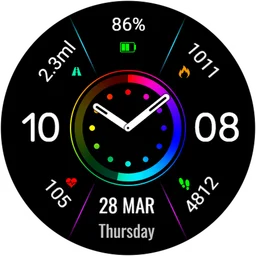 Minimal RATON 02 Watch face
Kişiselleştirme
-
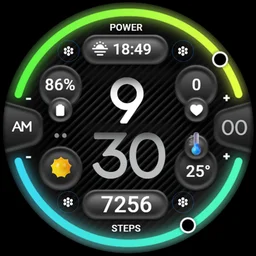 OMG 31 Digital Watch Face
Kişiselleştirme
-
 Color Trails Watch Face
Kişiselleştirme
-
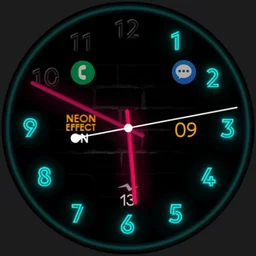 Neon analog watch face
Kişiselleştirme
-
 WES25 - Colorful Pro Watchface
Kişiselleştirme
-
 Neon Watch Face - Wear OS
Kişiselleştirme
-
 Neon watchface
Kişiselleştirme
-
 Gökkuşağı Camı
Kişiselleştirme
-
 Beauty Black Pro Watch Face
Kişiselleştirme
-
 Cadran Snake Galaxy Watch Face
Kişiselleştirme
-
 Dash Drive Saat Yüzü
Kişiselleştirme