Watch face Neon Plus
10h08.com - Wear Os Watch Face- 3 歳以上対象年齢
- カスタマイズカテゴリ
- 2025/7/3更新日
- 無料価格
com.watchfacestudio.watchfaceneonplusのGoogle Play公式ページにリンクしています。最終確認:2026/11/26。
スクリーンショット


このアプリについて
Googleによる英語 (アメリカ合衆国)からの自動翻訳です。
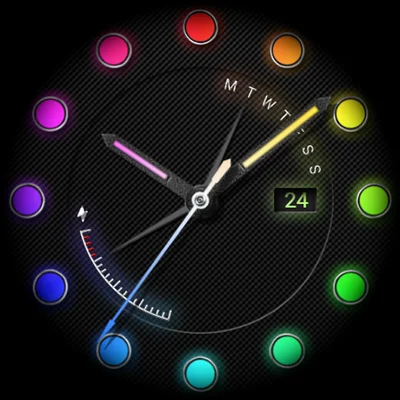
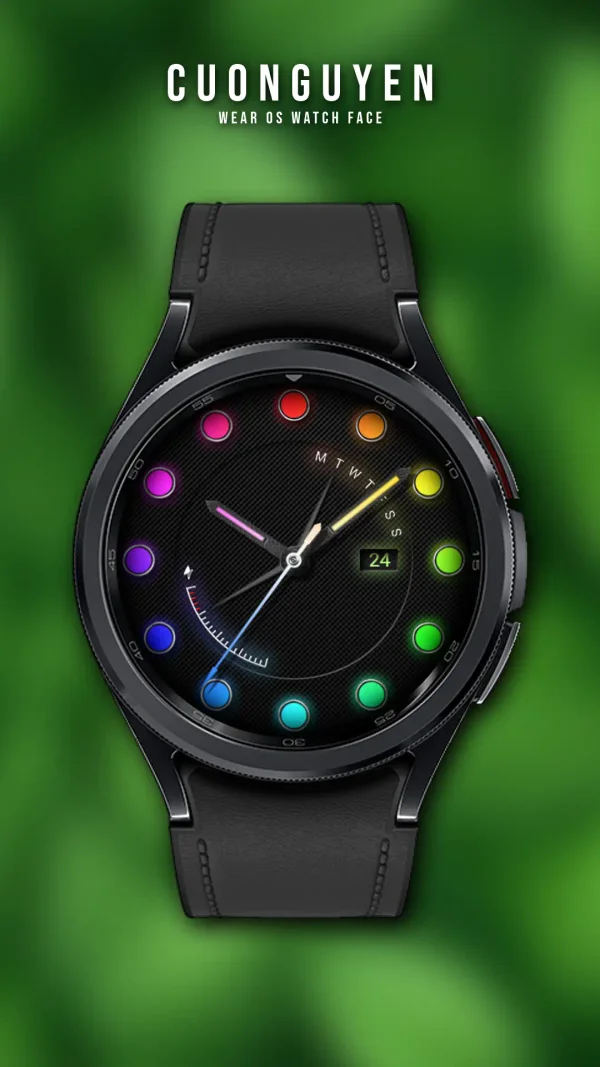
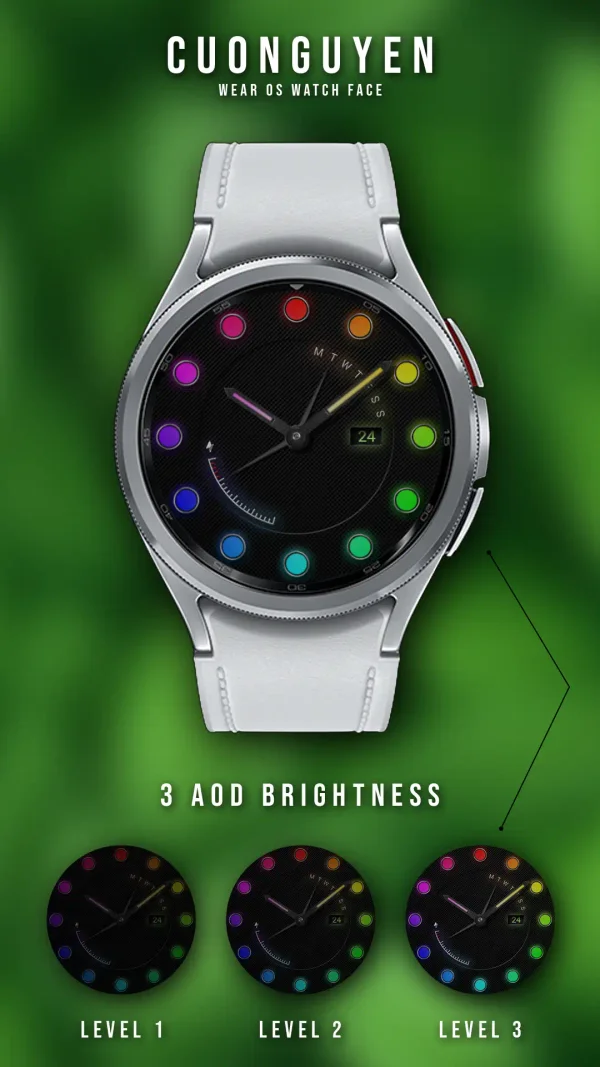
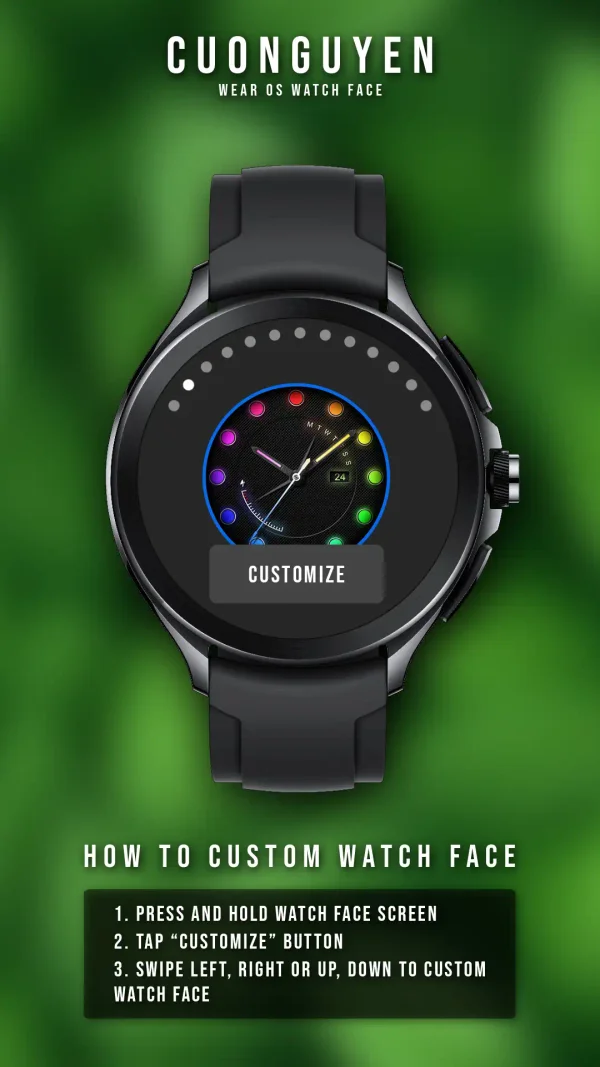
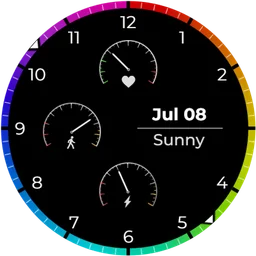
ネオンの複数の色の変更。バッテリーの最適化。 AOD の輝度レベル。
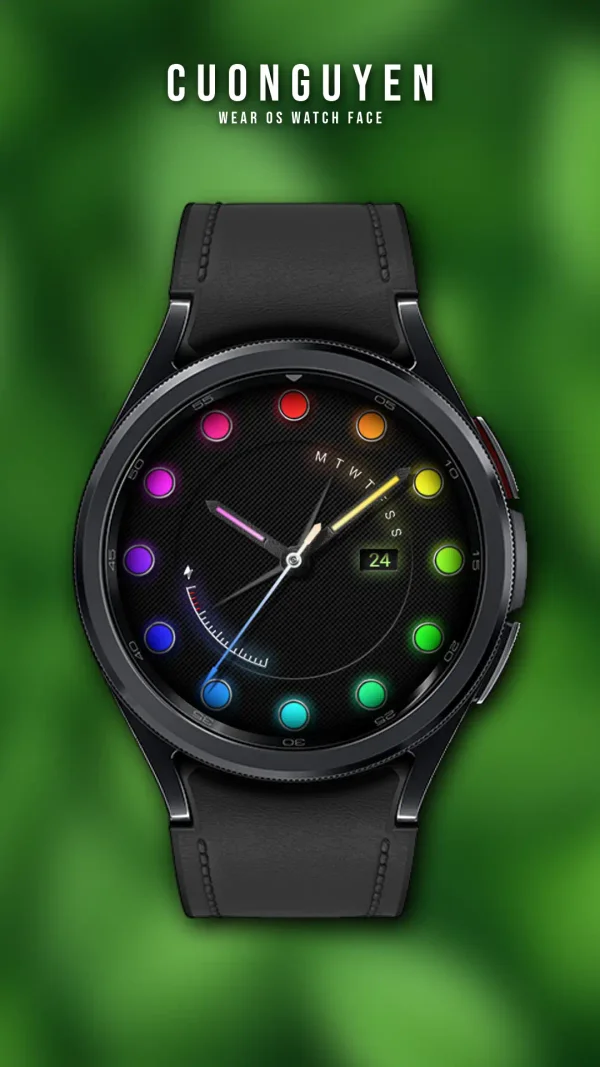
⌚️ ウォッチフェイス ネオンプラス
🟥 ディスプレイとカスタム
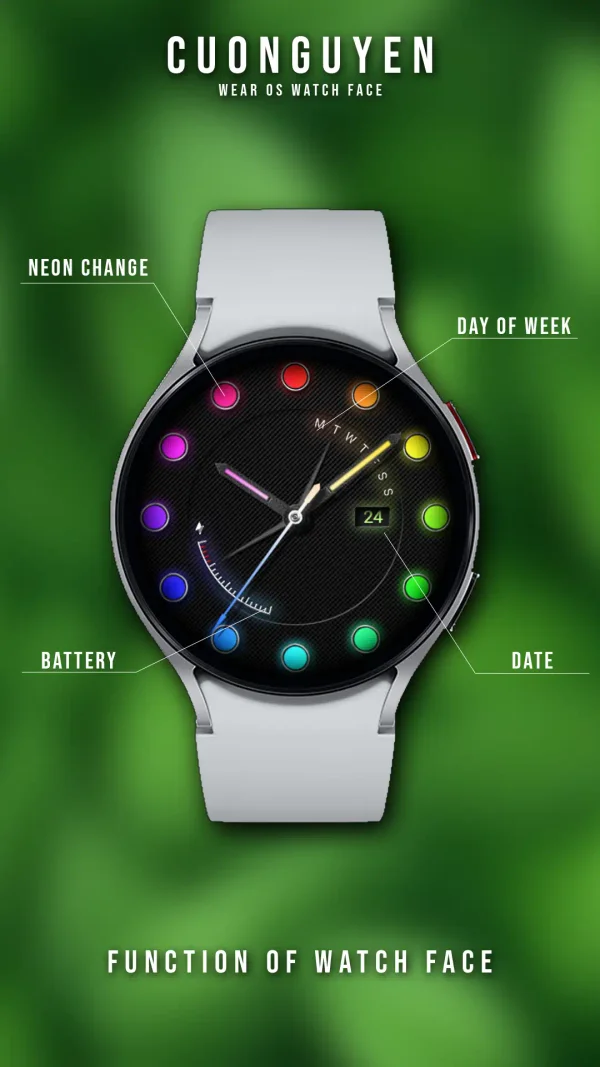
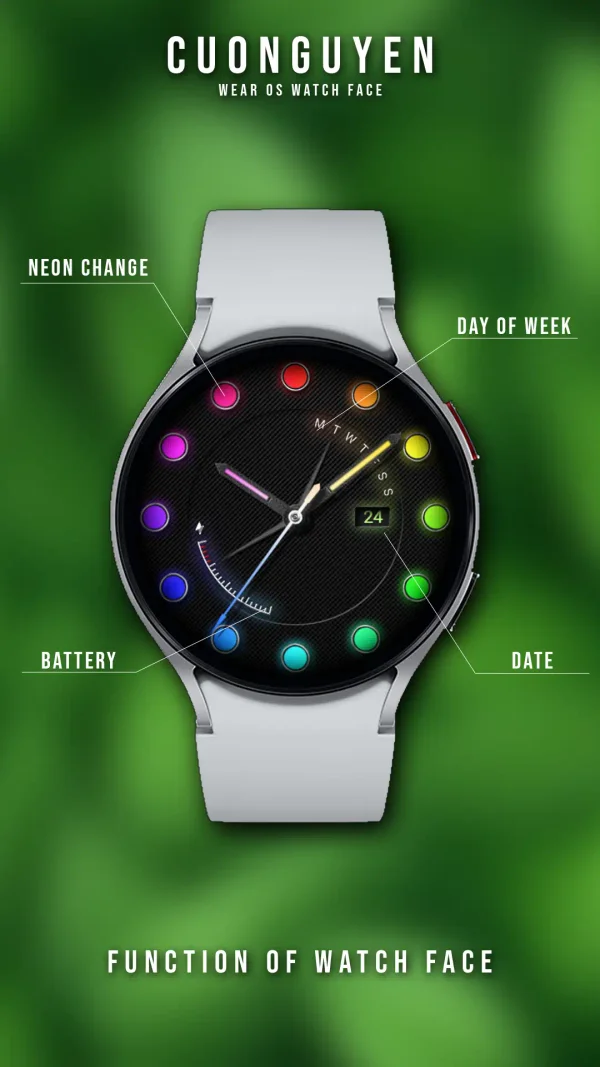
- 日付、アナログ時間
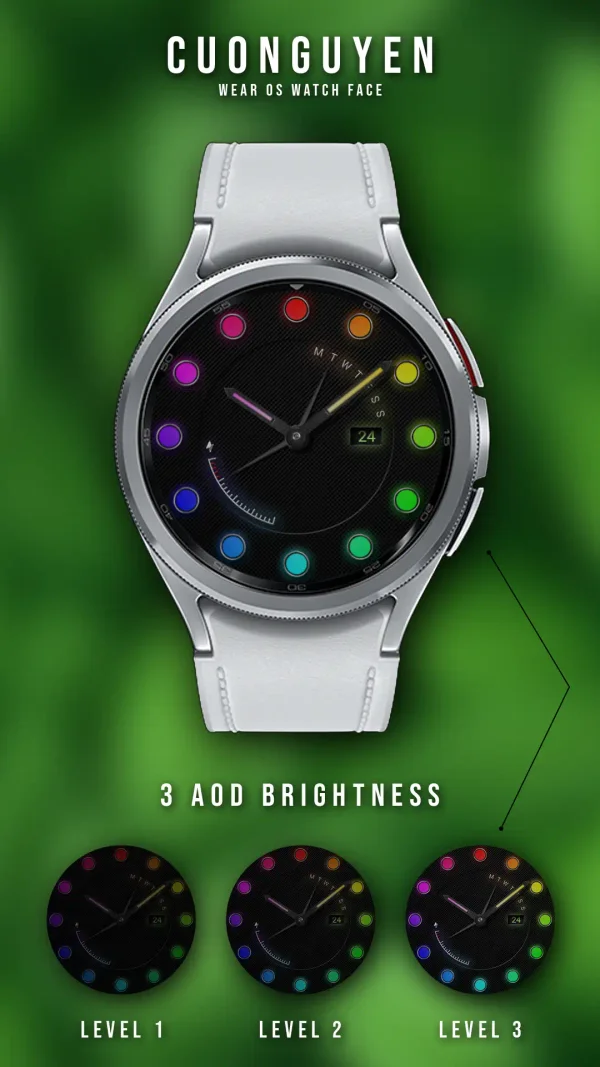
- バッテリーレベル、3つのAOD輝度レベルによるバッテリーの最適化
- ネオンの複数の色の変更
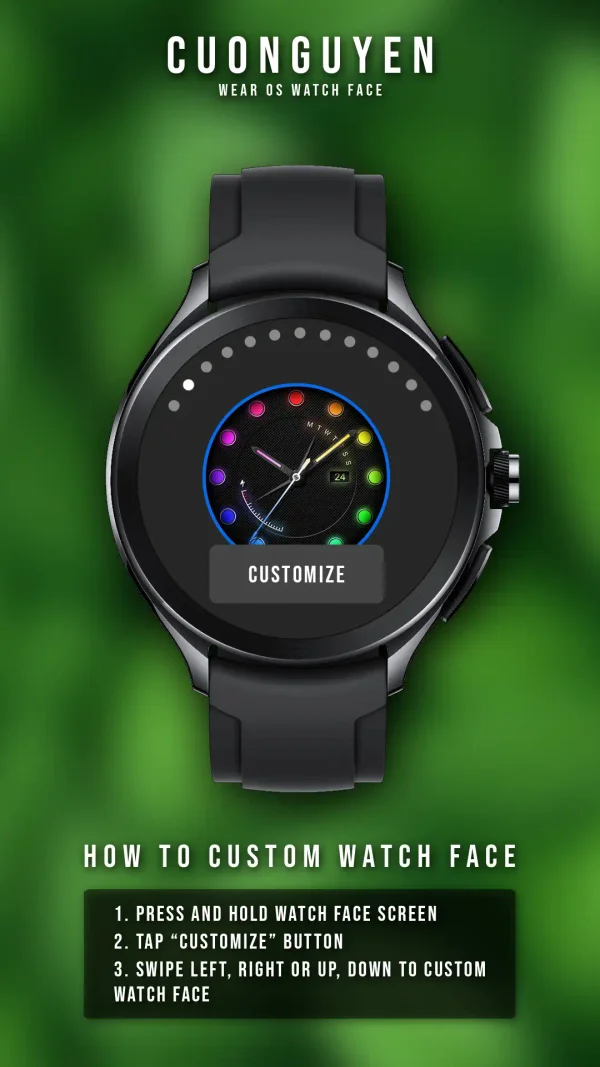
🟨 この文字盤をカスタマイズするにはどうすればよいですか?
1.ウォッチフェイス画面を長押しします。
2.「カスタマイズ」ボタンをタップします
3. 左右、上下にスワイプしてウォッチフェイスをカスタマイズします
🟦 時計に文字盤をインストールするにはどうすればよいですか?
1. Google Playストアからウォッチフェイスをインストールします
2.ウォッチフェイス画面を長押しします
3. 右から左にスワイプして「ウォッチフェイスを追加」をタップします
4. ページの一番下までスクロールし、「ダウンロード済み」セクションでウォッチフェイスを選択します
🟧 Wear OSを実行するスマートウォッチと互換性があります。例: Galaxy Watch 6、Galaxy Watch 7 Ultra、Ticwatch Pro 5、Pixcel Watch 2、Watch 2 Pro...
🟩 他のウォッチフェイスをご覧ください: https://play.google.com/store/apps/developer?id=cuonguyen
🟪 ウォッチフェイスの最新アップデートについては、私のソーシャル メディア ページをフォローしてください:
https://www.facebook.com/cuonguyen.wf
https://www.instagram.com/cuonguyen.wf
https://www.threads.net/@cuonguyen.wf
https://x.com/cuonguyen_wf
https://www.pinterest.com/cuonguyen_wf/
原文を表示
⌚️ Watch face Neon Plus
🟥 Display & Custom
- Date, analog time
- Battery level, battery optimization with three AOD brightness levels
- Neon multiple color change
🟨 How to custom this watch face?
1. Press and hold watch face screen
2. Tap “Customize” button
3. Swipe left or right, up or down to customize watch face
🟦 How to install watch face on your watch?
1. Install watch face from Google Play store
2. Press and hold watch face screen
3. Swipe right to left and tap “Add watch face”
4. Scroll to the bottom of the page and selectwatch face in the “downloaded” section
🟧 Compatible with smart watches running Wear OS. For example: Galaxy Watch 6, Galaxy Watch 7 Ultra, Ticwatch Pro 5, Pixcel Watch 2, Watch 2 Pro,...
🟩 See my other watch faces: https://play.google.com/store/apps/developer?id=cuonguyen
🟪 Follow my social media pages for the latest watch face updates:
https://www.facebook.com/cuonguyen.wf
https://www.instagram.com/cuonguyen.wf
https://www.threads.net/@cuonguyen.wf
https://x.com/cuonguyen_wf
https://www.pinterest.com/cuonguyen_wf/
データ セーフティ
このアプリが収集・共有するデータについて、10h08.com - Wear Os Watch FaceがGoogle Playで申告している内容です。
- 第三者と共有されるデータはありません詳しくは、デベロッパーが共有を申告する方法についての説明をご覧ください
- データは収集されません詳しくは、デベロッパーが収集を申告する方法についての説明をご覧ください
新機能
2025/7/3
Update API
開発元の連絡先
- メールcuonguyen.nvc@gmail.com
- プライバシーポリシーsites.google.com
- 住所Đường Đà Nẵng 4/6/246A Hải Phòng 180000 Vietnam
情報
- 提供元
- 10h08.com - Wear Os Watch Face
- カテゴリ
- カスタマイズ
- 更新日
- 2025/7/3
- リリース
- 2024/9/25
- 対象年齢
- 3 歳以上
- 価格
- 無料
- パッケージ名
- com.watchfacestudio.watchfaceneonplus
類似のアプリ
-
 Ballnight - watch face
カスタマイズ
-
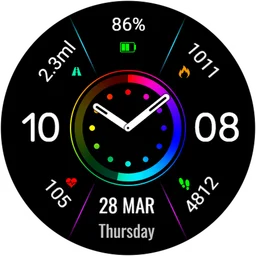 Minimal RATON 02 Watch face
カスタマイズ
-
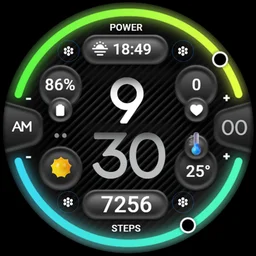 OMG 31 Digital Watch Face
カスタマイズ
-
 Color Trails Watch Face
カスタマイズ
-
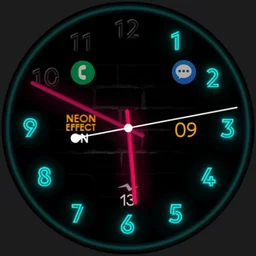 Neon analog watch face
カスタマイズ
-
 WES25 - Colorful Pro Watchface
カスタマイズ
-
 Neon Watch Face - Wear OS
カスタマイズ
-
 Neon watchface
カスタマイズ
-
 レインボーグラス
カスタマイズ
-
 Beauty Black Pro Watch Face
カスタマイズ
-
 Cadran Snake Galaxy Watch Face
カスタマイズ
-
 Dash Drive ウォッチフェイス
カスタマイズ