Watch face Neon Plus
10h08.com - Wear Os Watch Face- Rating 3+Batasan usia
- PersonalisasiKategori
- 3/7/2025Diperbarui
- GratisHarga
Tertaut ke halaman resmi com.watchfacestudio.watchfaceneonplus di Google Play. Terakhir diperiksa pada 26/11/2026.
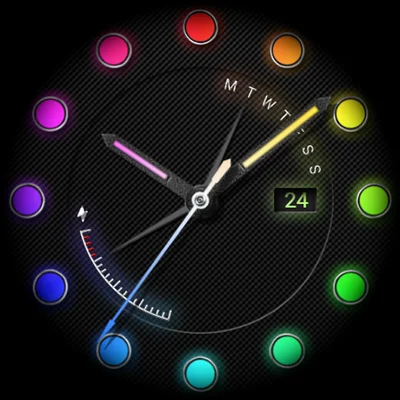
Tangkapan layar

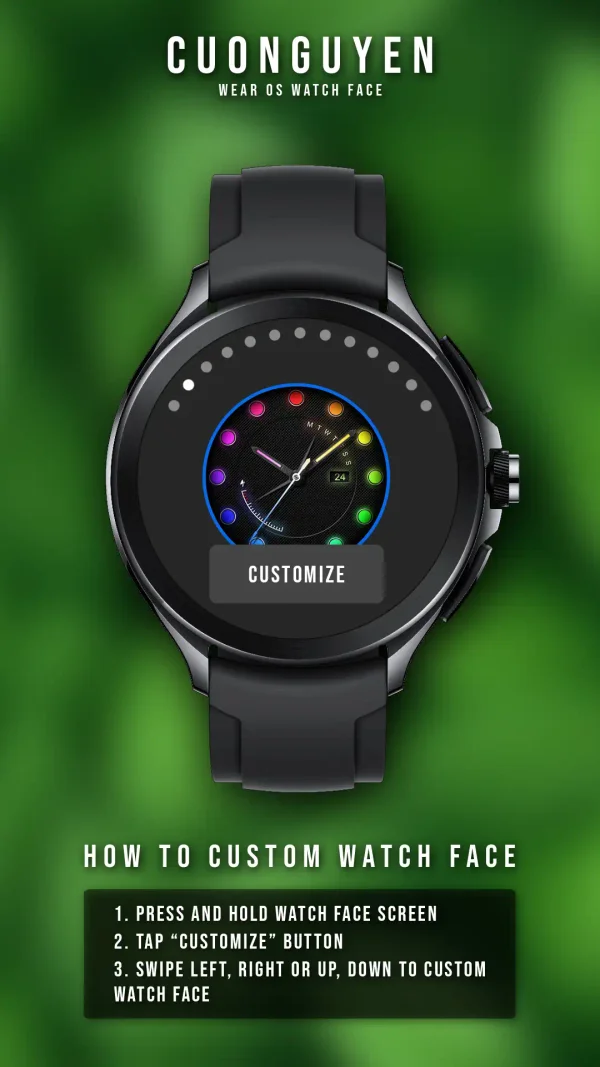

Tentang aplikasi ini
Terjemahan otomatis oleh Google. Bahasa asli: Inggris (Amerika Serikat).
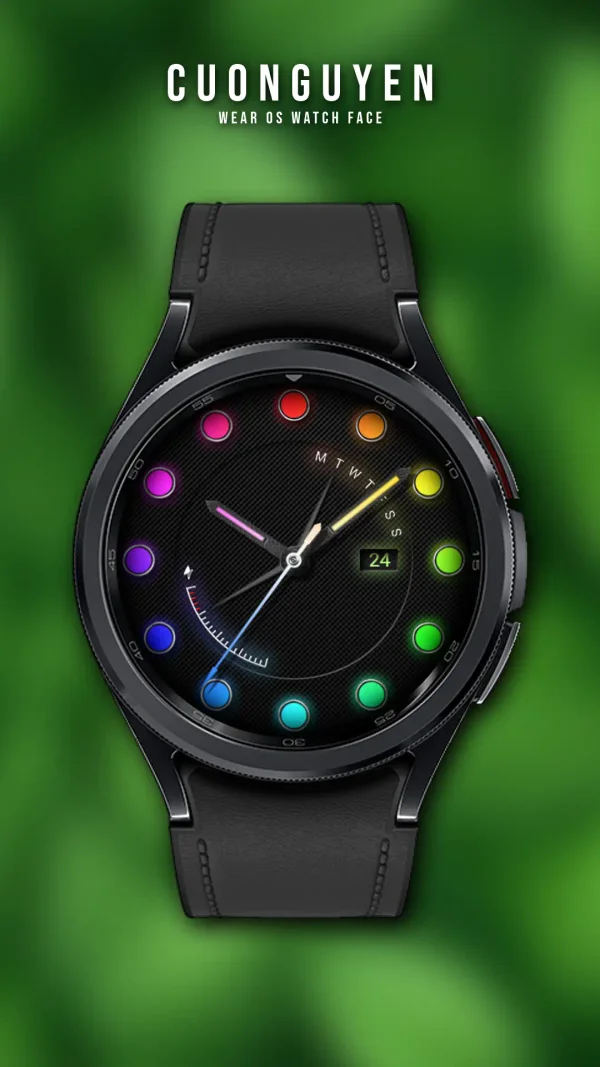
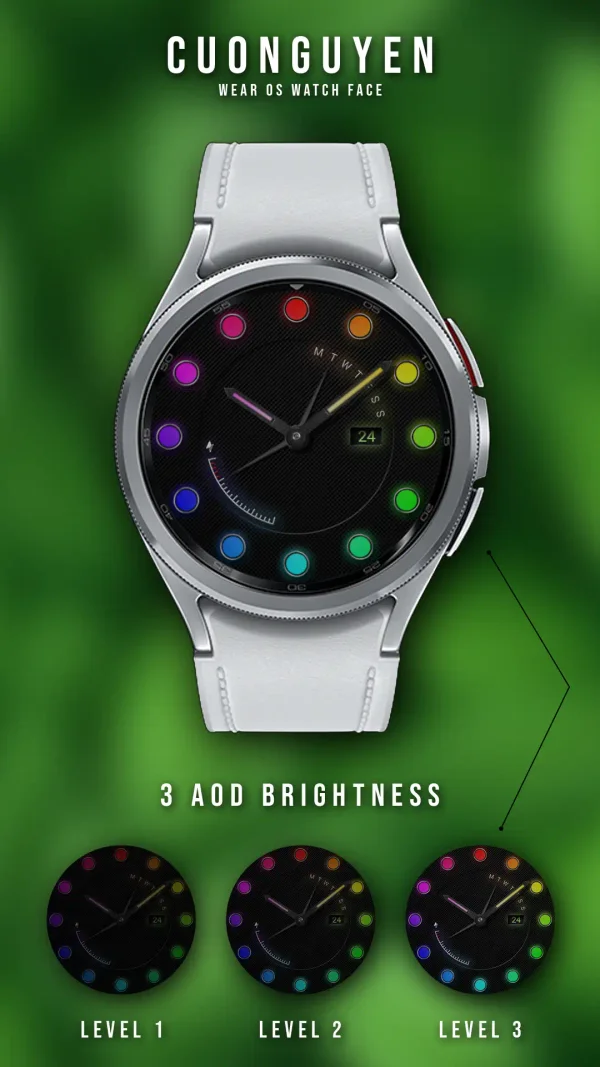
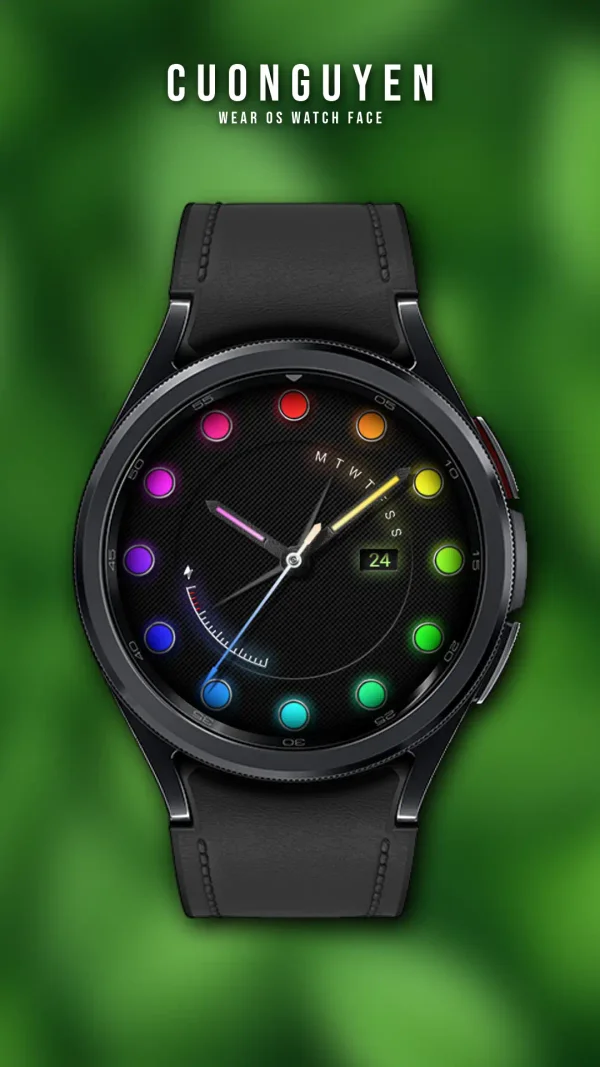
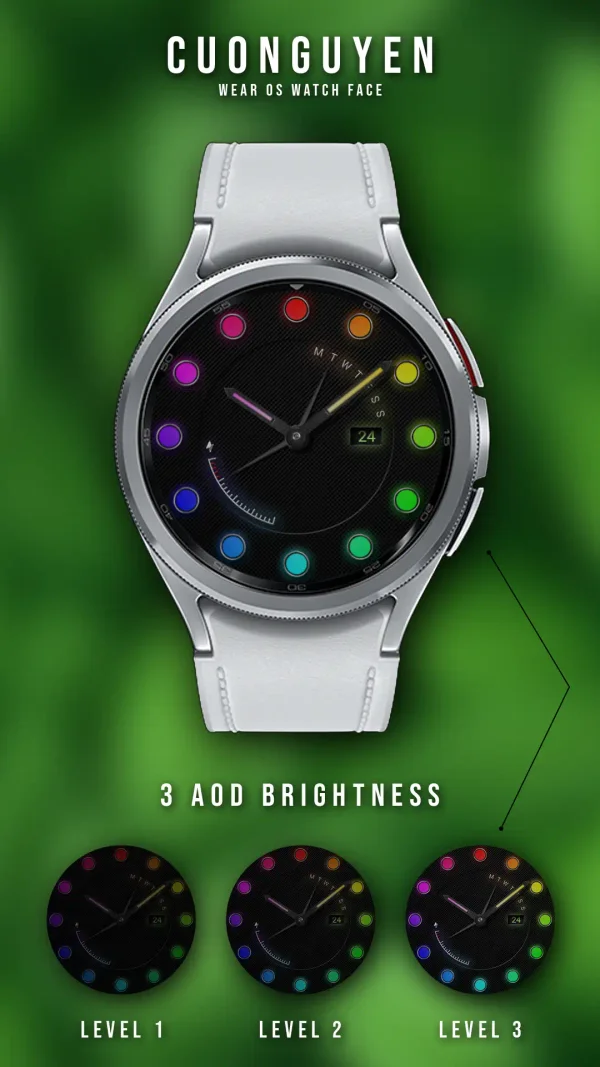
Neon beberapa perubahan warna. Pengoptimalan baterai. Tingkat kecerahan AOD.
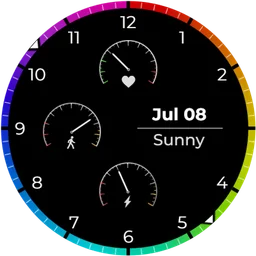
⌚️ Tampilan jam Neon Plus
🟥 Tampilan & Kustom
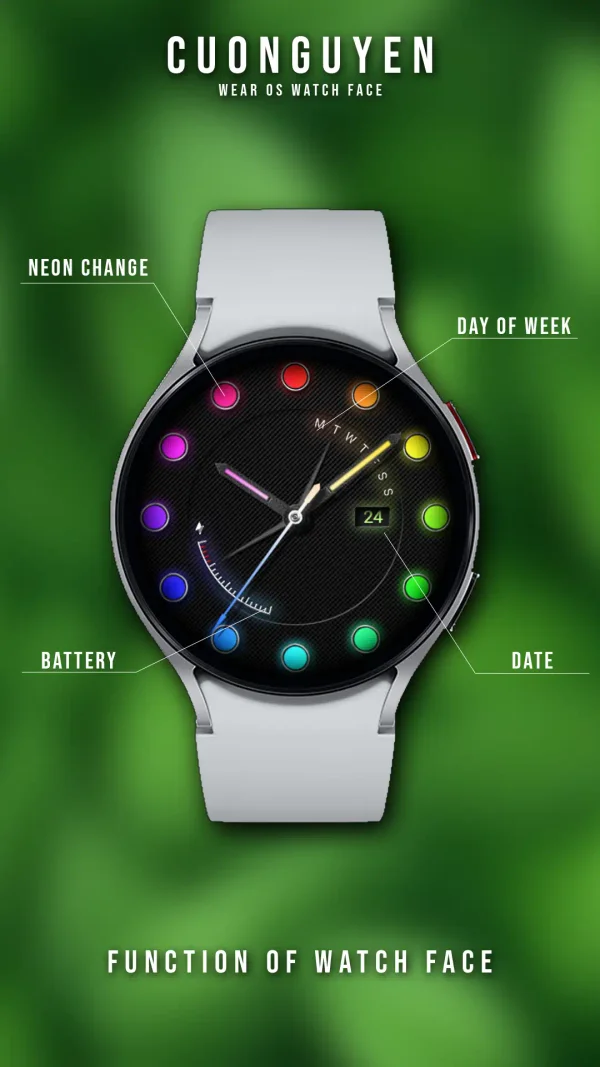
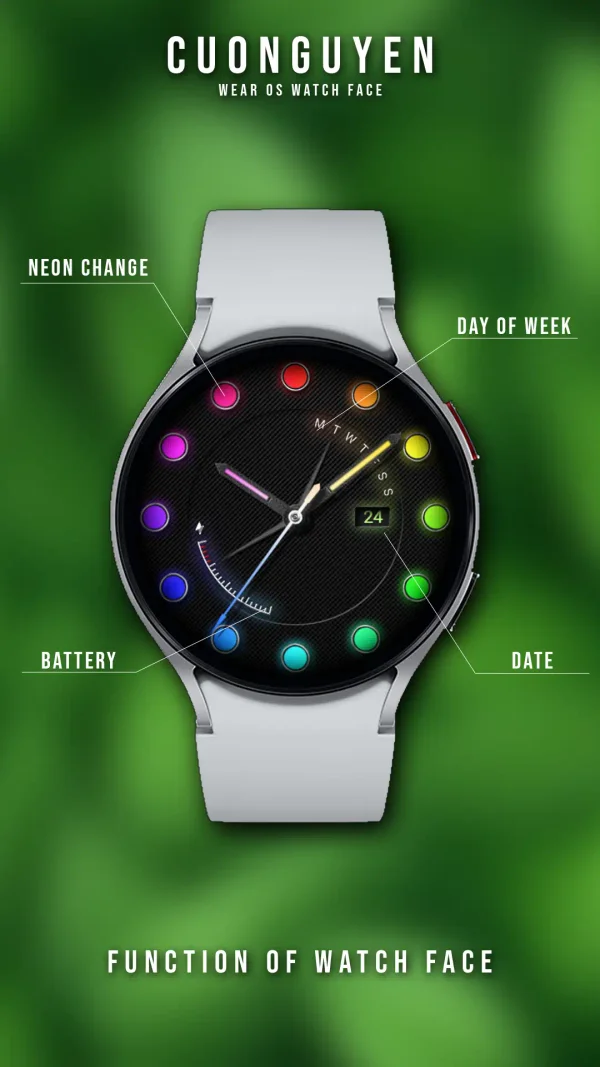
- Tanggal, waktu analog
- Tingkat baterai, optimalisasi baterai dengan tiga tingkat kecerahan AOD
- Neon beberapa perubahan warna
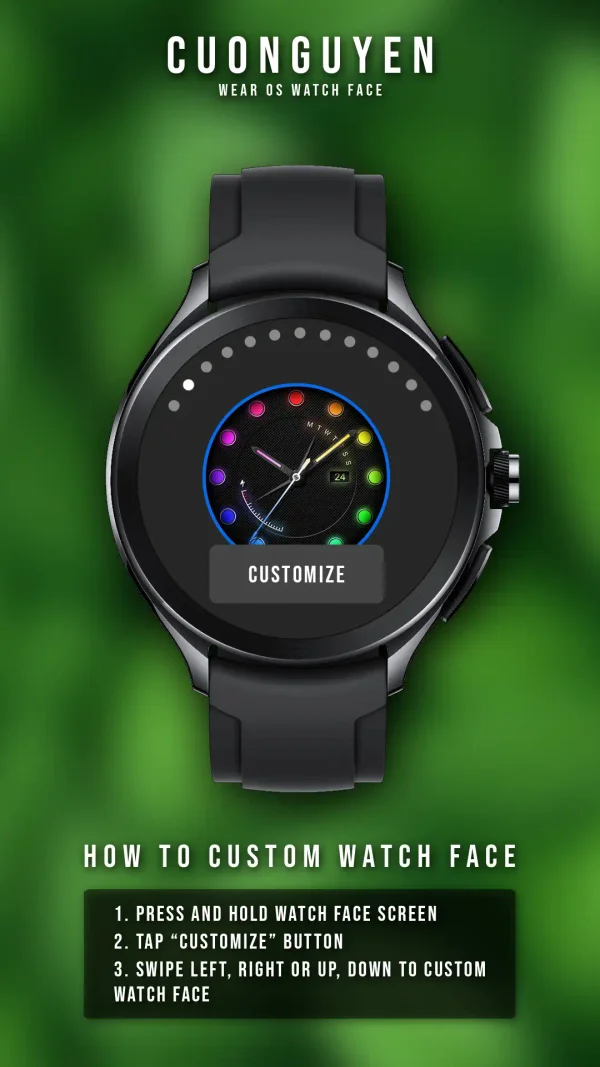
🟨 Bagaimana cara menyesuaikan tampilan jam ini?
1. Tekan dan tahan layar tampilan jam
2. Ketuk tombol “Sesuaikan”.
3. Gesek ke kiri atau kanan, atas atau bawah untuk menyesuaikan tampilan jam
🟦 Bagaimana cara memasang tampilan jam di jam tangan Anda?
1. Instal tampilan jam dari Google Play store
2. Tekan dan tahan layar tampilan jam
3. Geser dari kanan ke kiri dan ketuk “Tambahkan tampilan jam”
4. Gulir ke bagian bawah halaman dan pilih tampilan jam di bagian “diunduh”.
🟧 Kompatibel dengan jam tangan pintar yang menjalankan Wear OS. Misalnya: Galaxy Watch 6, Galaxy Watch 7 Ultra, Ticwatch Pro 5, Pixcel Watch 2, Watch 2 Pro,...
🟩 Lihat tampilan jam saya yang lain: https://play.google.com/store/apps/developer?id=cuonguyen
🟪 Ikuti halaman media sosial saya untuk pembaruan tampilan jam terbaru:
https://www.facebook.com/cuonguyen.wf
https://www.instagram.com/cuonguyen.wf
https://www.threads.net/@cuonguyen.wf
https://x.com/cuonguyen_wf
https://www.pinterest.com/cuonguyen_wf/
Tampilkan teks asli
⌚️ Watch face Neon Plus
🟥 Display & Custom
- Date, analog time
- Battery level, battery optimization with three AOD brightness levels
- Neon multiple color change
🟨 How to custom this watch face?
1. Press and hold watch face screen
2. Tap “Customize” button
3. Swipe left or right, up or down to customize watch face
🟦 How to install watch face on your watch?
1. Install watch face from Google Play store
2. Press and hold watch face screen
3. Swipe right to left and tap “Add watch face”
4. Scroll to the bottom of the page and selectwatch face in the “downloaded” section
🟧 Compatible with smart watches running Wear OS. For example: Galaxy Watch 6, Galaxy Watch 7 Ultra, Ticwatch Pro 5, Pixcel Watch 2, Watch 2 Pro,...
🟩 See my other watch faces: https://play.google.com/store/apps/developer?id=cuonguyen
🟪 Follow my social media pages for the latest watch face updates:
https://www.facebook.com/cuonguyen.wf
https://www.instagram.com/cuonguyen.wf
https://www.threads.net/@cuonguyen.wf
https://x.com/cuonguyen_wf
https://www.pinterest.com/cuonguyen_wf/
Keamanan data
Yang dinyatakan 10h08.com - Wear Os Watch Face di Google Play tentang data yang dikumpulkan dan dibagikan aplikasi ini.
- Tidak ada data yang dibagikan kepada pihak ketigaPelajari lebih lanjut cara developer menyatakan pembagian data
- Tidak ada data yang dikumpulkanPelajari lebih lanjut cara developer menyatakan pengumpulan data
Yang baru
3/7/2025
Update API
Kontak pengembang
- Emailcuonguyen.nvc@gmail.com
- Kebijakan Privasisites.google.com
- AlamatĐường Đà Nẵng 4/6/246A Hải Phòng 180000 Vietnam
Informasi
- Ditawarkan oleh
- 10h08.com - Wear Os Watch Face
- Kategori
- Personalisasi
- Diperbarui
- 3/7/2025
- Dirilis
- 25/9/2024
- Batasan usia
- Rating 3+
- Harga
- Gratis
- Nama paket
- com.watchfacestudio.watchfaceneonplus
Aplikasi serupa
-
 Ballnight - watch face
Personalisasi
-
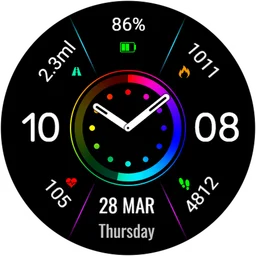 Minimal RATON 02 Watch face
Personalisasi
-
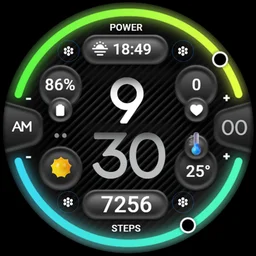 OMG 31 Digital Watch Face
Personalisasi
-
 Color Trails Watch Face
Personalisasi
-
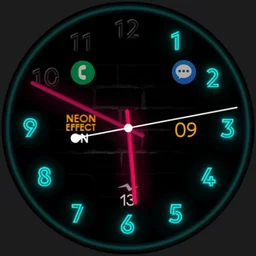 Neon analog watch face
Personalisasi
-
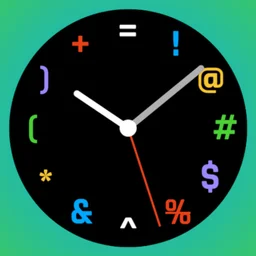 WES25 - Colorful Pro Watchface
Personalisasi
-
 Neon Watch Face - Wear OS
Personalisasi
-
 Neon watchface
Personalisasi
-
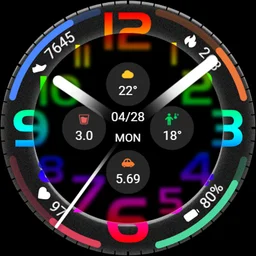 Kaca Pelangi
Personalisasi
-
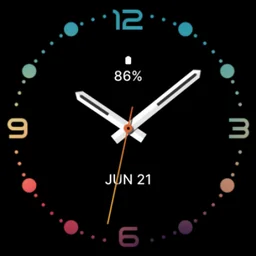 Beauty Black Pro Watch Face
Personalisasi
-
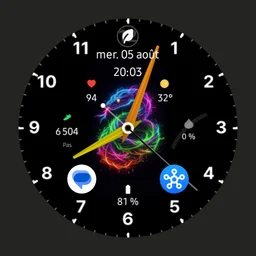 Cadran Snake Galaxy Watch Face
Personalisasi
-
 Dash Drive Watch Face
Personalisasi