Control Pro – Desktop Remote
Trackpad, keyboard & mirror
Entwickelt für iPhone, iPad
Kostenlos
- Altersfreigabe4+
- KategorieDienstprogramme
- EntwicklerOfficial Vishwateja
- SprachenEnglisch
- Größe4,9 MB
Verlinkt auf die offizielle App Store-Seite
Download.org hostet keine Datei von Control Pro – Desktop Remote. Die Schaltfläche öffnet die App-Seite bei App Store, wo Official Vishwateja die App veröffentlicht. Eintrag zuletzt geprüft am 17.11.2026.
Screenshots
Info
Der Entwickler hat diesen Text nicht in Ihrer Sprache bereitgestellt.
Control Pro turns your iPhone or iPad into a fast, precise remote control for your Mac — trackpad, keyboard, and a live screen mirror, all over your local Wi-Fi network.
CONTROL YOUR MAC FROM ANYWHERE IN THE ROOM
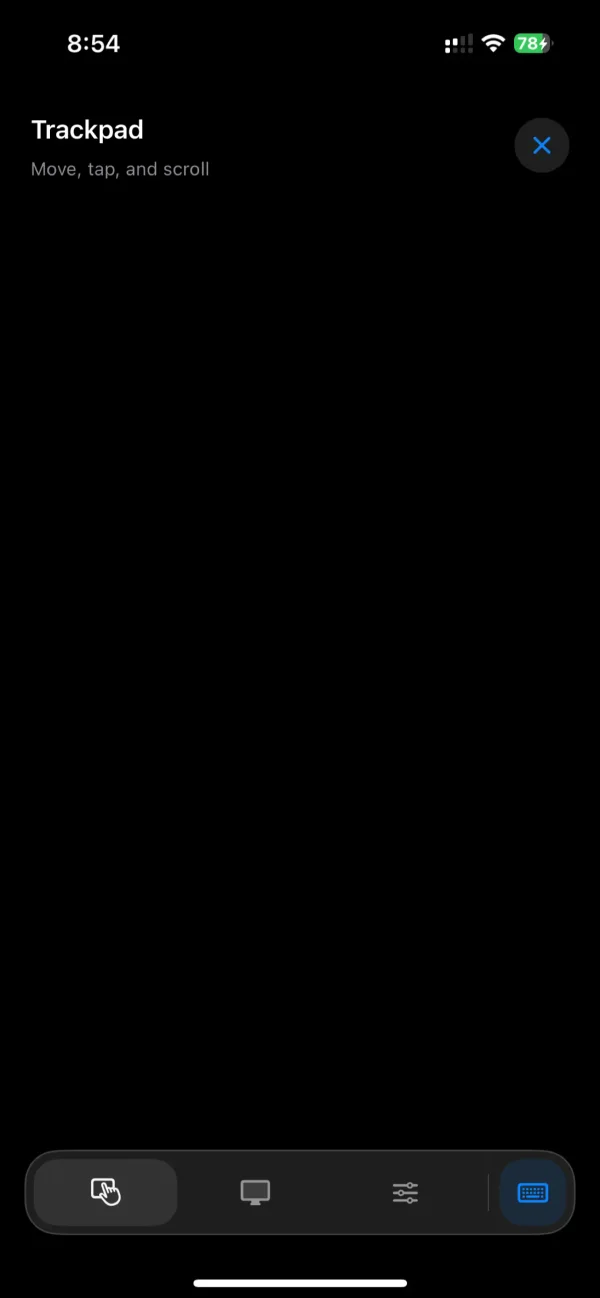
• Smooth relative trackpad with tap, drag, two-finger scroll, and right-click gestures
• Three-finger swipes for Spaces, Mission Control, and App Exposé; four-finger tap for the app switcher
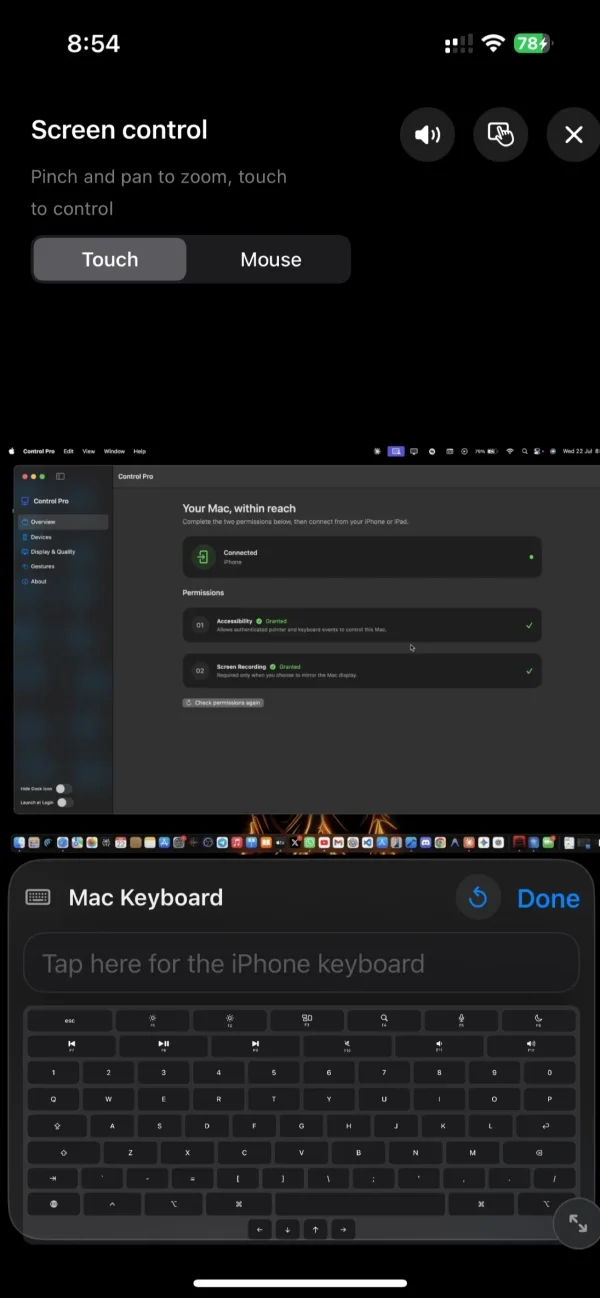
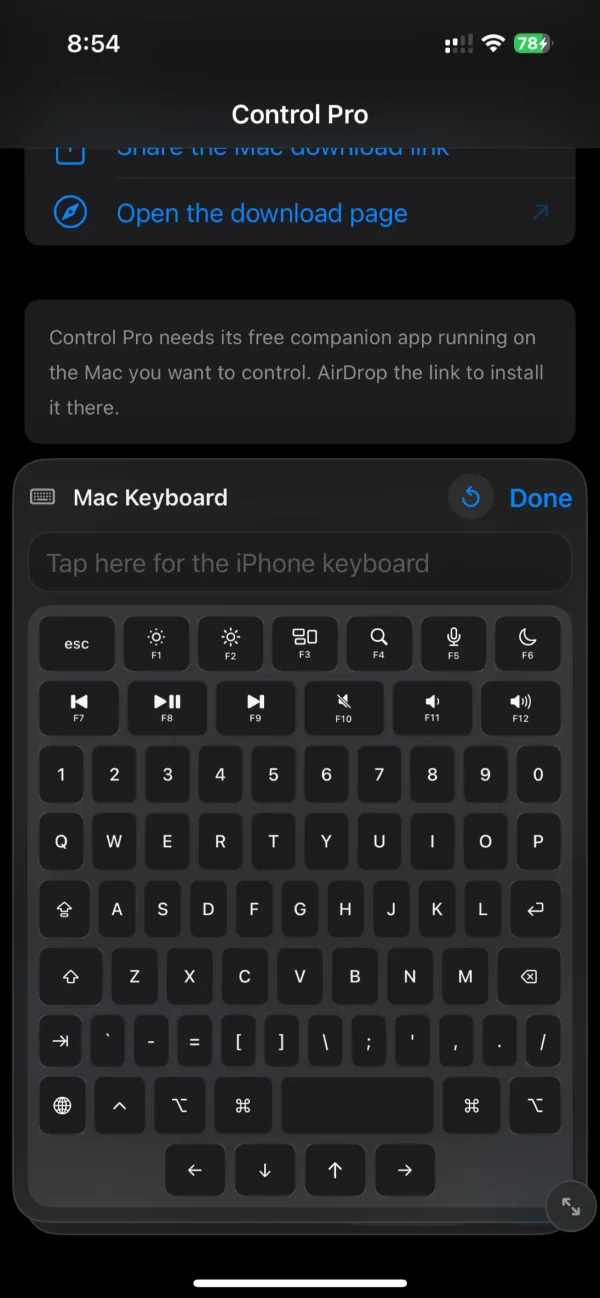
• Full keyboard input, including modifiers, function keys, and Unicode text
LIVE SCREEN MIRRORING
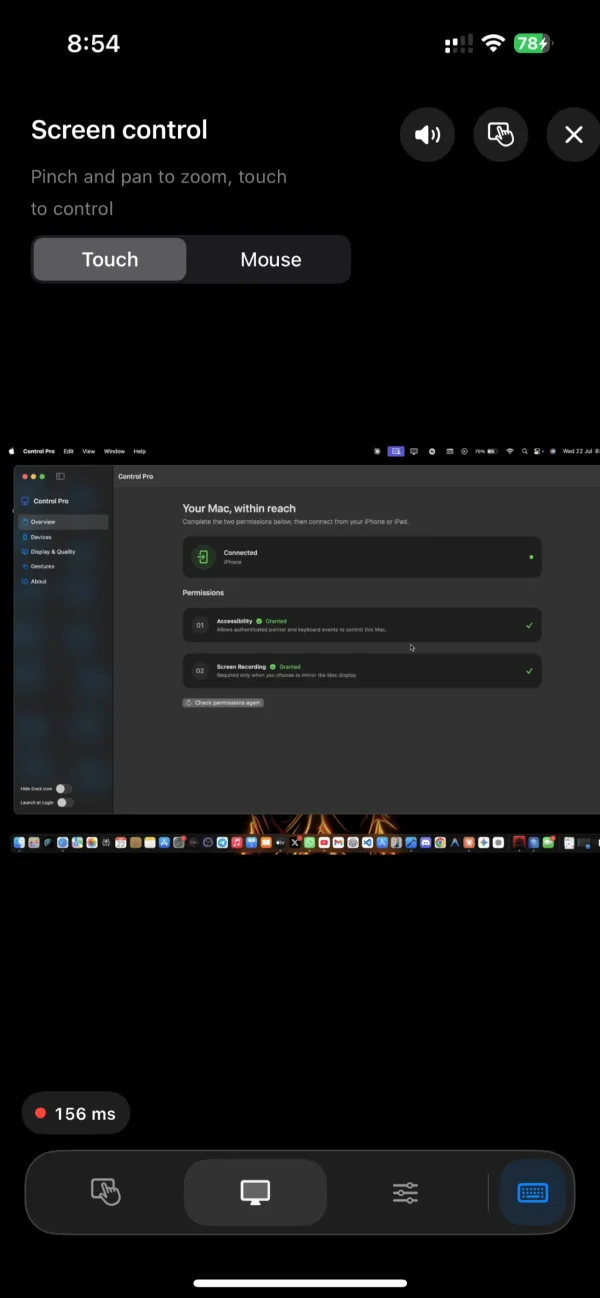
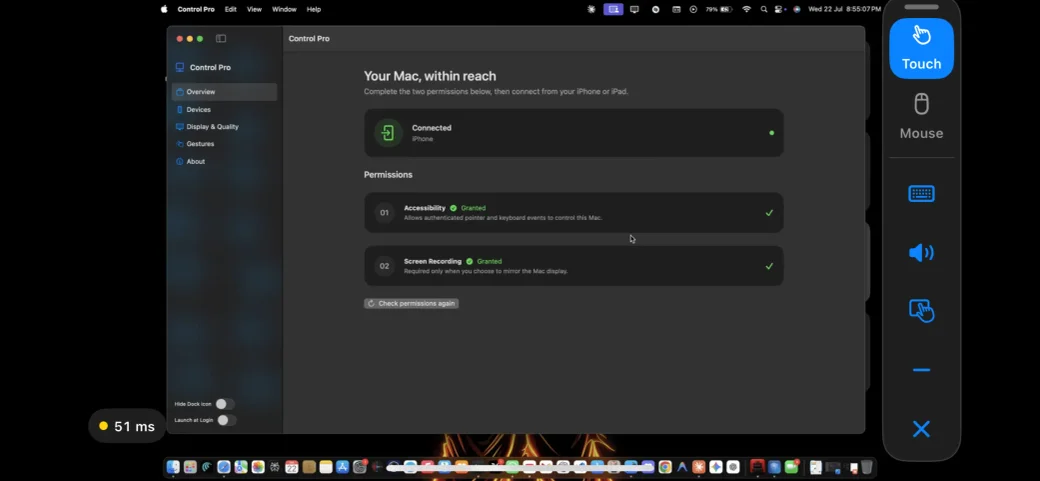
• Watch your Mac's screen live on your iPhone or iPad at up to 60 fps
• Hear your Mac's system audio streamed alongside the mirror, with a one-tap mute
• Touch the mirrored screen directly, or switch to mouse mode for pixel-precise control
• Latency-first design: the stream stays live instead of drifting seconds behind
BUILT FOR SPEED AND PRIVACY
• Everything stays on your local network — no cloud, no accounts, no tracking
• TLS-encrypted connections with one-time pairing codes
• Adaptive quality that recovers automatically on busy networks
• Live latency badge so you always know your connection quality
EASY SETUP
1. Install the free Control Pro host app on your Mac
2. Open Control Pro on your iPhone or iPad — your Mac appears automatically
3. Enter the pairing code shown on your Mac, and you're connected
Control Pro requires the companion Mac host app (free download) and a Mac running macOS 15 or later on the same network.
Neue Funktionen
Version 1.1 · 05.08.2026
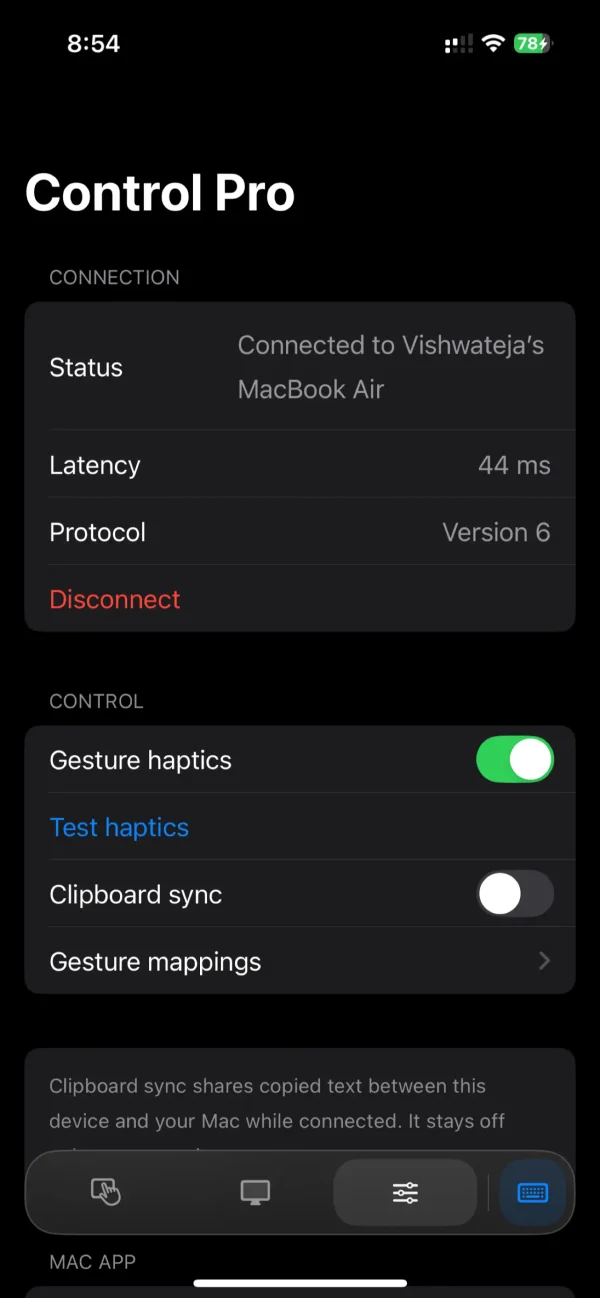
• Reverse scroll direction — a new toggle in the More tab flips scrolling to match your preference, across trackpad, touch, and mouse control.
• Scroll in touch mode — use a two-finger drag to scroll your Mac directly on the mirrored screen. Pinch still zooms.
• Cleaner touch experience — the Mac pointer now appears only in mouse mode, so touch mode stays a pure, direct touchscreen.
App-Datenschutz
Was Official Vishwateja im App Store zum Umgang dieser App mit Daten angibt.
-
Keine Daten erfasst
Der Entwickler erfasst keine Daten von dieser App.
Die Datenschutzpraktiken können variieren, zum Beispiel je nach den von Ihnen verwendeten Funktionen oder Ihrem Alter.
Informationen
- Anbieter
- OFFICIAL VISHWATEJA
- Kategorie
- Dienstprogramme
- Version
- 1.1
- Aktualisiert
- 05.08.2026
- Veröffentlicht
- 04.08.2026
- Größe
- 4,9 MB
- Erfordert
- iOS 18.0 oder neuer
- Altersfreigabe
- 4+
- Preis
- Kostenlos
- Sprachen
- Englisch
- Copyright
- © 2026 Vishwateja S B
Das könnte Ihnen auch gefallen
-
 M5Stack AIFlowDienstprogramme
-
 Mirage – Remote DisplayRemote-Display für Computer
-
 KeyboardKitDienstprogramme
-
 Accelerometer ∞Bewegungssensor-Visualisierung
-
 OBD2 Scanner + Engine SoundELM327 Live-Anzeigen, kein Abo
-
 K2 Mobile Game Dock AppK2 Mobile App
-
 WattCheck LadeleistungsMonitorUSB-C & Lightning Watt-Anzeige
-
 BatteryPhoneDienstprogramme
-
 RefreshRate - Frame RateDienstprogramme
-
 Speedometer: GPS TrackerDienstprogramme