Control Pro – Desktop Remote
Trackpad, keyboard & mirror
iPhone, iPad için tasarlandı
Ücretsiz
- Yaş sınırı4+
- KategoriYardımcılar
- GeliştiriciOfficial Vishwateja
- Dillerİngilizce
- Boyut4,9 MB
Resmi App Store sayfasına bağlanır
Download.org, Control Pro – Desktop Remote için hiçbir dosya barındırmaz. Düğme, uygulamanın App Store üzerindeki sayfasını açar; uygulamayı orada Official Vishwateja yayınlar. Sayfanın son kontrolü: 17.11.2026.
Ekran görüntüleri
Hakkında
Geliştirici bu metni dilinizde sunmamış.
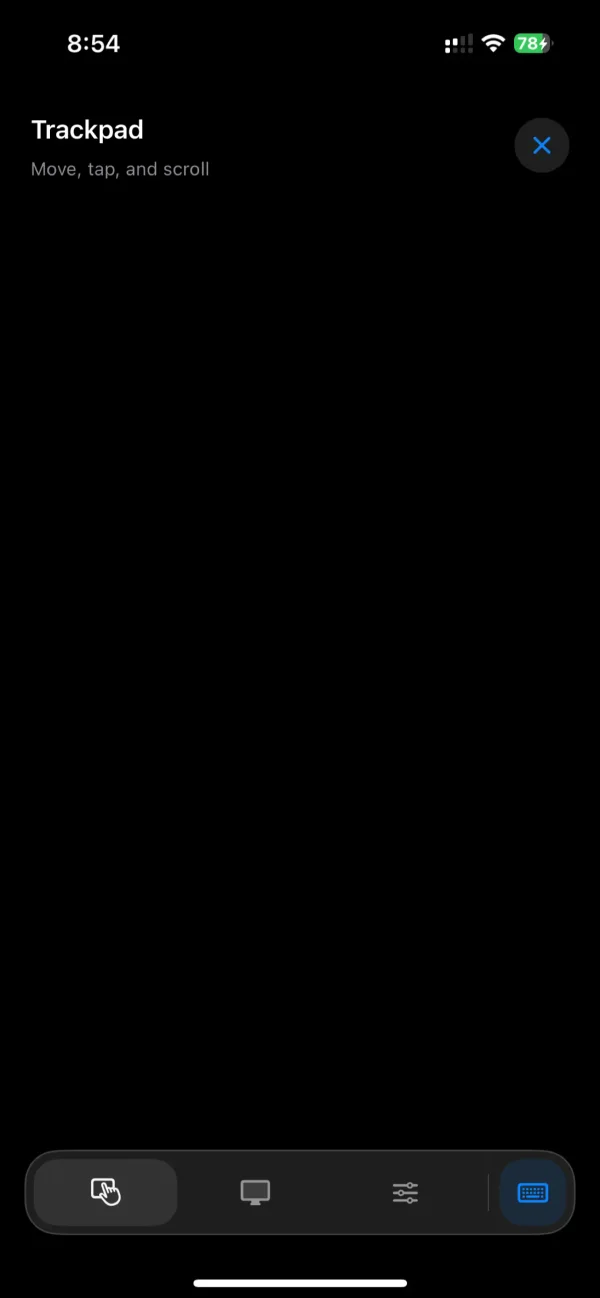
Control Pro turns your iPhone or iPad into a fast, precise remote control for your Mac — trackpad, keyboard, and a live screen mirror, all over your local Wi-Fi network.
CONTROL YOUR MAC FROM ANYWHERE IN THE ROOM
• Smooth relative trackpad with tap, drag, two-finger scroll, and right-click gestures
• Three-finger swipes for Spaces, Mission Control, and App Exposé; four-finger tap for the app switcher
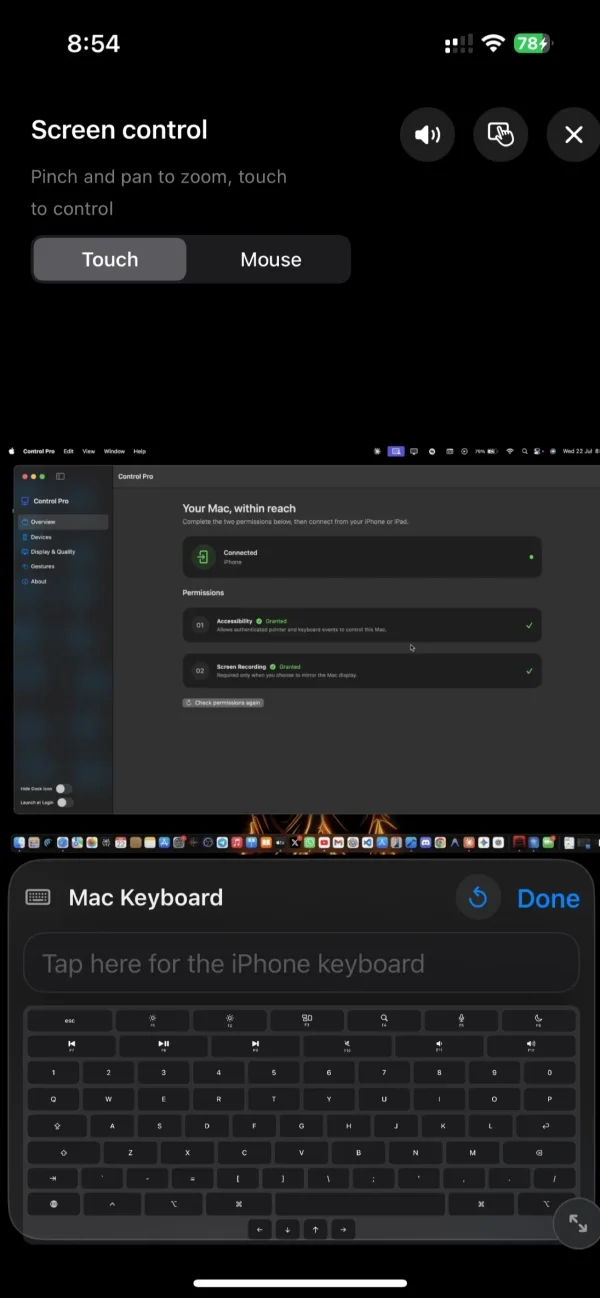
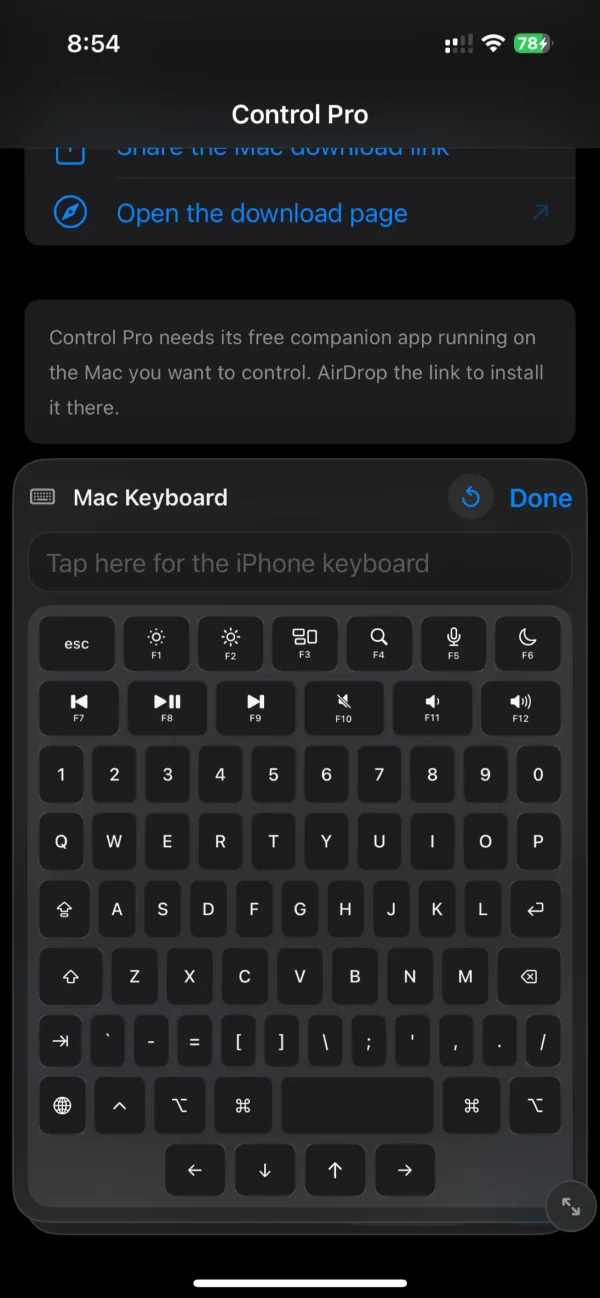
• Full keyboard input, including modifiers, function keys, and Unicode text
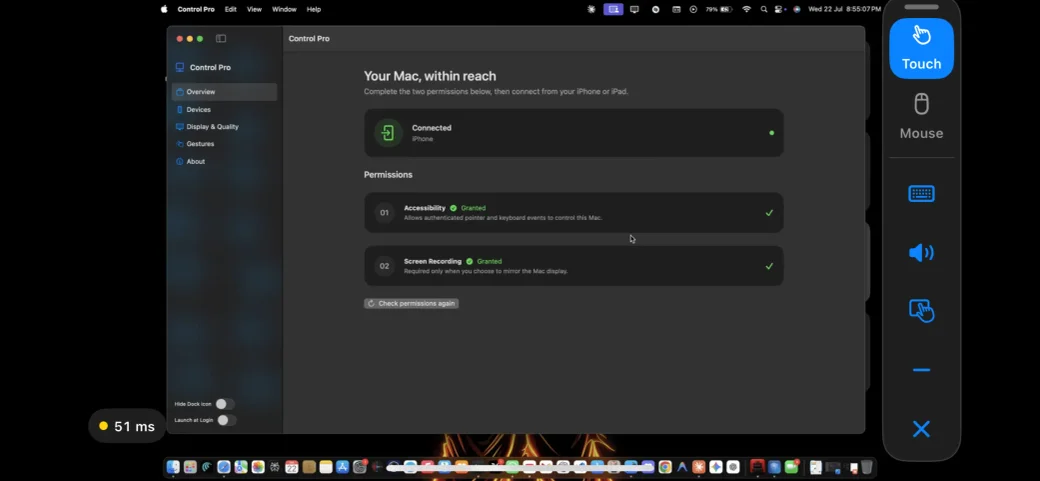
LIVE SCREEN MIRRORING
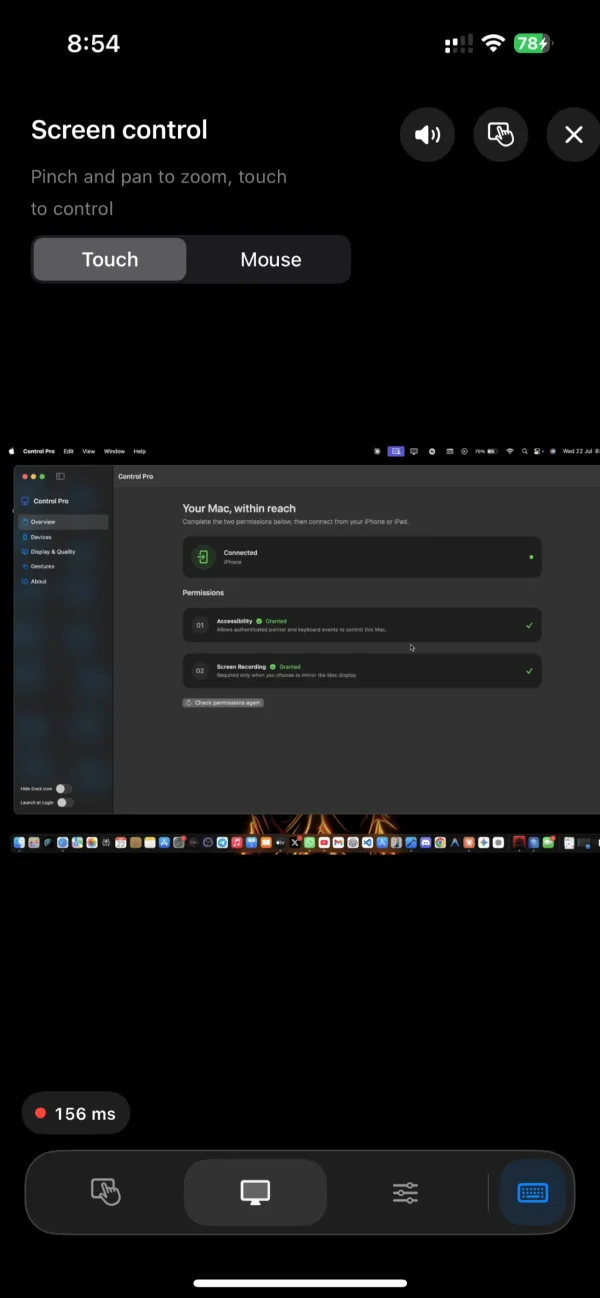
• Watch your Mac's screen live on your iPhone or iPad at up to 60 fps
• Hear your Mac's system audio streamed alongside the mirror, with a one-tap mute
• Touch the mirrored screen directly, or switch to mouse mode for pixel-precise control
• Latency-first design: the stream stays live instead of drifting seconds behind
BUILT FOR SPEED AND PRIVACY
• Everything stays on your local network — no cloud, no accounts, no tracking
• TLS-encrypted connections with one-time pairing codes
• Adaptive quality that recovers automatically on busy networks
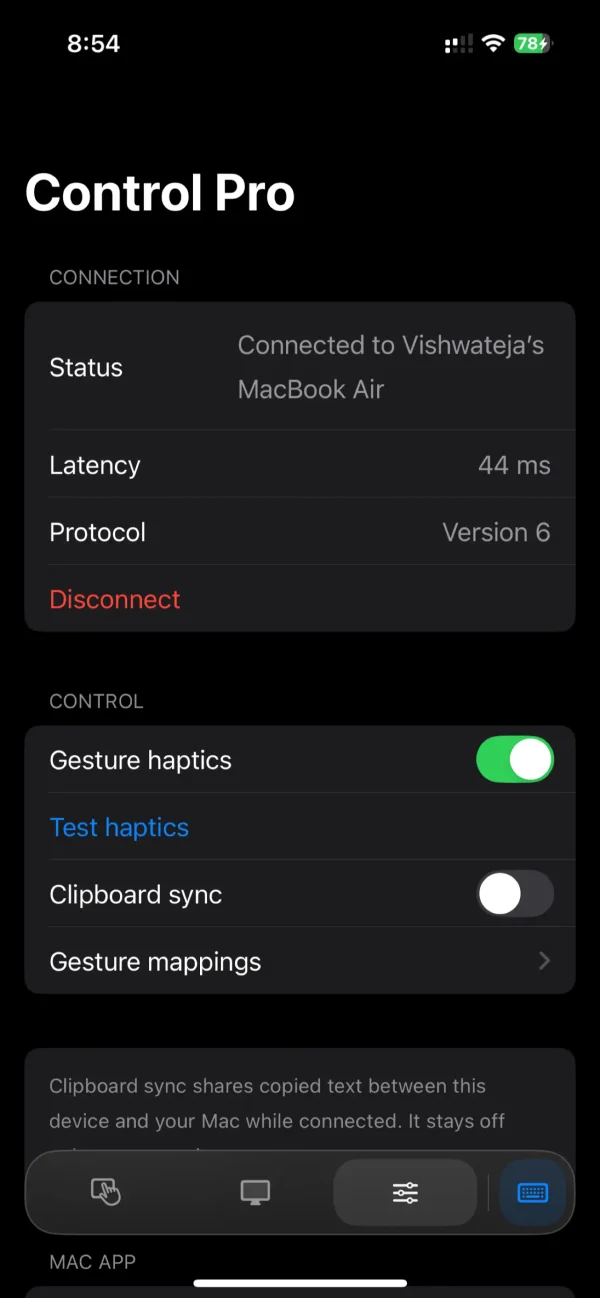
• Live latency badge so you always know your connection quality
EASY SETUP
1. Install the free Control Pro host app on your Mac
2. Open Control Pro on your iPhone or iPad — your Mac appears automatically
3. Enter the pairing code shown on your Mac, and you're connected
Control Pro requires the companion Mac host app (free download) and a Mac running macOS 15 or later on the same network.
Yenilikler
Sürüm 1.1 · 05.08.2026
• Reverse scroll direction — a new toggle in the More tab flips scrolling to match your preference, across trackpad, touch, and mouse control.
• Scroll in touch mode — use a two-finger drag to scroll your Mac directly on the mirrored screen. Pinch still zooms.
• Cleaner touch experience — the Mac pointer now appears only in mouse mode, so touch mode stays a pure, direct touchscreen.
Uygulama gizliliği
Bu uygulamanın verileri nasıl işlediği hakkında Official Vishwateja tarafından App Store üzerinde yapılan beyan.
-
Veri toplanmıyor
Geliştirici bu uygulamadan hiçbir veri toplamıyor.
Gizlilik uygulamaları, örneğin kullandığınız özelliklere veya yaşınıza göre değişiklik gösterebilir.
Bilgiler
- Satıcı
- OFFICIAL VISHWATEJA
- Kategori
- Yardımcılar
- Sürüm
- 1.1
- Güncellendi
- 05.08.2026
- Yayın tarihi
- 04.08.2026
- Boyut
- 4,9 MB
- Gereksinim
- iOS 18.0 veya sonrası
- Yaş sınırı
- 4+
- Fiyat
- Ücretsiz
- Diller
- İngilizce
- Telif hakkı
- © 2026 Vishwateja S B
Bunları da beğenebilirsiniz
-
 M5Stack AIFlowYardımcılar
-
 Mirage – Remote DisplayYardımcılar
-
 KeyboardKitYardımcılar
-
 Accelerometer ∞Hareket Görselleştirici
-
 OBD2 Scanner + Engine SoundYardımcılar
-
 K2 Mobile Game Dock AppYardımcılar
-
 WattCheck: Şarj Güç ÖlçerUSB-C & Lightning Watt Monitör
-
 BatteryPhoneYardımcılar
-
 RefreshRate - Frame RateYardımcılar
-
 Speedometer: GPS TrackerYardımcılar