- 対象年齢4+
- カテゴリユーティリティ
- 開発元Official Vishwateja
- 言語英語
- サイズ4.9 MB
App Storeの公式ページにリンクしています
Download.orgはControl Pro – Desktop Remoteのファイルを一切ホストしていません。ボタンを押すと、Official Vishwatejaが公開しているApp Storeのアプリページが開きます。ページの最終確認:2026/11/17。
スクリーンショット
概要
開発元はこのテキストをお使いの言語で提供していません。
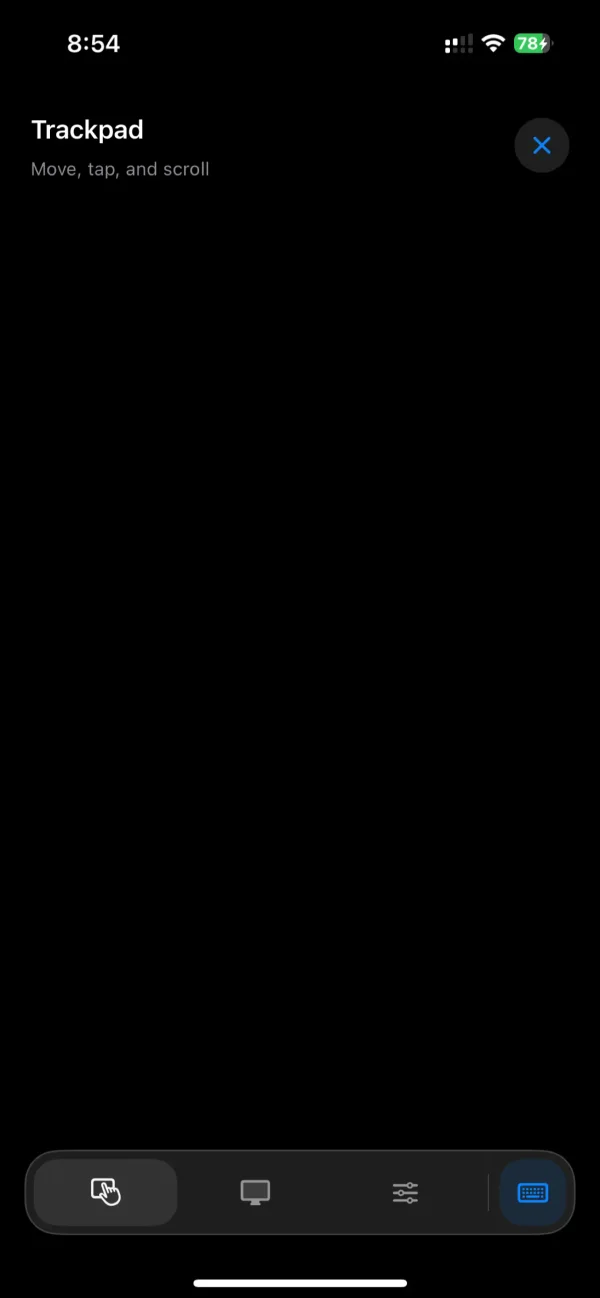
Control Pro turns your iPhone or iPad into a fast, precise remote control for your Mac — trackpad, keyboard, and a live screen mirror, all over your local Wi-Fi network.
CONTROL YOUR MAC FROM ANYWHERE IN THE ROOM
• Smooth relative trackpad with tap, drag, two-finger scroll, and right-click gestures
• Three-finger swipes for Spaces, Mission Control, and App Exposé; four-finger tap for the app switcher
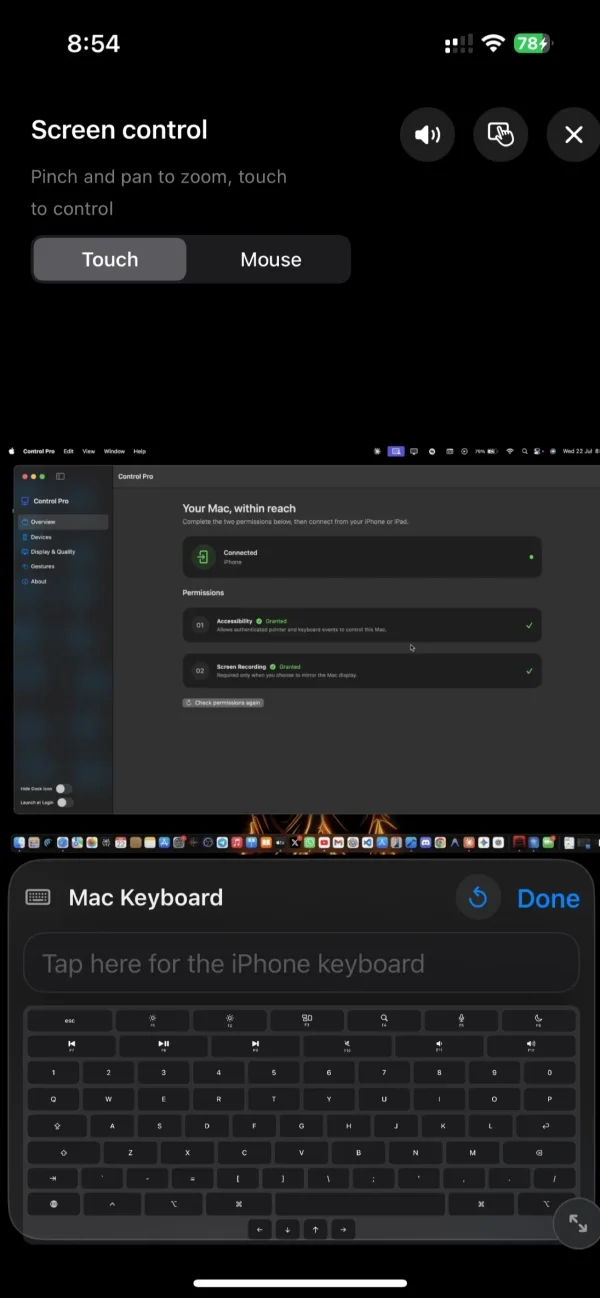
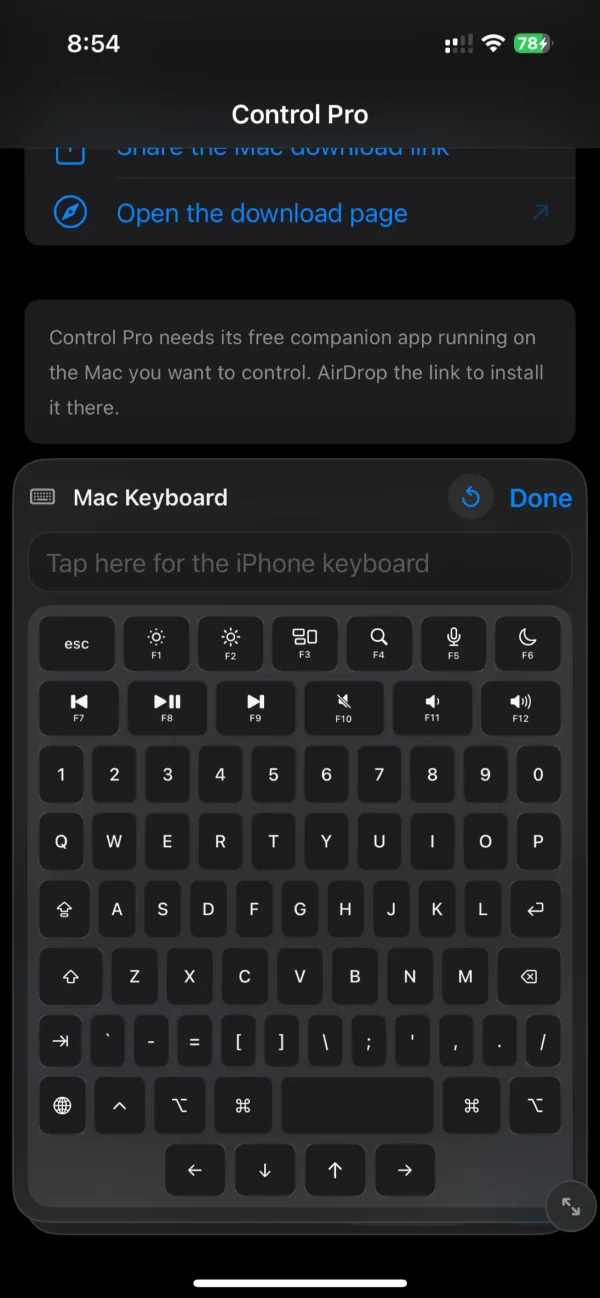
• Full keyboard input, including modifiers, function keys, and Unicode text
LIVE SCREEN MIRRORING
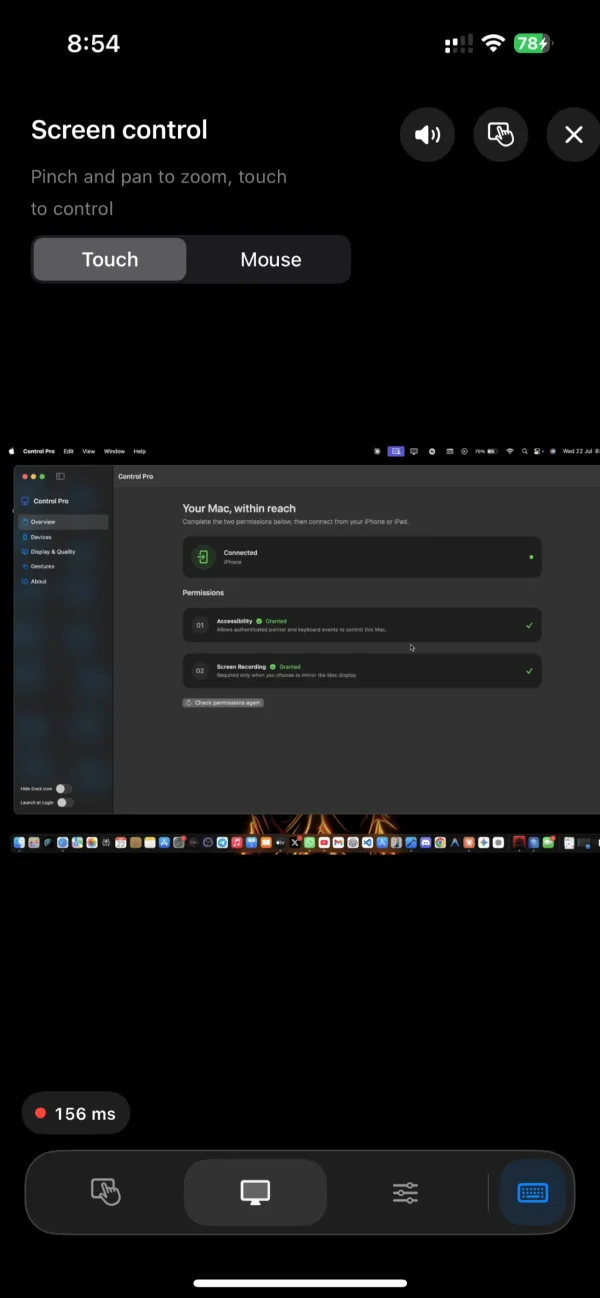
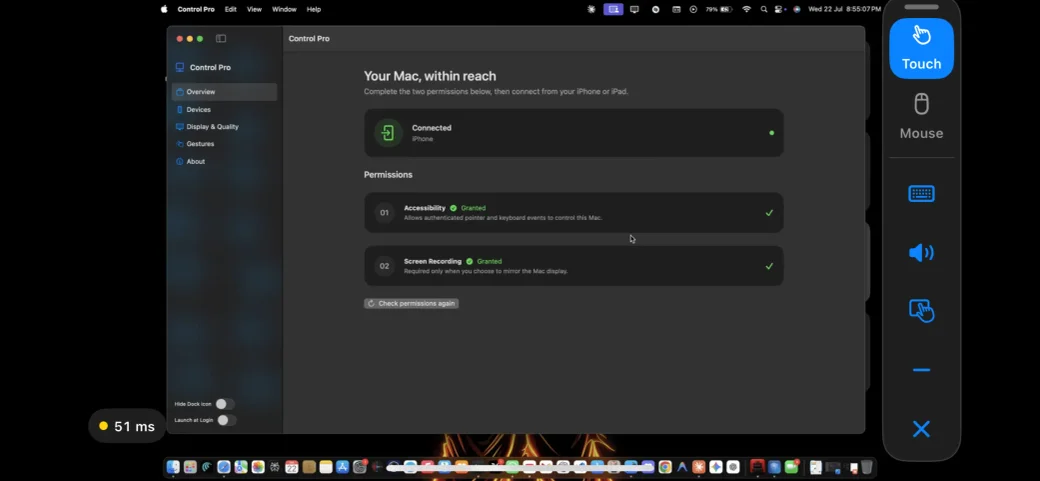
• Watch your Mac's screen live on your iPhone or iPad at up to 60 fps
• Hear your Mac's system audio streamed alongside the mirror, with a one-tap mute
• Touch the mirrored screen directly, or switch to mouse mode for pixel-precise control
• Latency-first design: the stream stays live instead of drifting seconds behind
BUILT FOR SPEED AND PRIVACY
• Everything stays on your local network — no cloud, no accounts, no tracking
• TLS-encrypted connections with one-time pairing codes
• Adaptive quality that recovers automatically on busy networks
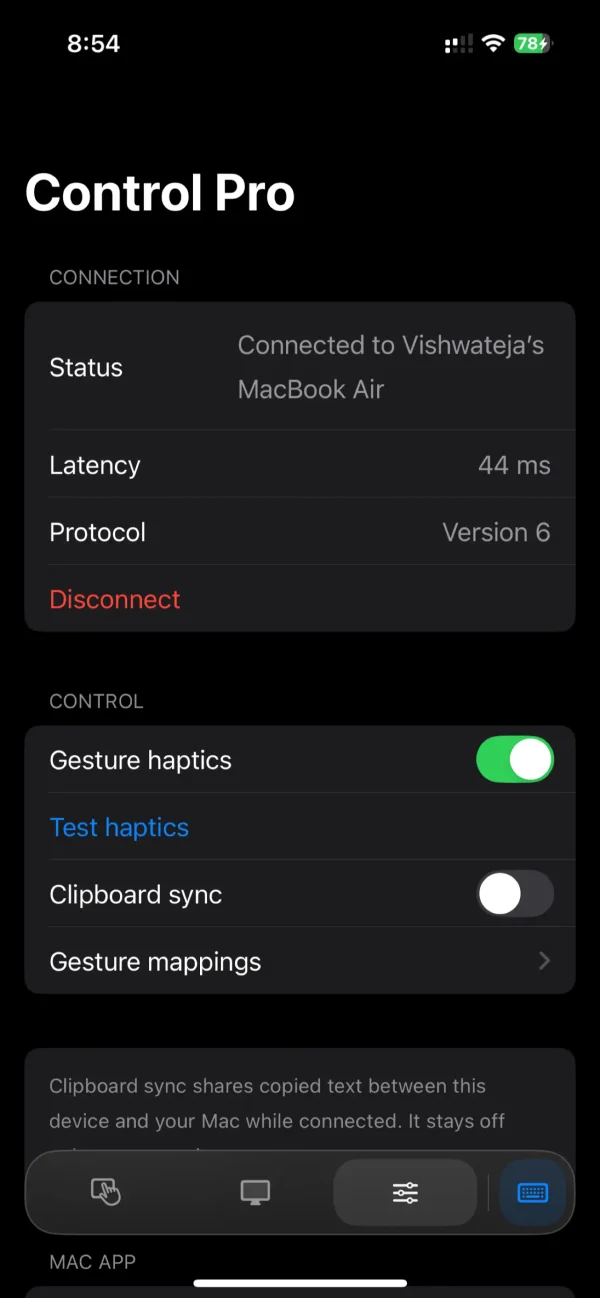
• Live latency badge so you always know your connection quality
EASY SETUP
1. Install the free Control Pro host app on your Mac
2. Open Control Pro on your iPhone or iPad — your Mac appears automatically
3. Enter the pairing code shown on your Mac, and you're connected
Control Pro requires the companion Mac host app (free download) and a Mac running macOS 15 or later on the same network.
新機能
バージョン 1.1 · 2026/8/5
• Reverse scroll direction — a new toggle in the More tab flips scrolling to match your preference, across trackpad, touch, and mouse control.
• Scroll in touch mode — use a two-finger drag to scroll your Mac directly on the mirrored screen. Pinch still zooms.
• Cleaner touch experience — the Mac pointer now appears only in mouse mode, so touch mode stays a pure, direct touchscreen.
アプリのプライバシー
このアプリのデータの取り扱いについて、Official VishwatejaがApp Storeで申告している内容です。
-
データの収集なし
開発元はこのアプリからデータを収集しません。
プライバシーの取り扱いは、ご利用の機能やお客様の年齢などに応じて異なる場合があります。
情報
- 販売元
- OFFICIAL VISHWATEJA
- カテゴリ
- ユーティリティ
- バージョン
- 1.1
- 更新日
- 2026/8/5
- リリース
- 2026/8/4
- サイズ
- 4.9 MB
- 必要条件
- iOS 18.0以降
- 対象年齢
- 4+
- 価格
- 無料
- 言語
- 英語
- 著作権
- © 2026 Vishwateja S B
こちらもおすすめ
-
 M5Stack AIFlowユーティリティ
-
 Mirage – Remote Displayコンピュータのリモート表示
-
 KeyboardKitユーティリティ
-
 Accelerometer ∞モーション可視化ツール
-
 OBD2スキャナー エンジン音付き日本語のELM327メーター・買い切り・サブスクなし
-
 K2 Mobile Game Dock AppK2 Mobile App
-
 WattCheck: 充電ワット数モニターUSB-C&Lightning ワット監視
-
 BatteryPhonephoneのバッテリー状況をWatchで表示します。
-
 RefreshRate - Frame Rateユーティリティ
-
 Speedometer: GPS Trackerユーティリティ