Control Pro – Desktop Remote
Trackpad, keyboard & mirror
Dirancang untuk iPhone, iPad
Gratis
- Batasan usia4+
- KategoriKegunaan
- PengembangOfficial Vishwateja
- BahasaInggris
- Ukuran4,9 MB
Tertaut ke halaman resmi App Store
Download.org tidak menyimpan file Control Pro – Desktop Remote apa pun. Tombol ini membuka halaman aplikasi di App Store, tempat Official Vishwateja menerbitkannya. Halaman terakhir diperiksa pada 17/11/2026.
Tangkapan layar
Tentang
Pengembang belum menyediakan teks ini dalam bahasa Anda.
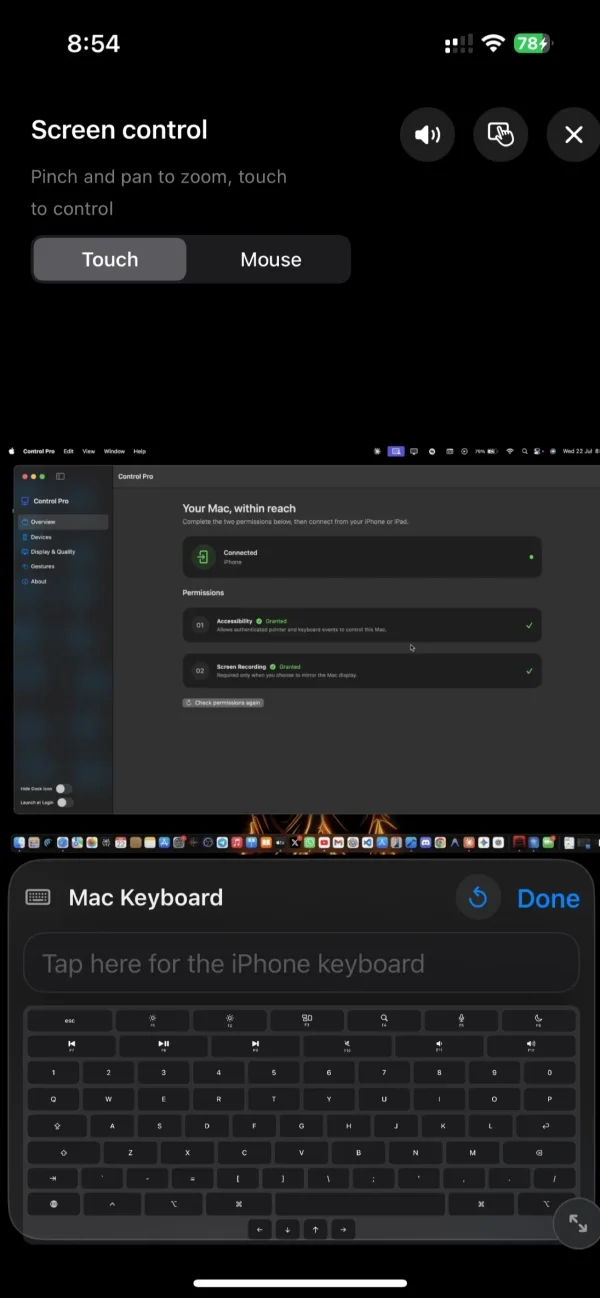
Control Pro turns your iPhone or iPad into a fast, precise remote control for your Mac — trackpad, keyboard, and a live screen mirror, all over your local Wi-Fi network.
CONTROL YOUR MAC FROM ANYWHERE IN THE ROOM
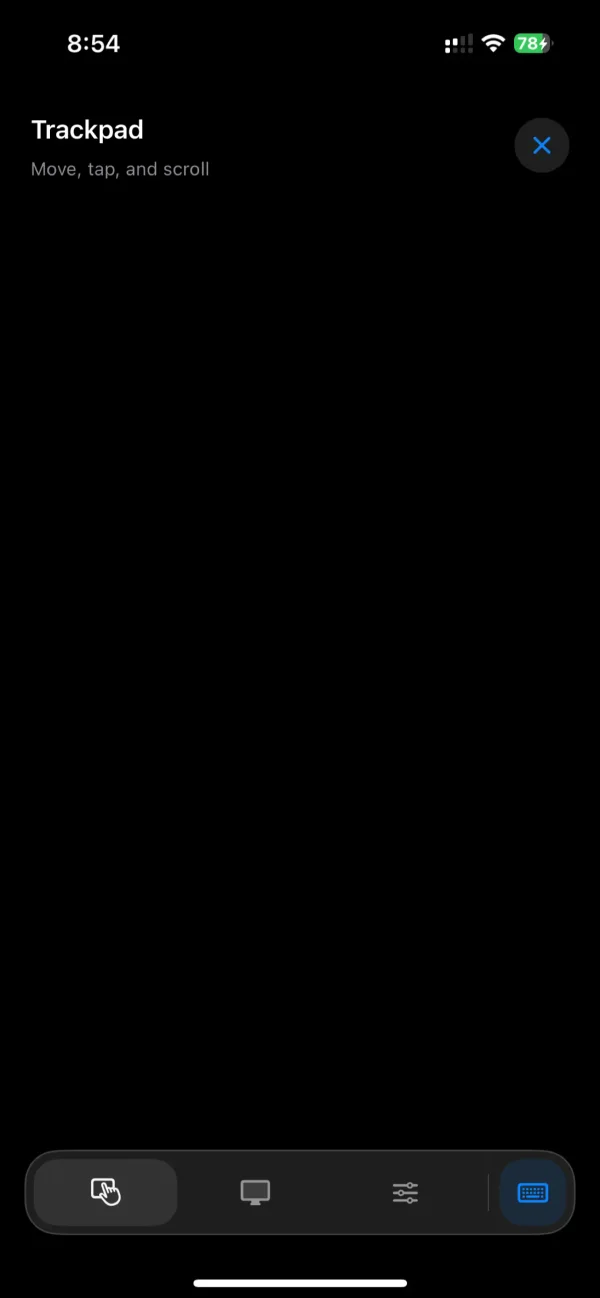
• Smooth relative trackpad with tap, drag, two-finger scroll, and right-click gestures
• Three-finger swipes for Spaces, Mission Control, and App Exposé; four-finger tap for the app switcher
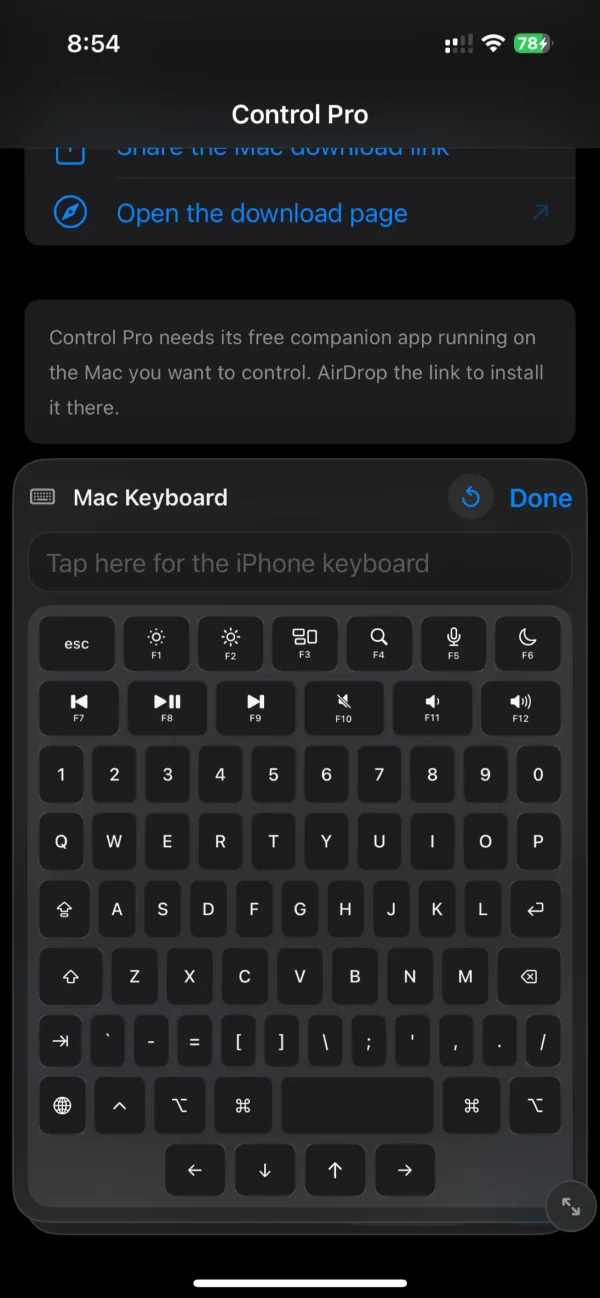
• Full keyboard input, including modifiers, function keys, and Unicode text
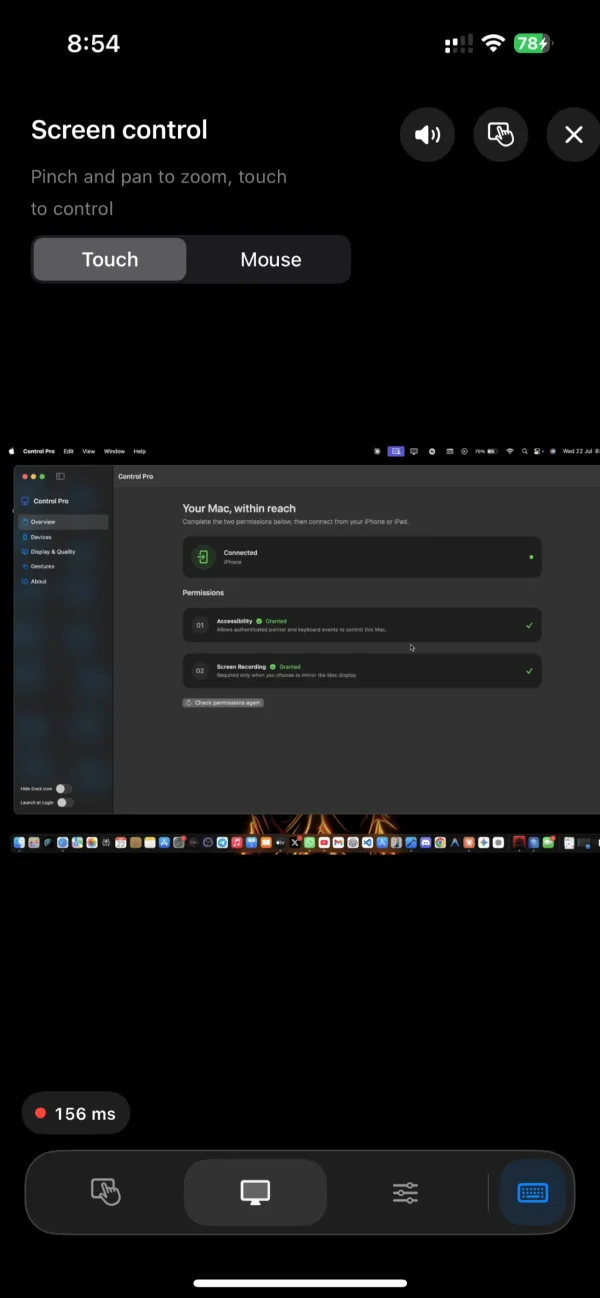
LIVE SCREEN MIRRORING
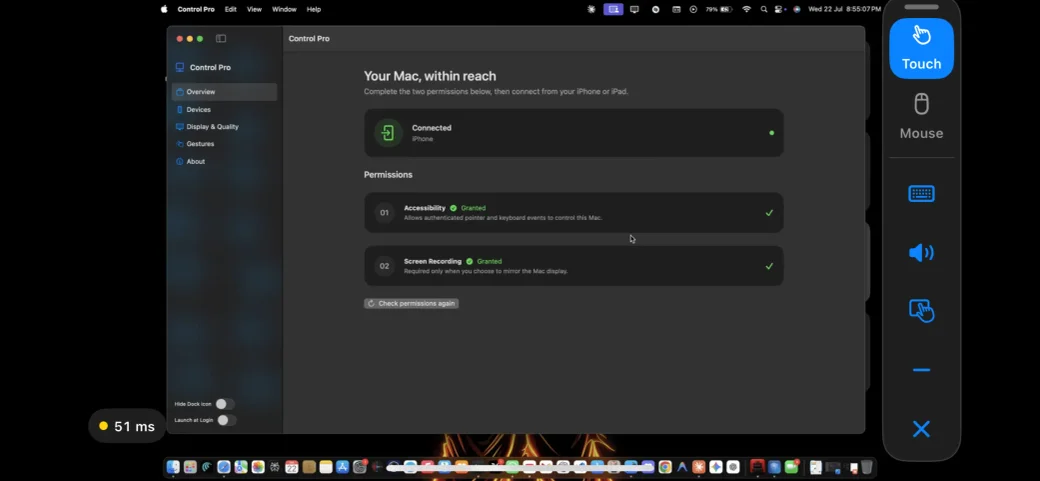
• Watch your Mac's screen live on your iPhone or iPad at up to 60 fps
• Hear your Mac's system audio streamed alongside the mirror, with a one-tap mute
• Touch the mirrored screen directly, or switch to mouse mode for pixel-precise control
• Latency-first design: the stream stays live instead of drifting seconds behind
BUILT FOR SPEED AND PRIVACY
• Everything stays on your local network — no cloud, no accounts, no tracking
• TLS-encrypted connections with one-time pairing codes
• Adaptive quality that recovers automatically on busy networks
• Live latency badge so you always know your connection quality
EASY SETUP
1. Install the free Control Pro host app on your Mac
2. Open Control Pro on your iPhone or iPad — your Mac appears automatically
3. Enter the pairing code shown on your Mac, and you're connected
Control Pro requires the companion Mac host app (free download) and a Mac running macOS 15 or later on the same network.
Yang baru
Versi 1.1 · 5/8/2026
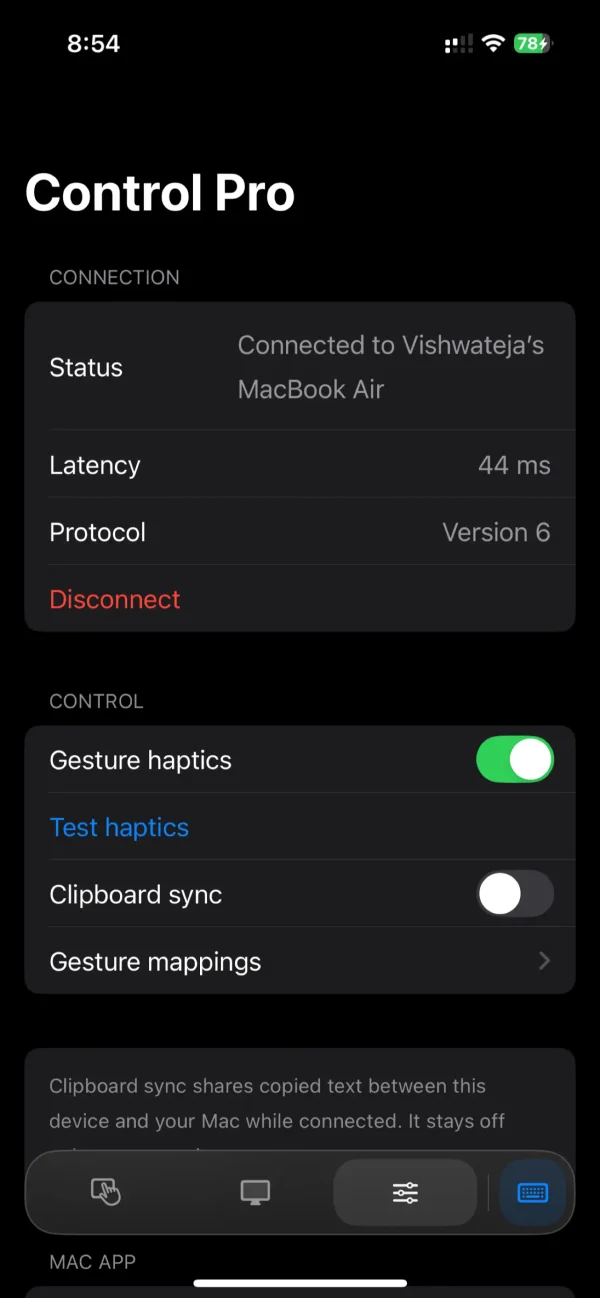
• Reverse scroll direction — a new toggle in the More tab flips scrolling to match your preference, across trackpad, touch, and mouse control.
• Scroll in touch mode — use a two-finger drag to scroll your Mac directly on the mirrored screen. Pinch still zooms.
• Cleaner touch experience — the Mac pointer now appears only in mouse mode, so touch mode stays a pure, direct touchscreen.
Privasi aplikasi
Yang dinyatakan Official Vishwateja di App Store tentang cara aplikasi ini menangani data.
-
Data tidak dikumpulkan
Pengembang tidak mengumpulkan data apa pun dari aplikasi ini.
Praktik privasi dapat bervariasi, misalnya berdasarkan fitur yang Anda gunakan atau usia Anda.
Informasi
- Penjual
- OFFICIAL VISHWATEJA
- Kategori
- Kegunaan
- Versi
- 1.1
- Diperbarui
- 5/8/2026
- Dirilis
- 4/8/2026
- Ukuran
- 4,9 MB
- Memerlukan
- iOS 18.0 atau yang lebih baru
- Batasan usia
- 4+
- Harga
- Gratis
- Bahasa
- Inggris
- Hak cipta
- © 2026 Vishwateja S B
Mungkin Anda juga suka
-
 M5Stack AIFlowKegunaan
-
 Mirage – Remote DisplayKegunaan
-
 KeyboardKitKegunaan
-
 Accelerometer ∞Visualisasi Sensor Gerak
-
 OBD2 Scanner + Engine SoundKegunaan
-
 K2 Mobile Game Dock AppKegunaan
-
 WattCheck: Charger Power MeterKegunaan
-
 BatteryPhoneKegunaan
-
 RefreshRate - Frame RateKegunaan
-
 Speedometer: GPS TrackerKegunaan