Control Pro – Desktop Remote
Trackpad, keyboard & mirror
Conçue pour iPhone, iPad
Gratuit
- Classification d’âge4+
- CatégorieUtilitaires
- DéveloppeurOfficial Vishwateja
- LanguesAnglais
- Taille4,9 Mo
Renvoie vers la page App Store officielle
Download.org n’héberge aucun fichier de Control Pro – Desktop Remote. Le bouton ouvre la page de l’application sur App Store, où Official Vishwateja la publie. Fiche vérifiée pour la dernière fois le 17/11/2026.
Captures d’écran
À propos
Le développeur n’a pas fourni ce texte dans votre langue.
Control Pro turns your iPhone or iPad into a fast, precise remote control for your Mac — trackpad, keyboard, and a live screen mirror, all over your local Wi-Fi network.
CONTROL YOUR MAC FROM ANYWHERE IN THE ROOM
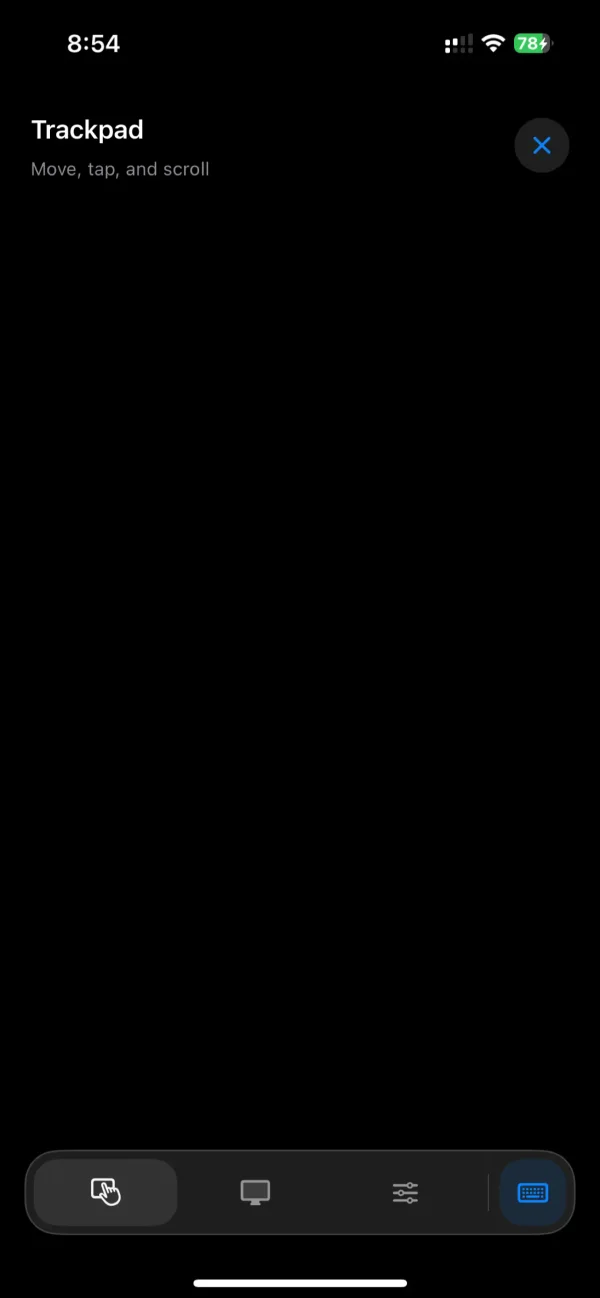
• Smooth relative trackpad with tap, drag, two-finger scroll, and right-click gestures
• Three-finger swipes for Spaces, Mission Control, and App Exposé; four-finger tap for the app switcher
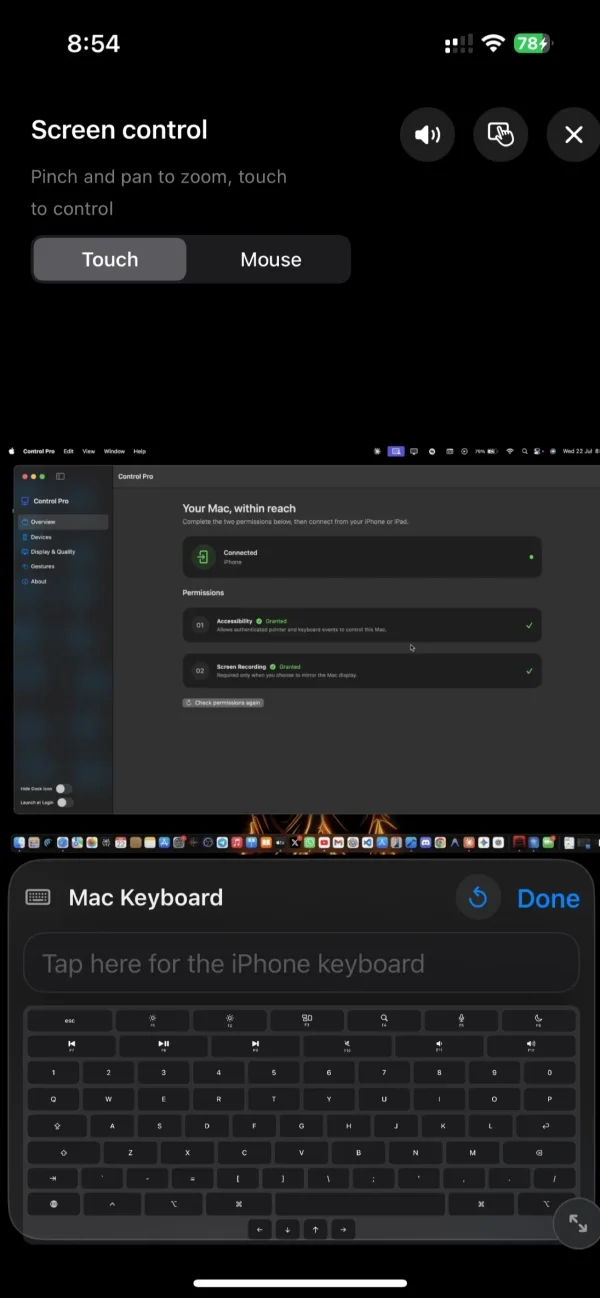
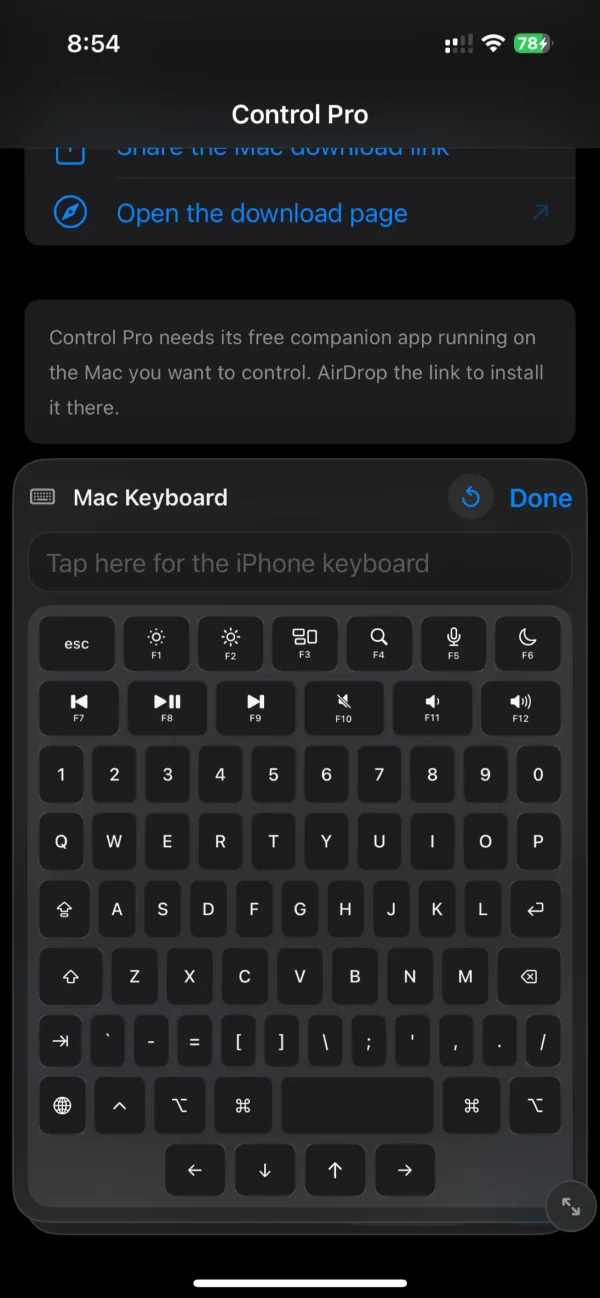
• Full keyboard input, including modifiers, function keys, and Unicode text
LIVE SCREEN MIRRORING
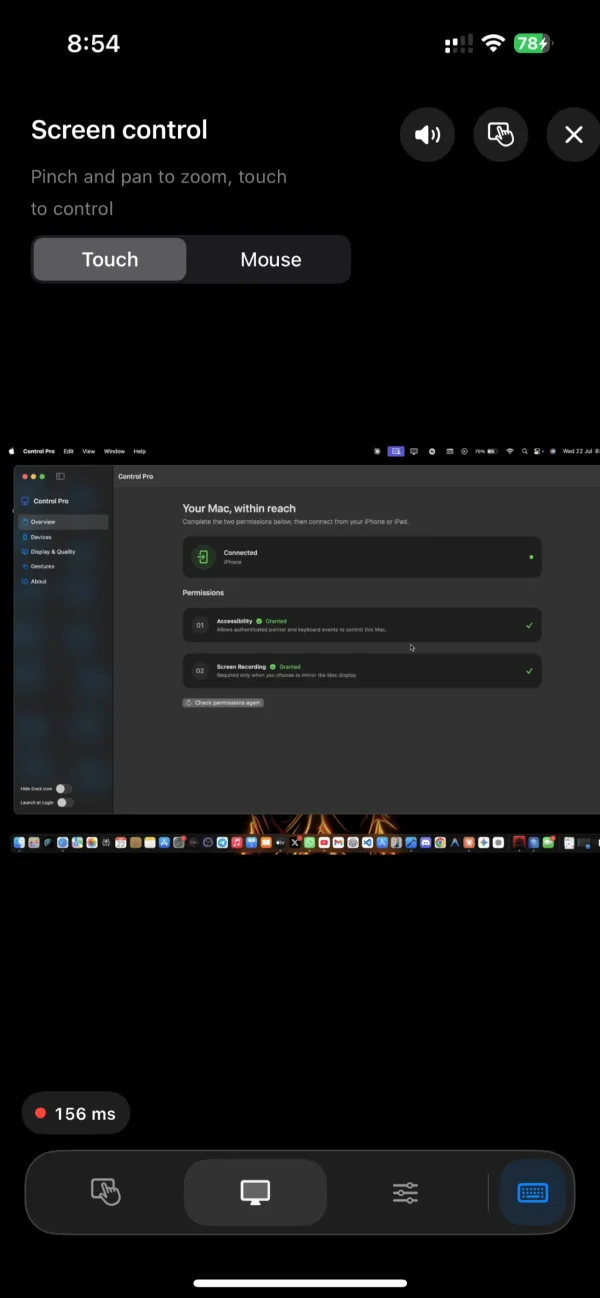
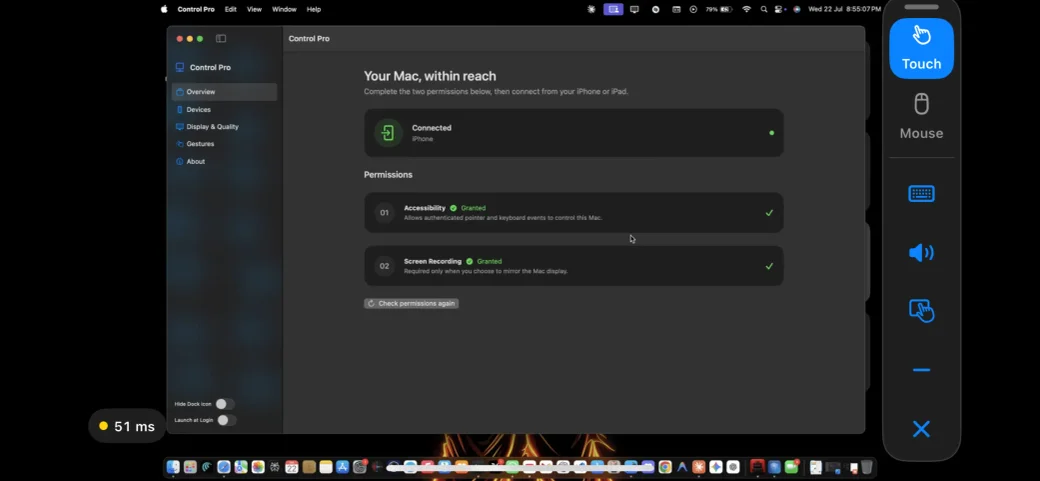
• Watch your Mac's screen live on your iPhone or iPad at up to 60 fps
• Hear your Mac's system audio streamed alongside the mirror, with a one-tap mute
• Touch the mirrored screen directly, or switch to mouse mode for pixel-precise control
• Latency-first design: the stream stays live instead of drifting seconds behind
BUILT FOR SPEED AND PRIVACY
• Everything stays on your local network — no cloud, no accounts, no tracking
• TLS-encrypted connections with one-time pairing codes
• Adaptive quality that recovers automatically on busy networks
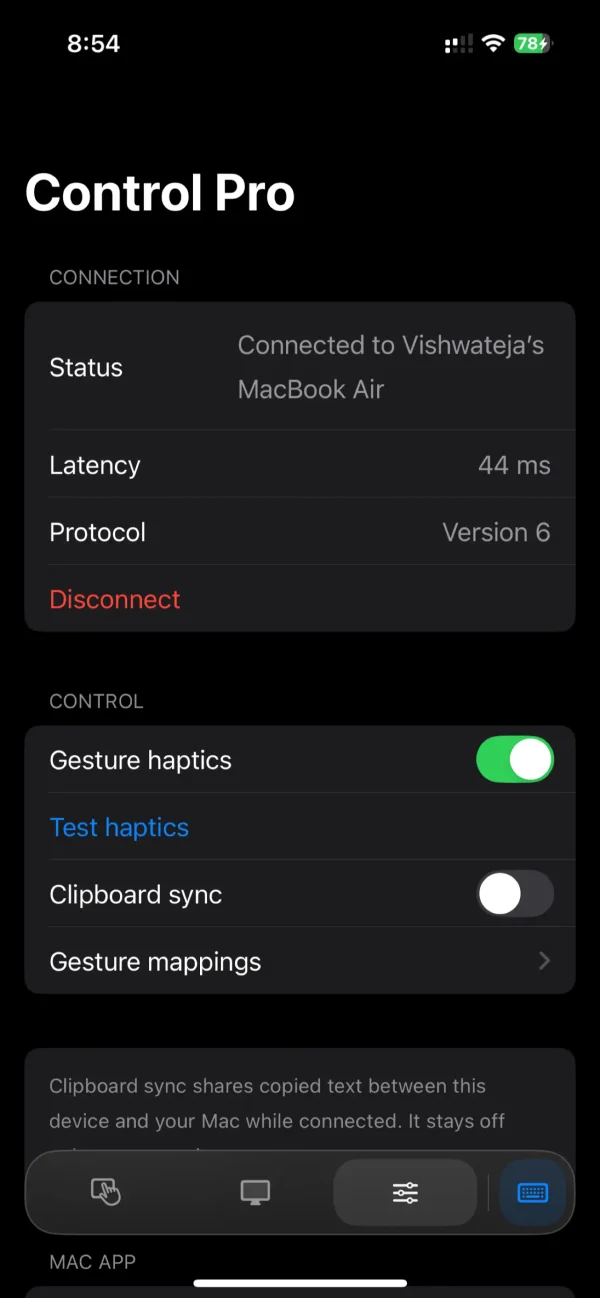
• Live latency badge so you always know your connection quality
EASY SETUP
1. Install the free Control Pro host app on your Mac
2. Open Control Pro on your iPhone or iPad — your Mac appears automatically
3. Enter the pairing code shown on your Mac, and you're connected
Control Pro requires the companion Mac host app (free download) and a Mac running macOS 15 or later on the same network.
Nouveautés
Version 1.1 · 05/08/2026
• Reverse scroll direction — a new toggle in the More tab flips scrolling to match your preference, across trackpad, touch, and mouse control.
• Scroll in touch mode — use a two-finger drag to scroll your Mac directly on the mirrored screen. Pinch still zooms.
• Cleaner touch experience — the Mac pointer now appears only in mouse mode, so touch mode stays a pure, direct touchscreen.
Confidentialité de l’application
Ce que Official Vishwateja déclare sur l’App Store au sujet du traitement des données par cette application.
-
Données non collectées
Le développeur ne collecte aucune donnée à partir de cette application.
Les pratiques en matière de confidentialité peuvent varier, notamment en fonction des fonctionnalités que vous utilisez ou de votre âge.
Informations
- Vendeur
- OFFICIAL VISHWATEJA
- Catégorie
- Utilitaires
- Version
- 1.1
- Mis à jour
- 05/08/2026
- Publié
- 04/08/2026
- Taille
- 4,9 Mo
- Nécessite
- iOS 18.0 ou version ultérieure
- Classification d’âge
- 4+
- Prix
- Gratuit
- Langues
- Anglais
- Copyright
- © 2026 Vishwateja S B
Vous aimerez peut-être aussi
-
 M5Stack AIFlowUtilitaires
-
 Mirage – Remote DisplayÉcran distant pour ordinateur
-
 KeyboardKitUtilitaires
-
 Accelerometer ∞Visualiseur de Mouvement
-
 OBD2 Scanner + Engine SoundJauges ELM327, sans abonnement
-
 K2 Mobile Game Dock AppK2 Mobile App
-
 WattCheck: Compteur de chargeWattmètre USB-C & Lightning
-
 BatteryPhoneUtilitaires
-
 RefreshRate - Frame RateUtilitaires
-
 Speedometer: GPS TrackerUtilitaires