
FocusFlow: Start & Return
ADHD focus, one small step
Entwickelt für iPhone, iPad
Kostenlos · In-App-Käufe
- Altersfreigabe4+
- KategorieProduktivität
- Entwickler杰 陈
- SprachenEnglisch+ 7 weitere
- Größe32,0 MB
Verlinkt auf die offizielle App Store-Seite
Download.org hostet keine Datei von FocusFlow: Start & Return. Die Schaltfläche öffnet die App-Seite bei App Store, wo 杰 陈 die App veröffentlicht. Eintrag zuletzt geprüft am 18.11.2026.
Screenshots


Info
Der Entwickler hat diesen Text nicht in Ihrer Sprache bereitgestellt.
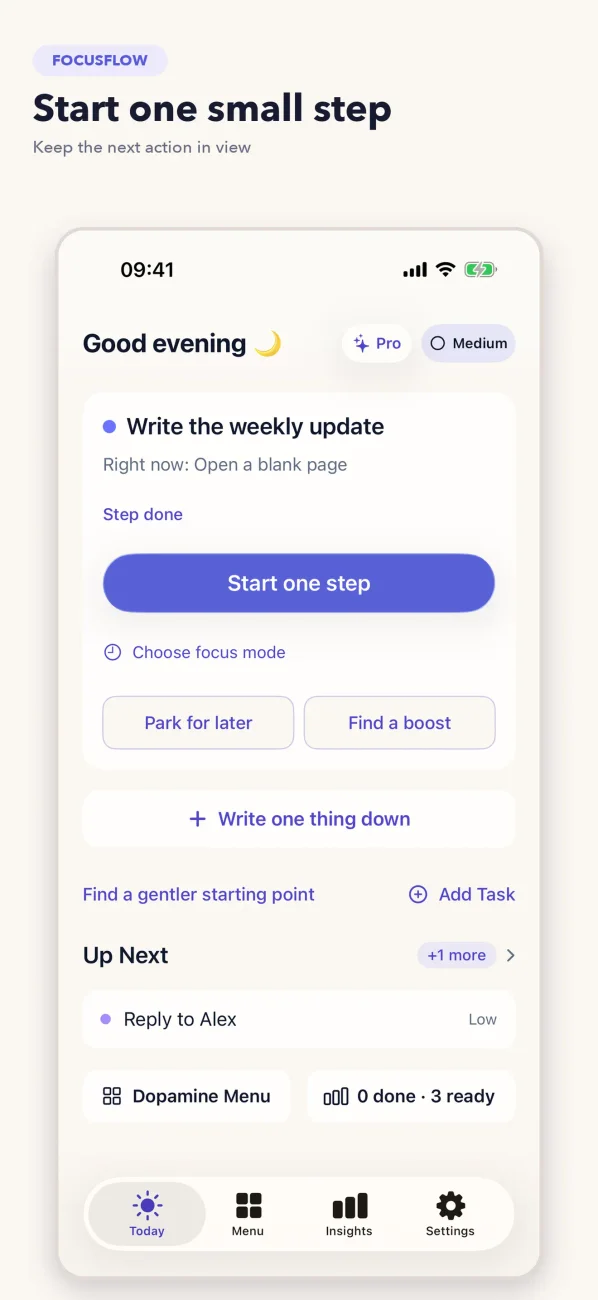
Starting can be the hardest part. FocusFlow brings one task and one clear next step into view, so you can begin without sorting through your whole day.
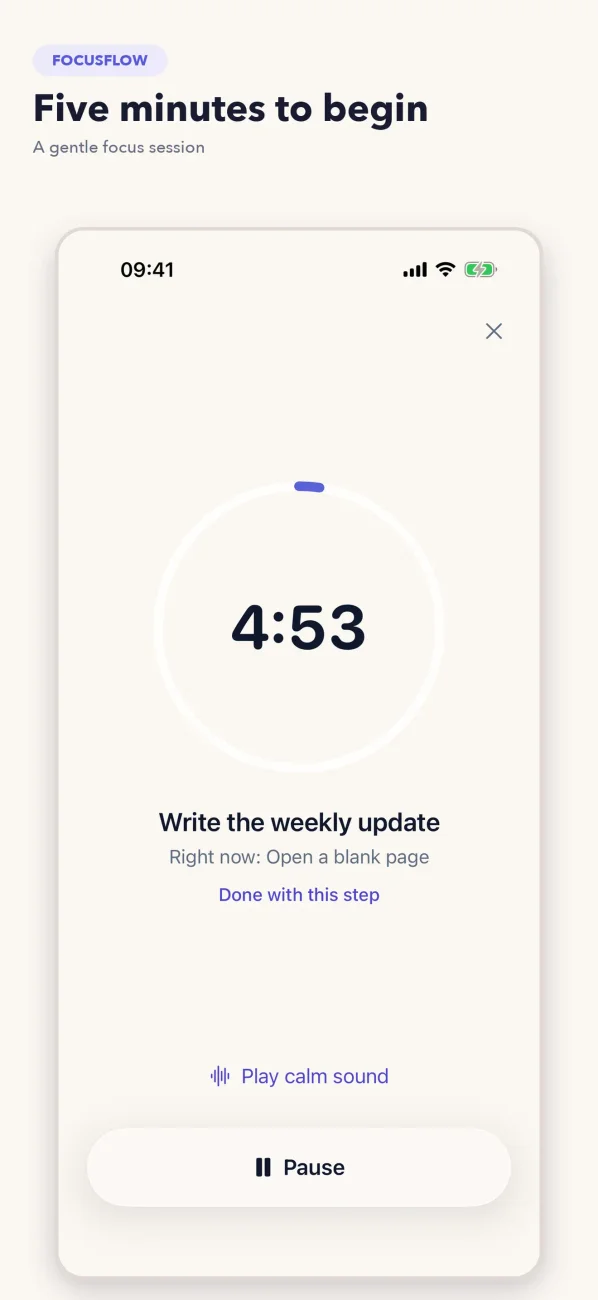
When you are interrupted, park the task with a short return note. Come back to that next step when you are ready. A five-minute focus session helps you get moving without treating a timer as a verdict on your day.
WHAT YOU CAN DO
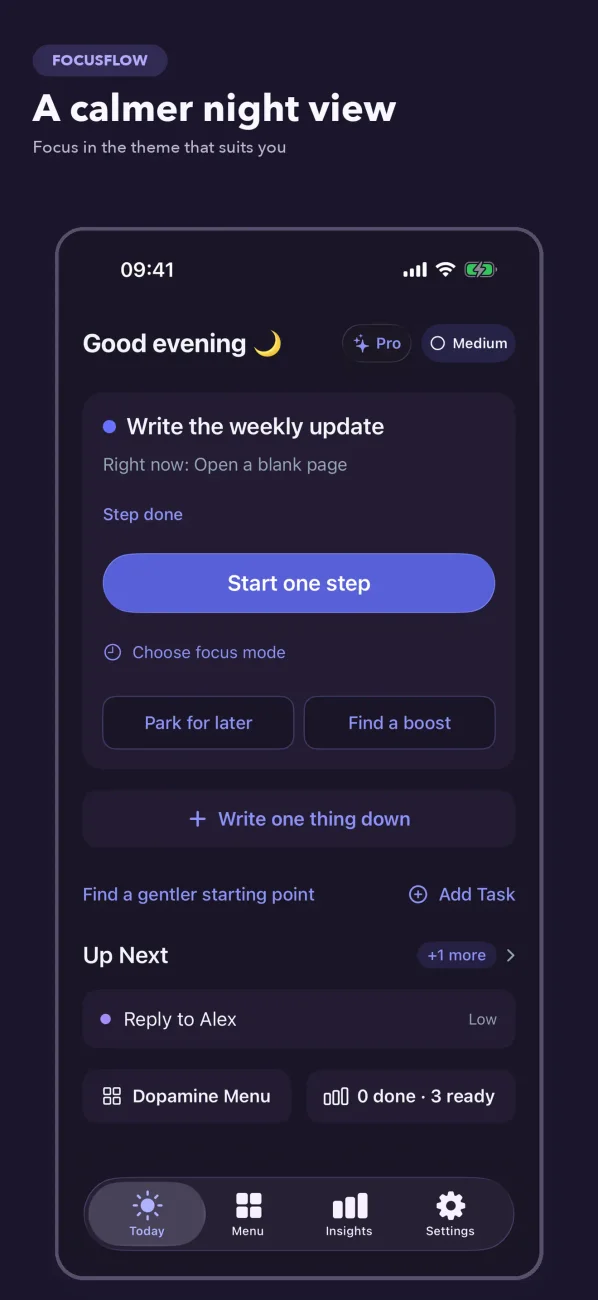
• Start one step: Keep the current task and its next action together on Today.
• Pause and return: Save a small cue, then pick up where you left off.
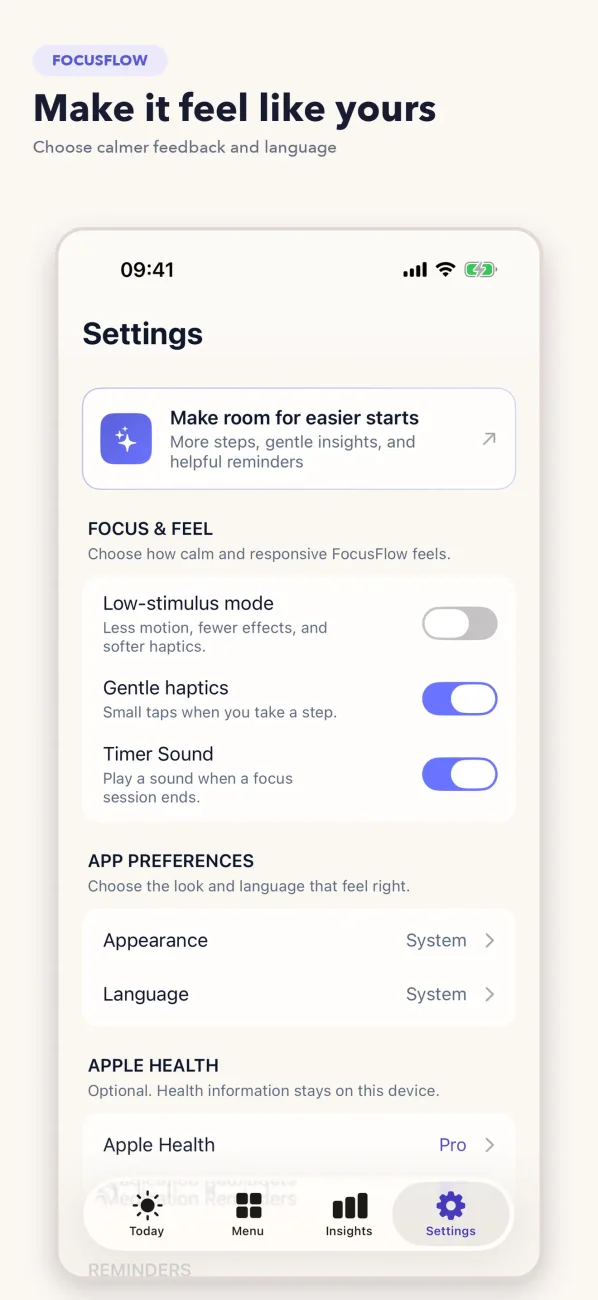
• Focus gently: Use a short timer and choose what to do when it ends.
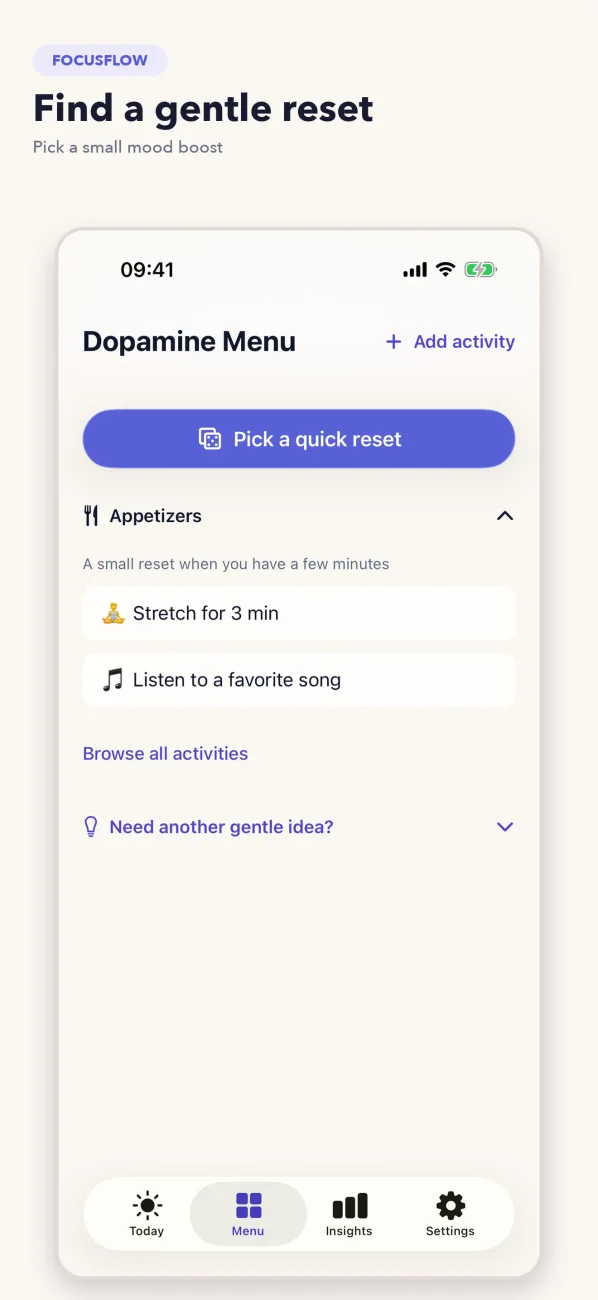
• Find a reset: Pick a small activity from the Dopamine Menu.
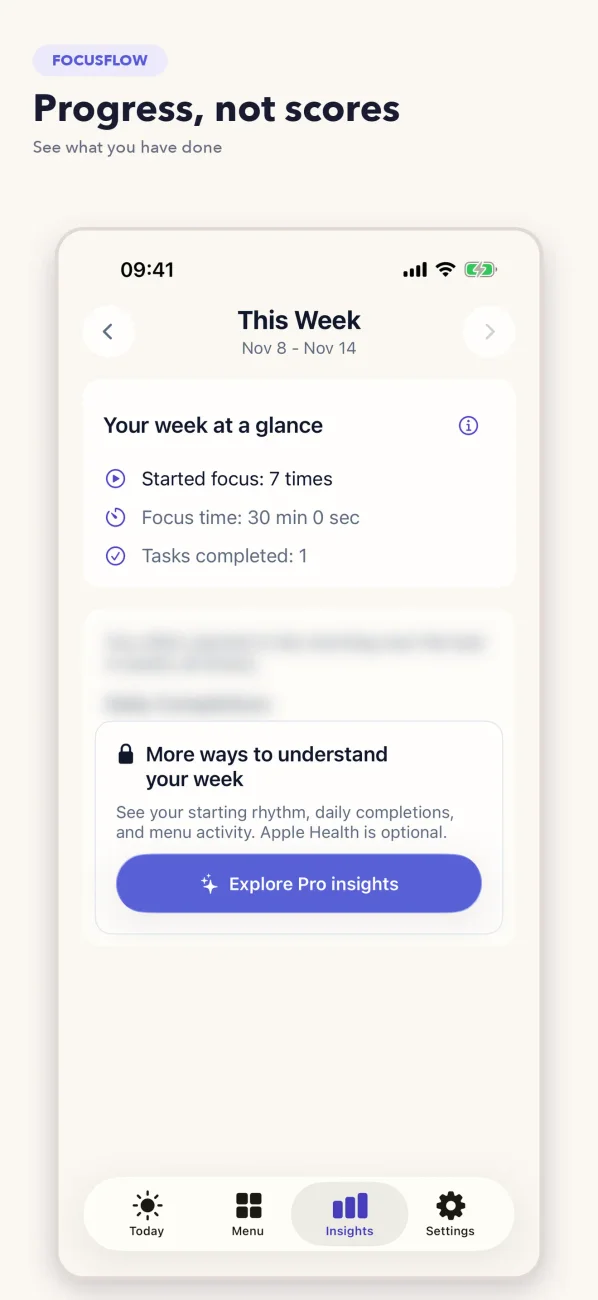
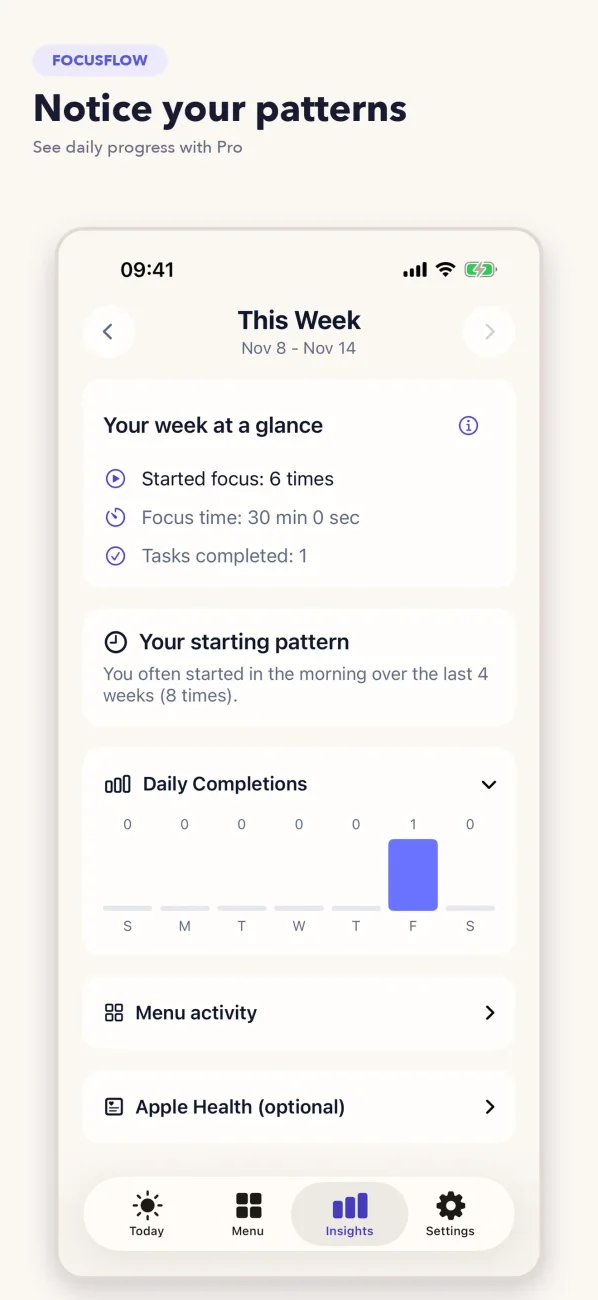
• Notice progress: Review factual weekly activity without scores or broken streaks.
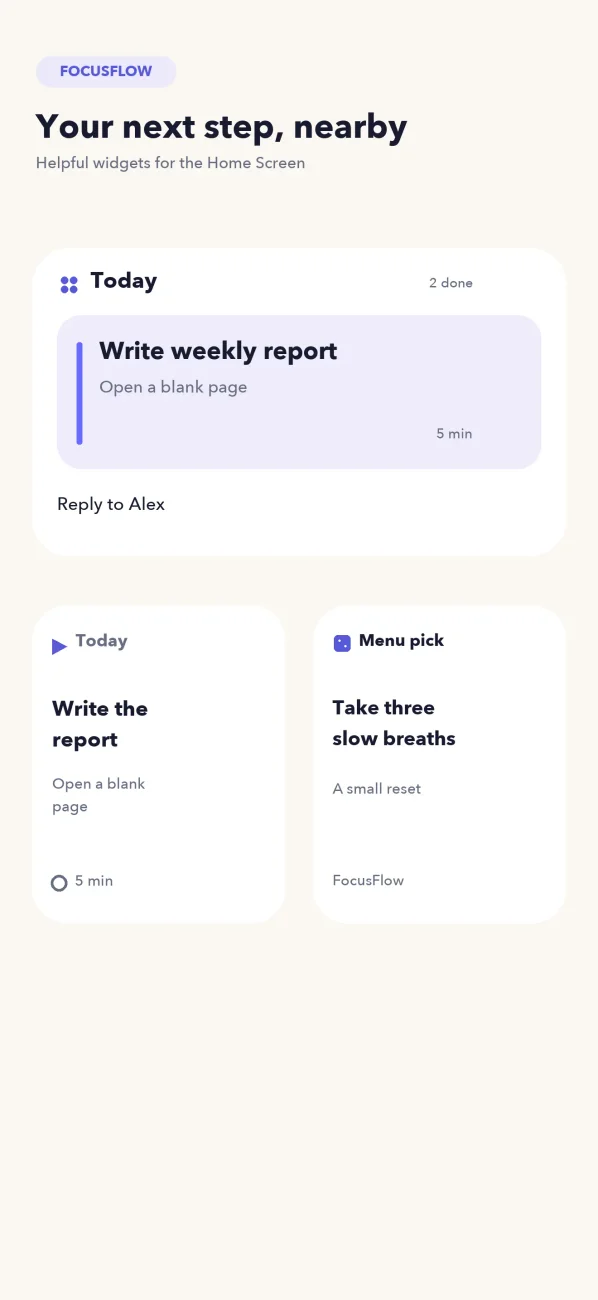
• Keep it nearby: Use a Home Screen widget to return to your task.
The free version includes the core start, pause, and return flow, the Dopamine Menu, and a current-task widget. Pro adds unlimited daily task creation and step suggestions, additional widgets, weekly reports, medication reminders, and optional Apple Health insights. Available plans, prices, and any eligible trial are shown in the app before purchase.
Apple Health access is optional. With your permission, Pro can show sleep, steps, and active energy beside completed-task counts. FocusFlow does not use those readings to diagnose ADHD or explain why a particular day went well or poorly. The core task flow works without Health access.
Find one small step and begin from there.
Terms of Service: https://sites.google.com/view/adhdflow-termsofservice
Privacy Policy: https://sites.google.com/view/adhdflow-privacypolicy
Neue Funktionen
Version 1.1.0 · 14.11.2026
Starting and returning feel simpler in this update. Today puts one task and its next step first. You can park a task with a return cue, start a short focus session, and choose a gentle reset from the refreshed Dopamine Menu. Weekly Insights and widgets have clearer layouts, with optional Apple Health readings in Pro. We also refined the light and dark themes and layouts for iPhone, iPad, and iPhone Duo.
App-Datenschutz
Was 杰 陈 im App Store zum Umgang dieser App mit Daten angibt.
-
Daten, die zum Tracking Ihrer Person verwendet werden
Können verwendet werden, um Sie über Apps und Websites anderer Unternehmen hinweg zu verfolgen.
- Standort
-
Nicht mit Ihnen verknüpfte Daten
Können erfasst werden, sind aber nicht mit Ihrer Identität verknüpft.
- Gesundheit und Fitness
- Standort
- Kennungen
- Diagnose
Die Datenschutzpraktiken können variieren, zum Beispiel je nach den von Ihnen verwendeten Funktionen oder Ihrem Alter.
Informationen
- Anbieter
- 杰 陈
- Kategorie
- Produktivität
- Version
- 1.1.0
- Aktualisiert
- 14.11.2026
- Veröffentlicht
- 20.06.2026
- Größe
- 32,0 MB
- Erfordert
- iOS 17.0 oder neuer
- Altersfreigabe
- 4+
- Preis
- Kostenlos
- In-App-Käufe
- Ja
- Sprachen
- Englisch, Arabisch, Filipino, Französisch, Koreanisch, Vereinf. Chinesisch, Spanisch, Vietnamesisch
- Copyright
- © FocusFlow - ADHD Planner
Das könnte Ihnen auch gefallen
-
 Weekly Planner - SortaProduktivität
-
 ACCENTRIX PMSProduktivität
-
 MyHomeDocsProduktivität
-
 ADHS Sprachnotizen: ClairetiGedanken klar formulieren
-
 Tuck: ADHD Body DoubleProduktivität
-
 Dopamine DashProduktivität
-
 Vividly: ADHD Task CoachProduktivität
-
 JustStart: ADHS PlanerFokus Timer & Aufgaben App
-
 HummingTask: ADHS PlanerAufgaben mit KI aufteilen
-
 Todobook: Family & Couple TodoProduktivität