
FocusFlow: Start & Return
ADHD focus, one small step
Designed for iPhone, iPad
Free · In-app purchases
- Age rating4+
- CategoryProductivity
- Developer杰 陈
- LanguagesEnglish+ 7 more
- Size32.0 MB
Links to the official App Store page
Download.org hosts no file of FocusFlow: Start & Return. The button opens its official App Store page, published by 杰 陈. Listing last checked on Nov 18, 2026.
Screenshots


About
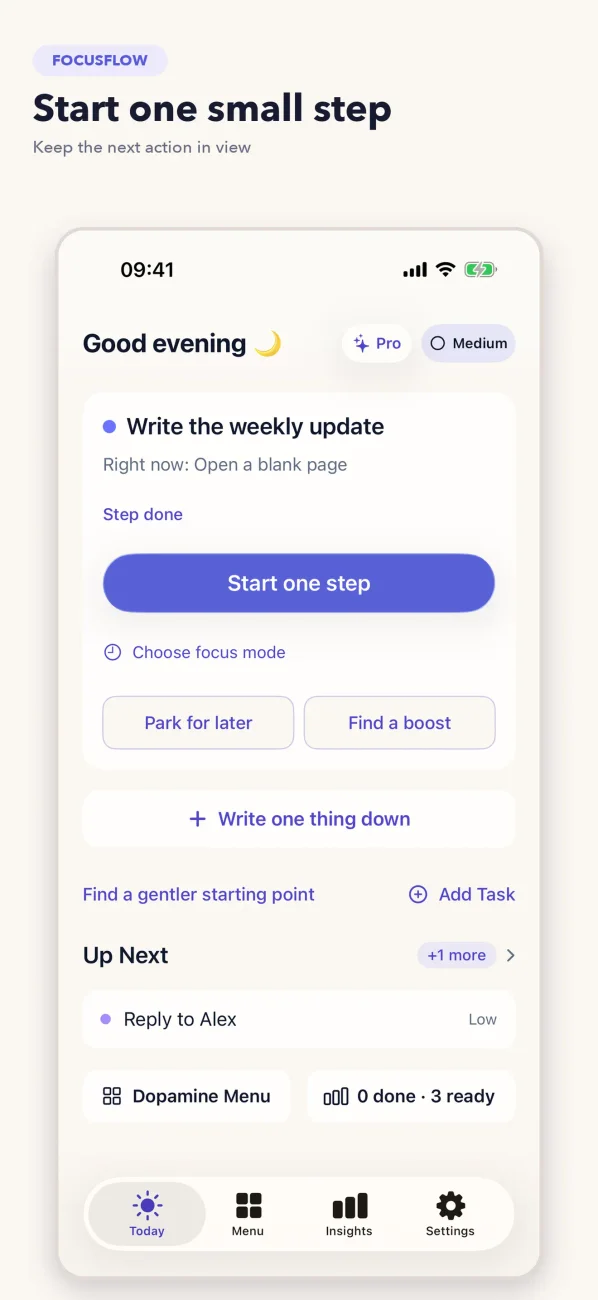
Starting can be the hardest part. FocusFlow brings one task and one clear next step into view, so you can begin without sorting through your whole day.
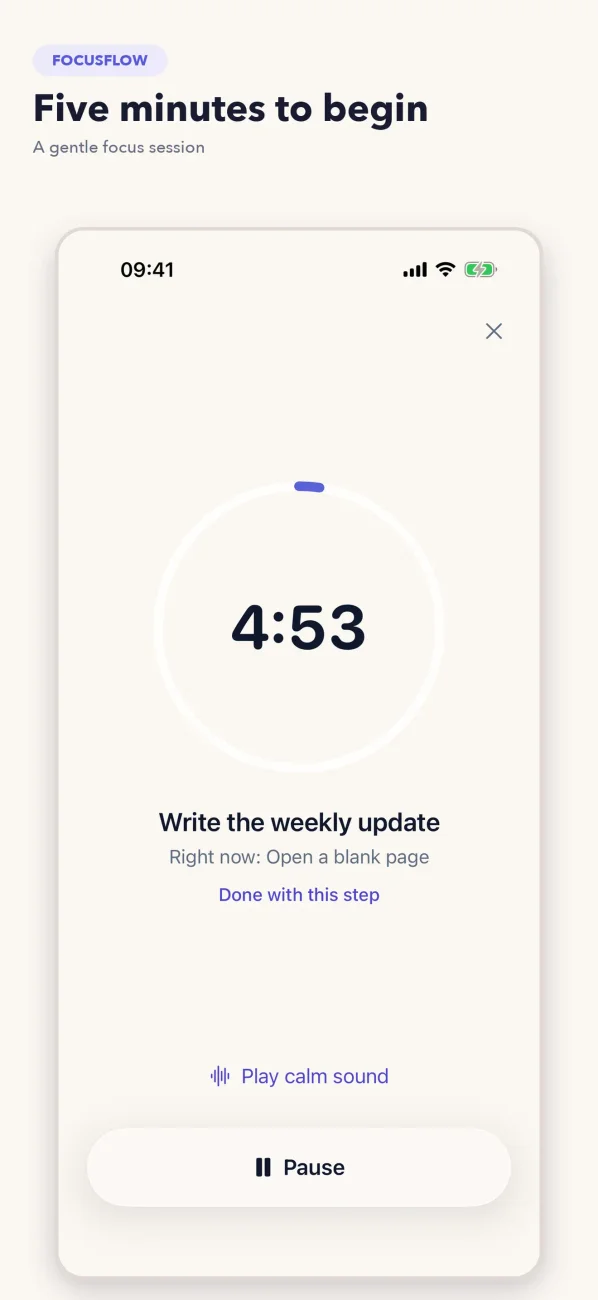
When you are interrupted, park the task with a short return note. Come back to that next step when you are ready. A five-minute focus session helps you get moving without treating a timer as a verdict on your day.
WHAT YOU CAN DO
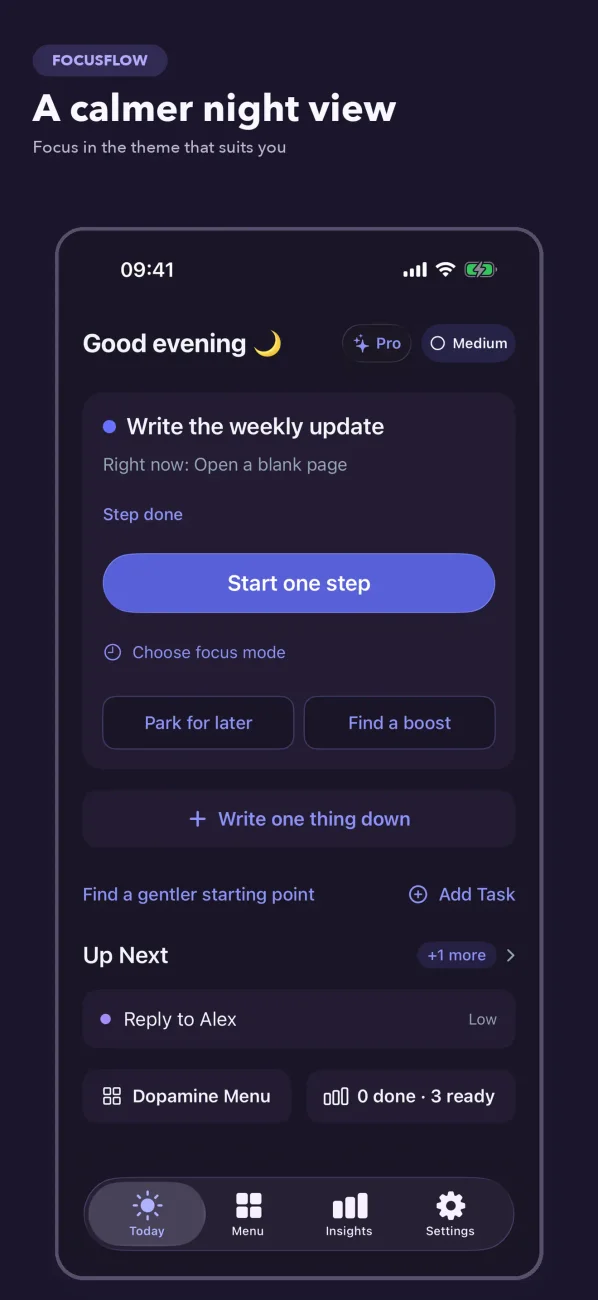
• Start one step: Keep the current task and its next action together on Today.
• Pause and return: Save a small cue, then pick up where you left off.
• Focus gently: Use a short timer and choose what to do when it ends.
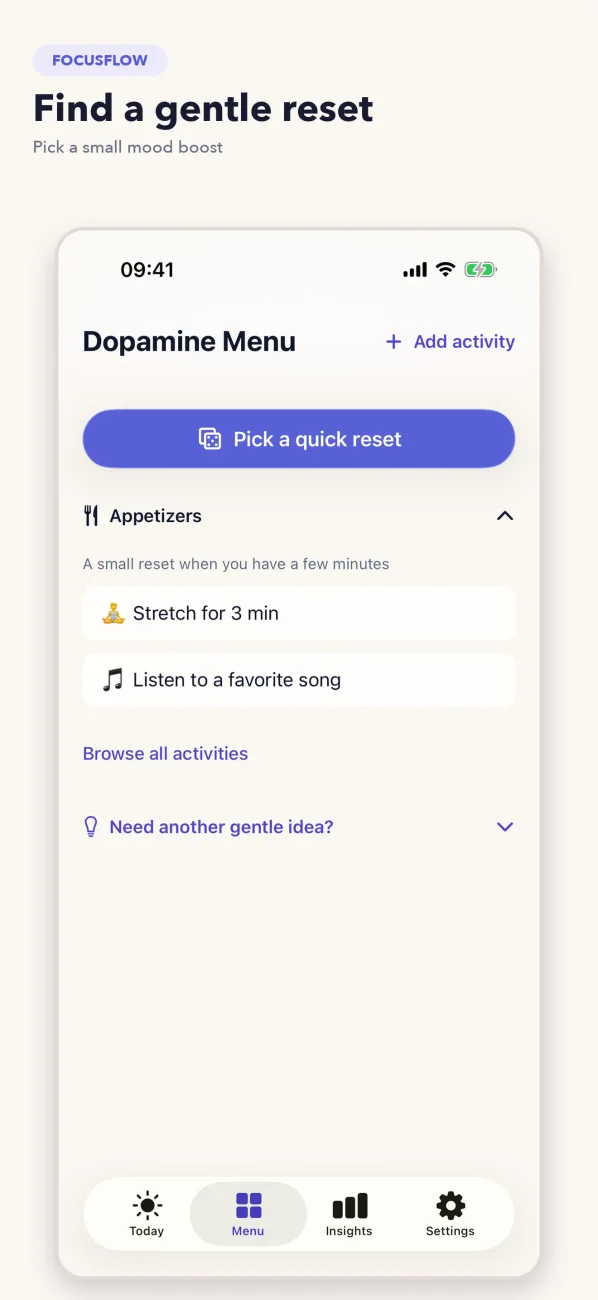
• Find a reset: Pick a small activity from the Dopamine Menu.
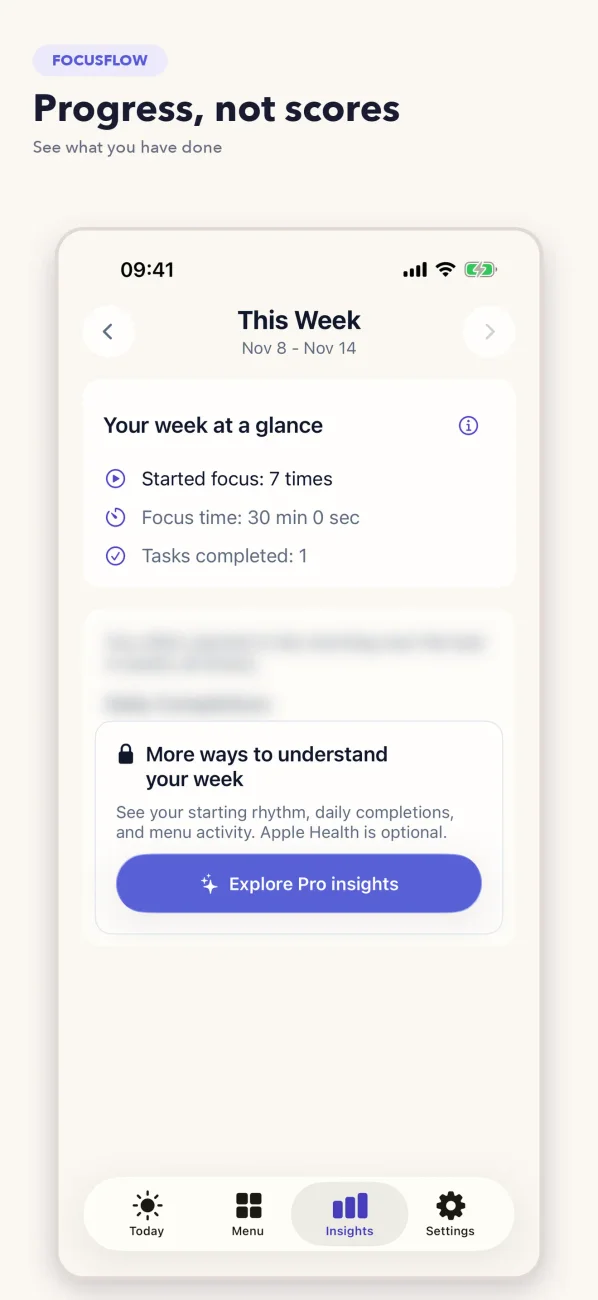
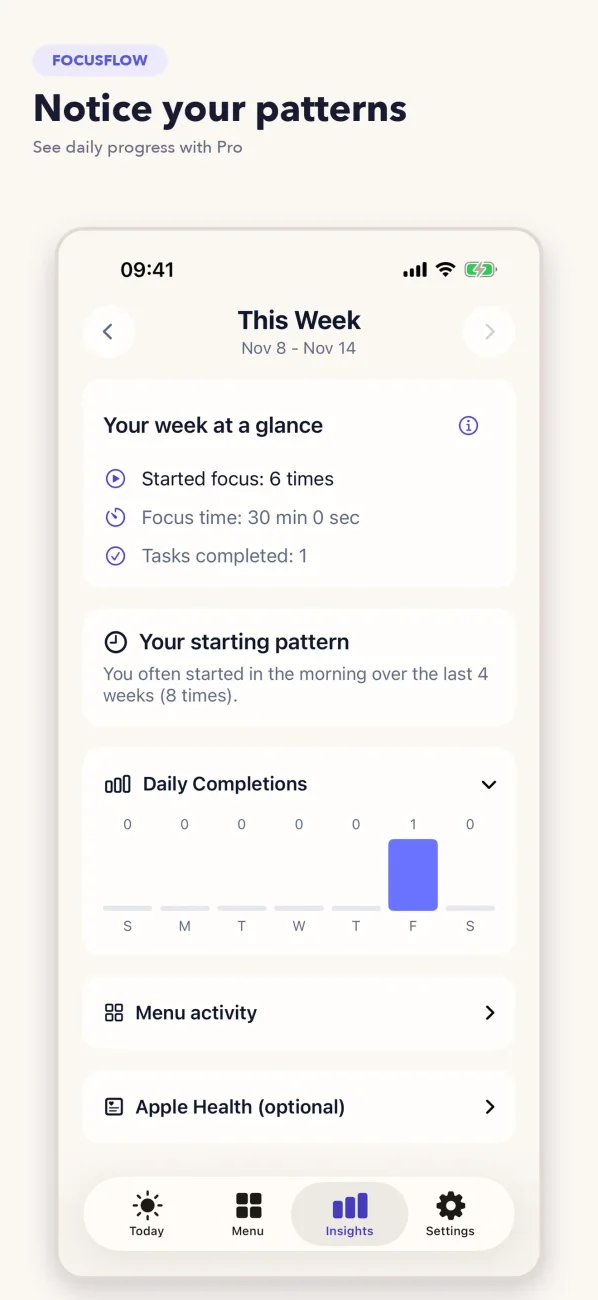
• Notice progress: Review factual weekly activity without scores or broken streaks.
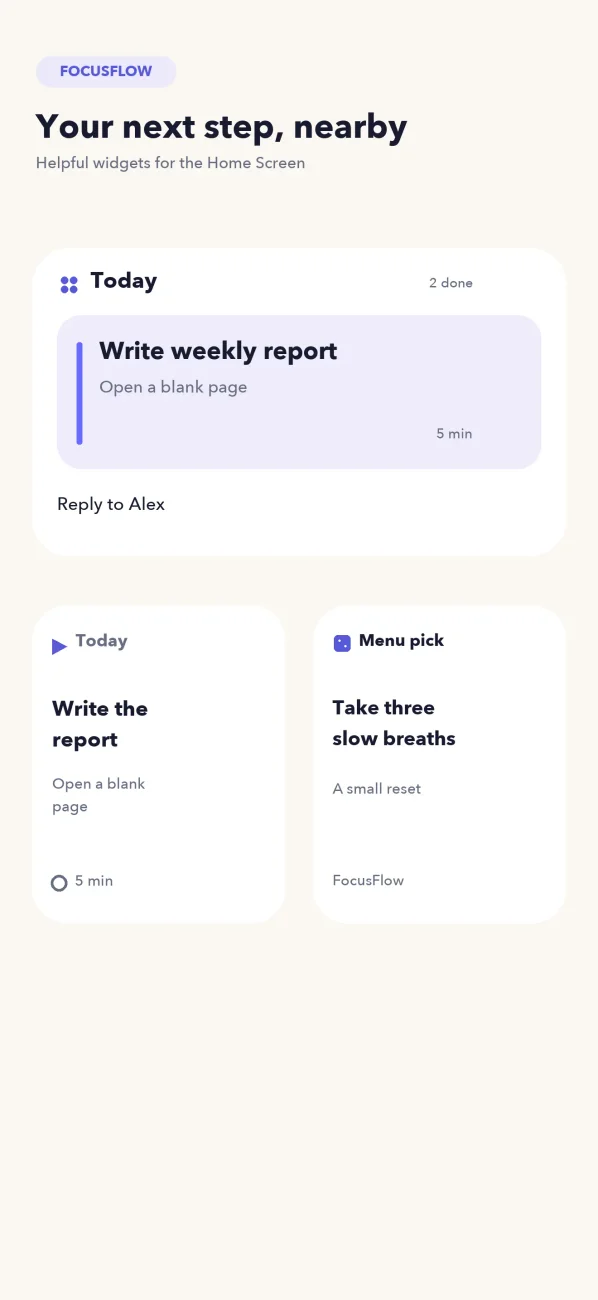
• Keep it nearby: Use a Home Screen widget to return to your task.
The free version includes the core start, pause, and return flow, the Dopamine Menu, and a current-task widget. Pro adds unlimited daily task creation and step suggestions, additional widgets, weekly reports, medication reminders, and optional Apple Health insights. Available plans, prices, and any eligible trial are shown in the app before purchase.
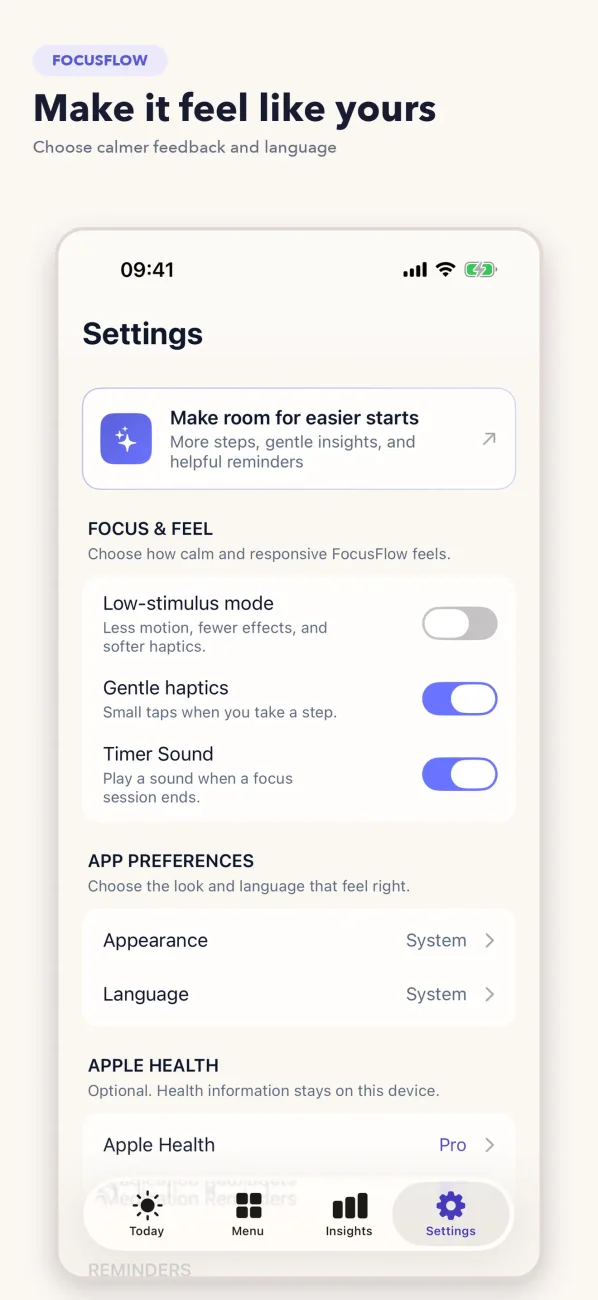
Apple Health access is optional. With your permission, Pro can show sleep, steps, and active energy beside completed-task counts. FocusFlow does not use those readings to diagnose ADHD or explain why a particular day went well or poorly. The core task flow works without Health access.
Find one small step and begin from there.
Terms of Service: https://sites.google.com/view/adhdflow-termsofservice
Privacy Policy: https://sites.google.com/view/adhdflow-privacypolicy
What’s new
Version 1.1.0 · Nov 14, 2026
Starting and returning feel simpler in this update. Today puts one task and its next step first. You can park a task with a return cue, start a short focus session, and choose a gentle reset from the refreshed Dopamine Menu. Weekly Insights and widgets have clearer layouts, with optional Apple Health readings in Pro. We also refined the light and dark themes and layouts for iPhone, iPad, and iPhone Duo.
App privacy
What 杰 陈 declares on the App Store about how this app handles data.
-
Data used to track you
May be used to track you across apps and websites owned by other companies.
- Location
-
Data not linked to you
May be collected but is not linked to your identity.
- Health and fitness
- Location
- Identifiers
- Diagnostics
Privacy practices may vary, for example with the features you use or your age.
Information
- Seller
- 杰 陈
- Category
- Productivity
- Version
- 1.1.0
- Updated
- Nov 14, 2026
- Released
- Jun 20, 2026
- Size
- 32.0 MB
- Requires
- iOS 17.0 or later
- Age rating
- 4+
- Price
- Free
- In-app purchases
- Yes
- Languages
- English, Arabic, Filipino, French, Korean, Simplified Chinese, Spanish, Vietnamese
- Copyright
- © FocusFlow - ADHD Planner
You might also like
-
 Weekly Planner - SortaVoice Notes, ADHD Organizer
-
 ACCENTRIX PMSAccentrix pms for team project
-
 MyHomeDocsProductivity
-
 ADHD Voice Notes: ClairetiTurn Thoughts Into Clear Text
-
 Tuck: ADHD Body DoubleRoutines, timer & tiny steps
-
 Dopamine DashJust Start. Get It Done.
-
 Vividly: ADHD Task CoachADHD task & focus coach
-
 JustStart: ADHD PlannerFocus Timer & Body Doubling
-
 HummingTask: ADHD PlannerAI task breakdown & focus
-
 Todobook: Family & Couple TodoShared lists, chores, streaks