- 対象年齢4+
- カテゴリ仕事効率化
- 開発元杰 陈
- 言語英語ほか7言語
- サイズ32.0 MB
App Storeの公式ページにリンクしています
Download.orgはFocusFlow: Start & Returnのファイルを一切ホストしていません。ボタンを押すと、杰 陈が公開しているApp Storeのアプリページが開きます。ページの最終確認:2026/11/18。
スクリーンショット


概要
開発元はこのテキストをお使いの言語で提供していません。
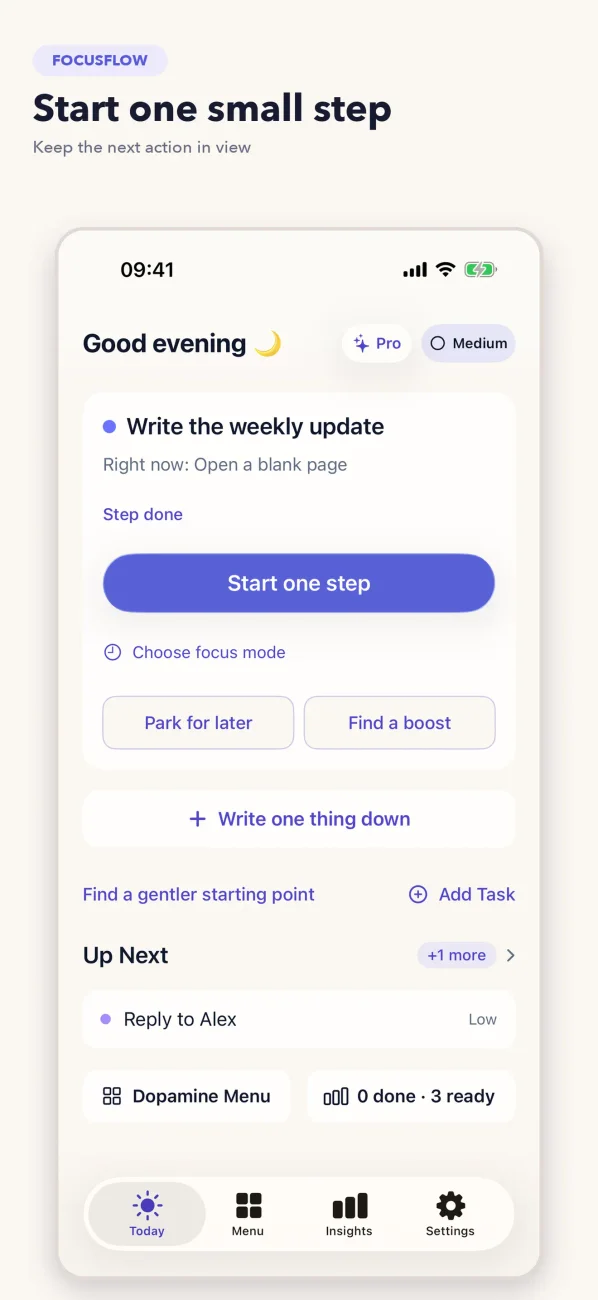
Starting can be the hardest part. FocusFlow brings one task and one clear next step into view, so you can begin without sorting through your whole day.
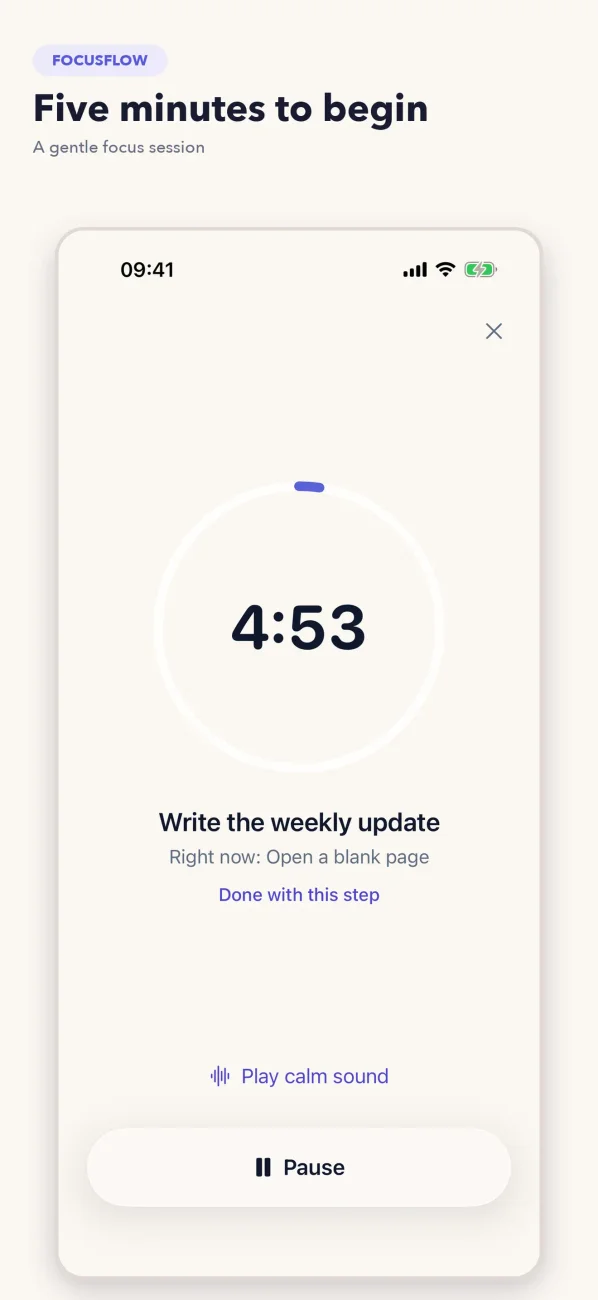
When you are interrupted, park the task with a short return note. Come back to that next step when you are ready. A five-minute focus session helps you get moving without treating a timer as a verdict on your day.
WHAT YOU CAN DO
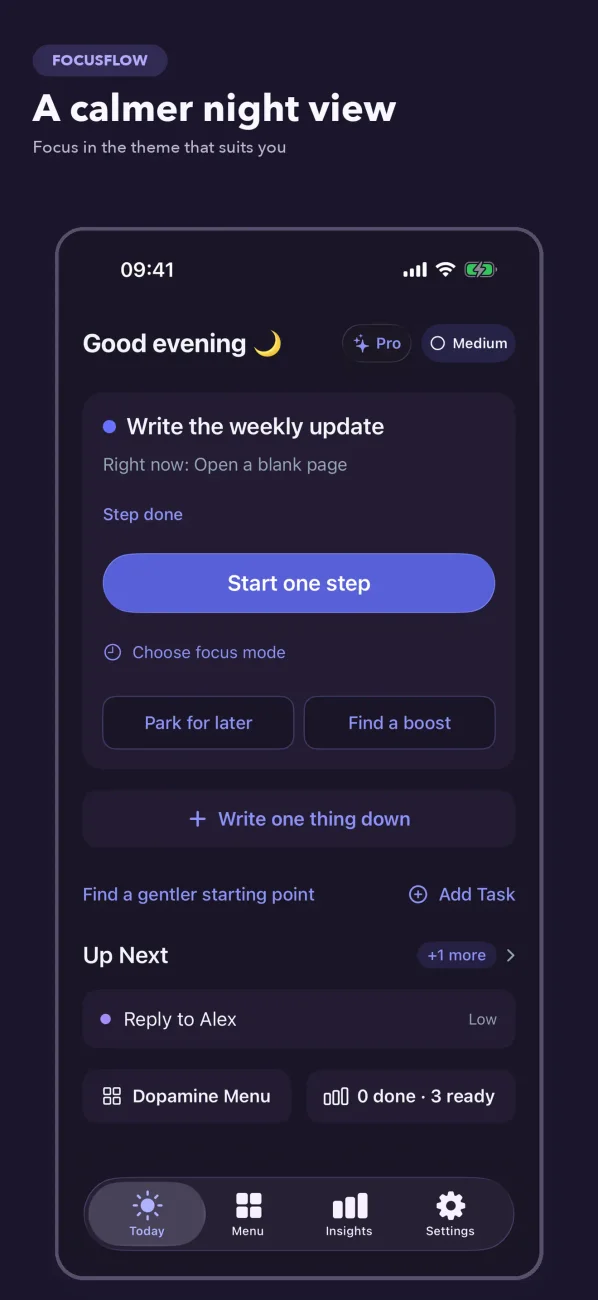
• Start one step: Keep the current task and its next action together on Today.
• Pause and return: Save a small cue, then pick up where you left off.
• Focus gently: Use a short timer and choose what to do when it ends.
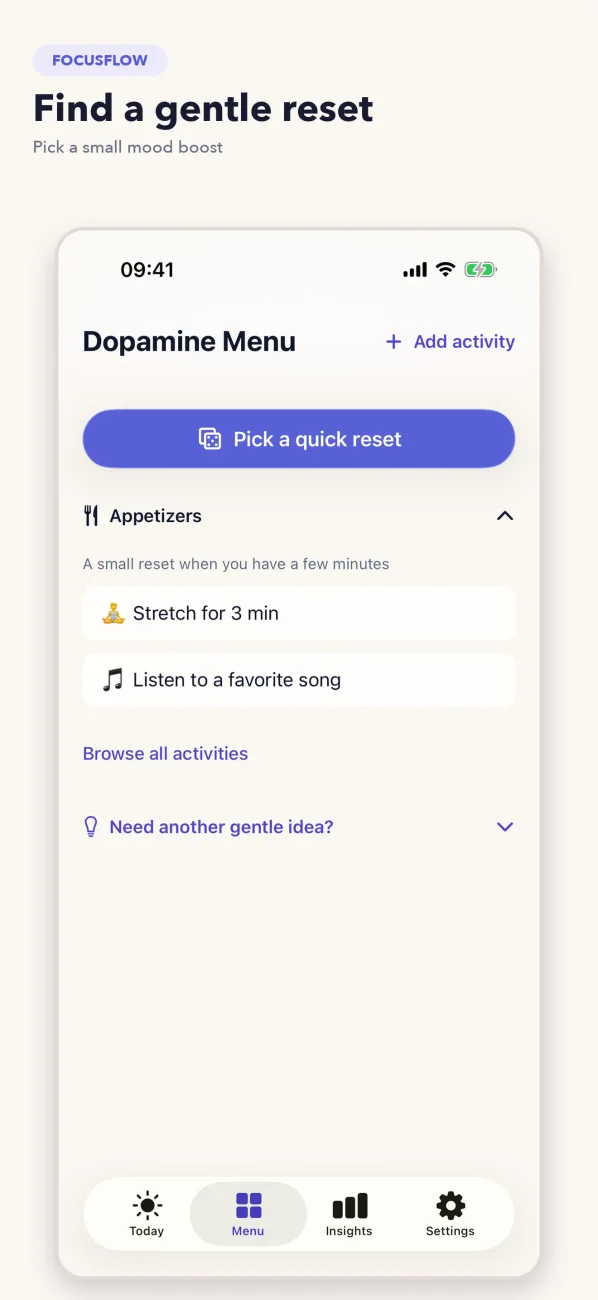
• Find a reset: Pick a small activity from the Dopamine Menu.
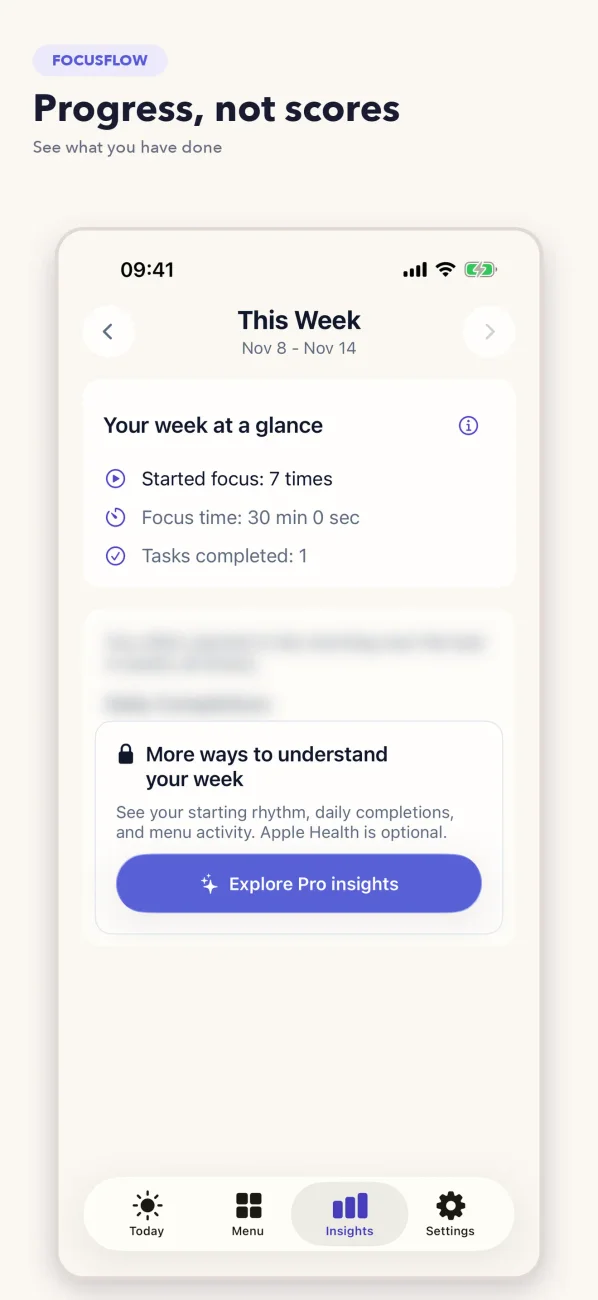
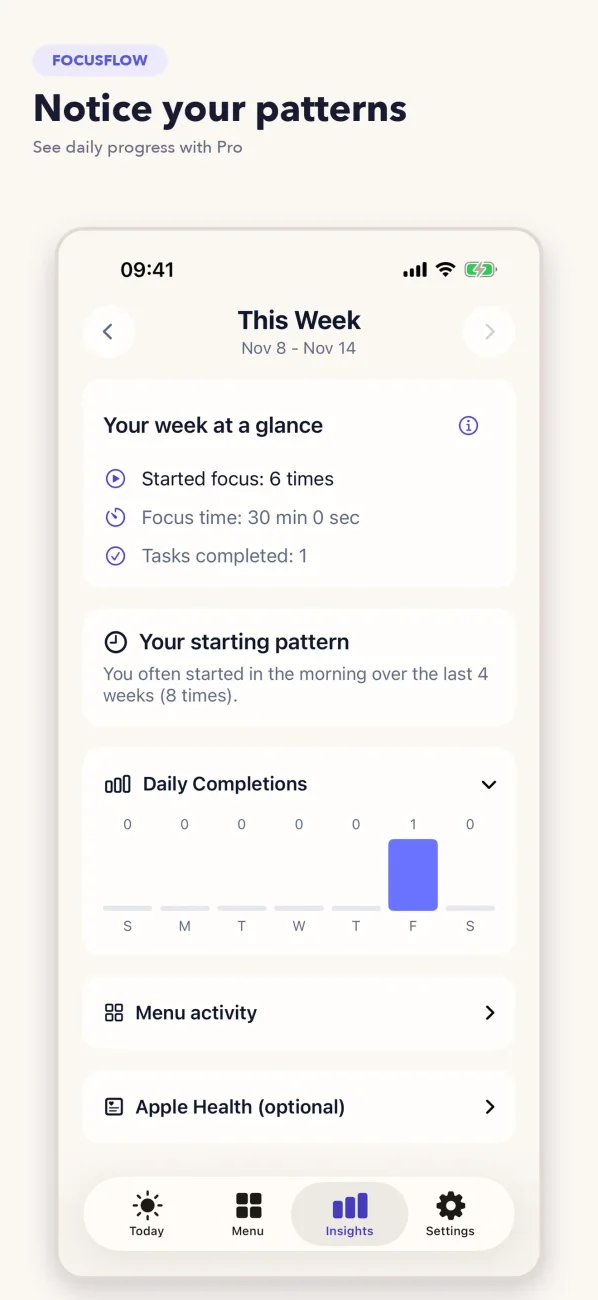
• Notice progress: Review factual weekly activity without scores or broken streaks.
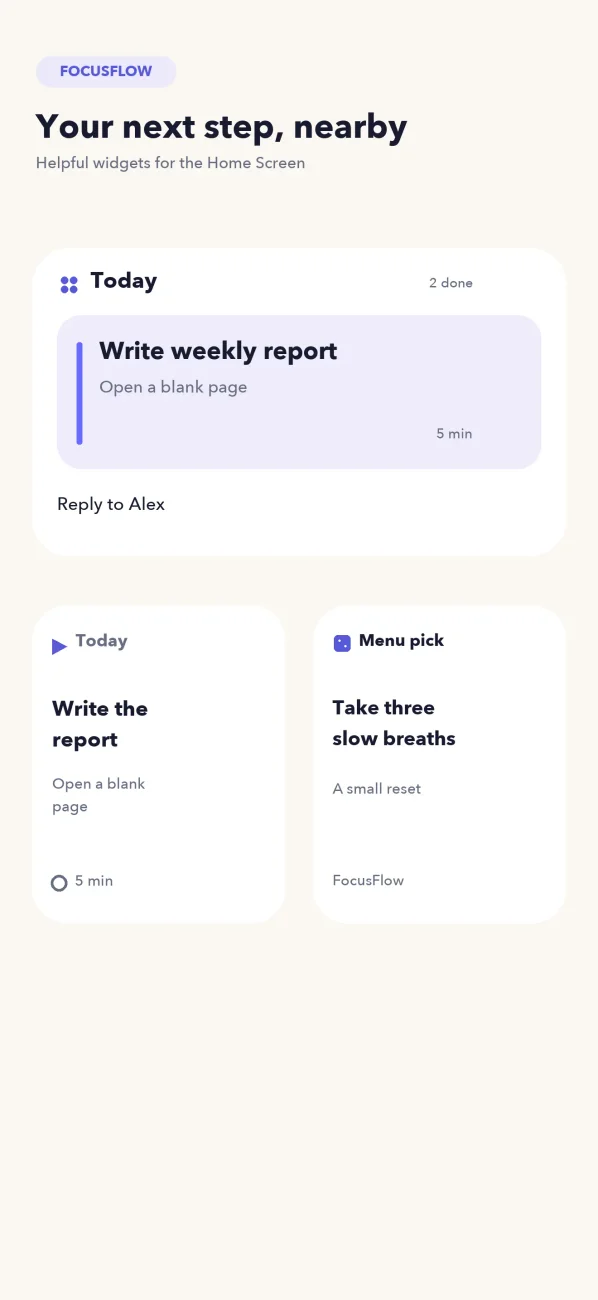
• Keep it nearby: Use a Home Screen widget to return to your task.
The free version includes the core start, pause, and return flow, the Dopamine Menu, and a current-task widget. Pro adds unlimited daily task creation and step suggestions, additional widgets, weekly reports, medication reminders, and optional Apple Health insights. Available plans, prices, and any eligible trial are shown in the app before purchase.
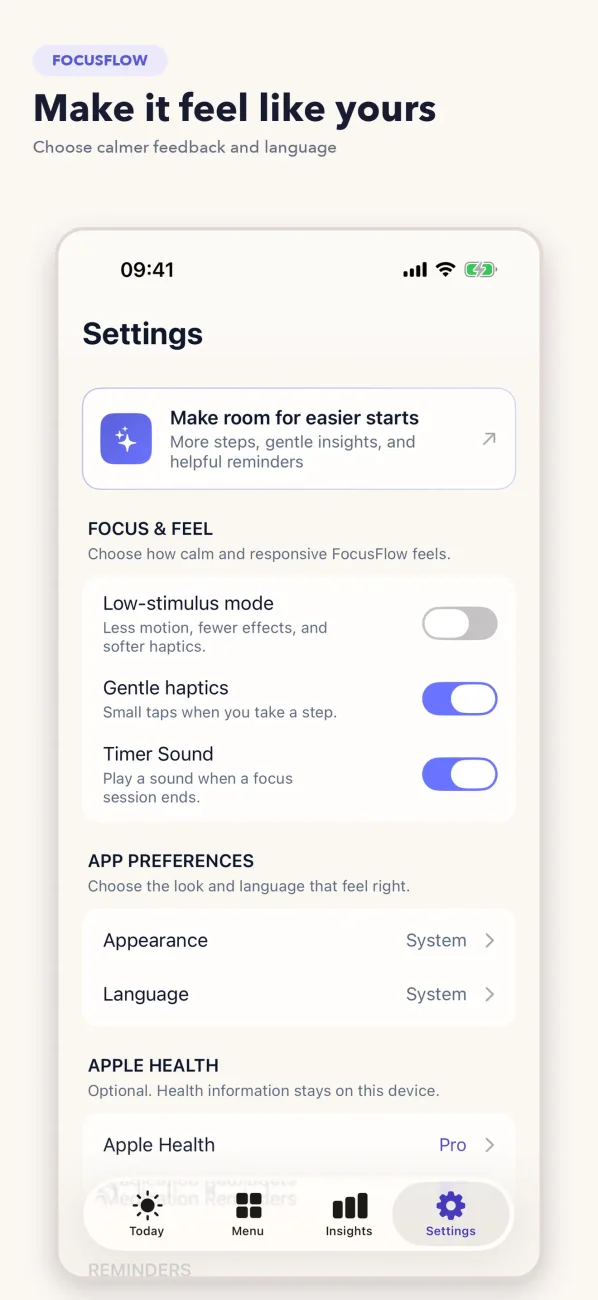
Apple Health access is optional. With your permission, Pro can show sleep, steps, and active energy beside completed-task counts. FocusFlow does not use those readings to diagnose ADHD or explain why a particular day went well or poorly. The core task flow works without Health access.
Find one small step and begin from there.
Terms of Service: https://sites.google.com/view/adhdflow-termsofservice
Privacy Policy: https://sites.google.com/view/adhdflow-privacypolicy
新機能
バージョン 1.1.0 · 2026/11/14
Starting and returning feel simpler in this update. Today puts one task and its next step first. You can park a task with a return cue, start a short focus session, and choose a gentle reset from the refreshed Dopamine Menu. Weekly Insights and widgets have clearer layouts, with optional Apple Health readings in Pro. We also refined the light and dark themes and layouts for iPhone, iPad, and iPhone Duo.
アプリのプライバシー
このアプリのデータの取り扱いについて、杰 陈がApp Storeで申告している内容です。
-
ユーザーのトラッキングに使用されるデータ
他社のアプリやウェブサイトを横断してユーザーをトラッキングする目的で使用される場合があります。
- 位置情報
-
ユーザーに関連付けられないデータ
収集される場合がありますが、ユーザーの識別情報には関連付けられません。
- ヘルスケアとフィットネス
- 位置情報
- ID
- 診断
プライバシーの取り扱いは、ご利用の機能やお客様の年齢などに応じて異なる場合があります。
情報
- 販売元
- 杰 陈
- カテゴリ
- 仕事効率化
- バージョン
- 1.1.0
- 更新日
- 2026/11/14
- リリース
- 2026/6/20
- サイズ
- 32.0 MB
- 必要条件
- iOS 17.0以降
- 対象年齢
- 4+
- 価格
- 無料
- アプリ内課金
- あり
- 言語
- 英語, アラビア語, フィリピン語, フランス語, 韓国語, 簡体字中国語, スペイン語, ベトナム語
- 著作権
- © FocusFlow - ADHD Planner