
Graph Paper Gen
Generate Grid Graph Paper
Entwickelt für iPhone, iPad, iPod touch
2,99 €
- Altersfreigabe4+
- KategorieProduktivität
- EntwicklerHeng Jia Liang
- SprachenEnglisch
- Größe2,2 MB
Verlinkt auf die offizielle App Store-Seite
Download.org hostet keine Datei von Graph Paper Gen. Die Schaltfläche öffnet die App-Seite bei App Store, wo Heng Jia Liang die App veröffentlicht. Eintrag zuletzt geprüft am 16.11.2026.
Screenshots

Info
Der Entwickler hat diesen Text nicht in Ihrer Sprache bereitgestellt.
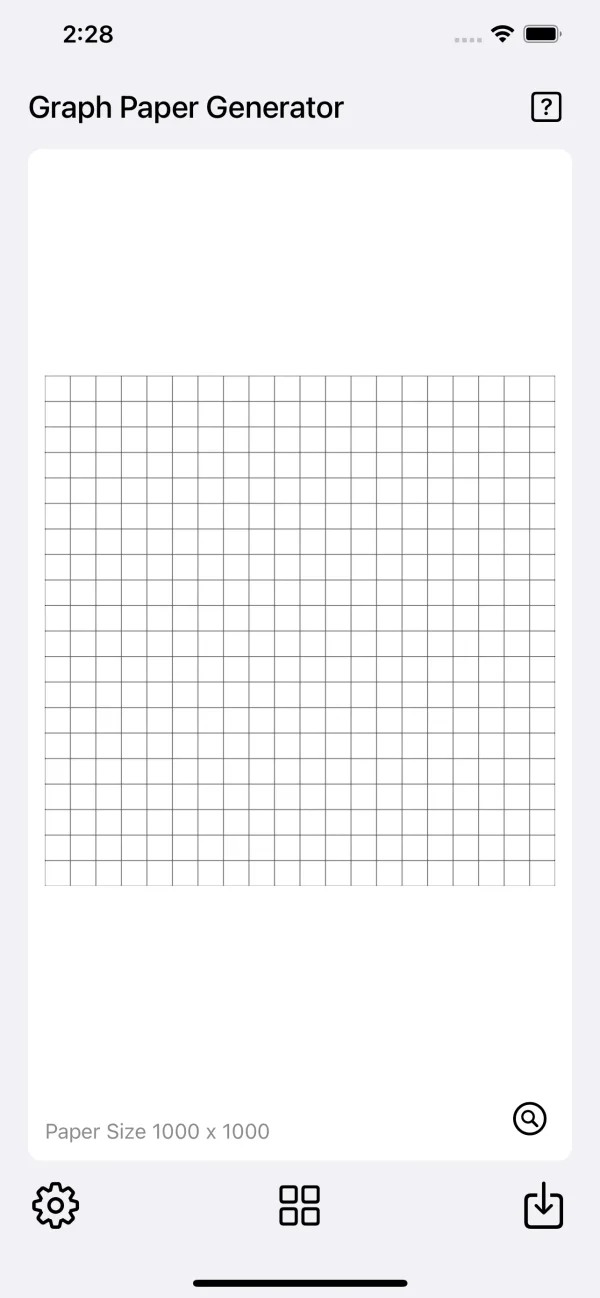
The Graph Paper Generator is a simple tool to generate grid paper. Save generated grid paper as image or PDF files with pre-made guides ready to print.
Features:
• User-friendly interface.
• Add multiple grids/lines with custom settings.
• Quick preview of graph paper.
• Instant grid paper generator.
• Option to save grid configurations as presets.
• 6 preset slots available for saving or loading.
• Option to save images to the camera roll.
• Option to save PDFs to the Files app.
• Option to print.
• 3 paper templates ready for quick setup [A4, A3, and Letter].
• Custom paper size available.
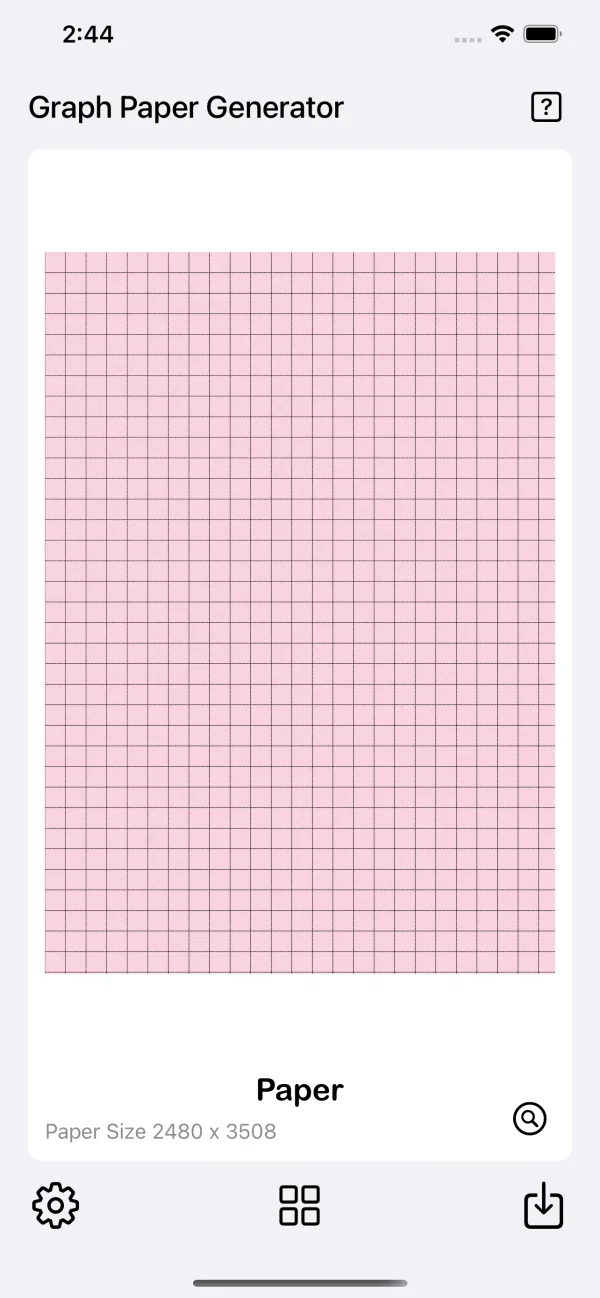
• Option to set paper color.
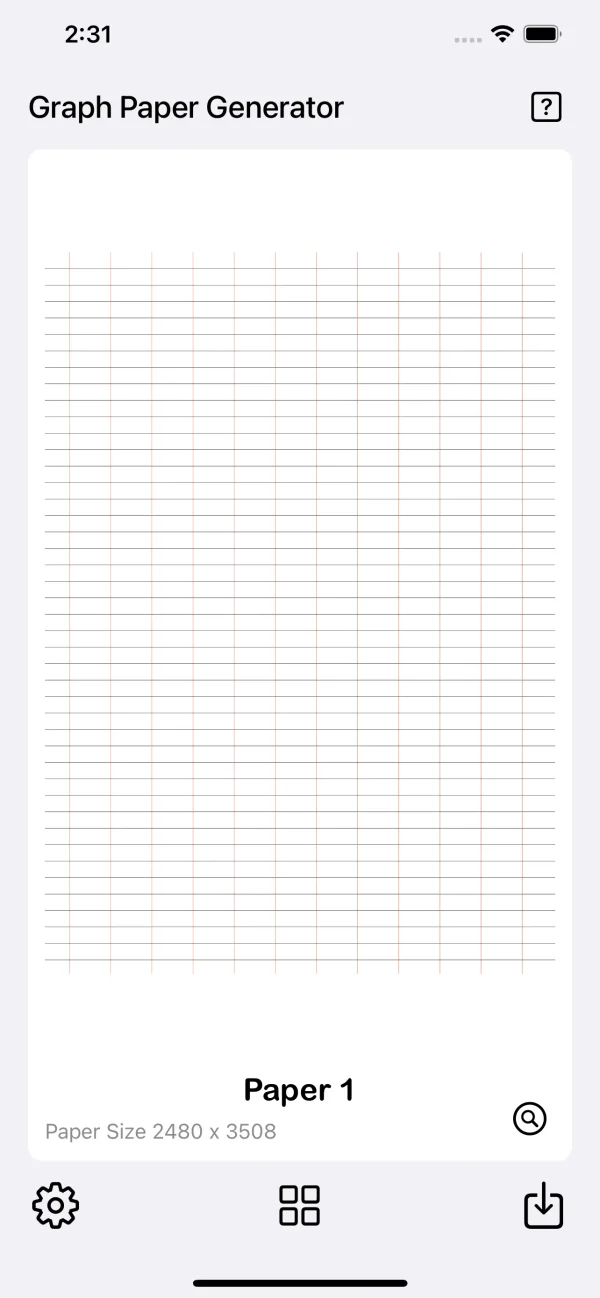
• Grid configuration for grid, horizontal line, and vertical line.
• Add up to 6 grid/line configurations.
• Option to set grid/line spacing.
• Option to set Start X or Start Y position for horizontal and vertical lines.
• Option to set line thickness (range: 0.1 – 5.0).
• Option to set grid/line color.
• Option to set grid/line style (solid or dashed).
• Simple statistics showing how many lines or grids are generated on the paper.
Quick Guide:
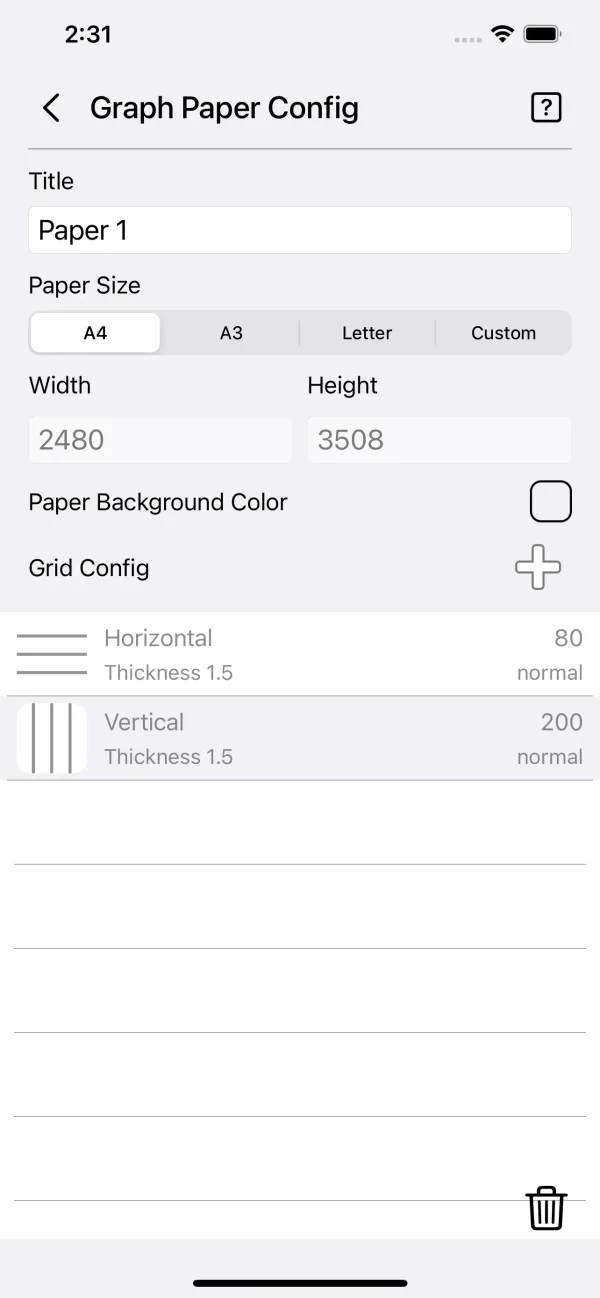
- Tap on the settings icon at the bottom left to start.
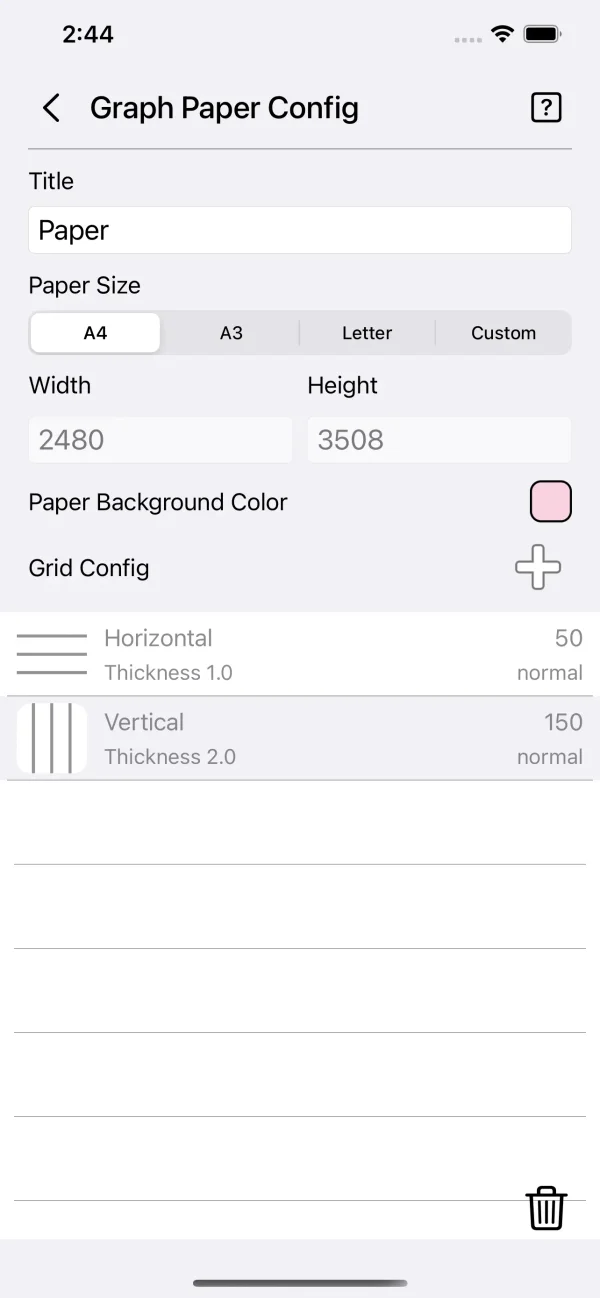
- Set the desired paper size.
- Choose a paper color or leave it as the default white.
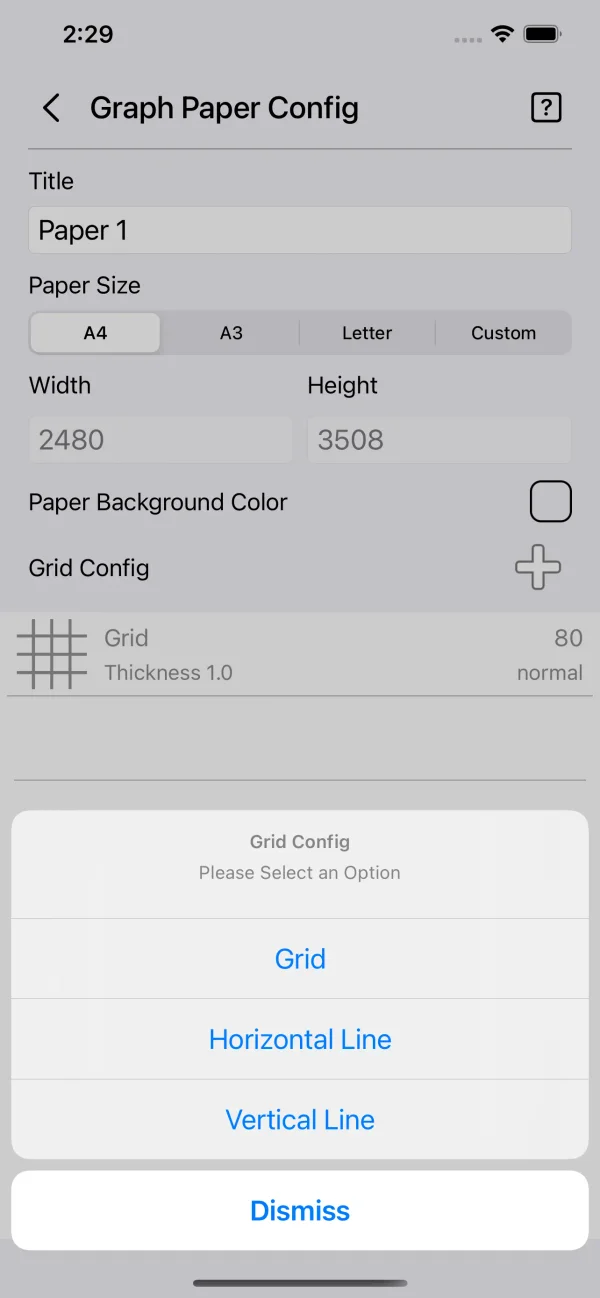
- Tap on the Plus icon beside the Grid Config.
- Choose either Grid, Horizontal Line, or Vertical Line.
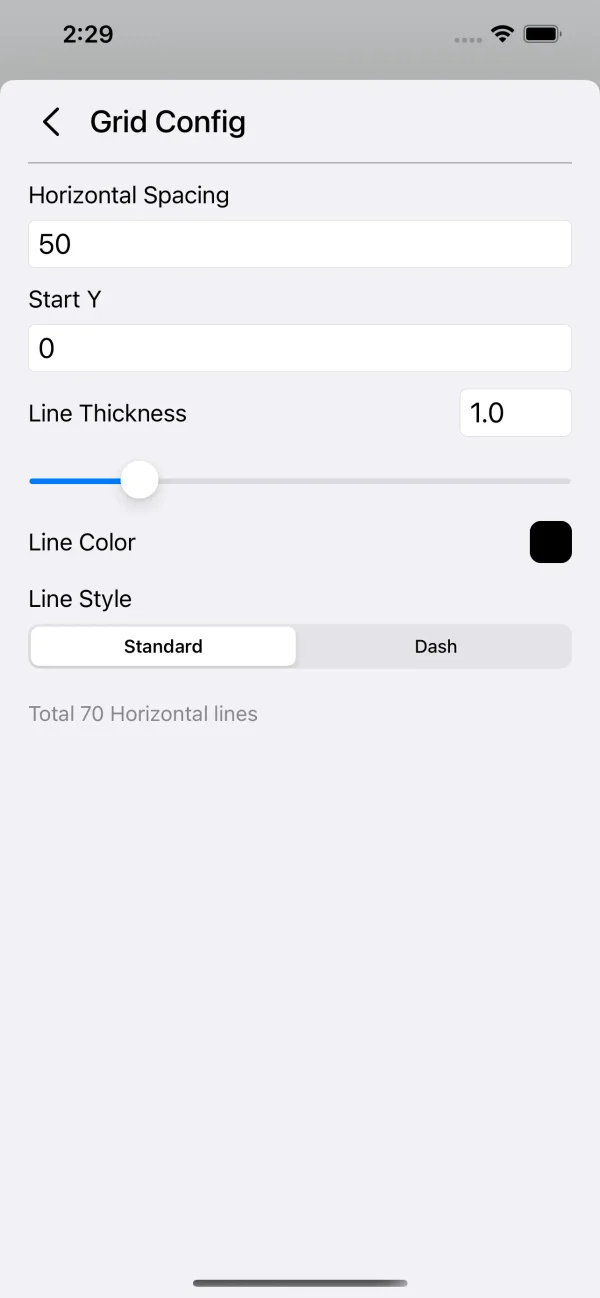
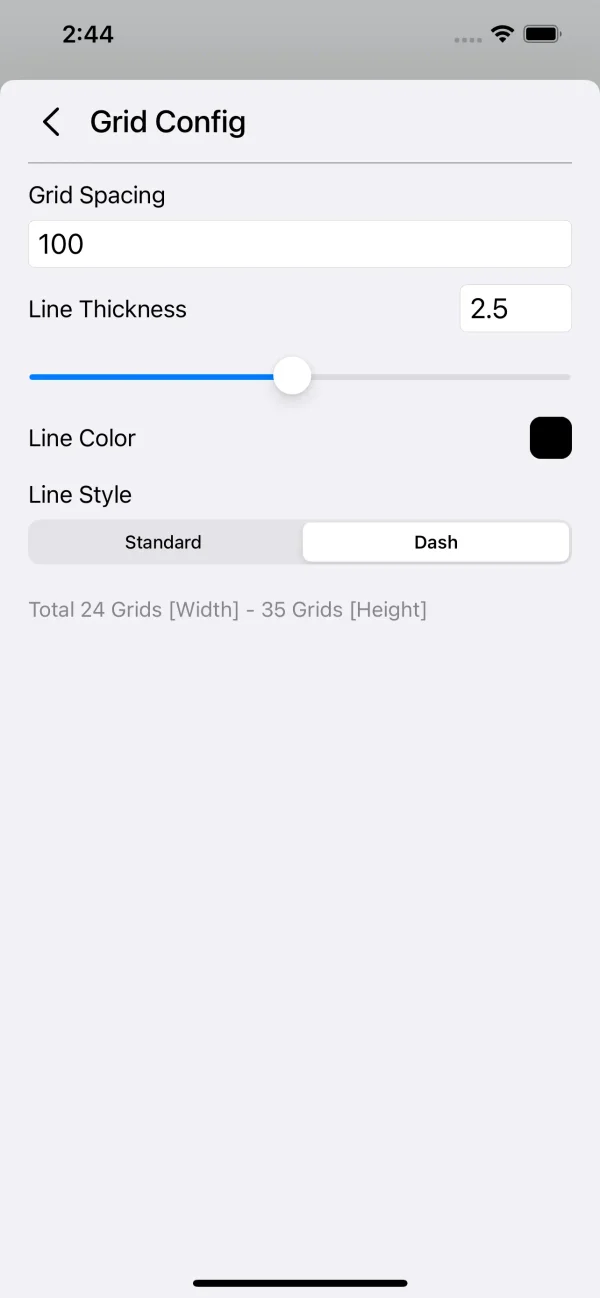
- The Grid Config page will appear.
- Set Grid/Line Spacing as desired.
[The bottom of the page shows the total number of grids/lines to be generated. Use it as a reference.]
- Set other parameters such as line thickness, line color, or line style.
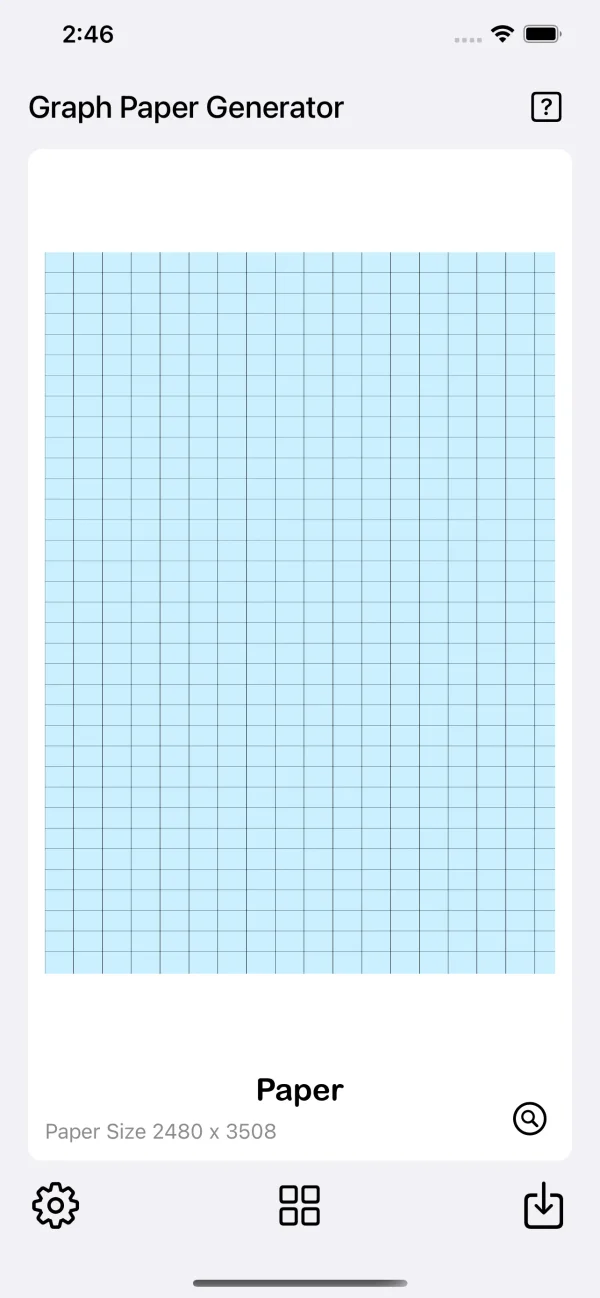
- Tap back to the main page for a preview.
- Use the preview mode to check the grid paper — you can zoom and pan for detail.
- When finished, you can save it to the camera roll as an image or save it as a PDF file for printing.
Save Presets:
- Once you are done with all the settings,
- You can save them as a preset by tapping on the preset button.
- Tap on Save Preset.
- Tap on any empty slot and the preset will be saved.
- You can tap on any slot to overwrite it if you want to.
Load Presets:
- Tap on the preset button.
- Tap on Load Preset.
- Tap on any preset slot and it will load automatically.
Thanks for your support, and please visit nitrio.com for more apps for your iOS devices.
Neue Funktionen
Version 1.1 · 23.10.2025
- Updated for the newest devices.
- Minor bugs fixed.
App-Datenschutz
Was Heng Jia Liang im App Store zum Umgang dieser App mit Daten angibt.
-
Keine Daten erfasst
Der Entwickler erfasst keine Daten von dieser App.
Die Datenschutzpraktiken können variieren, zum Beispiel je nach den von Ihnen verwendeten Funktionen oder Ihrem Alter.
Informationen
- Anbieter
- Heng Jia Liang
- Kategorie
- Produktivität
- Version
- 1.1
- Aktualisiert
- 23.10.2025
- Veröffentlicht
- 13.09.2021
- Größe
- 2,2 MB
- Erfordert
- iOS 14.1 oder neuer
- Altersfreigabe
- 4+
- Preis
- 2,99 €
- Sprachen
- Englisch
- Copyright
- © Heng Jia Liang
Das könnte Ihnen auch gefallen
-
 Checklisten XLProduktivität
-
 The Life PlannerProduktivität
-
 Fast AngleProduktivität
-
 hypnotyping-AI* • brain tennisProduktivität
-
 EasyImage-Batch Image ResizerProduktivität
-
 VR Models ManagerProduktivität
-
 LitNote - Literally best noteProduktivität
-
 Quest Log: Real Life RPGProduktivität
-
 Cassie - Your AI CompanionProduktivität
-
 Wisen: AI Notes & KnowledgeProduktivität